
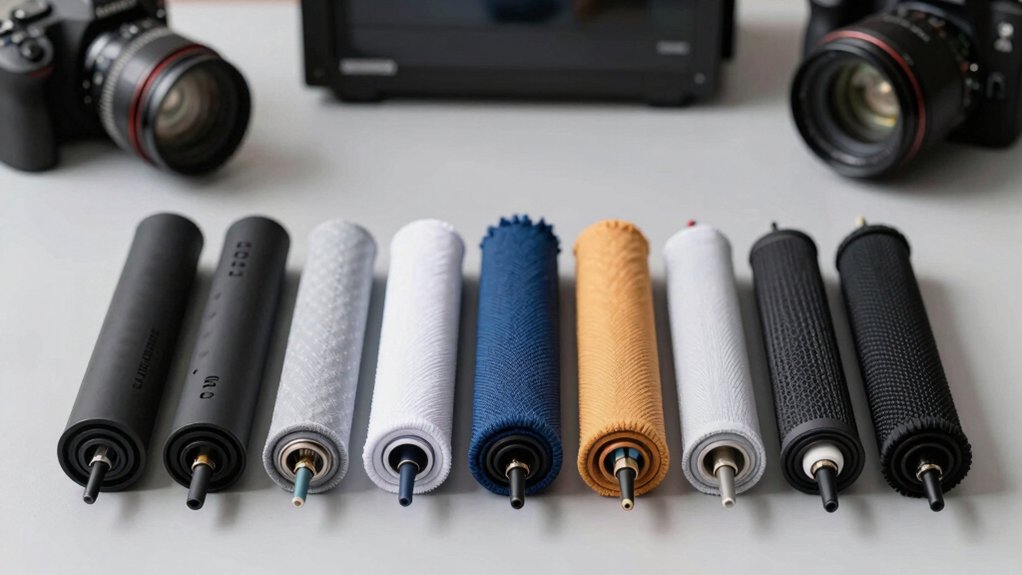

Your desktop PC setup likely has cables tangled behind your monitor, keyboard, and tower. Cable sleeves solve this problem by bundling wires together and keeping them organized and protected. You’ll find several types available—neoprene options, split-open designs, zippered sleeves, and comprehensive kits—each suited to different cable counts and routing needs. Before you choose, you need to understand what factors matter most for your specific setup.
| JOTO Cable Management Sleeve Cord Organizer (4-Pack) |

| Best 4-Pack Value | Length: 19-20 inches per sleeve | Diameter: 1.2 inches | Material: Neoprene | VIEW LATEST PRICE | Read Our Analysis |
| Alex Tech Cord Protector Wire Loom Tubing (10ft) |

| Best Temperature Protection | Length: 10 feet | Diameter: 0.5 inches | Material: Polyethylene split sleeve | VIEW LATEST PRICE | Read Our Analysis |
| Zipper Cable Sleeve Cord Organizer 4-Pack Black |

| Best Large Format | Length: 24 inches per sleeve | Diameter: 4 inches width | Material: Not specified | VIEW LATEST PRICE | Read Our Analysis |
| AGPTEK Cable Sleeve Cord Cover Organizer (2-Pack) |

| Best Pet-Friendly Option | Length: 5 feet per sleeve | Diameter: 0.75-1.2 inches | Material: Flame-retardant plastic | VIEW LATEST PRICE | Read Our Analysis |
| ELII 327 PCS Cable Management Kit (Black) |

| Most Comprehensive Kit | Length: 20 inches per sleeve | Diameter: 1.1 inches | Material: PET (polyethylene terephthalate) | VIEW LATEST PRICE | Read Our Analysis |
| 10ft Cable Sleeve Cord Protector Wire Loom Tubing |

| Best Split Design | Length: 10 feet | Diameter: 0.5 inches | Material: Polyethylene | VIEW LATEST PRICE | Read Our Analysis |
| PC Cable Management Sleeve Cord Organizer (2-Pack) |

| Best Budget Pick | Length: 5 feet per sleeve | Diameter: 0.875 inches | Material: PE (polyethylene) | VIEW LATEST PRICE | Read Our Analysis |
More Details on Our Top Picks
JOTO Cable Management Sleeve Cord Organizer (4-Pack)
If you’re struggling to manage multiple cables behind your desktop PC, TV setup, or home office workstation, the JOTO Cable Management Sleeve Cord Organizer offers a straightforward solution with its four neoprene sleeves. Each sleeve measures 19–20 inches long and accommodates 8–10 cables when zipped. You can double the capacity by pairing two sleeves together. The flexible neoprene material stretches to fit various cable sizes while maintaining a 1.2-inch diameter when closed. Install each sleeve using the self-adhesive option or simply wrap it around your cables. The zip-up design lets you quickly access cables whenever needed without removing the entire sleeve. This four-pack setup works effectively behind entertainment systems, computer monitors, and office workstations where cable clutter typically accumulates.
- Length:19-20 inches per sleeve
- Diameter:1.2 inches
- Material:Neoprene
- Design Type:Zip-up sleeve
- Pack Quantity:4-pack
- Pet/Cable Safety:Cable organization for electronics
- Additional Feature:Doubles capacity when paired
- Additional Feature:Self-adhesive installation option
- Additional Feature:Zip-up quick enclosure design
Alex Tech Cord Protector Wire Loom Tubing (10ft)
The Alex Tech Cord Protector works best for desktop setups where you need to manage multiple cables within a compact space without cutting or permanently modifying your wires. The half-inch diameter sleeve splits open, allowing you to load HDMI, audio, and power cables directly inside. Once you’ve threaded your wires through, the sleeve closes on itself to hold everything together securely. This design keeps cables organized and reduces tangling behind your monitor or tower. The tubing operates safely between negative 103 and 257 degrees Fahrenheit, making it suitable for standard office and home environments. Its UL recognition confirms safety standards compliance.
- Length:10 feet
- Diameter:0.5 inches
- Material:Polyethylene split sleeve
- Design Type:Split sleeve (self-closing)
- Pack Quantity:Single (10 ft)
- Pet/Cable Safety:Protects from pet chewing
- Additional Feature:Split sleeve loads easily
- Additional Feature:UL Recognized safety standard
- Additional Feature:Wide temperature range (-103°F to 257°F)
Zipper Cable Sleeve Cord Organizer 4-Pack Black
Looking to bundle multiple cords without permanently attaching them? The Zipper Cable Sleeve Cord Organizer from Wrap-It Storage offers a practical solution. Each 24-inch by 4-inch sleeve accommodates several cables simultaneously. You simply slip your cords into the fabric sleeve and zip it closed. The four-pack gives you enough sleeves for comprehensive desk organization. This approach keeps cables snug and off your floor, reducing clutter around your computer setup. The black color blends with most environments. You’ll find these sleeves particularly useful under desks, behind entertainment centers, and along TV stands where multiple wires converge. The sleeves remain removable, allowing you to adjust cable routing as needed without permanent installation.
- Length:24 inches per sleeve
- Diameter:4 inches width
- Material:Not specified
- Design Type:Zipper sleeve
- Pack Quantity:4-pack
- Pet/Cable Safety:Cable protection and concealment
- Additional Feature:Extra-wide 24″ x 4″ size
- Additional Feature:Family-owned Minnesota business
- Additional Feature:Human-centered design philosophy
AGPTEK Cable Sleeve Cord Cover Organizer (2-Pack)
Got pets or kids at home who you’re worried might chew through your cables? The AGPTEK Cable Sleeve offers a practical solution. This 2-pack includes two 5-foot sleeves with a self-closing design that bundles cables quickly without additional fasteners. The 0.75–1.2 inch diameter accommodates various cable sizes. Made from flame-retardant material rated UL94 V-2, it withstands temperatures from -50°C to +150°C. The non-toxic construction keeps pets safe from harmful chemicals. You can cut the sleeve to your exact length using scissors; seal the cut edge with fire to prevent fraying. Install the sleeve around your cables in your desk setup, car, or office to hide clutter while protecting against pet damage and wear.
- Length:5 feet per sleeve
- Diameter:0.75-1.2 inches
- Material:Flame-retardant plastic
- Design Type:Self-closing sleeve
- Pack Quantity:2-pack
- Pet/Cable Safety:Pet-friendly, prevents chewing
- Additional Feature:Self-closing duct design
- Additional Feature:Easy-cut with scissors
- Additional Feature:UL94 V-2 flame-retardant rated
ELII 327 PCS Cable Management Kit (Black)
Need a thorough solution that covers every cable management scenario on your desk? The ELII kit delivers 327 pieces designed to handle multiple cable types. You’ll get four PET sleeves, 65 clips in seven styles, 200 fastening ties in two sizes, five self-adhesive rolls, and 20 zip tie mounts. Install components using self-adhesive backing on desks, walls, baseboards, or cabinets without drilling holes. Arrange cables behind monitors, under tables, and along edges to reduce clutter visually. The kit prevents pets from chewing wires and eliminates tripping hazards from loose cables. This comprehensive approach organizes even complex PC setups efficiently.
- Length:20 inches per sleeve
- Diameter:1.1 inches
- Material:PET (polyethylene terephthalate)
- Design Type:Multiple clip types with sleeves
- Pack Quantity:327-piece kit
- Pet/Cable Safety:Prevents pet wire damage
- Additional Feature:Comprehensive 327-piece combo kit
- Additional Feature:No-damage surface installation
- Additional Feature:Multiple clip holder styles
10ft Cable Sleeve Cord Protector Wire Loom Tubing
If you’re dealing with tangled cables behind your desk or need durable protection for wires in demanding environments, this 10-foot split wire loom sleeve offers a straightforward solution. The half-inch diameter polyethylene tubing withstands temperatures from -103 to 257 °F, making it suitable for harsh conditions. You can cut it to any length with scissors and easily insert cables into the split design without disconnecting them. The sleeve closes securely around your wires, organizing them while protecting against dust and damage. It works well for HDMI, speaker, TV, and computer cables. The UL-recognized material also prevents pets from chewing through your cords, keeping your setup safe and professional-looking.
- Length:10 feet
- Diameter:0.5 inches
- Material:Polyethylene
- Design Type:Split sleeve (self-closing)
- Pack Quantity:Single (10 ft)
- Pet/Cable Safety:Protects from pet chewing
- Additional Feature:Self-closing wrap technology
- Additional Feature:Professional clean appearance
- Additional Feature:Harsh environment protection capable
PC Cable Management Sleeve Cord Organizer (2-Pack)
The Fanoshon PC Cable Management Sleeve works best for anyone managing multiple cables under a desk or behind entertainment systems who wants a simple, reusable solution. You gather your cables, slide them into the 7/8-inch diameter sleeve, and cut it to your desired length. The two 5-foot black sleeves cover multiple setups. Made from durable PE material, they resist tears, heat, and pet damage while providing insulation. Installation requires no tools—just hold the sleeve steady while sliding it over bundled cables. You can easily remove and reposition the sleeves as needed. The 180-day warranty ensures protection against defects.
- Length:5 feet per sleeve
- Diameter:0.875 inches
- Material:PE (polyethylene)
- Design Type:Wrap/cover sleeve
- Pack Quantity:2-pack
- Pet/Cable Safety:Pet chew-proof, bite protection
- Additional Feature:180-day worry-free replacement
- Additional Feature:Installation video guide included
- Additional Feature:High-quality anti-tear PE material
Factors to Consider When Choosing Cable Sleeves for Desktop PCs
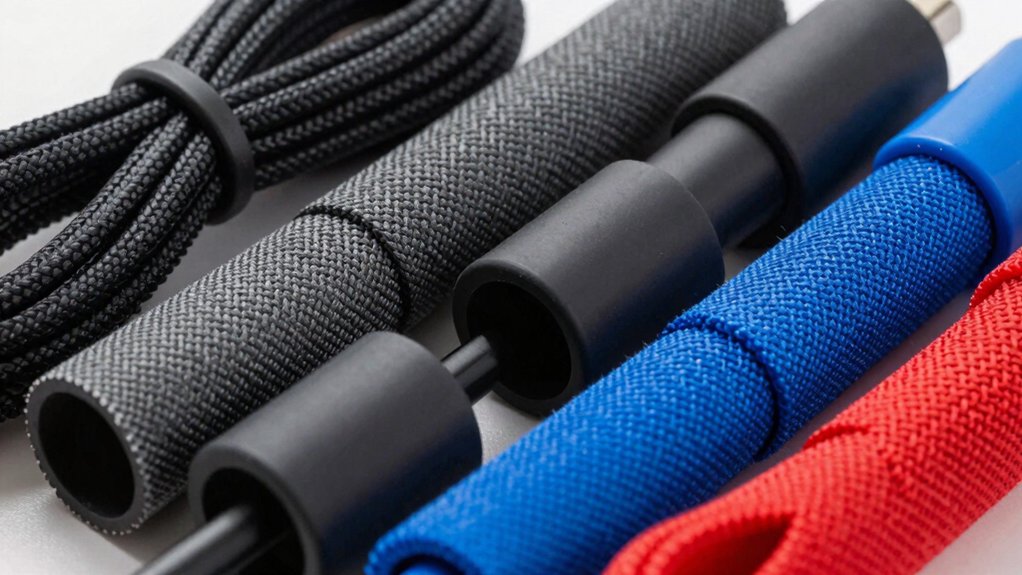
When you’re selecting cable sleeves for your desktop PC, you need to match the sleeve’s diameter to your cable bundle size, verify the material can withstand your setup’s heat output, and determine whether you’ll use adhesive, velcro, or snap-lock installation methods. Measure your cable runs to ensure you purchase sleeves with adequate length, and confirm the material quality resists fraying and maintains flexibility over time. These five factors—diameter compatibility, material durability, installation type, heat resistance, and length coverage—form the foundation of choosing sleeves that’ll actually keep your cables organized without damage or failure.
Diameter and Cable Compatibility
How do you know which cable sleeve will actually fit your cables? Start by measuring the combined diameter of all cables you’ll bundle together. Add up the widths of your HDMI cables, power cords, and audio cables to get a total diameter. Next, choose a sleeve that matches this measurement. Common sizes include 1/2 inch, 3/4 inch, and 7/8 inch diameters, which accommodate most PC peripherals. Verify that the sleeve can handle your specific cable types without overstretching. Check the product specifications to confirm it supports the gauges you’re using. The sleeve should fit snugly when zipped or closed, preventing cables from shifting inside during movement.
Material Quality and Durability
Material quality directly affects how long your cable sleeve will last and whether it’ll protect your cables effectively. Choose sleeves made from durable, heat-resistant materials like neoprene or polyethylene that withstand desk temperatures and repeated flexing without cracking. Check the enclosure material specifications—PET or PI-based plastics offer toughness and resist wear, tearing, and UV exposure. Verify that split or self-closing designs use sturdy hinges or closures to maintain integrity through repeated cable loading and unloading. Look for flame-retardant ratings such as UL94 V-2 to ensure safety near electronics. Finally, examine edge finishes and seam construction carefully; quality stitching and smoothed edges prevent the sleeve from abrading cable insulation during daily use.
Installation Method Options
Which installation method you choose depends on your setup’s flexibility and whether you want permanent or temporary cable management.
Self-adhesive options let you attach sleeves directly to your desk or monitor arm without drilling holes. Simply clean the surface, peel the backing, and press the sleeve into place.
Clip-based mounting works similarly but allows you to reposition sleeves if you rearrange your setup. Attach clips to your desk edge, then slide the sleeve through them.
Split sleeves with zip-up designs offer the quickest installation. You load existing cables into the open sleeve, then zip it closed around your bundle.
Cut-to-fit sleeves let you trim length and diameter to match your space precisely. Use scissors to adjust them before or after installation, adapting to corners and tight areas under your desk.
Heat Resistance Requirements
When you’re setting up cable sleeves near heat-generating components like power supplies or graphics cards, heat resistance becomes a critical factor in your purchase decision. Check the melt temperature rating—look for sleeves rated between 446–464°F to ensure they won’t deform during continuous operation. Verify the operating temperature range covers your environment; standard specs typically span -103 to 257°F. Choose materials like flame-retardant PET or polyethylene recognized by UL standards, as these polymers handle heat safely in enclosed desk spaces. For split-sleeve or self-closing designs, confirm they maintain structural integrity under elevated temperatures without warping or collapsing. This durability ensures your cables stay protected throughout the sleeve’s lifespan, preventing melting or damage from nearby heat sources.
Length and Coverage Needs
How do you know what length and diameter your cable sleeves need to be? First, measure your total cable length to determine sleeve coverage. Standard sleeves range from 19–24 inches, but under-desk setups require longer options—5–20 feet when combining multiple pieces. Check whether a single sleeve covers the distance behind your PC, or plan to join sleeves end-to-end to eliminate gaps. Next, measure your cable bundle’s thickness to match the sleeve diameter, typically 0.75–1.2 inches when closed. A snug fit prevents cables from shifting while maintaining airflow. Consider expandable or zip-up designs if you anticipate adding cables later. These options provide extra capacity without requiring sleeve replacement, making them practical for evolving setups.
Pet and Child Safety
Once you’ve secured the right length and diameter for your cables, protecting curious pets and children from electrical hazards becomes your next priority. Look for sleeves labeled pet-safe or non-toxic to prevent harmful chemical exposure if chewed or scratched. Choose flame-retardant materials rated UL94 V-2 to reduce ignition risk from heated cords. Select bite-resistant or chew-proof designs that withstand persistent chewing from dogs, cats, or small rodents. Opt for self-closing or zip/clip mechanisms that minimize exposed cables and reduce temptation for pulling or chewing. Ensure the material is easy to clean and free from sharp edges that could injure paws or snouts during play. These features work together to create a safer desktop environment for your household.
Aesthetic and Desk Appeal
Why should you settle for a cluttered desk when cable sleeves can transform your workspace into an organized, visually cohesive setup? Choose black or neutral-colored sleeves that blend seamlessly with your desk and equipment, reducing visual distractions. Select sleeves with slim diameters around 0.75–1.0 inches to maintain a sleek profile underneath your desk surface. Opt for zip-up or self-closing designs that keep cords tightly bundled and hidden from view. Consider transparent or two-tone options if you need to monitor your connections while preserving room aesthetics. Fully concealing cables creates a cleaner desk surface and tidier visible area. These choices work together to establish a professional appearance that enhances your entire desktop PC setup without compromising functionality or accessibility.
Budget and Pack Quantity
Most cable sleeve kits come in multiple pack sizes—ranging from basic 2-packs to comprehensive 327-piece sets—so you’ll want to assess your actual needs before purchasing. Count the cables on your desk to determine how many sleeves you actually require. Next, calculate the price per sleeve by dividing the total cost by the number of pieces included. Compare this figure across different pack sizes to identify the most budget-efficient option. Consider whether you’ll need extra sleeves for future setups, as buying larger kits sometimes costs less per unit. Check if the kit includes accessories like clips or ties; bundled items reduce additional spending. Match the sleeve length to your desk dimensions, ensuring compatibility before committing. Finally, verify that material quality and safety features align with your budget tier to guarantee durability and value.
Final Thoughts
You’ll choose cable sleeves based on your setup’s specific needs. Measure your cable bundles’ length and diameter first. Select neoprene or split-open options for flexibility, or zipper sleeves for quick access. Consider flame-retardant ratings if safety’s your priority. Apply self-adhesive or wrap methods depending on your desk configuration. A thorough kit works best for extensive setups, while individual packs suit smaller projects. Install sleeves along your cable routes to reduce clutter and protect your equipment.

Meet Ry, “TechGuru,” a 36-year-old technology enthusiast with a deep passion for tech innovations. With extensive experience, he specializes in gaming hardware and software, and has expertise in gadgets, custom PCs, and audio.
Besides writing about tech and reviewing new products, he enjoys traveling, hiking, and photography. Committed to keeping up with the latest industry trends, he aims to guide readers in making informed tech decisions.