
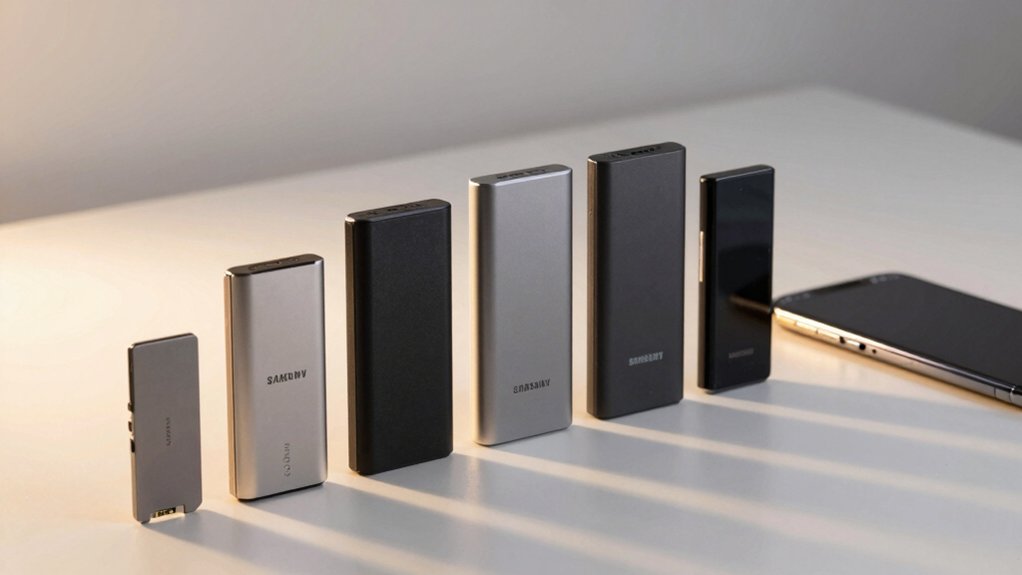

Your Android phone’s storage is filling up, and you need solutions that actually work. External flash drives offer the quickest way to move files, photos, and apps off your device. You’ve got several strong options available—from rugged Samsung drives to compact keychain models—each with different features and price points. But which one matches your needs? The answer depends on a few critical factors.
| Samsung Type-C USB Flash Drive 256GB |

| Fastest Performance | Storage Capacity: 256GB | Connectors/Interfaces: USB Type-C only | Read Speed: Up to 400 MB/s | VIEW LATEST PRICE | Read Our Analysis |
| Vansuny 128GB USB-C OTG Flash Drive with Keychain |

| Best Budget Option | Storage Capacity: 128GB | Connectors/Interfaces: USB Type-C + USB 3.0 (dual connector) | Read Speed: Up to 120 MB/s | VIEW LATEST PRICE | Read Our Analysis |
| SanDisk 256GB Phone Drive for Android Smartphones |

| Best App Features | Storage Capacity: 256GB | Connectors/Interfaces: USB Type-C + USB Type-A (dual connector) | Read Speed: Up to 100 MB/s | VIEW LATEST PRICE | Read Our Analysis |
| 256GB USB Flash Drive for Phone and Pad |

| Best Security Features | Storage Capacity: 256GB | Connectors/Interfaces: USB Type-A, Type-B, Type-C (triple connector) | Read Speed: Up to 25 MB/s | VIEW LATEST PRICE | Read Our Analysis |
| Lexar D40E 256GB Dual USB 3.2 Flash Drive |

| Best Build Quality | Storage Capacity: 256GB | Connectors/Interfaces: USB Type-C + USB Type-A (dual connector) | Read Speed: Up to 100 MB/s | VIEW LATEST PRICE | Read Our Analysis |
| Flash Drive for iPhone 256GB USB-C Memory Stick |

| Most Versatile | Storage Capacity: 256GB | Connectors/Interfaces: USB Type-C + iPhone + Micro USB + USB-A (4-in-1) | Read Speed: Up to 80 MB/s | VIEW LATEST PRICE | Read Our Analysis |
| ThePhotoStick Omni 128GB USB Flash Drive Backup |

| Best Auto-Backup | Storage Capacity: 128GB | Connectors/Interfaces: USB-A + USB-C + Micro USB + Lightning (4 connectors) | Read Speed: Not specified | VIEW LATEST PRICE | Read Our Analysis |
More Details on Our Top Picks
Samsung Type-C USB Flash Drive 256GB
If you’re an Android user drowning in photos, videos, and files that’ve clogged your phone’s storage, the Samsung Type-C USB Flash Drive 256GB offers a straightforward solution for on-the-go backup and file management. This compact drive holds up to 63,730 photos or 12 hours of 4K video, freeing significant phone space. Transfer files quickly at 400MB/s speeds—a 4GB file takes just 11 seconds. The reversible Type-C connector works with most modern Android devices, laptops, and tablets. Its waterproof and shock-proof design protects your data in various environments. Samsung’s five-year warranty ensures reliability. Simply plug the drive into your phone’s USB-C port, select files to transfer, and regain storage capacity immediately.
- Storage Capacity:256GB
- Connectors/Interfaces:USB Type-C only
- Read Speed:Up to 400 MB/s
- Portability/Design:Compact, palm-sized; reversible plug
- Durability/Protection:Waterproof, shock-proof, magnet-proof, temperature-proof, X-ray-proof
- Included Software/App Features:None specified
- Additional Feature:Multi-environment proof protection
- Additional Feature:5-year limited warranty
- Additional Feature:63,730 photo capacity
Vansuny 128GB USB-C OTG Flash Drive with Keychain
Need a portable storage solution that works directly with your Android phone without requiring an app or software installation? The Vansuny 128GB USB-C flash drive offers dual connectors—USB Type-C and USB 3.0—so you’ll connect it to your phone or computer instantly. It’s formatted in exFAT by default, which your smartphone and tablet recognize automatically. You’ll transfer a 4GB movie to your device in approximately 40 seconds using USB 3.0’s high-speed capabilities. The drive supports video formats including MP4, MKV, and MOV, plus audio files like MP3 and FLAC. Its small size and attached keychain make it portable for daily use across devices.
- Storage Capacity:128GB
- Connectors/Interfaces:USB Type-C + USB 3.0 (dual connector)
- Read Speed:Up to 120 MB/s
- Portability/Design:Compact with keychain attachment
- Durability/Protection:Not specified
- Included Software/App Features:Plug-and-play (no software required)
- Additional Feature:Dual connector design
- Additional Feature:Plug-and-play installation
- Additional Feature:Multiple format support
SanDisk 256GB Phone Drive for Android Smartphones
The SanDisk 256GB Phone Drive for Android Smartphones works best for you if you’re managing a device with limited storage and want a portable solution that doesn’t require cloud subscriptions. This drive features USB Type-C and Type-A connectors, letting you transfer files between smartphones, tablets, and computers at 100MB/s read speeds. You’ll activate automatic backup through the SanDisk Memory Zone app to protect photos, videos, music, and documents. The compact design attaches to your keyring for easy portability. You can recover deleted files using RescuePRO Deluxe software after registration. Simply connect the appropriate connector to your device and start transferring files immediately.
- Storage Capacity:256GB
- Connectors/Interfaces:USB Type-C + USB Type-A (dual connector)
- Read Speed:Up to 100 MB/s
- Portability/Design:Keyring attachment capability
- Durability/Protection:Not specified
- Included Software/App Features:SanDisk Memory Zone app (automatic backup); RescuePRO Deluxe (data recovery)
- Additional Feature:Automatic backup via app
- Additional Feature:RescuePRO data recovery
- Additional Feature:Keyring attachment option
256GB USB Flash Drive for Phone and Pad
You’ll want a 256GB USB flash drive for your phone and pad when you’re running out of storage space and need quick access to your files across multiple devices. This drive offers write speeds up to 20 MB/s and read speeds up to 25 MB/s for efficient transfers. It’s compatible with various iPhone models, Android devices with OTG support, and computers. Use the EASYFLASH PRO app on iOS to backup files, photos, and videos with one click. Android users can transfer files directly without an app. Password protection encrypts selected files or your entire storage. The drive features USB Type A, B, and C connectors for universal compatibility.
- Storage Capacity:256GB
- Connectors/Interfaces:USB Type-A, Type-B, Type-C (triple connector)
- Read Speed:Up to 25 MB/s
- Portability/Design:Portable thumb drive design
- Durability/Protection:Password protection encryption
- Included Software/App Features:EasyFlash PRO app (one-click backup, password protection)
- Additional Feature:Password encryption function
- Additional Feature:One-click backup feature
- Additional Feature:Direct-to-drive capture
Lexar D40E 256GB Dual USB 3.2 Flash Drive
If you’re running low on Android phone storage and need a straightforward external solution, this dual-connector flash drive works with both USB Type-C and Type-A devices without requiring any software installation. The Lexar D40E offers 256GB of capacity with transfer speeds up to 100 MB/s. Its 360° swivel design lets you switch between connectors easily. The metal enclosure handles temperatures from 0° to 50°C, and 256-bit AES encryption protects your files. At just 26 grams, it fits easily in your pocket. The drive includes a 3-year limited warranty and maintains a 4.5/5 rating from thousands of users.
- Storage Capacity:256GB
- Connectors/Interfaces:USB Type-C + USB Type-A (dual connector)
- Read Speed:Up to 100 MB/s
- Portability/Design:Slim, 360° swivel design
- Durability/Protection:Metal enclosure; 256-bit AES encryption
- Included Software/App Features:Plug-and-play (no software required)
- Additional Feature:360° swivel design
- Additional Feature:256-bit AES encryption
- Additional Feature:3-year limited warranty
Flash Drive for iPhone 256GB USB-C Memory Stick
Need expandable storage that works across multiple device types without adapters? This 256GB flash drive features a 4-in-1 design with USB-C, Lightning, Micro USB, and standard USB-A connectors built in. You’ll transfer files at speeds up to 80 MB/s read and 30 MB/s write across iPhones, iPads, Android devices, and computers. The aluminum exterior provides durability for daily use. Download the EasyFlash Pro app to manage files, back up photos and contacts, and encrypt sensitive data. Factory testing ensures all units function properly before shipment. This drive eliminates the need for cloud storage subscriptions or multiple adapters when moving files between different devices.
- Storage Capacity:256GB
- Connectors/Interfaces:USB Type-C + iPhone + Micro USB + USB-A (4-in-1)
- Read Speed:Up to 80 MB/s
- Portability/Design:Aluminum frosted exterior
- Durability/Protection:Aluminum frosted exterior; encrypted files function
- Included Software/App Features:EasyFlash Pro app (file management, one-click backup, encryption)
- Additional Feature:True 4-in-1 design
- Additional Feature:Aluminum frosted exterior
- Additional Feature:Encrypted files function
ThePhotoStick Omni 128GB USB Flash Drive Backup
ThePhotoStick Omni works best for anyone who wants a single, portable device to back up photos, videos, and files across multiple devices without managing cloud subscriptions or complex software. This 128GB drive holds over 51,000 images and videos in formats like JPEG, PNG, HEIC, MOV, and MPEG4. It includes USB-A, USB-C, micro-USB, and Lightning connectors for PC, Mac, iPhone, iPad, and Android devices. Download the free app, connect the drive with your device’s adapter, then follow the onscreen steps to automatically save your content. It works with Android 8.0+, iOS 13.0+, Windows 7 SP1+, and macOS 10.13+.
- Storage Capacity:128GB
- Connectors/Interfaces:USB-A + USB-C + Micro USB + Lightning (4 connectors)
- Read Speed:Not specified
- Portability/Design:Compact multi-connector design
- Durability/Protection:Not specified
- Included Software/App Features:Free app with automatic file detection and organization
- Additional Feature:Automatic cross-device backup
- Additional Feature:51,000+ image capacity
- Additional Feature:Multiple connector types
Factors to Consider When Choosing Storage for Android Phones
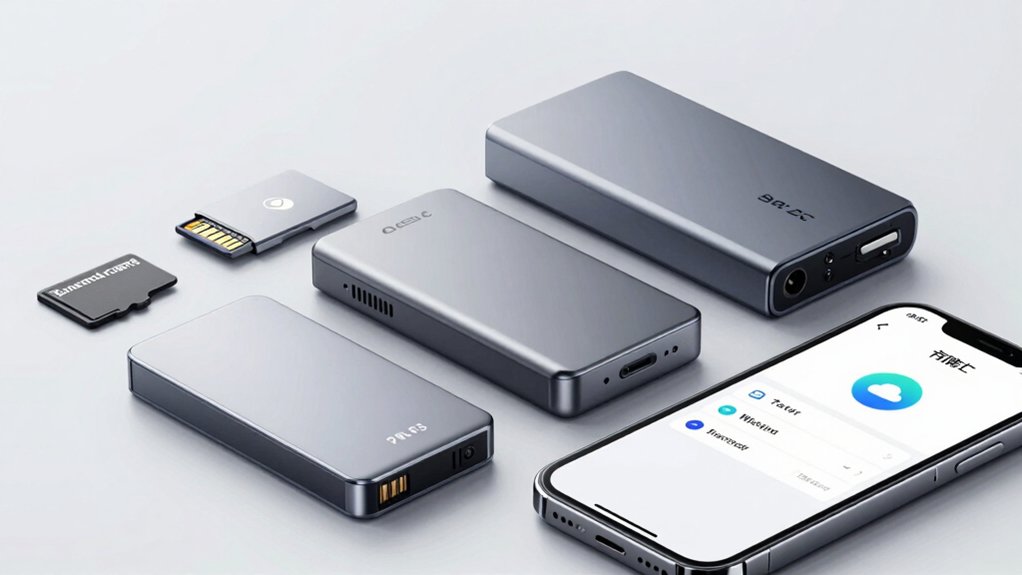
When you’re selecting storage for your Android phone, you’ll need to evaluate five key factors: storage capacity requirements based on your files and apps, transfer speed performance to determine how quickly you can back up or access data, device compatibility standards to ensure the storage works with your phone’s ports and operating system, durability and protection features to safeguard your data from physical damage, and security and encryption features to keep your information private. Start by assessing how much data you regularly store—photos, videos, and applications—then match that need to available storage sizes ranging from 64GB to 2TB. Next, check your phone’s connection type (USB-C, USB-A, or wireless), verify the manufacturer’s compatibility list, and confirm the storage device includes protective cases and encryption options before making your purchase.
Storage Capacity Requirements
How much storage do you actually need on your Android phone? Start by assessing your usage patterns. If you store mainly apps and documents, 128GB typically suffices. However, if you regularly capture full-resolution photos and 4K videos, you’ll need 256GB or larger. Calculate your typical file sizes: a 4K video consumes roughly 375MB per minute, while high-quality photos range from 5–15MB each. Next, account for system reserve—devices reserve 10–15% of labeled capacity for formatting and OS functions, so 256GB phones offer approximately 220GB usable space. Finally, consider whether you’ll use external storage via OTG-enabled USB devices. This approach lets you expand capacity without upgrading your phone, maximizing flexibility based on your actual storage demands.
Transfer Speed Performance
Speed matters when you’re moving files between your Android phone and external storage, so you’ll want to understand what affects transfer rates before buying a drive. USB 2.0 and 3.0 devices typically deliver 25–100 MB/s, while USB 3.1 and 3.2 drives reach 100–120 MB/s in real conditions. Your phone’s USB interface type—OTG or Type-C—directly impacts performance, as does the drive’s connector style. Read speeds usually exceed write speeds, meaning you’ll retrieve photos faster than you save them. Check your device’s OTG compatibility first, since Android support varies by version and hardware. Form factor and caching mechanisms also influence sustained performance, with some drives delivering temporary speed bursts beyond their rated specifications.
Device Compatibility Standards
What’ll determine whether an external drive actually works with your Android phone? Your device’s connector type and the drive’s formatting. Check if your phone uses USB-C or Micro-USB, then match it to a compatible drive. Newer phones typically feature USB-C, while older models use Micro-USB. Next, verify the drive supports OTG (On-The-Go) functionality—this enables direct connection without a PC. Format your drive to ExFAT if it’s 128GB or larger, as this file system ensures broad compatibility across Android devices. Some drives require explicit OTG support, so confirm this before purchasing. Consider dual-connector drives offering both USB-C and USB-A ports for flexibility across multiple devices. Finally, check whether the manufacturer provides an Android app to enhance backup capabilities and ensure seamless file management on your phone.
Durability And Protection
When you’re selecting external storage for your Android phone, durability should rank high on your priority list since drops, water exposure, and temperature fluctuations can damage both the drive’s physical components and your data. Look for devices with waterproof, shock-proof, and temperature-resistant designs. Check the enclosure material—metal or reinforced plastic options withstand daily wear and accidental drops better than standard plastic. Verify that your chosen storage includes built-in encryption or password protection to secure files if the device gets lost or stolen. Examine the memory technology for error-checking mechanisms that prevent data corruption from physical impacts. Finally, review the warranty coverage. Multi-year warranties indicate manufacturer confidence in durability and provide you with extended protection against defects.
Security And Encryption Features
To keep your files safe if your external storage device falls into the wrong hands, you need encryption and security features. Look for devices with 256-bit AES encryption, which protects your stored files automatically. Check whether the drive offers password protection for individual files or the entire storage as your first defense layer. Some devices include secure elements or tamper-resistant designs that prevent unauthorized access. Verify the drive’s management interface provides secure backup and encrypted storage options. Assure the device supports OTG capability and remains compatible with your Android phone or tablet, so you can access encrypted data whenever needed. These security measures work together to keep your sensitive information protected from theft or loss.
Final Thoughts
You’ll free up Android storage by selecting an external flash drive that matches your needs. Choose drives with USB-C or dual connectors for direct phone access. Verify OTG compatibility before purchasing. Install the manufacturer’s app to manage file transfers and backups. Transfer photos, videos, and documents regularly. Enable encryption for sensitive data. Check that your drive supports ExFAT format for broad Android compatibility.

Meet Ry, “TechGuru,” a 36-year-old technology enthusiast with a deep passion for tech innovations. With extensive experience, he specializes in gaming hardware and software, and has expertise in gadgets, custom PCs, and audio.
Besides writing about tech and reviewing new products, he enjoys traveling, hiking, and photography. Committed to keeping up with the latest industry trends, he aims to guide readers in making informed tech decisions.