
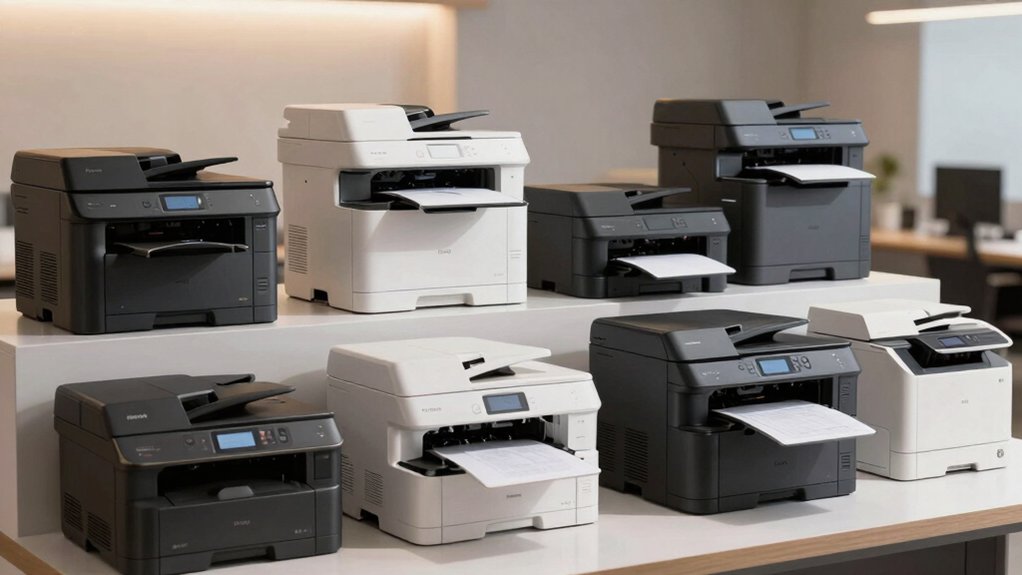

You’ll find that selecting the right office printer for accounting work requires balancing speed, security, and document handling. Whether you’re processing tax returns, managing financial records, or handling client files, your printer needs to protect sensitive data while delivering consistent output. The top models available today offer distinct advantages—some excel at volume printing, others prioritize compact design, and many include cloud integration. Here’s what you need to know to make the right choice.
| HP OfficeJet Pro 8125e Wireless All-in-One Printer |

| Best Home Office | Primary Functions: Print, scan, copy | Connectivity: Wireless Wi-Fi, USB, Ethernet | Automatic Duplex Printing: Yes | VIEW LATEST PRICE | Read Our Analysis |
| HP OfficeJet Pro 9125e Wireless All-in-One Printer |

| Best All-Around Performance | Primary Functions: Print, scan, copy, fax | Connectivity: Wireless Wi-Fi, USB, Ethernet | Automatic Duplex Printing: Yes | VIEW LATEST PRICE | Read Our Analysis |
| Canon PIXMA TS6520 Wireless Color Inkjet Printer |

| Budget-Friendly Compact | Primary Functions: Print, scan, copy | Connectivity: Wireless Wi-Fi | Automatic Duplex Printing: Yes | VIEW LATEST PRICE | Read Our Analysis |
| Canon PIXMA TR4720 All-in-One Wireless Printer |

| Best Entry-Level | Primary Functions: Print, scan, copy, fax | Connectivity: Wireless, USB | Automatic Duplex Printing: Yes | VIEW LATEST PRICE | Read Our Analysis |
| Brother Work Smart 1360 Wireless Color Inkjet Printer (MFC-J1360DW) |

| Best Compact Design | Primary Functions: Print, scan, copy | Connectivity: Wireless, USB | Automatic Duplex Printing: Yes | VIEW LATEST PRICE | Read Our Analysis |
| Gloryang Inkless Portable Thermal Printer with Carry Case |

| Best Portable Solution | Primary Functions: Print only | Connectivity: Bluetooth, computer driver | Automatic Duplex Printing: No | VIEW LATEST PRICE | Read Our Analysis |
| HP OfficeJet Pro 9135e Wireless All-in-One Printer |

| Professional Color Documents | Primary Functions: Print, scan, copy, fax | Connectivity: Wireless Wi-Fi | Automatic Duplex Printing: Yes | VIEW LATEST PRICE | Read Our Analysis |
| HP Smart Tank 5101 Wireless All-in-One Printer |

| Best Low-Cost Printing | Primary Functions: Print, scan, copy | Connectivity: Wireless, USB | Automatic Duplex Printing: No (specs not provided) | VIEW LATEST PRICE | Read Our Analysis |
| HP LaserJet Pro MFP 3101fdw All-in-One Laser Printer |

| Best Small Team | Primary Functions: Print, scan, copy, fax | Connectivity: Wireless Wi-Fi, Ethernet, Bluetooth | Automatic Duplex Printing: Yes | VIEW LATEST PRICE | Read Our Analysis |
| HP LaserJet M110w Wireless Black & White Printer |

| Most Space-Efficient | Primary Functions: Print only | Connectivity: Wireless, USB | Automatic Duplex Printing: No | VIEW LATEST PRICE | Read Our Analysis |
More Details on Our Top Picks
HP OfficeJet Pro 8125e Wireless All-in-One Printer
Why should you consider the HP OfficeJet Pro 8125e for your home office? This wireless all-in-one printer prints, scans, and copies documents efficiently. It delivers black-and-white pages at 20 pages per minute and color pages at 10 ppm, meeting standard accounting needs. The automatic document feeder and duplex printing save time on bulk jobs. You’ll appreciate the 225-sheet paper capacity, reducing frequent refills. Connect via Wi-Fi, USB, or Ethernet. Use the HP App to print and scan from your mobile device or computer. The one-year warranty covers hardware issues, with extension options available through HP+.
- Primary Functions:Print, scan, copy
- Connectivity:Wireless Wi-Fi, USB, Ethernet
- Automatic Duplex Printing:Yes
- Printer Technology:Thermal Inkjet
- Warranty Duration:1 year (extendable to 2 with HP+)
- Mobile Printing Support:HP App, AirPrint, wireless direct
- Additional Feature:225-sheet paper capacity
- Additional Feature:AI-enabled content optimization
- Additional Feature:Ocean-bound recycled plastic
HP OfficeJet Pro 9125e Wireless All-in-One Printer
The HP OfficeJet Pro 9125e stands out for accountants who need reliable multifunction capability without sacrificing speed or security. Print black-and-white documents at 22 pages per minute and color at 18 ppm. Use the 250-sheet tray and automatic duplex printing to handle large jobs efficiently. Scan two-sided documents with the dual-pass scanner. Access HP Wolf Pro Security to protect client financial data and network systems. Connect via Wi-Fi, Ethernet, or USB for flexible workspace integration. Enable HP+ with Instant Ink to streamline ink management. The 2.7-inch touchscreen and mobile app let you print, scan, and copy from any device.
- Primary Functions:Print, scan, copy, fax
- Connectivity:Wireless Wi-Fi, USB, Ethernet
- Automatic Duplex Printing:Yes
- Printer Technology:Thermal Inkjet
- Warranty Duration:1 year (extendable to 2 with HP+)
- Mobile Printing Support:HP App, smartphone/tablet compatible
- Additional Feature:2.7-inch color touchscreen
- Additional Feature:HP Wolf Pro Security suite
- Additional Feature:250-sheet input/output capacity
Canon PIXMA TS6520 Wireless Color Inkjet Printer
If you’re managing a home office or small workspace on a budget, Canon’s PIXMA TS6520 offers a compact all-in-one solution that handles printing, scanning, and copying without consuming valuable desk space. The dual-band Wi-Fi connectivity lets you print directly from your smartphone using the Canon PRINT App or AirPrint. Its 2-cartridge hybrid ink system produces sharp black text at 14 pages per minute and color documents at 9 pages per minute. Auto duplex printing reduces paper costs automatically. The 1.42″ OLED display provides straightforward navigation, and the flatbed scanner integrates seamlessly into your workflow. At 14.8″ deep and 6.7″ high, it fits efficiently beside your desk setup.
- Primary Functions:Print, scan, copy
- Connectivity:Wireless Wi-Fi
- Automatic Duplex Printing:Yes
- Printer Technology:Color Inkjet
- Warranty Duration:Limited warranty
- Mobile Printing Support:Canon PRINT App, AirPrint, Mopria
- Additional Feature:1.42″ OLED display
- Additional Feature:2-cartridge hybrid ink system
- Additional Feature:Compact design fits spaces
Canon PIXMA TR4720 All-in-One Wireless Printer
Looking for a printer that handles the document volume accountants face daily? The Canon PIXMA TR4720 delivers 4-in-1 functionality—print, copy, scan, and fax—in one compact unit. You’ll appreciate the auto document feeder with 100-sheet capacity, which processes multiple pages without manual intervention. Print speeds reach 8.8 pages per minute for black and white documents. The wireless connectivity lets you print from your smartphone or computer remotely. Duplex printing automatically handles two-sided output, reducing paper waste. The hybrid ink system produces sharp text and vibrant color for financial reports and presentations. Energy Star certification keeps operating costs low at just 7 watts active power consumption.
- Primary Functions:Print, scan, copy, fax
- Connectivity:Wireless, USB
- Automatic Duplex Printing:Yes
- Printer Technology:Hybrid Inkjet
- Warranty Duration:1 year manufacturer
- Mobile Printing Support:Alexa-enabled, smartphone app
- Additional Feature:Auto document feeder (100-sheet)
- Additional Feature:4800 x 1200 dpi resolution
- Additional Feature:Alexa smart reorder enabled
Brother Work Smart 1360 Wireless Color Inkjet Printer (MFC-J1360DW)
For accountants working from home or managing a small office space, you’ll want a device that handles multiple tasks without consuming your desk. The Brother Work Smart 1360 delivers printing, copying, and scanning in one compact unit. It prints up to 16 pages per minute in black and 9 in color. The automatic duplex feature reduces paper usage for two-sided documents. You’ll connect via wireless or USB, then access cloud integration with Google Drive, Dropbox, and OneDrive. The Brother Mobile Connect app lets you manage printing and scanning remotely. Monitor ink levels through Page Gauge to prevent mid-project outages. The 150-sheet paper tray handles standard documents efficiently.
- Primary Functions:Print, scan, copy
- Connectivity:Wireless, USB
- Automatic Duplex Printing:Yes
- Printer Technology:Color Inkjet
- Warranty Duration:Not specified
- Mobile Printing Support:Brother Mobile Connect app
- Additional Feature:20-sheet automatic document feeder
- Additional Feature:1.8″ color display navigation
- Additional Feature:Cloud app integration support
Gloryang Inkless Portable Thermal Printer with Carry Case
The Gloryang Inkless Portable Thermal Printer excels for accountants who need to print documents while traveling between client sites, remote offices, or home workspaces. This 1.75-pound device prints 8.5 x 11-inch pages at 35 ppm using thermal technology, requiring no ink cartridges. Connect via Bluetooth to your phone or tablet using the Jadens Printer app, or link to your laptop through a driver installation. The printer includes three thermal paper rolls and a carry case. Note that it only accepts Gloryang thermal paper, not standard paper. At 1.7 inches thick, it fits easily into briefcases for convenient document printing anywhere you work.
- Primary Functions:Print only
- Connectivity:Bluetooth, computer driver
- Automatic Duplex Printing:No
- Printer Technology:Thermal (inkless)
- Warranty Duration:1 year
- Mobile Printing Support:Jadens Printer app (iOS/Android)
- Additional Feature:Includes 3 thermal paper rolls
- Additional Feature:Ultra-portable 1.75 lb design
- Additional Feature:Monochrome thermal printing technology
HP OfficeJet Pro 9135e Wireless All-in-One Printer
If you’re running an accounting office that needs to produce professional color documents alongside standard black-and-white reports, the HP OfficeJet Pro 9135e delivers the speed and functionality you’ll actually use. Print at 25 ppm black or 20 ppm color, then scan and copy automatically with the ADF. Two 250-sheet trays handle your paper volume without constant refills. Wireless connectivity lets you print directly from your smartphone using the HP App. Auto duplex printing reduces paper costs. The included 3-month Instant Ink trial keeps supplies stocked automatically, though monthly fees apply after the trial ends unless you cancel.
- Primary Functions:Print, scan, copy, fax
- Connectivity:Wireless Wi-Fi
- Automatic Duplex Printing:Yes
- Printer Technology:Thermal Inkjet
- Warranty Duration:Not specified
- Mobile Printing Support:HP App, smartphone compatible
- Additional Feature:Two 250-sheet input trays
- Additional Feature:20 ppm color print speed
- Additional Feature:AI-enabled smart capabilities
HP Smart Tank 5101 Wireless All-in-One Printer
You’ll find the HP Smart Tank 5101 especially useful if you’re printing large volumes of documents regularly without wanting to replace cartridges constantly. This wireless all-in-one handles printing, scanning, and copying with included ink lasting up to two years. The mess-free refill system lets you add ink directly to the tank without squeezing bottles or creating spills. Setup connects to your devices via wireless or USB, supporting Android, iOS, and Alexa controls. Use the flatbed scanner for document digitization at 4800×1200 dpi color resolution. The AI-powered features optimize layouts and remove unwanted content automatically, streamlining accounting document preparation.
- Primary Functions:Print, scan, copy
- Connectivity:Wireless, USB
- Automatic Duplex Printing:No (specs not provided)
- Printer Technology:Thermal Inkjet
- Warranty Duration:2 years
- Mobile Printing Support:Alexa-compatible, multiple device support
- Additional Feature:2 years ink included
- Additional Feature:Mess-free refill bottle system
- Additional Feature:EcoTank-style cartridge-free design
HP LaserJet Pro MFP 3101fdw All-in-One Laser Printer
HP’s LaserJet Pro MFP 3101fdw works best for small accounting teams of up to 7 users who need a single device to handle multiple tasks without consuming much desk space. This printer delivers 35 pages per minute for black-and-white printing and copying. You’ll access automatic duplex printing, which cuts paper use in half. The built-in scanner with auto document feeder speeds up digitizing receipts and invoices. Connect wirelessly via Wi-Fi, Ethernet, or Bluetooth to your computers and mobile devices. You can manage print jobs remotely through HP Smart or Web JetAdmin. Security features include PIN authentication and configurable policies through HP JetAdvantage Security Manager. Subscribe to Instant Ink for automatic toner delivery and supply management.
- Primary Functions:Print, scan, copy, fax
- Connectivity:Wireless Wi-Fi, Ethernet, Bluetooth
- Automatic Duplex Printing:Yes
- Printer Technology:LaserJet (black & white)
- Warranty Duration:1 year limited
- Mobile Printing Support:HP Smart, Web JetAdmin, cloud management
- Additional Feature:35 ppm black print speed
- Additional Feature:PIN/pull job authentication
- Additional Feature:Small teams (up to 7)
HP LaserJet M110w Wireless Black & White Printer
Small accounting teams working with 1–3 people will find the HP LaserJet M110w an effective choice for producing professional-quality black & white documents and reports in tight office spaces. The printer delivers 21 pages per minute with 600 x 600 dpi resolution. You’ll connect via wireless, USB 2.0, or mobile devices using the HP Smart app for cloud scanning and printing. The flatbed scanner handles copying tasks at the same resolution. Set up takes minutes, and the Energy Star certification reduces power consumption to approximately 2.3 Watts. You receive a pre-installed starter cartridge and one-year limited warranty. Original HP cartridges with chips are required; non-HP chips are blocked.
- Primary Functions:Print only
- Connectivity:Wireless, USB
- Automatic Duplex Printing:No
- Printer Technology:Laser (black & white)
- Warranty Duration:1 year limited
- Mobile Printing Support:HP Smart app, AirPrint, Alexa-compatible
- Additional Feature:21 ppm print speed
- Additional Feature:World’s smallest laser class
- Additional Feature:Single-sided printing only
Factors to Consider When Choosing an Office Printer for Accountants
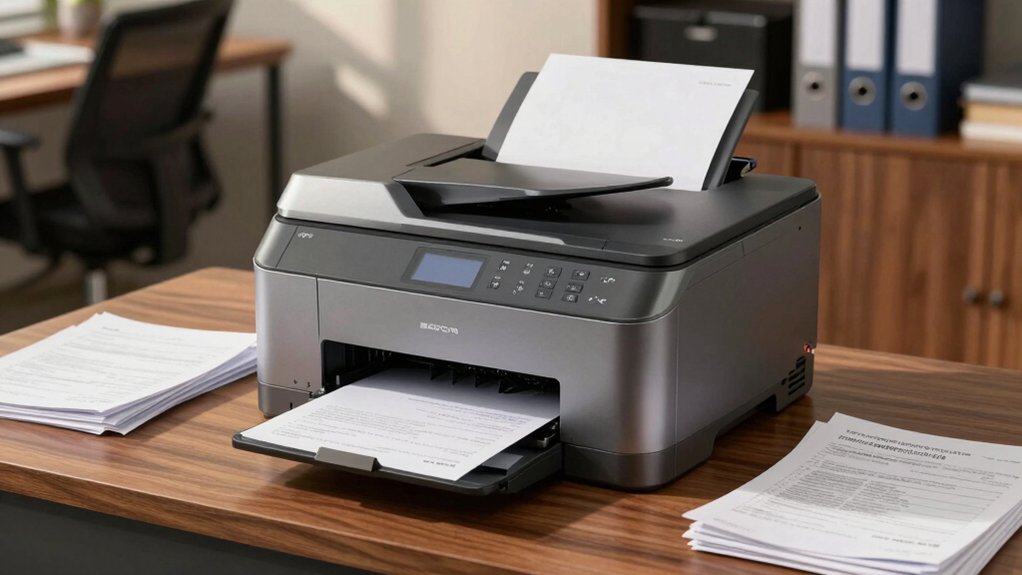
When selecting an office printer for your accounting department, you’ll need to evaluate five key factors: print speed and volume capacity to handle your daily workload, document security and compliance features to protect sensitive financial data, scanning and digital workflow capabilities to streamline paperless processes, cost efficiency and ink management to control expenses, and network connectivity and integration with your existing accounting software. Each factor directly impacts your operational efficiency and bottom line, so you should assess your specific needs in each area before making a purchase decision. Start by determining your monthly print volume, then identify which security standards and software integrations your firm requires, and finally calculate the total cost of ownership including supplies.
Print Speed and Volume Capacity
How fast does your printer need to operate? Match your printer’s speed in pages per minute (ppm) to your quarterly reporting deadlines and peak workload periods. Evaluate whether your accounting firm prints primarily black-and-white documents or frequently produces color charts and presentations. Black-and-white printing dominates volume, but color work can double processing time if you rely solely on color-capable machines.
Check the printer’s monthly duty cycle against your typical page volume. During busy seasons, high-speed printing prevents bottlenecks and ensures faster client deliverables.
Prioritize duplex printing capability, which automatically prints both sides and reduces paper costs for high-volume financial documents and audit trails. Pair your fast print engine with consistent high-speed scanning for receipts and invoices to streamline document workflows and maintain timely digital filing.
Document Security and Compliance
What level of data protection does your accounting firm actually need? Start by selecting printers with enterprise-grade security features like HP Wolf Pro suites that include configurable policies, PIN authentication, and secure print release. These features prevent unauthorized access to sensitive financial documents. Next, prioritize devices offering encrypted communications over wired and wireless networks to block document interception. Require robust access controls and audit logs that track who printed, scanned, or copied documents and when. Verify the printer supports firmware updates and vulnerability remediation programs for emerging threats. Finally, confirm compliance-ready capabilities including secure hard drive erasure, memory wipes, and redaction features for controlled access to confidential workflows. These steps protect your firm’s financial data effectively.
Scanning and Digital Workflow
Your accounting firm’s efficiency depends on how quickly you can convert paper documents into searchable digital files. Choose a printer with automatic document feeder (ADF) and duplex scanning capabilities to process multi-page financial statements without manual intervention. Ensure optical resolution reaches at least 1200 x 1200 dpi for legible scans of small text and numbers. Select a model that supports secure cloud scanning directly to networked folders, email, or your document management system, eliminating extra handling steps. Verify the device includes AI-enhanced features that automatically optimize layouts, remove unnecessary content, and improve OCR accuracy for financial data extraction. Confirm network security features such as user authentication and encryption protect sensitive documents during transfer and storage.
Cost Efficiency and Ink Management
Most accounting firms can cut printing expenses by 30–50% through strategic ink and toner management choices. First, evaluate your monthly print volume and select printers with page yields matching your workload. High-capacity ink tanks or cartridge-free systems dramatically reduce per-page costs compared to standard cartridges. Next, calculate total cost of ownership by adding hardware price, consumable expenses, and maintenance frequency over three years. Consider subscription services like Instant Ink, which lower downtime and stabilize costs, though ongoing fees apply after trial periods. Finally, prioritize printers with waste-free refill systems to minimize cartridge changes and eliminate downtime interruptions. By aligning printer specifications with your firm’s actual printing demands, you’ll reduce both immediate expenses and long-term operational costs.
Network Connectivity and Integration
An accounting office’s connectivity needs don’t end at the printer’s power switch—they extend across your entire network infrastructure. You’ll want dual-band Wi-Fi and Ethernet options so you can place your printer where it works best for your team. USB 2.0 ports give you a backup when network access fails, letting you print directly from a computer. Mobile printing apps like HP App or Canon PRINT let your accountants scan and print documents from smartphones and tablets remotely. Security matters substantially: use print authentication PINs and managed IT dashboards to protect sensitive financial documents on shared networks. AI-optimized form processing reduces formatting errors, cutting down on post-print editing and streamlining your workflow across networked devices.
Final Thoughts
You’ll want to match your printer choice to your accounting needs. If you handle high document volumes, choose an HP LaserJet Pro for speed and security. For mixed tasks requiring scanning and copying, pick an OfficeJet Pro model. Budget-conscious offices benefit from Brother Work Smart printers. Evaluate your monthly page volume, required features like duplex scanning, and security requirements before deciding. Test wireless connectivity in your office space beforehand.

Meet Ry, “TechGuru,” a 36-year-old technology enthusiast with a deep passion for tech innovations. With extensive experience, he specializes in gaming hardware and software, and has expertise in gadgets, custom PCs, and audio.
Besides writing about tech and reviewing new products, he enjoys traveling, hiking, and photography. Committed to keeping up with the latest industry trends, he aims to guide readers in making informed tech decisions.