
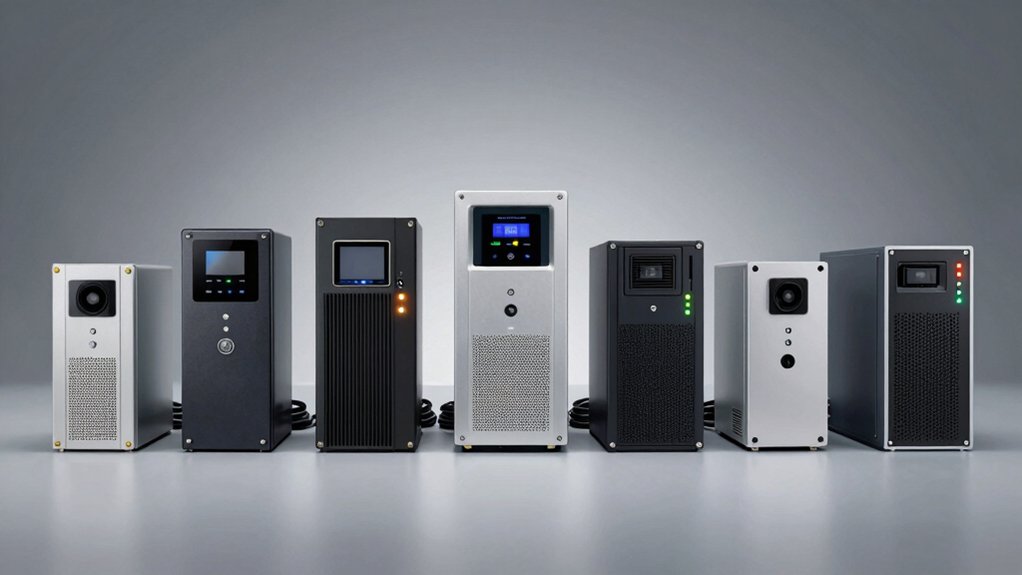

When your desktop loses power, you need immediate backup. A UPS unit bridges that gap by keeping your computer running during outages. You’ll find options ranging from basic 400VA models to robust 1500VA systems, each offering different runtimessand outlet counts. Your choice depends on how long you need to stay operational and what equipment you’re protecting. Let’s examine which models deliver the protection your setup requires.
| APC UPS 600VA Battery Backup & Surge Protector |

| Best Overall | Power Capacity (VA/W): 600VA / 330W | Total Outlets: 7 outlets (5 battery backup + surge, 2 surge-only) | USB Charging Ports: 1 USB-A port (1.5A) | VIEW LATEST PRICE | Read Our Analysis |
| Amazon Basics UPS Battery Backup & Surge Protector |

| Budget-Friendly Pick | Power Capacity (VA/W): 400VA / 255W | Total Outlets: 6 outlets (3 battery backup + surge, 3 surge-only) | USB Charging Ports: None specified | VIEW LATEST PRICE | Read Our Analysis |
| CyberPower CP1500PFCLCD UPS Battery Backup Surge Protector |

| Professional Grade | Power Capacity (VA/W): 1500VA / 1000W | Total Outlets: 12 outlets (6 battery backup + surge, 6 surge-only) | USB Charging Ports: 2 ports (Type-A, Type-C) | VIEW LATEST PRICE | Read Our Analysis |
| CyberPower CP1500AVRLCD3 Intelligent LCD UPS System |

| Best For Home Office | Power Capacity (VA/W): 1500VA / 900W | Total Outlets: 12 outlets (6 battery backup + surge, 6 surge-only) | USB Charging Ports: 2 ports (Type-A, Type-C) | VIEW LATEST PRICE | Read Our Analysis |
| CyberPower EC850LCD UPS Battery Backup Surge Protector |

| Most Energy Efficient | Power Capacity (VA/W): 850VA / 510W | Total Outlets: 12 outlets (6 battery backup + surge, 6 surge-only) | USB Charging Ports: None specified | VIEW LATEST PRICE | Read Our Analysis |
| CyberPower ST425 Standby UPS Battery Backup |

| Compact Starter Option | Power Capacity (VA/W): 425VA / 260W | Total Outlets: 8 outlets (4 battery backup + surge, 4 surge-only) | USB Charging Ports: None specified | VIEW LATEST PRICE | Read Our Analysis |
| CyberPower SL700U Standby UPS Battery Backup |

| Best Slim Design | Power Capacity (VA/W): 700VA / 370W | Total Outlets: 8 outlets (5 battery backup + surge, 3 surge-only) | USB Charging Ports: 2 USB ports (Type-A, 2.4A total) | VIEW LATEST PRICE | Read Our Analysis |
| Vertiv Liebert PST5 UPS 660VA Battery Backup |

| Best Data Protection | Power Capacity (VA/W): 660VA / 400W | Total Outlets: 8 outlets (4 battery backup + surge, 4 surge-only) | USB Charging Ports: 1 USB charging port | VIEW LATEST PRICE | Read Our Analysis |
More Details on Our Top Picks
APC UPS 600VA Battery Backup & Surge Protector
Why should you consider the APC UPS 600VA for your desktop setup? This unit delivers 600VA/330W of backup power, keeping your computer running for up to 23 minutes during outages. You’ll get seven outlets—five with battery backup and surge protection, plus two surge-only outlets. The USB-A charging port supplies 1.5A for fast device charging. The battery is user-replaceable using the APCRBC154 model. Clear indicators and audible alerts notify you of power status changes. APC backs this unit with a 3-year warranty and $75,000 equipment protection coverage for connected devices against power-related damage.
- Power Capacity (VA/W):600VA / 330W
- Total Outlets:7 outlets (5 battery backup + surge, 2 surge-only)
- USB Charging Ports:1 USB-A port (1.5A)
- Battery Runtime:Up to 23 minutes at 100W load
- Warranty & Equipment Protection:3-year warranty; $75,000 Equipment Protection
- Display & Monitoring:Clear indicators and audible alerts
- Additional Feature:User-replaceable battery design
- Additional Feature:23-minute runtime at 100W
- Additional Feature:$75,000 equipment protection guarantee
Amazon Basics UPS Battery Backup & Surge Protector
The Amazon Basics UPS Battery Backup & Surge Protector delivers essential backup power for desktop setups that need short-term protection during outages. This 400VA/255W unit provides 6 outlets: 3 surge-protected and 3 surge-protected with battery backup. At half load, you’ll get approximately 6 minutes of runtime; at full load, expect 1.5 minutes. Before connecting devices, check your total power consumption and keep it below 80% of rated capacity for optimal performance. The unit includes a 5-foot cord and downloadable power management software to help you shut down systems properly during extended outages.
- Power Capacity (VA/W):400VA / 255W
- Total Outlets:6 outlets (3 battery backup + surge, 3 surge-only)
- USB Charging Ports:None specified
- Battery Runtime:~6 minutes at half load; ~1.5 minutes at full load
- Warranty & Equipment Protection:Not specified
- Display & Monitoring:None specified
- Additional Feature:Compact, space-saving size
- Additional Feature:Power management software available
- Additional Feature:Half-load 6-minute runtime
CyberPower CP1500PFCLCD UPS Battery Backup Surge Protector
If you’re running multiple desktop components—monitor, CPU, router, and external drives—you’ll benefit from the CyberPower CP1500PFCLCD’s twelve outlets, which provide both battery backup and surge protection across two separate circuits. Six outlets deliver battery backup power during outages, keeping critical equipment running. The remaining six offer surge protection only. Its 1500VA/1000W capacity handles most desktop setups. The line interactive topology with PFC sine wave output supports both active PFC and conventional power supplies. Automatic Voltage Regulation corrects minor fluctuations without draining your battery, extending overall lifespan. The color LCD panel displays real-time battery and power conditions, alerting you to potential problems before they cause downtime. Two USB ports—one Type-A and one Type-C—charge devices simultaneously.
- Power Capacity (VA/W):1500VA / 1000W
- Total Outlets:12 outlets (6 battery backup + surge, 6 surge-only)
- USB Charging Ports:2 ports (Type-A, Type-C)
- Battery Runtime:Not specified
- Warranty & Equipment Protection:3-year warranty (including battery); $500,000 Connected Equipment Guarantee
- Display & Monitoring:Multifunction color LCD panel with 22-degree tilt
- Additional Feature:PFC Sine Wave technology
- Additional Feature:Automatic Voltage Regulation (AVR)
- Additional Feature:$500,000 connected equipment guarantee
CyberPower CP1500AVRLCD3 Intelligent LCD UPS System
Looking for a UPS that combines substantial backup power with real-time monitoring for your home office or small business setup? The CyberPower CP1500AVRLCD3 delivers 1500VA/900W capacity across 12 outlets—six with battery backup and surge protection, six with surge protection only. Its color LCD panel displays battery status and power conditions instantly, alerting you to problems before they damage equipment. The unit includes Automatic Voltage Regulation to handle minor power fluctuations without draining your battery. You’ll receive free PowerPanel management software, a 3-year warranty covering the battery, and a $500,000 Connected Equipment Guarantee for protected devices.
- Power Capacity (VA/W):1500VA / 900W
- Total Outlets:12 outlets (6 battery backup + surge, 6 surge-only)
- USB Charging Ports:2 ports (Type-A, Type-C)
- Battery Runtime:Not specified
- Warranty & Equipment Protection:3-year warranty (including battery); $500,000 Connected Equipment Guarantee
- Display & Monitoring:Multifunction color LCD panel
- Additional Feature:Automatic Voltage Regulation (AVR)
- Additional Feature:Simulated sine wave output
- Additional Feature:$500,000 connected equipment guarantee
CyberPower EC850LCD UPS Battery Backup Surge Protector
For anyone running multiple devices that can’t afford downtime, the CyberPower EC850LCD offers 850VA/510W of backup power across 12 outlets, with six dedicated to battery backup and six to surge protection alone. The unit features a multifunction LCD panel that displays real-time battery and power conditions, helping you monitor your system’s status immediately. ECO Mode automatically detects when your computer enters sleep or off mode, then powers down connected peripherals on designated outlets to reduce energy consumption. You’ll receive a 3-year warranty covering the battery plus a $100,000 Connected Equipment Guarantee for protected devices. Download the free PowerPanel Personal Edition Management Software to customize settings and enhance system control.
- Power Capacity (VA/W):850VA / 510W
- Total Outlets:12 outlets (6 battery backup + surge, 6 surge-only)
- USB Charging Ports:None specified
- Battery Runtime:Not specified
- Warranty & Equipment Protection:3-year warranty (including battery); $100,000 Connected Equipment Guarantee
- Display & Monitoring:Multifunction LCD panel with ECO Mode indicator
- Additional Feature:ECO Mode energy efficiency
- Additional Feature:Automatic peripheral power-down
- Additional Feature:$100,000 connected equipment guarantee
CyberPower ST425 Standby UPS Battery Backup
The CyberPower ST425 works well for home and office users who need basic power protection without spending much money. This standby UPS delivers 425VA/260W output through eight outlets—four with battery backup and surge protection, four with surge protection only. You’ll get approximately one minute of runtime during outages, enough time to save your work and shut down safely. The unit features 890 Joules of surge protection against lightning strikes and power spikes. Its compact design measures 3.2 x 8.3 x 4.5 inches, fitting easily on desks or shelves. CyberPower backs this model with a three-year warranty covering the battery and a $75,000 connected equipment guarantee for added peace of mind.
- Power Capacity (VA/W):425VA / 260W
- Total Outlets:8 outlets (4 battery backup + surge, 4 surge-only)
- USB Charging Ports:None specified
- Battery Runtime:~1 minute at full load
- Warranty & Equipment Protection:3-year warranty (including battery); $75,000 Connected Equipment Guarantee
- Display & Monitoring:LED status light (Power-On, Wiring Fault)
- Additional Feature:GREENPOWER high-efficiency design
- Additional Feature:Energy Star certified
- Additional Feature:$75,000 connected equipment guarantee
CyberPower SL700U Standby UPS Battery Backup
If you need a compact UPS that fits tight spaces while protecting your desktop setup, the CyberPower SL700U delivers essential backup power in a slim profile design. This 700VA/370W unit offers 8 outlets—5 with battery backup and 3 with surge protection only—plus two USB ports for charging devices. The 890-joule surge protection shields your equipment from power spikes. Runtime reaches approximately 2 minutes at full load, giving you time to save files and shut down safely. Wall-mount capability and compact dimensions make installation straightforward. The 3-year warranty covering the battery and $100,000 Connected Equipment Guarantee provide protection for your connected devices.
- Power Capacity (VA/W):700VA / 370W
- Total Outlets:8 outlets (5 battery backup + surge, 3 surge-only)
- USB Charging Ports:2 USB ports (Type-A, 2.4A total)
- Battery Runtime:~2 minutes at full load
- Warranty & Equipment Protection:3-year warranty (including battery); $100,000 Connected Equipment Guarantee
- Display & Monitoring:Not specified
- Additional Feature:Slim profile wall-mount capability
- Additional Feature:Widely-spaced outlets for plugs
- Additional Feature:$100,000 connected equipment guarantee
Vertiv Liebert PST5 UPS 660VA Battery Backup
Need reliable battery backup for your desktop setup without breaking your budget? The Vertiv Liebert PST5 UPS delivers 660VA of protection with 400W capacity at 120V. You’ll get eight outlets—four with surge protection only and four offering both battery and surge protection. Two outlets accommodate transformer-block plugs, which matters if you’re using larger adapters. The unit includes USB communications that let you receive notifications and shut down your system safely during outages. Data line protection covers RJ45, RJ11, and coax connections. You’re covered for three years with full warranty including battery replacement. Energy Star certification confirms efficiency standards.
- Power Capacity (VA/W):660VA / 400W
- Total Outlets:8 outlets (4 battery backup + surge, 4 surge-only)
- USB Charging Ports:1 USB charging port
- Battery Runtime:Not specified
- Warranty & Equipment Protection:3-year warranty (including battery); Advanced replacement warranty
- Display & Monitoring:USB communications for notifications and controlled shutdown
- Additional Feature:RJ45/11 and Coax protection
- Additional Feature:Advanced replacement warranty included
- Additional Feature:USB communications for notifications
Factors to Consider When Choosing a UPS for a Desktop Computer
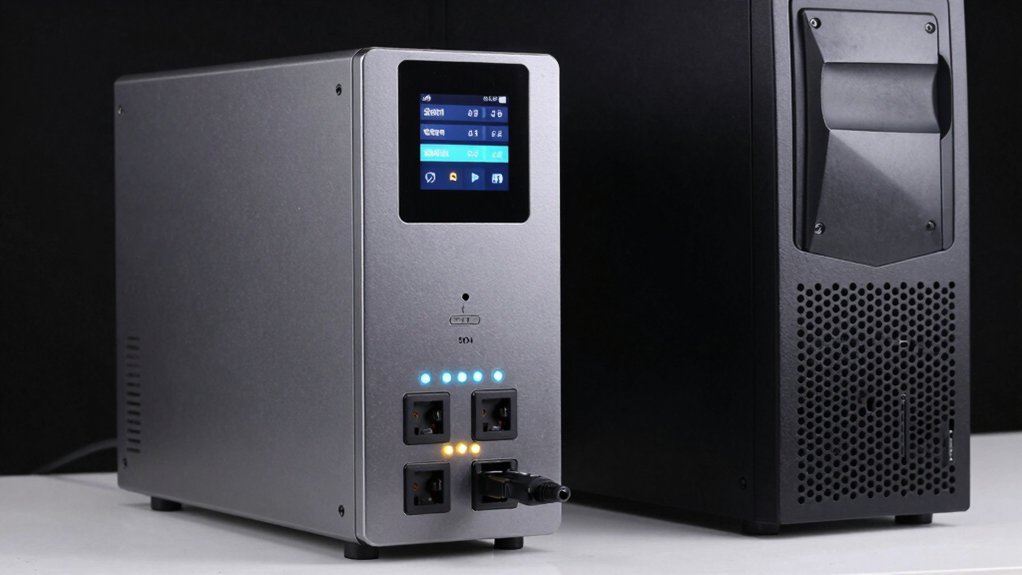
When you’re selecting a UPS for your desktop computer, you’ll need to evaluate five essential factors: power capacity requirements (measured in VA or watts), battery runtime duration (how long the UPS keeps your system running), outlet configuration needs (the number and types of outlets you require), surge protection level (the joules rating for safeguarding against electrical spikes), and automatic voltage regulation (which stabilizes fluctuating power to prevent damage). Start by calculating your computer’s total wattage by adding up your CPU, monitor, and peripheral power consumption, then choose a UPS rated 20-30% higher than that total. Next, determine how long you need backup power—whether it’s just enough time to save files and shut down gracefully, or whether you need extended runtime for continued work during an outage.
Power Capacity Requirements
The foundation of choosing the right UPS starts with calculating your desktop system’s total power draw. Add up the wattage of your computer tower, monitor, and peripherals like printers or external drives. You’ll find this information on device labels or spec sheets. Next, ensure your UPS’s rated wattage exceeds 80% of its capacity—this prevents overload and extends battery life. For typical desktop setups, aim for a UPS in the 1.0–1.5 kVA range, which provides comfortable overhead for future upgrades. Remember that higher-wattage loads drain backup time faster, so match your UPS capacity to both your current needs and desired runtime. Check the UPS specifications to confirm it supplies sufficient VA or wattage for your complete system.
Battery Runtime Duration
Once you’ve determined your UPS capacity, you’ll need to calculate how long it’ll actually keep your system running during a power outage. Runtime depends directly on your load: higher wattage drains the battery faster, while lighter loads extend backup time. A 400VA/255W UPS delivers roughly 1.5 minutes at full load but stretches to about 6 minutes at half load. A 1500VA/1000W UPS sustains equipment considerably longer due to its larger battery capacity. To estimate your runtime, divide the total battery energy (measured in Ah/V) by your expected load in watts. This calculation gives you approximate backup minutes. Match your UPS runtime to your actual needs—whether you need five minutes to save work or thirty minutes for critical operations.
Outlet Configuration Needs
How many outlets do you actually need on your UPS? Start by listing every device you’ll plug in: your PC, monitor, modem, router, and external drives. Identify which devices are critical—your computer and modem require battery backup during outages. Other peripherals like monitors can use surge-only outlets. Most quality UPS units offer a mix, typically 4–6 battery-backed outlets and 2–6 surge-only outlets. Next, check if bulky power adapters or transformer blocks will fit without blocking adjacent ports. Finally, verify the UPS’s total capacity in VA or watts matches your equipment’s combined power draw. Don’t overload the unit, as this reduces runtime and risks damage. This strategic outlet allocation ensures your critical systems stay protected while maximizing your UPS investment.
Surge Protection Level
What joule rating should you look for when evaluating a UPS’s surge protection? A higher joule rating means better protection against power spikes. Look for models offering at least 400–600 joules for desktop computers, though 1000+ joules provides superior defense for equipment-heavy setups.
Next, examine whether outlets are labeled as surge-only or battery-backup. Battery-backup outlets power critical components during outages, while surge-only outlets protect devices that don’t require continuous power. This separation ensures your essentials stay running.
Additionally, check for RJ45 or coax line protection. This feature shields network and cable connections from surge damage, protecting data integrity alongside your hardware.
Finally, verify Energy Star certification, which often indicates efficient surge handling and advanced power management capabilities built into the UPS design.
Automatic Voltage Regulation
Beyond surge protection, your UPS should manage the smaller power fluctuations that occur constantly in electrical systems. Automatic Voltage Regulation (AVR) handles these minor swings without activating battery backup, preserving your battery’s charge for genuine outages. When voltage dips or spikes occur, AVR corrects the input power and delivers stable output to your desktop and peripherals. This feature proves especially valuable in areas experiencing frequent brownouts or electrical instability. By preventing unnecessary battery discharge during minor fluctuations, AVR extends runtime when you actually need it most. Check your UPS specifications for AVR capability—many models list it alongside battery backup and surge protection. This combination ensures your equipment receives consistent, reliable power while maximizing your battery’s effectiveness during real power emergencies.
USB Charging Capabilities
When you’re selecting a UPS for your desktop, consider whether you’ll benefit from built-in USB charging ports to keep your mobile devices powered during outages. Many UPS units include at least one USB port on the front panel, typically providing 5V charging at 1.5A to 2.4A output. These ports operate separately from battery backup outlets, so you can charge smartphones and tablets even while your computer runs on battery power. Some models offer both USB-A and USB-C ports, with USB-C delivering faster power delivery for compatible devices. Check the specified amperage rating before purchasing, since charging rates vary by model and may not support high-speed charging for all devices.
Management Software Features
How do you monitor your UPS and protect your data during a power outage? Management software answers this question by giving you real-time visibility into your system’s performance. You’ll access dashboards displaying current load, battery runtime estimates, and event logs. Most UPS models include free software like PowerPanel, which you download to your computer. The software enables automatic safe shutdown during extended outages, protecting your files from corruption. You can customize alert thresholds to notify you of power issues immediately. Premium versions offer advanced monitoring and reporting capabilities for detailed analysis. Schedule automatic startup and shutdown times using built-in scheduling features. Enable energy-saving profiles such as ECO modes to reduce consumption. Some systems combine LCD displays with software dashboards for comprehensive monitoring from multiple access points.
Equipment Protection Guarantee
While management software keeps your system running smoothly during outages, you’ll also want financial protection for the expensive equipment connected to your UPS. An Equipment Protection Guarantee covers connected devices like monitors, external drives, and PCs against damage from power events, typically up to $500,000. However, coverage varies substantially by manufacturer and model. Before selecting a UPS, verify the guarantee’s specific terms: the dollar amount covered, the unit’s age requirement, which power events qualify, and any exclusions. Check whether the guarantee demands proper installation and operation within specified limits. A higher protection amount provides greater security for valuable desktop setups. Compare guarantees across models to find coverage matching your equipment’s total value and your risk tolerance.
Final Thoughts
You’ll find the right UPS by matching your power needs to your budget. Start by calculating your desktop’s wattage requirements, then choose a unit with adequate VA capacity and runtime. If you need advanced features like automatic voltage regulation or software monitoring, consider CyberPower models. For basic protection on a tight budget, the APC 600VA or Amazon Basics option works well. Check warranty coverage before purchasing.

Meet Ry, “TechGuru,” a 36-year-old technology enthusiast with a deep passion for tech innovations. With extensive experience, he specializes in gaming hardware and software, and has expertise in gadgets, custom PCs, and audio.
Besides writing about tech and reviewing new products, he enjoys traveling, hiking, and photography. Committed to keeping up with the latest industry trends, he aims to guide readers in making informed tech decisions.