
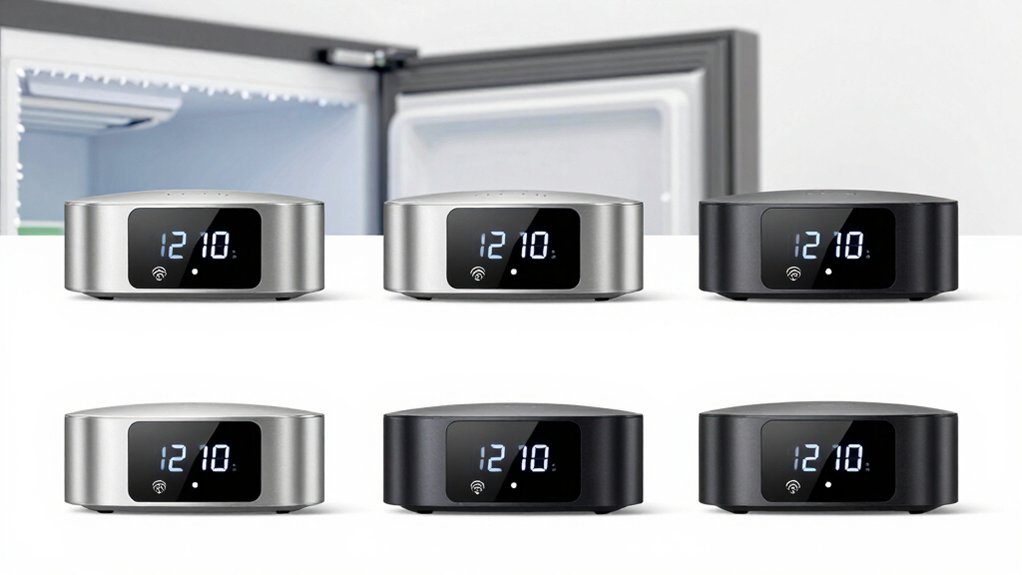

You’ve likely experienced the panic of a freezer failure that spoils hundreds of dollars worth of food. A WiFi freezer alarm monitors your appliance continuously and alerts you instantly when temperatures rise, preventing costly losses. You’ll find several reliable options available that offer remote monitoring, customizable alerts, and data tracking without subscription fees. Each system works differently, so understanding their key features helps you select the right protection for your specific needs.
| GoveeLife WiFi Refrigerator Thermometer with Alarm (2-Pack) |

| Best Overall | Temperature Accuracy: ±0.9°F/±0.5°C | Alert Types: App notifications, email alerts, 80dB buzzer alarm | Temperature Range: -40°F to 158°F | VIEW LATEST PRICE | Read Our Analysis |
| MOCREO WiFi Freezer Thermometer with Remote Sensors |

| Most Versatile | Temperature Accuracy: ±0.9°F | Alert Types: App push notifications, email alerts, 80dB hub alarm | Temperature Range: -40°F to 221°F | VIEW LATEST PRICE | Read Our Analysis |
| GoveeLife WiFi Refrigerator Thermometer with Alarm (2-Pack) |

| Best Value | Temperature Accuracy: ±0.9°F/0.5°C | Alert Types: App alerts via preset temperature ranges | Temperature Range: -40°F to 158°F | VIEW LATEST PRICE | Read Our Analysis |
| MOCREO WiFi Remote Thermometer with Temperature Sensors |

| Professional Grade | Temperature Accuracy: ±0.9°F | Alert Types: App notification, email, 95dB hub beep | Temperature Range: -4°F to 131°F | VIEW LATEST PRICE | Read Our Analysis |
| GoveeLife Smart Bluetooth Freezer Thermometer with APP Alerts |

| Budget-Friendly Pick | Temperature Accuracy: ±0.9°F/0.5°C | Alert Types: App remote alerts (requires gateway) | Temperature Range: -40°F to 158°F | VIEW LATEST PRICE | Read Our Analysis |
More Details on Our Top Picks
GoveeLife WiFi Refrigerator Thermometer with Alarm (2-Pack)
How can you monitor your refrigerator and freezer temperatures from anywhere, even when you’re away from home? The GoveeLife 2-Pack WiFi Thermometer lets you track conditions 24/7 through app notifications, email alerts, and buzzer alarms. Each sensor features a 2.7mm ultra-sensitive probe with ±0.9°F accuracy and 2-second response time, covering -40°F to 158°F. Install the gateway, connect via 2.4G WiFi, and place sensors in your fridge and freezer using the magnetic design. One gateway supports up to 10 sensors across 230 feet. The system includes batteries, holders, and FDA tape. You’ll get two years of free data storage and a two-year warranty.
- Temperature Accuracy:±0.9°F/±0.5°C
- Alert Types:App notifications, email alerts, 80dB buzzer alarm
- Temperature Range:-40°F to 158°F
- Data Storage:2 years free data storage
- WiFi Connectivity:2.4GHz WiFi with gateway support (up to 10 sensors, 230 ft range)
- Included Sensors:2 thermometer sensors (4 total included)
- Additional Feature:Single gateway supports 10 sensors
- Additional Feature:Ultra-sensitive 2.7mm NTC probe
- Additional Feature:2-second response time
MOCREO WiFi Freezer Thermometer with Remote Sensors
The MOCREO WiFi Freezer Thermometer with Remote Sensors is the best choice if you need all-encompassing temperature monitoring across multiple freezers and refrigerators without paying ongoing subscription fees. You’ll receive two wireless sensors with 2-year battery life and an H5Lite hub that displays real-time temperatures on its LCD screen. The system covers up to 131 feet and supports 30 BLE sensors. Set custom temperature alerts, and you’ll get instant notifications via app push, email, or the 80dB hub alarm. Export two years of temperature data as CSV files for detailed analysis. Installation takes minutes using adhesive backing or retractable hooks on your appliances.
- Temperature Accuracy:±0.9°F
- Alert Types:App push notifications, email alerts, 80dB hub alarm
- Temperature Range:-40°F to 221°F
- Data Storage:2-year data export with CSV export capability
- WiFi Connectivity:2.4GHz WiFi only with hub (up to 30 BLE sensors, 131 ft range)
- Included Sensors:2 remote wireless thermometers
- Additional Feature:Hub serves dual function
- Additional Feature:LCD display with trend charts
- Additional Feature:Up to 30 BLE sensors supported
GoveeLife WiFi Refrigerator Thermometer with Alarm (2-Pack)
Need remote temperature monitoring without monthly subscription fees? GoveeLife’s 2-pack thermometer offers real-time alerts through the GoveeLife app at no cost. You’ll receive instant notifications when temperatures exceed your preset ranges, with smart anti-false alarm protection that waits 1–10 minutes before alerting you. The probes measure from -40° to 158°F with ±0.9°F accuracy and refresh every 2 seconds. Install the WiFi gateway H5151 to connect up to 10 sensors across your refrigerator and freezer. Store two years of temperature data online and export graphs as needed. The slim probes fit easily into tight spaces with magnetic mounting options.
- Temperature Accuracy:±0.9°F/0.5°C
- Alert Types:App alerts via preset temperature ranges
- Temperature Range:-40°F to 158°F
- Data Storage:2 years free data storage with online graph viewing
- WiFi Connectivity:2.4GHz WiFi requiring gateway H5151 (up to 10 sensors, 60 m range)
- Included Sensors:Thermometer sensors (quantity not specified)
- Additional Feature:Anti-false alarm (1-10 minutes)
- Additional Feature:Commercial and lab grade
- Additional Feature:Up to 60m gateway range
MOCREO WiFi Remote Thermometer with Temperature Sensors
MOCREO’s WiFi Remote Thermometer with Temperature Sensors works well if you’re monitoring multiple spaces—your freezer, refrigerator, garage, or greenhouse—from your smartphone. The H5Pro hub supports up to 100 sensors using long-range wireless technology up to 1,640 feet. You’ll receive alerts via app notification, email, or a 95 dB hub beep if temperatures drift outside your set range. The system measures temperatures from -4°F to 131°F with ±0.9°F accuracy. Installation requires three AAA batteries, which last approximately two years above 32°F. You can export up to two years of temperature data in CSV format and view online charts without paying subscription fees. The IP66 waterproof design suits indoor and outdoor locations.
- Temperature Accuracy:±0.9°F
- Alert Types:App notification, email, 95dB hub beep
- Temperature Range:-4°F to 131°F
- Data Storage:Up to 2 years of data export in CSV format
- WiFi Connectivity:2.4GHz WiFi or Ethernet with hub support (up to 100 sensors, 1640 ft range)
- Included Sensors:2 wireless temperature sensors (LS1)
- Additional Feature:1/3 mile long-range wireless
- Additional Feature:IP66 waterproof/splash-proof design
- Additional Feature:Supports 100 sensors maximum
GoveeLife Smart Bluetooth Freezer Thermometer with APP Alerts
GoveeLife’s Smart Bluetooth Freezer Thermometer (model H5108) works best for you if you want accurate temperature monitoring without paying extra for professional-grade equipment. The device measures temperatures from -40° to 158°F with ±0.9°F accuracy and refreshes every 2 seconds. You’ll receive app alerts after 1–10 minutes of temperature overrun, preventing false alarms when you open the door. Connect via Bluetooth within 197 feet, or add the WiFi Gateway (H5151) for unlimited remote access. The slim, flexible probe fits easily in freezers, while the magnetic holder reduces cable clutter. You’ll store 2 years of temperature data free online and export graphs as needed.
- Temperature Accuracy:±0.9°F/0.5°C
- Alert Types:App remote alerts (requires gateway)
- Temperature Range:-40°F to 158°F
- Data Storage:2 years free online data storage with graph viewing
- WiFi Connectivity:Bluetooth 197 ft; WiFi via gateway (H5151, H5042, H5043) for remote access
- Included Sensors:Single thermometer sensor (gateway sold separately)
- Additional Feature:197 ft Bluetooth range standalone
- Additional Feature:Magnet and lanyard mounting
- Additional Feature:2-second refresh rate
Factors to Consider When Choosing a WiFi Freezer Alarm
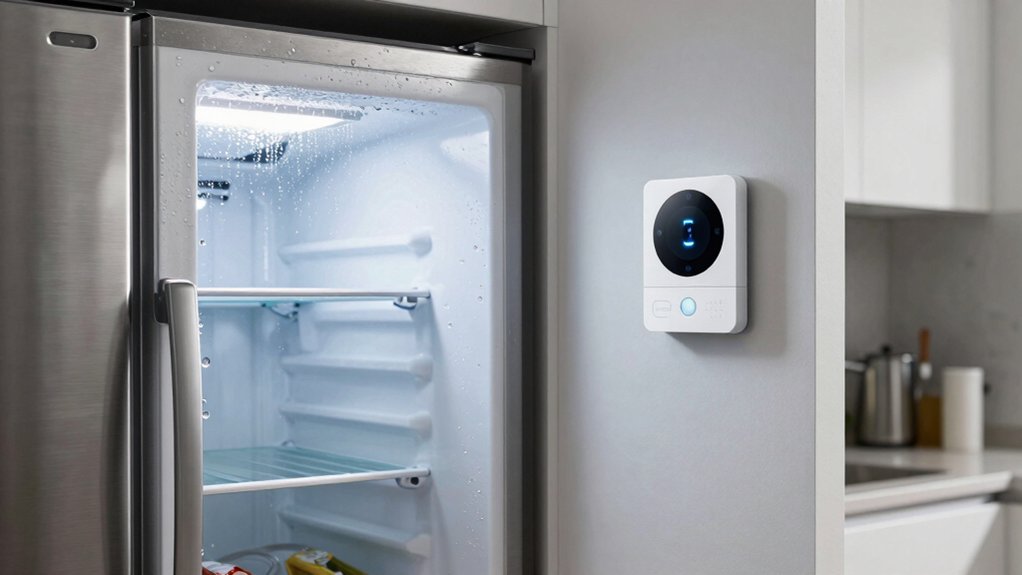
When you’re choosing a WiFi freezer alarm, you need to evaluate sensor accuracy and range to ensure precise temperature readings, check what alert types and notifications the system offers through your phone or email, and verify that the WiFi connectivity requirements match your home network setup. Next, examine the temperature monitoring capabilities to confirm the device tracks your freezer’s conditions continuously and stores historical data, then assess whether installation and setup are straightforward enough for you to complete without professional help. These five factors work together to determine whether a freezer alarm will reliably protect your food investment and fit seamlessly into your daily routine.
Sensor Accuracy and Range
How accurately can a WiFi freezer alarm detect temperature changes in your unit? Most systems use a 2.7mm NTC probe that measures temperature within ±0.9°F (±0.5°C) across a -40°F to 158°F range. This accuracy level suits standard freezer monitoring needs. Sensor response time averages around 2 seconds, enabling near-immediate readings when temperatures shift. Wireless range varies by system type: standard gateways cover up to 230 feet in open space, while BLE or LoRa configurations extend to 131 feet or beyond. A single gateway centralizes data across multiple freezers or rooms, maintaining consistent readings. Many systems include anti-false alarm features to prevent alerts from door openings or defrost cycles. Evaluate your freezer’s location relative to your router when selecting a system.
Alert Types and Notifications
Once you’ve confirmed your sensor’s accuracy and coverage range, you’ll want to examine how the system notifies you of temperature problems. Most WiFi freezer alarms deliver alerts through multiple channels: app notifications on your phone, email alerts to your inbox, and audible beeps from the hub itself. Some models include remote alerts via a connected gateway, so you’ll stay informed even when you’re away from home. To reduce unnecessary interruptions, look for anti-false alarm features that delay alerts by 1–10 minutes, filtering out brief temperature swings from door openings. You can also mute or silence alerts remotely through the app without accessing the physical device. Finally, check if the system stores temperature and alert history for up to 2 years, allowing you to review past events and patterns.
WiFi Connectivity Requirements
What’s your home network setup, and does it support the connectivity standard your freezer alarm needs? Most wifi freezer alarms require a 2.4 GHz Wi-Fi network, which differs from the faster 5 GHz standard many modern routers offer. Check your router settings to confirm you have 2.4 GHz enabled. You’ll also need a dedicated wifi gateway or hub to enable remote monitoring and push notifications. This gateway must remain powered and online for real-time alerts to function. Some systems allow multiple sensors to connect under one gateway, reducing equipment needs. If you want local-only operation without remote access, certain models use Bluetooth for proximity alerts within range. However, cloud features like data storage and two-year export capabilities require an active gateway connection to the backend service.
Temperature Monitoring Capabilities
Real-time temperature monitoring forms the backbone of effective freezer protection, and you’ll want to understand how different systems deliver this capability. Most WiFi freezer alarms refresh data every 2 seconds to continuously, allowing you to detect temperature changes almost instantly. Check that your chosen device covers the temperature range you need—typically -40°F to 158°F, accommodating both freezers and refrigerators. Accuracy matters for food safety; look for sensors with ±0.9°F precision. Review alert delivery options: app notifications, email alerts, and audible hub alarms ensure you’re notified through your preferred channels. Many systems include anti-false-alarm features to prevent nuisance warnings. Additionally, verify data storage capabilities—2 years of free storage with CSV export options lets you analyze temperature trends and document conditions when needed.
Installation and Setup Ease
How quickly can you get your freezer alarm up and running? Most quality systems complete setup in approximately five minutes. You’ll receive all necessary components: batteries, temperature probes, mounting brackets, and clips. Start by installing batteries into the main sensor unit and any wireless probes. Next, attach the gateway to your Wi-Fi network using the accompanying app. Mount the sensor inside your freezer using the included magnet, lanyard, or probe holder—whichever suits your setup. Position the gateway within range of your freezer, typically 30–50 feet. No tools or drilling are required. Finally, calibrate temperature thresholds through the app and test the alarm function. Verify that your system supports multiple sensors if you’re monitoring additional freezers or refrigerators simultaneously.
Data Storage and Export
Beyond the immediate setup and real-time alerts you’ve configured, your freezer alarm’s ability to store and retrieve temperature data becomes valuable when you need to review what happened over days, weeks, or months. Most systems offer two years of free online data storage, allowing you to access temperature graphs and historical records without paying extra. You can export your data in CSV format for detailed offline analysis whenever you need to examine temperature trends closely. Check your system’s online dashboard to view charts and long-term history at any time. Remember that data storage works independently from alerts—you can review past temperatures even if notifications are disabled. Before your two-year retention window expires, export important data or upgrade your subscription to maintain access.
Expandability and Multi-Device Support
When you’re considering a WiFi freezer alarm system, you’ll want to evaluate how many sensors and devices the gateway can manage at once, since your cold storage needs may grow beyond a single freezer. Check the wireless protocol compatibility—whether it uses 2.4 GHz Wi-Fi, BLE, or LoRa—to confirm reliable range across your facility. Verify that the hub supports adding external probes and sensor types like MS1, ST, or LS1 models for expanded monitoring capabilities. Review the system’s data aggregation features, including centralized dashboards, multi-year storage, and cross-sensor trend analysis. Confirm that you can monitor all connected devices through a single app with consistent alerts via push notifications, email, and hub beepers, ensuring comprehensive oversight of your entire cold storage network.
Final Thoughts
You’ve reviewed five reliable WiFi freezer alarms that protect your food investment. Select a system based on your needs: choose GoveeLife for affordability and app alerts, or MOCREO for advanced remote monitoring. Verify the unit supports your freezer size with adequate sensors, offers configurable temperature thresholds, and requires no subscription fees. Install magnetic sensors on shelves, configure alerts on your phone, and monitor temperature data regularly to prevent spoilage.

Meet Ry, “TechGuru,” a 36-year-old technology enthusiast with a deep passion for tech innovations. With extensive experience, he specializes in gaming hardware and software, and has expertise in gadgets, custom PCs, and audio.
Besides writing about tech and reviewing new products, he enjoys traveling, hiking, and photography. Committed to keeping up with the latest industry trends, he aims to guide readers in making informed tech decisions.