
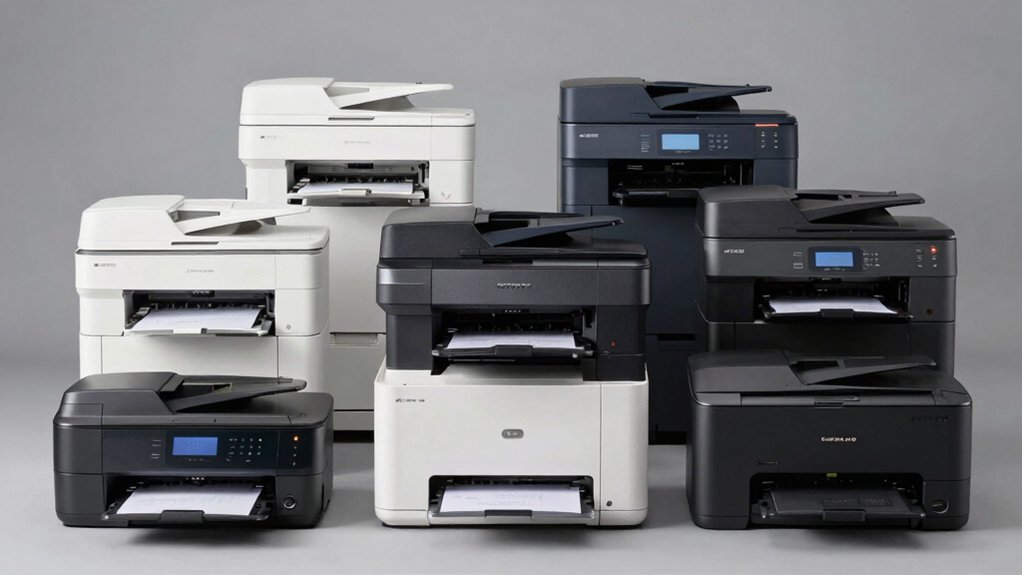

You’re looking to cut printing costs without sacrificing quality or reliability. Laser printers with cheap toner options exist, but you need to know which models actually deliver savings over time. The upfront price matters less than your total cost per page. We’ll walk you through nine printers that balance affordability with accessible, budget-friendly toner supplies—plus the key factors you should evaluate before making your decision.
| Brother HL-L2405W Wireless Monochrome Laser Printer |

| Best For Home Offices | Print Speed (B/W): 30 ppm | Connectivity Options: Wireless (2.4GHz/5GHz) + USB | Auto Duplex (2-Sided): No | VIEW LATEST PRICE | Read Our Analysis |
| HP LaserJet M110w Wireless Black & White Printer |

| Compact & Affordable | Print Speed (B/W): 21 ppm | Connectivity Options: Wireless + USB | Auto Duplex (2-Sided): No | VIEW LATEST PRICE | Read Our Analysis |
| HP LaserJet Pro 4001n Black & White Printer |

| Best For Teams | Print Speed (B/W): 42 ppm | Connectivity Options: Ethernet + USB (no wireless) | Auto Duplex (2-Sided): Not specified | VIEW LATEST PRICE | Read Our Analysis |
| Canon imageCLASS LBP122dw Wireless Laser Printer |

| Duplex Printing Leader | Print Speed (B/W): 30 ppm | Connectivity Options: Wireless + USB + Ethernet | Auto Duplex (2-Sided): Yes | VIEW LATEST PRICE | Read Our Analysis |
| HP LaserJet M209d Laser Printer (8J9L0F) |

| Budget Pick | Print Speed (B/W): 30 ppm | Connectivity Options: USB only | Auto Duplex (2-Sided): Yes | VIEW LATEST PRICE | Read Our Analysis |
| HP Laserjet MFP M140w Wireless Printer with Mobile Printing |

| Best All-In-One | Print Speed (B/W): 21 ppm | Connectivity Options: Wireless + USB | Auto Duplex (2-Sided): No | VIEW LATEST PRICE | Read Our Analysis |
| HP LaserJet Pro MFP 3101sdw Wireless All-in-One Printer |

| Professional Grade | Print Speed (B/W): 35 ppm | Connectivity Options: Wireless (Wi-Fi) | Auto Duplex (2-Sided): Yes | VIEW LATEST PRICE | Read Our Analysis |
| Canon imageCLASS MF3010 VP Monochrome Laser Printer |

| Most Versatile | Print Speed (B/W): 19 ppm | Connectivity Options: Wired USB only | Auto Duplex (2-Sided): Not specified | VIEW LATEST PRICE | Read Our Analysis |
| HP LaserJet Pro 3001dw Wireless Printer (3G65OF) |

| Fastest Printing Speed | Print Speed (B/W): 35 ppm | Connectivity Options: Wireless + Ethernet + USB | Auto Duplex (2-Sided): Yes | VIEW LATEST PRICE | Read Our Analysis |
More Details on Our Top Picks
Brother HL-L2405W Wireless Monochrome Laser Printer
Looking for a laser printer that won’t drain your budget on toner costs? The Brother HL-L2405W offers affordable printing with compatible toner cartridges that cost less than many competing brands. You’ll print up to 30 pages per minute with a 250-sheet paper tray. Connect via Wi-Fi or USB to your devices, then manage printing remotely through the Brother Mobile Connect App. Consider enrolling in the optional Refresh EZ Print Subscription for automatic toner replenishment with potential savings. The printer weighs 15.1 pounds and fits compact spaces. You’ll receive a 1-year limited warranty and lifetime support. Compatible toner options include standard TN830 cartridges or higher-yield TN830XL cartridges for longer-lasting use and better value per page printed.
- Print Speed (B/W):30 ppm
- Connectivity Options:Wireless (2.4GHz/5GHz) + USB
- Auto Duplex (2-Sided):No
- Mobile Printing Support:Yes (Brother Mobile Connect App)
- Maximum Paper Capacity:250 sheets
- Warranty:1-year limited
- Additional Feature:Refresh EZ Print Subscription available
- Additional Feature:Brother Mobile Connect App included
- Additional Feature:Compact 14.2″ x 14″ footprint
HP LaserJet M110w Wireless Black & White Printer
Need a compact laser printer that won’t monopolize your desk space? The HP LaserJet M110w delivers professional black and white printing at 21 pages per minute while weighing just 8.34 pounds. You’ll appreciate its wireless connectivity, mobile printing capabilities through the HP Smart app, and compatibility with Windows, Mac, Android, and Chromebook devices. The printer supports standard media sizes up to 8.5 x 14 inches and includes a flatbed scanner for copying. Its Energy Star certification keeps power consumption minimal. You’ll need original HP cartridges with chips for operation, ensuring reliable performance and ongoing toner cost management for your small team workflow.
- Print Speed (B/W):21 ppm
- Connectivity Options:Wireless + USB
- Auto Duplex (2-Sided):No
- Mobile Printing Support:Yes (HP Smart app)
- Maximum Paper Capacity:Not specified
- Warranty:1-year limited
- Additional Feature:World’s smallest laser printer
- Additional Feature:Energy Star certified
- Additional Feature:Alexa-compatible control support
HP LaserJet Pro 4001n Black & White Printer
If you’re running a small office or team of up to 10 users and you want a printer that delivers professional-quality documents without complicated setup, the HP LaserJet Pro 4001n works well for your needs. This black-and-white printer produces up to 42 pages per minute, helping you complete jobs quickly. Connect via Ethernet or USB and print from any device—PC, tablet, or mobile phone using AirPrint, Android, or Chromebook compatibility. HP Wolf Pro Security protects your data with customizable settings, and periodic firmware updates keep your system safe. The printer accepts only original HP cartridges with HP chips, blocking third-party alternatives to maintain reliability and security standards.
- Print Speed (B/W):42 ppm
- Connectivity Options:Ethernet + USB (no wireless)
- Auto Duplex (2-Sided):Not specified
- Mobile Printing Support:Yes (mobile device printing)
- Maximum Paper Capacity:Not specified
- Warranty:Not specified
- Additional Feature:Up to 42 ppm speed
- Additional Feature:HP Wolf Pro Security included
- Additional Feature:Supports up to 10 users
Canon imageCLASS LBP122dw Wireless Laser Printer
The Canon imageCLASS LBP122dw works best for home and small office users who want a compact printer that doesn’t sacrifice speed or connectivity. This wireless laser printer delivers 30 pages per minute in black and white, fitting easily into tight spaces at just 15.4″ deep. You’ll use Canon GENUINE Toner 071 or 071H cartridges, which offer affordable per-page costs compared to other brands. The printer supports auto-duplex printing to reduce paper waste and includes Wi-Fi connectivity for mobile printing through the Canon PRINT app. With a 150-sheet paper capacity and Energy Star certification, you’re gaining efficiency without breaking your budget on consumables.
- Print Speed (B/W):30 ppm
- Connectivity Options:Wireless + USB + Ethernet
- Auto Duplex (2-Sided):Yes
- Mobile Printing Support:Yes (Canon PRINT app)
- Maximum Paper Capacity:150 sheets
- Warranty:1-year limited
- Additional Feature:Auto-duplex two-sided printing
- Additional Feature:Canon PRINT app compatibility
- Additional Feature:EPEAT Silver certified
HP LaserJet M209d Laser Printer (8J9L0F)
For home office workers who print occasionally and want to minimize ongoing expenses, you’ll find the HP LaserJet M209d delivers three practical advantages: automatic duplex printing that cuts paper use in half, fast 30 ppm output for quick jobs, and a compact footprint that fits tight spaces. The printer accepts only HP-chipped cartridges, which manufacturers design to work efficiently with this model. You’ll appreciate the 150-sheet input tray that reduces frequent paper refilling. Setup requires connecting the included USB cable to your laptop or PC, then installing drivers. The 600 x 600 resolution produces sharp text suitable for business documents. Energy-efficient operation keeps electricity costs low during extended use.
- Print Speed (B/W):30 ppm
- Connectivity Options:USB only
- Auto Duplex (2-Sided):Yes
- Mobile Printing Support:No (USB only)
- Maximum Paper Capacity:150 sheets
- Warranty:1-year limited
- Additional Feature:USB connection only design
- Additional Feature:Compact space-saving footprint
- Additional Feature:Quiet operation suitable indoors
HP Laserjet MFP M140w Wireless Printer with Mobile Printing
Small teams with one to three members who need compact, multifunctional printing will find the HP LaserJet MFP M140w an efficient choice because it combines print, scan, and copy capabilities in the world’s smallest multifunction laser printer in its class. You’ll print up to 21 black and white pages per minute at 600 x 600 dpi resolution. The flatbed scanner works with laptops, PCs, smartphones, and tablets. You can connect via USB 2.0 or wireless using AirPrint or Mopria. The HP Smart app lets you print from mobile devices and manage scan tasks remotely. Load paper up to 8.5 by 14 inches with a capacity of 99 sheets. This setup keeps costs manageable while delivering reliable performance for small-office needs.
- Print Speed (B/W):21 ppm
- Connectivity Options:Wireless + USB
- Auto Duplex (2-Sided):No
- Mobile Printing Support:Yes (HP Smart app)
- Maximum Paper Capacity:99 sheets
- Warranty:1-year limited
- Additional Feature:World’s smallest multifunction printer
- Additional Feature:Auto Document Feeder present
- Additional Feature:All-in-one print/scan/copy
HP LaserJet Pro MFP 3101sdw Wireless All-in-One Printer
HP’s LaserJet Pro MFP 3101sdw ranks among the best laser printers with cheap toner if you’re managing a small team that needs reliable, professional-quality black-and-white documents without frequent cartridge replacements. You’ll get print speeds up to 35 ppm, auto 2-sided printing, and a 50-sheet auto document feeder that handles scanning and copying efficiently. The 250-sheet input tray reduces your need to refill paper constantly. You’ll appreciate the wireless connectivity that keeps your team printing from multiple devices. The printer’s award-winning reliability means you’re not replacing equipment frequently, which saves money over time. HP’s chip-based security system ensures you’re using genuine cartridges, protecting your investment in affordable toner costs.
- Print Speed (B/W):35 ppm
- Connectivity Options:Wireless (Wi-Fi)
- Auto Duplex (2-Sided):Yes
- Mobile Printing Support:Yes (wireless printing)
- Maximum Paper Capacity:250 sheets
- Warranty:Not specified
- Additional Feature:50-sheet auto document feeder
- Additional Feature:Award-winning reliability performance
- Additional Feature:250-sheet input tray capacity
Canon imageCLASS MF3010 VP Monochrome Laser Printer
Looking to cut printing costs without sacrificing essential functions? The Canon imageCLASS MF3010 VP delivers printer, scanner, and copier capabilities in one compact unit. You’ll get up to 2,300 pages from each toner cartridge, reducing replacement frequency and expenses. This monochrome laser printer operates at 19 pages per minute and includes an ID Card Copy feature for duplicating identification documents. The device supports Windows 10, 8.1, 8, 7, and Vista, plus Mac OS X 10.11 and Linux print-only functionality. With a 150-sheet paper capacity and energy saver mode using just 1.2 watts during sleep, you’ll minimize both paper handling and power consumption while managing your printing budget effectively.
- Print Speed (B/W):19 ppm
- Connectivity Options:Wired USB only
- Auto Duplex (2-Sided):Not specified
- Mobile Printing Support:No (wired only)
- Maximum Paper Capacity:150 sheets
- Warranty:Not specified
- Additional Feature:ID Card Copy feature
- Additional Feature:Energy saver 1.2W mode
- Additional Feature:Multifunction printer/scanner/copier
HP LaserJet Pro 3001dw Wireless Printer (3G65OF)
The LaserJet Pro 3001dw works best for small offices or workgroups that need reliable black-and-white printing without breaking the budget on supplies. This 35 ppm printer handles up to seven users with auto-duplex printing that reduces paper waste. You’ll connect via Ethernet, USB, or Wi-Fi for flexible device access across Windows, Mac, and mobile platforms. The printer supports HP Instant Ink service, which delivers toner automatically and recycles used cartridges. Security features include Wolf Pro Protection and PIN authentication. At 16.1 pounds, it fits standard office spaces. One-year limited warranty and Amazon’s 30-day return policy provide purchase protection.
- Print Speed (B/W):35 ppm
- Connectivity Options:Wireless + Ethernet + USB
- Auto Duplex (2-Sided):Yes
- Mobile Printing Support:Yes (cloud-enabled printing)
- Maximum Paper Capacity:Not specified
- Warranty:1-year limited
- Additional Feature:HP Web JetAdmin management
- Additional Feature:Instant Ink toner delivery
- Additional Feature:PIN/pull authentication security
Factors to Consider When Choosing a Laser Printer With Cheap Toner
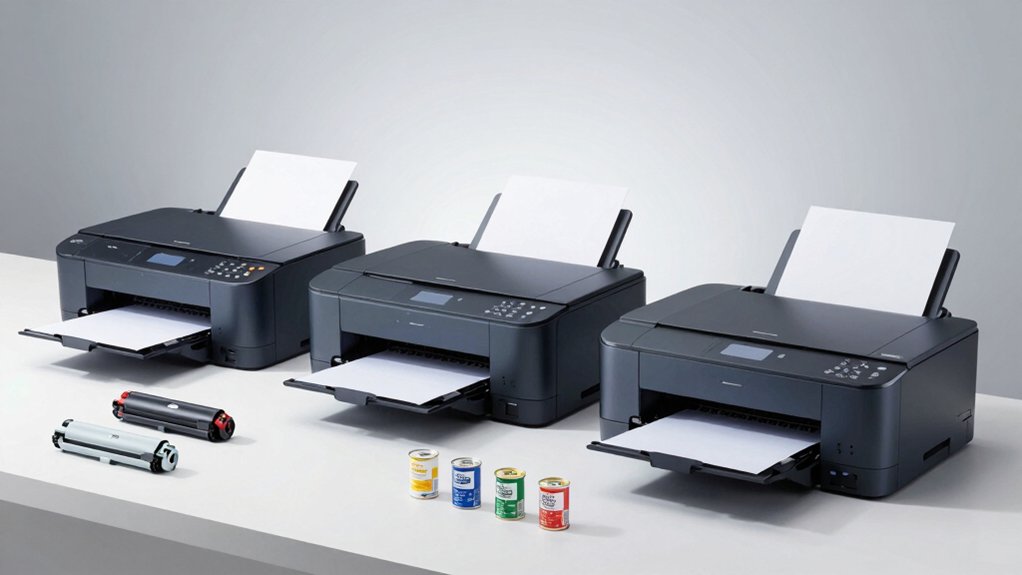
When you’re choosing a laser printer with cheap toner, you’ll need to examine toner cartridge compatibility to ensure affordable third-party options are available, evaluate the page yield efficiency of cartridges to calculate your actual cost per page, and research subscription replenishment options that some manufacturers offer at discounted rates. Next, check whether high-capacity cartridge versions exist for your target model, as these typically lower your per-page expenses significantly. Finally, perform a total cost analysis by comparing the printer’s initial price plus your estimated toner spending over two to three years across different models.
Toner Cartridge Compatibility
How do you know which toner cartridges’ll actually work in your printer? First, locate your exact printer model number and check the manufacturer’s compatibility list. Identify the specific toner model, such as TN830 or 071, and note whether high-yield variants exist for better cost savings. Verify that your printer accepts both starter and standard cartridges, since some models ship with limited-capacity toners. Be aware that firmware updates may restrict third-party or remanufactured cartridges, so confirm compatibility before purchasing alternatives. Check whether your printer supports subscription plans that include toner replenishment, as these affect long-term expenses and supply reliability. Always purchase cartridges with proper manufacturer chips, since printers frequently block non-brand circuitry through security features.
Page Yield Efficiency
Why does page yield matter so much when you’re hunting for cheap toner? Page yield directly determines your cost per page, which reveals your true long-term expenses. To compare cartridges fairly, divide the cartridge price by its rated page yield. For example, a $50 cartridge rated for 2,000 pages costs 2.5 cents per page, while a $70 cartridge rated for 5,000 pages costs 1.4 cents per page. High-yield and XL cartridges typically cost more upfront but deliver significantly lower per-page costs over time. You’ll also extend toner life by using duplex printing, which prints on both sides and reduces total pages used. Always verify manufacturer-approved cartridges to ensure compatibility and maintain consistent print quality throughout the cartridge’s rated yield.
Subscription Replenishment Options
Many manufacturers now offer automatic toner-replenishment subscriptions that’ll deliver cartridges on a schedule you set, often with trial periods before charging begins. Review what cartridge types each plan includes—standard or high-yield options—to match your print volume. Check subscription terms carefully for page limits or rollover policies that determine when overages occur. Calculate total cost of ownership by comparing monthly subscription fees against buying cartridges individually, including shipping costs. Verify whether you’re locked into specific cartridge models or brands, as some plans restrict compatibility. Cancel anytime if the subscription doesn’t deliver value. Weigh trial periods as opportunities to test whether automated delivery genuinely saves money versus your current purchasing pattern before committing long-term.
High-Capacity Cartridge Availability
Beyond subscription schedules, you’ll want to examine whether your printer model offers high-capacity toner cartridges that’ll lower your per-page printing cost. High-yield options, like the TN830XL versus standard TN830, deliver significantly more pages per cartridge. Check your printer’s specifications to confirm which cartridges it supports. Research both genuine and compatible high-capacity options available for your model, as selection varies by brand and printer type. Compare the page yield numbers listed on each cartridge to calculate actual per-page costs. Printers marketed for high-volume use typically list multiple high-capacity toner choices, signaling better long-term value. Verify availability through authorized retailers and online suppliers before purchasing your printer, ensuring you’ll access affordable replacement cartridges throughout ownership.
Total Cost Analysis
Several critical factors determine a laser printer’s true affordability over its lifetime, and you’ll need to calculate beyond just the upfront purchase price. Start by adding the printer’s cost to your estimated annual toner expenses based on your page volume. Next, check the warranty length—longer coverage reduces unexpected repair costs. Then evaluate whether the printer accepts third-party toners, as restricting you to OEM cartridges increases long-term expenses. Compare cost-per-page rates between standard and high-yield options; high-yield toner typically delivers lower per-page costs despite higher initial cartridge prices. Finally, research subscription programs that offer automatic replenishment with potential discounts, noting their cancellation policies. This comprehensive calculation reveals your actual ownership cost, helping you choose a printer that genuinely saves money over time.
Final Thoughts
You’ve reviewed nine laser printers that offer cost-effective toning. Select one based on your needs: choose the Brother HL-L2405W for basic monochrome printing, pick an HP model for advanced features like scanning, or go with Canon for reliability. Calculate total ownership costs by comparing cartridge prices and page yields. Buy high-capacity cartridges, enable duplex printing, and explore toner subscription options to maximize savings over time.

Meet Ry, “TechGuru,” a 36-year-old technology enthusiast with a deep passion for tech innovations. With extensive experience, he specializes in gaming hardware and software, and has expertise in gadgets, custom PCs, and audio.
Besides writing about tech and reviewing new products, he enjoys traveling, hiking, and photography. Committed to keeping up with the latest industry trends, he aims to guide readers in making informed tech decisions.