
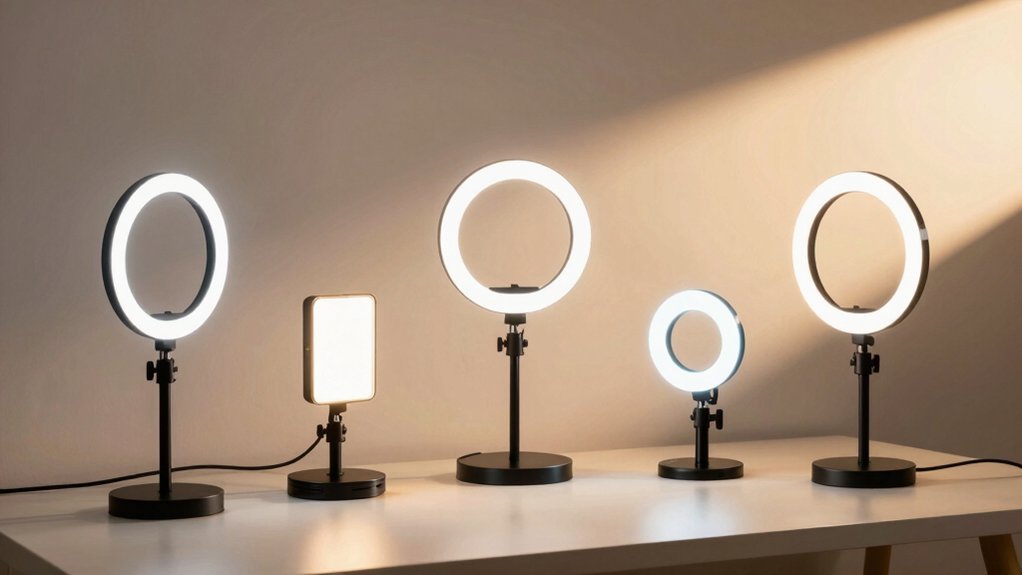

You’re likely frustrated with how you look on video calls—dim lighting, harsh shadows, or washed-out colors make you appear unprofessional. Portable lights fix these problems by improving your on-camera appearance without expensive studio setups. You’ll find clip-on options, ring lights, and desk models that adjust brightness and color temperature to match your environment. Each type offers specific benefits depending on your space and needs. Here’s what you should know before choosing.
| Cyezcor Ring Light for Video Conference and Live Streaming |

| Best Compact Pick | Color Temperature Range: 3200K–6800K (3 modes) | Brightness Levels: 5 levels | Power Source: USB-powered (display, laptop, power bank, or charger) | VIEW LATEST PRICE | Read Our Analysis |
| ALTSON 60 LED Portable Selfie Light with Tripod Adapter |

| Best Portable Option | Color Temperature Range: 2500K–6500K (3 modes) | Brightness Levels: 10 levels | Power Source: Rechargeable 2200mAh battery (USB-C) | VIEW LATEST PRICE | Read Our Analysis |
| Zoom Lighting Adjustable Desk Ring Light for Video Calls |

| Best Desk Setup | Color Temperature Range: 3000K–6500K (3 modes) | Brightness Levels: 10 levels | Power Source: USB-powered (5V 2A) | VIEW LATEST PRICE | Read Our Analysis |
| InnoGear Video Conference LED Streaming Light with Remote Control |

| Best Flexibility | Color Temperature Range: 3 color modes (white, warm, natural) | Brightness Levels: 10 levels | Power Source: 5V/2A+ adapter or power bank | VIEW LATEST PRICE | Read Our Analysis |
| Upgraded Ring Light for Laptop Monitor with LED Clip |

| Best Diffused Lighting | Color Temperature Range: 3000K–6000K (5 modes) | Brightness Levels: 10 levels | Power Source: USB-powered (5V 2A) | VIEW LATEST PRICE | Read Our Analysis |
More Details on Our Top Picks
Cyezcor Ring Light for Video Conference and Live Streaming
How do you light your video calls without taking up desk space? The Cyezcor Ring Light clips directly onto your monitor, delivering even illumination across your face. You’ll adjust brightness across five levels and select from three color temperatures (3200K–6800K) to match your lighting environment. The 48 LED beads produce 10W of soft light with minimal shadows and glare. Setup takes minutes: clip the light to your screen, rotate it for your preferred angle, and plug the USB cable into your laptop, display, or power bank. Use it for Zoom calls, Teams meetings, YouTube videos, or live streams. The lightweight design makes it portable between workspaces.
- Color Temperature Range:3200K–6800K (3 modes)
- Brightness Levels:5 levels
- Power Source:USB-powered (display, laptop, power bank, or charger)
- Adjustability & Positioning:Clip-on with rotation for direction/angle
- Portability & Form Factor:Lightweight clip-on design for monitor
- Warranty Coverage:Amazon 30-day voluntary return
- Additional Feature:48 LED lamp beads
- Additional Feature:Monitor clip-on design
- Additional Feature:Minimal glare/shadow output
ALTSON 60 LED Portable Selfie Light with Tripod Adapter
When you’re joining video calls from home or the office, do you know what separates a dim, unflattering image from one that looks polished and professional? The ALTSON 60 LED light delivers photography-grade illumination with 60 LEDs and 97+ CRI to enhance your skin tone evenly. Choose from three color modes—white, natural, or warm (2500K–6500K)—then adjust brightness across 10 levels to match your lighting conditions. Mount it on a tripod using the included ¼-inch adapter, attach it to your device with the clip, or position it via the hot shoe mount. The 2200mAh battery lasts up to 15 hours at low brightness, keeping you powered through extended workdays.
- Color Temperature Range:2500K–6500K (3 modes)
- Brightness Levels:10 levels
- Power Source:Rechargeable 2200mAh battery (USB-C)
- Adjustability & Positioning:160° rotation with clip and tripod adapter
- Portability & Form Factor:Compact, pocket-size (3.9 x 2.8 x 0.78 inches, 95g) with storage pouch
- Warranty Coverage:24-month warranty with 30-day return guarantee
- Additional Feature:2200mAh rechargeable battery
- Additional Feature:CRI 97+ photography-grade
- Additional Feature:160° rotation positioning
Zoom Lighting Adjustable Desk Ring Light for Video Calls
If you’re setting up a desk for professional video calls without investing in multiple lighting tools, the Zoom Lighting Adjustable Desk Ring Light delivers the core setup you’ll need. This 7-inch ring light offers 30 modes across three color temperatures (3000K–6500K) and 10 brightness levels, ensuring you’ll find ideal settings for your specific environment. The high CRI 97.8 rating reproduces colors accurately on camera. Adjust the light’s height from 20.5 to 28.5 inches, rotate it 360 degrees, and position it behind or beside your monitor. The sturdy metal base with non-slip padding protects your desk. USB power (5V/2A) connects directly to your computer, and a universal phone holder accommodates smartphones for dual-purpose use.
- Color Temperature Range:3000K–6500K (3 modes)
- Brightness Levels:10 levels
- Power Source:USB-powered (5V 2A)
- Adjustability & Positioning:360° omni-directional rotation, height adjustable 20.5–28.5 inches
- Portability & Form Factor:7-inch desk ring light with sturdy metal base
- Warranty Coverage:3-year after-sales service with 30-day return policy
- Additional Feature:7-inch full-screen light
- Additional Feature:CRI 97.8 high quality
- Additional Feature:Universal 360° phone holder
InnoGear Video Conference LED Streaming Light with Remote Control
The InnoGear Video Conference LED Streaming Light delivers flexibility you’ll need whether you’re joining Zoom calls from your desk, recording YouTube content, or streaming live. Set it up in under one minute using either the clip-on mount or desktop stand. Power it via a 5V/2A+ adapter—not your laptop’s USB port. Choose from three color modes: white, warm, or natural. Adjust brightness across ten levels with the included remote or touch controls. The light rotates 360° horizontally and 180° vertically, positioning it precisely for your camera angle. Its flicker-free technology protects your eyes during extended calls. With 12-month warranty coverage, you’ll have reliable professional lighting for any streaming scenario.
- Color Temperature Range:3 color modes (white, warm, natural)
- Brightness Levels:10 levels
- Power Source:5V/2A+ adapter or power bank
- Adjustability & Positioning:360° horizontal and 180° vertical with clip-on or desktop stand
- Portability & Form Factor:Clip-on or standalone desktop light with remote control
- Warranty Coverage:12-month warranty with 30-day return guarantee
- Additional Feature:Remote and touch control
- Additional Feature:Horizontal/vertical orientation modes
- Additional Feature:Flicker-free eye protection
Upgraded Ring Light for Laptop Monitor with LED Clip
You’ll want this ring light if you’re joining video calls from your desk and need lighting that won’t create harsh shadows or unflattering reflections on your face. The 4-layer optical soft panel uses diffused and edge-lit technology to soften shadows and even your skin tone. You can select from 50 lighting combinations by choosing among five color temperatures (3000K–6000K) and ten brightness levels. The screen-safe clip mounts securely to your monitor, with adjustable height from 6–8.9 inches and 360° rotation. The lamp rotates 180° for precise positioning. Simply plug the USB cable into any 5V 2A power source, and you’re ready to start your call with professional lighting.
- Color Temperature Range:3000K–6000K (5 modes)
- Brightness Levels:10 levels
- Power Source:USB-powered (5V 2A)
- Adjustability & Positioning:360° rotation, 180° tilt, height adjustment 6–8.9 inches
- Portability & Form Factor:Lightweight (11.8 oz), 5-inch lamp head, portable with integrated stand
- Warranty Coverage:24-month warranty with 24/7 customer support
- Additional Feature:4-layer optical soft panel
- Additional Feature:50 total lighting combinations
- Additional Feature:Integrated phone/iPad stand
Factors to Consider When Choosing a Portable Light for Zoom and Teams Calls
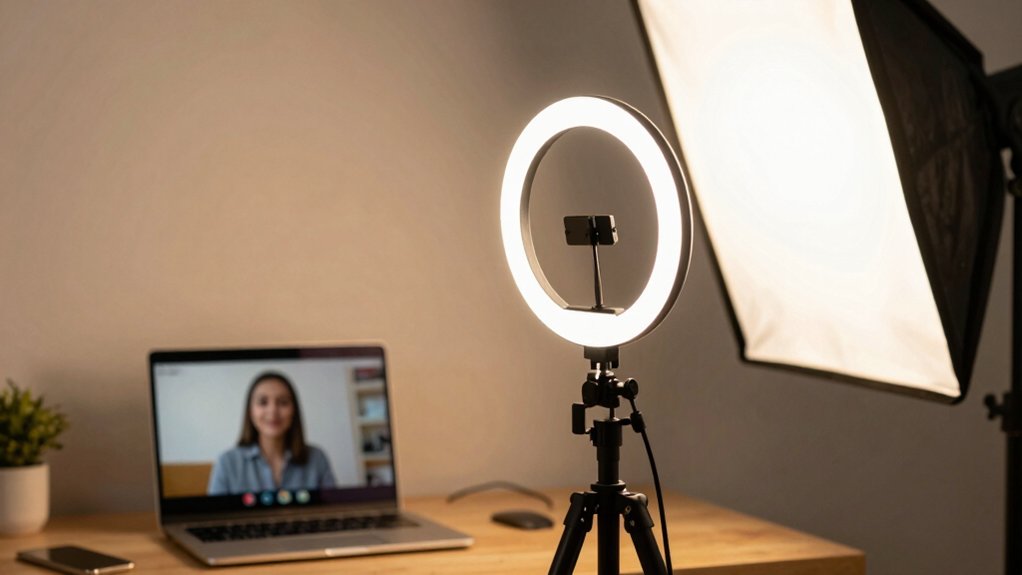
When you’re selecting a portable light for video calls, you’ll want to evaluate five key factors: portability and weight so you can move the light between locations, power source and battery life to guarantee it runs during your meetings, lighting quality and CRI standards to reproduce colors accurately on camera, color temperature adjustability to match your environment and skin tone, and mounting flexibility to position the light on your monitor, desk, or tripod. Start by identifying your primary use—whether you need a light that stays on your desk or travels with your laptop—because this determines which portability level and power option work best for you. Next, check the specifications for CRI (Color Rendering Index) ratings above 90, adjustable color temperature ranges, and compatible mounting systems before making your purchase.
Portability and Weight Considerations
How much weight can you realistically carry in your work bag? Portable lights range from 95 grams to 11.8 ounces, so you’ll want to match the weight to your travel habits. Lighter models under 200 grams work best if you’re commuting daily or traveling frequently. Heavier options are acceptable if you’re primarily stationary. Next, evaluate the physical size. Foldable designs measuring around 3.9 x 2.8 x 0.78 inches pack efficiently into bags and desk spaces. Choose clip-on models with widths between 1.55 and 2.35 inches to secure the light to monitors or laptops without extra stands. Finally, verify USB-powered operation so you’ll avoid carrying separate power adapters. This combination keeps your setup compact and reduces overall transport burden.
Power Source and Battery Life
What’s the best way to keep your portable light running during back-to-back calls? Consider your power source first. USB-powered lights draw energy directly from your display, laptop, power bank, or charger, eliminating battery concerns entirely. Battery-powered models offer independence but require planning. Check the capacity—a 2200mAh battery provides up to 15 hours at 10% brightness or 4 hours at 50% brightness. For frequent meetings, choose models with USB-C charging interfaces for fast recharges between calls. Ensure your light requires stable power, like 5V/2A, to prevent flicker during video. Built-in rechargeable batteries enhance portability during remote work by reducing wall-power dependence. Match your power choice to your meeting schedule and workspace setup.
Lighting Quality and CRI Standards
Once you’ve secured a reliable power source for your portable light, you’ll need to focus on how well that light renders your appearance on camera. Look for lights with a CRI (color rendering index) of 97–98, which accurately reproduces your skin tone and facial features during video calls. Choose lights with adjustable color temperature ranging from 2500K to 6500K, allowing you to match your room’s existing lighting and eliminate color cast. Select models offering at least three color modes—white, natural, and warm—so you can adapt to different times of day. Ensure the light provides even, glare-free illumination through diffused LEDs or ring designs that minimize shadows. Verify the brightness offers multiple levels, ideally ten or more, for clear facial visibility across varying room conditions without flickering.
Color Temperature Adjustability Options
Why does your skin tone look different on video calls than it does in person? Mismatched color temperature causes this problem. Your light’s color temperature—measured in Kelvin (K)—determines whether it casts warm, neutral, or cool tones on your face.
Choose a light offering adjustable temperature between 3200K and 6800K. Warm settings (3000K) match incandescent bulbs, neutral (4000K) balances most environments, and cool (6500K) mimics daylight. Adjust your light’s temperature to match your room’s ambient lighting and your monitor’s screen tone, reducing color cast.
Some lights provide three preset modes for quick switching without recalibration. Select the mode matching your current environment. Consistent color temperature across your setup maintains uniform appearance throughout calls, preventing noticeable skin tone shifts that distract viewers.
Mounting Flexibility and Compatibility
Since you’ll be moving your portable light between different workspaces, you need a mounting system that adapts to your setup. Look for clip-on systems that fit screen thicknesses between 1.55–2.35 inches for secure laptop or monitor mounting. Check whether the light includes additional mounting options, such as desktop stands or 1/4-inch threaded adapters, so you can use it as a standalone unit when needed. Verify that the mounting method uses non-slip pads or protective clamps to prevent scratches or slips during use. Confirm USB power compatibility with displays, laptops, power banks, or chargers for flexible placement. Finally, ensure the light offers 360° rotation and adjustable tilt (typically 180°) to achieve optimal lighting angles for your video calls.
Warranty and After-Sales Support
When you’re investing in a portable light for video calls, you’ll want to understand what protection you’re getting through warranties and customer support. Warranty lengths vary significantly among models: some offer 12 months of coverage, while others provide 24 months or even 3-year after-sales service. These warranties typically cover manufacturing defects and equipment failures. You should verify exactly what each warranty includes before purchasing. All listed products come with a 30-day Amazon return window, giving you time to test performance and request refunds if needed. Customer support responsiveness matters too—check stated response times, such as 24-hour replies, to ensure you can reach help quickly when problems arise. Compare these protections across models to select the light matching your support expectations.
Final Thoughts
You’ve reviewed five portable lighting options designed to enhance your video calls. Select based on your setup: choose clip-on lights for monitor mounting, ring lights for desk placement, or tripod models for flexibility. Verify the color temperature range (3200–6800K) meets your room’s lighting. Check brightness levels and battery versus USB power. Compare warranty terms and return policies. Test your chosen light before important calls to confirm it eliminates shadows and delivers professional appearance.

Meet Ry, “TechGuru,” a 36-year-old technology enthusiast with a deep passion for tech innovations. With extensive experience, he specializes in gaming hardware and software, and has expertise in gadgets, custom PCs, and audio.
Besides writing about tech and reviewing new products, he enjoys traveling, hiking, and photography. Committed to keeping up with the latest industry trends, he aims to guide readers in making informed tech decisions.