
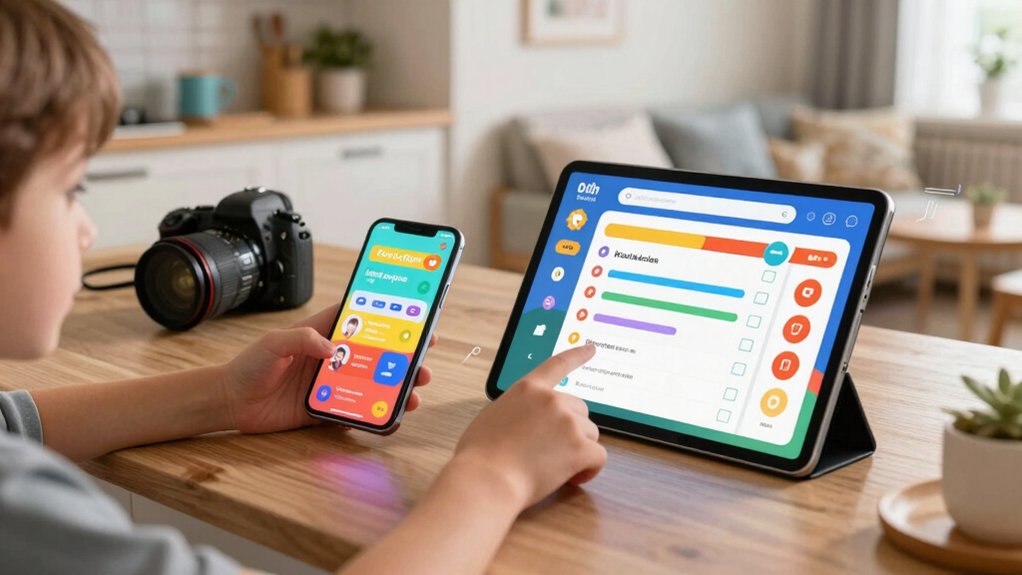

You’re struggling to get your kids to complete their chores consistently. Digital chore charts offer a practical solution by combining visual task assignments, interactive rewards, and calendar synchronization into one accessible system. These devices display chores on touchscreens, track completion progress, and celebrate achievements through photos and performance metrics. The challenge isn’t finding a chart—it’s selecting the right one for your family’s specific needs and household structure.
| Dragon Touch 10.1 inch Digital Calendar Chore Chart |

| Best All-in-One | Chore Chart System: Interactive chore chart with color-coded task assignment by family member | Screen Size: 10.1 inches | Calendar Sync Capability: Syncs with iOS, Google, and other personal calendars | VIEW LATEST PRICE | Read Our Analysis |
| Digital Calendar 10.1″ Smart WiFi Touchscreen Family Organizer |

| Best Value Pick | Chore Chart System: Chore management with automated reminders, color-coding, and reward points system | Screen Size: 10.1 inches | Calendar Sync Capability: Two-way sync with Google Calendar; supports iCloud, Outlook, Cozi, Yahoo | VIEW LATEST PRICE | Read Our Analysis |
| Digital Calendar 15.6″ Wall Planner with Touchscreen |

| Best for Large Families | Chore Chart System: Interactive chore chart with star marking and color-coded member schedules | Screen Size: 15.6 inches | Calendar Sync Capability: Syncs with Google, iCloud, Outlook, and other calendars | VIEW LATEST PRICE | Read Our Analysis |
| Digital Calendar 10 Inch Touch Screen Family Planner |

| Best Budget Option | Chore Chart System: Interactive task and reward system with star rewards for completed chores | Screen Size: 10 inches | Calendar Sync Capability: Syncs with Google, Yahoo, and major calendars | VIEW LATEST PRICE | Read Our Analysis |
| Cozyla Calendar Plus 2: 15.6″ Smart Digital Family Dashboard |

| Best Smart Features | Chore Chart System: Digital chore chart with color-coded family members and points-based rewards | Screen Size: 15.6 inches | Calendar Sync Capability: Real-time syncing with Google, Apple, Outlook, Yahoo, and more | VIEW LATEST PRICE | Read Our Analysis |
More Details on Our Top Picks
Dragon Touch 10.1 inch Digital Calendar Chore Chart
The Dragon Touch 10.1 inch digital frame serves families seeking one unified system for calendars, chores, and meal planning. You’ll plug in the device, connect to Wi-Fi, and link your personal calendars—iOS, Google, or others—through the mobile app. Assign different colors and tasks to each family member to clarify responsibilities. The interactive chore chart motivates children to complete assigned tasks and build healthy habits. You can display dinner plans to eliminate daily questions about meals. The touchscreen automatically syncs across authorized devices, letting you manage schedules from anywhere. Free features include the photo frame mode, chore chart, dinner planning, and grocery list functionality.
- Chore Chart System:Interactive chore chart with color-coded task assignment by family member
- Screen Size:10.1 inches
- Calendar Sync Capability:Syncs with iOS, Google, and other personal calendars
- Digital Photo Frame:Elegant digital picture frame mode displays family photos
- Meal Planning Tools:Displays dinner plans to reduce “What’s for dinner?” questions
- Mobile App Management:eCalendar App for remote calendar access and management
- Additional Feature:Color-coded task assignment system
- Additional Feature:Magic Import advanced tool option
- Additional Feature:Elegant photo frame display mode
Digital Calendar 10.1″ Smart WiFi Touchscreen Family Organizer
Linkdaze’s Digital Calendar 10.1″ Smart WiFi Touchscreen Family Organizer serves families seeking an all-in-one command center that manages schedules, chores, and household tasks from one wall-mounted device. You’ll assign color-coded chores to each family member, set automated reminders, and track completion on the 10.1-inch touchscreen. The built-in reward system lets kids earn points for finished tasks to unlock shared family rewards. You sync the calendar with Google Calendar, iCloud, and Outlook, ensuring schedules stay current across devices. The AiMOR app extends access to smartphones, enabling remote management and notifications. You store photos and videos using the 32GB memory, displaying them when the device isn’t actively managing tasks.
- Chore Chart System:Chore management with automated reminders, color-coding, and reward points system
- Screen Size:10.1 inches
- Calendar Sync Capability:Two-way sync with Google Calendar; supports iCloud, Outlook, Cozi, Yahoo
- Digital Photo Frame:Doubles as digital photo frame when idle; 32GB storage
- Meal Planning Tools:Meal planning feature with weekly menus and recipe saving
- Mobile App Management:AiMOR app for mobile access, reminders, chore chart, and rewards
- Additional Feature:Points-based reward unlock system
- Additional Feature:Age-appropriate cooking task assignment
- Additional Feature:32GB built-in photo/video storage
Digital Calendar 15.6″ Wall Planner with Touchscreen
Coordinating schedules across multiple family members becomes manageable when you use a wall-mounted digital calendar that displays everyone’s commitments simultaneously. The 15.6″ Digital Calendar syncs with Google, iCloud, and Outlook accounts to consolidate all schedules in one location. Color-coded member schedules let you identify who’s busy and when at a glance. The built-in chore chart features interactive marking and reward stars, encouraging children to complete assigned tasks. You can also access the meal planner to browse recipes, create weekly menus, and generate shopping lists. The 1920×1080 touchscreen responds to swipes and taps, making navigation straightforward for all ages. Mount it in your kitchen for easy reference and daily updates.
- Chore Chart System:Interactive chore chart with star marking and color-coded member schedules
- Screen Size:15.6 inches
- Calendar Sync Capability:Syncs with Google, iCloud, Outlook, and other calendars
- Digital Photo Frame:Built-in digital photo frame mode with HD photo display; 64GB storage
- Meal Planning Tools:Built-in meal planner with recipe browsing and shopping list
- Mobile App Management:Wi-Fi connectivity with mobile syncing capability
- Additional Feature:1920×1080 HD resolution display
- Additional Feature:Built-in recipe browsing feature
- Additional Feature:64GB memory for photos
Digital Calendar 10 Inch Touch Screen Family Planner
How do you balance affordability with functionality when organizing your household? The 10-inch Digital Calendar offers a compact, budget-friendly option that doesn’t sacrifice essential features. You’ll access daily, weekly, and monthly view modes to schedule school, work, and activities by role or event. The interactive task and reward system lets you assign chores and convert them into engaging challenges using star rewards. You can sync wirelessly with Google and Yahoo calendars through a dedicated app while controlling privacy settings. The device includes 32GB storage for family photos, transforming it into a dual-purpose calendar and digital frame. A sleep function reduces energy consumption when inactive, making this planner both practical and economical for families managing multiple schedules simultaneously.
- Chore Chart System:Interactive task and reward system with star rewards for completed chores
- Screen Size:10 inches
- Calendar Sync Capability:Syncs with Google, Yahoo, and major calendars
- Digital Photo Frame:Dual-purpose digital photo frame; 32GB storage
- Meal Planning Tools:Not explicitly featured
- Mobile App Management:Dedicated app for wireless syncing with cross-device updates
- Additional Feature:Star-based reward conversion system
- Additional Feature:Daily/weekly/monthly view modes
- Additional Feature:Energy-saving sleep function
Cozyla Calendar Plus 2: 15.6″ Smart Digital Family Dashboard
Wondering how to consolidate your family’s schedules, chores, and meal plans on a single touchscreen? The Cozyla Calendar Plus 2 offers a 15.6″ smart dashboard that syncs with Google, Apple, and Outlook without subscriptions. Assign chores to family members, assign unique colors and avatars, and award points for task completion. The device displays customizable widgets including chore charts, meal planners, and shopping lists. Use the AI assistant to voice command entries or scan photos to digitize paper events. Download apps from Google Play Store to expand functionality, creating a centralized family command center that reduces scheduling confusion and motivates kids through its reward system.
- Chore Chart System:Digital chore chart with color-coded family members and points-based rewards
- Screen Size:15.6 inches
- Calendar Sync Capability:Real-time syncing with Google, Apple, Outlook, Yahoo, and more
- Digital Photo Frame:Customizable display with photo viewing capability via widgets
- Meal Planning Tools:Smart meal planning with recipe uploads and auto-generated shopping lists
- Mobile App Management:Cozyla+ companion app for sharing and editing events from anywhere
- Additional Feature:Voice command AI assistant
- Additional Feature:Customizable drag-and-drop widgets
- Additional Feature:Auto-generated shopping lists
Factors to Consider When Choosing a Digital Chore Chart
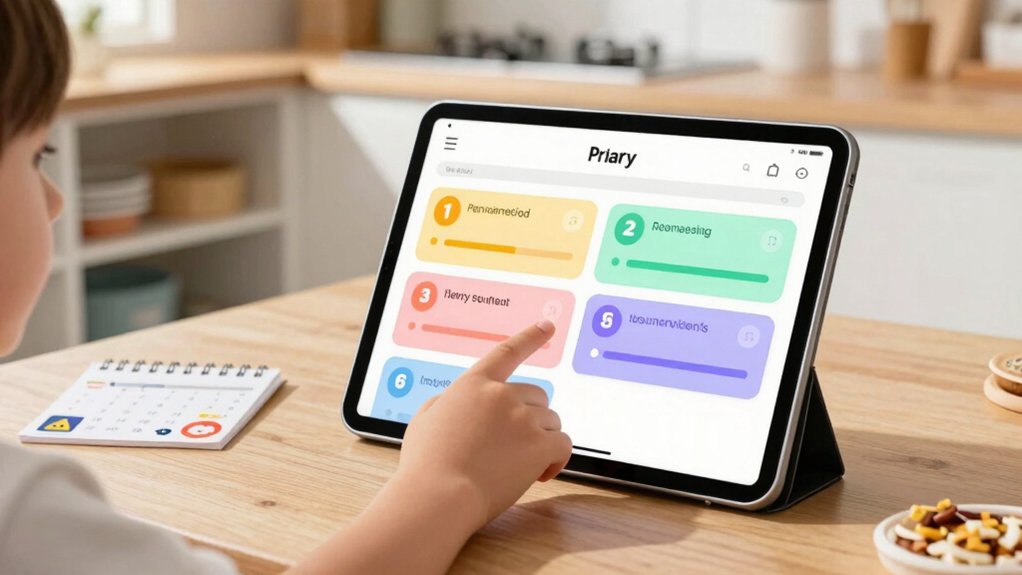
When you’re selecting a digital chore chart, you’ll want to evaluate five key factors: screen size and display quality so your family can view tasks easily from across the room, calendar sync and integration to connect with your existing schedules, chore assignment and rewards features that motivate your kids to complete tasks, storage and photo capabilities for tracking progress, and setup procedures that don’t require technical expertise. Each factor directly affects whether your family will actually use the system consistently and whether it’ll fit your household’s routines. Start by listing which features matter most to your family, then compare your top choices against those priorities.
Screen Size and Display Quality
The visibility and usability of your digital chore chart depend heavily on screen specifications. Choose a screen between 10–15.6 inches to display calendars, timelines, and task lists clearly enough for multiple family members to read from different distances. Select HD or Full HD resolution to ensure text and details remain sharp and legible. Pick an IPS or wide-view display so everyone sees accurate colors and consistent information regardless of seating position. Test the touchscreen for responsive, lag-free scrolling when updating chores or viewing assignments. Consider devices with 32–64 GB built-in memory to store photos, calendars, and chore data locally, reducing dependence on cloud access during internet outages.
Calendar Sync and Integration
How do you keep your family’s schedules synchronized across multiple devices and platforms? Look for chore chart systems that connect directly to Google Calendar, iCloud, Outlook, or Yahoo. These integrations ensure updates flow both ways—changes you make in the chore app appear in your calendar, and vice versa. Verify the system syncs in real time so modifications on one device immediately reflect on all others. Check whether the platform consolidates calendars from each family member into one unified view, preventing scheduling conflicts. A dedicated mobile app with AI-assisted imports reduces manual entry and keeps your family’s combined schedule current automatically. Direct integration works better than URL linking because it maintains continuous synchronization without requiring manual updates.
Chore Assignment and Rewards
What makes a chore chart actually work for your family? You need clear assignment systems and effective motivation strategies. Start by assigning chores based on each family member’s role and age. Use color-coding to show who’s responsible for what tasks. Next, implement a rewards system using points or stars. Assign point values to different chores—harder tasks earn more points. Allow family members to redeem accumulated points for shared rewards like movie nights or extra screen time. Add automated reminders through your app to prompt task completion. Set up visual progress trackers so everyone sees their advancement. Finally, let each person customize their avatar and manage their personal chore list independently. This combination of clear assignment, visual tracking, and tangible rewards drives consistent participation and accountability.
Storage and Photo Features
Beyond assignment and rewards, storage and photo features deserve careful attention when you’re selecting a digital chore chart. Check the device’s memory capacity—32GB or 64GB models store more high-resolution photos locally, reducing how often you’ll transfer media. Verify that the device supports both photo frame mode and calendar functions simultaneously, so you get dual functionality. Review whether photos upload easily via a companion app or built-in cloud sync, allowing quick transfers from smartphones. Confirm the device offers auto-rotation or customizable display settings to suit your preferences. These features determine whether your chore chart doubles as a decorative photo display when idle, maximizing the device’s utility throughout your home.
Setup and User Accessibility
Once you’ve selected a device with strong storage and display capabilities, you’ll want to focus on how easily you can set it up and navigate it daily. Most digital chore charts require a Wi-Fi connection for initial setup and calendar syncing across devices. You can connect your system to Google Calendar, iCloud, or Outlook to keep schedules current automatically. Touchscreens ranging from 10.1 to 15.6 inches let all family members tap or swipe through assignments easily. Consider whether you need remote management through a companion app for assigning chores and tracking rewards when you’re away. Test the interface yourself before purchasing to ensure your children can navigate menus independently. Simple, intuitive controls reduce daily frustration and increase actual usage among family members.
Final Thoughts
You’ll find success by selecting a digital chore chart that matches your family’s needs. Compare screen sizes (10–15.6 inches), check calendar sync compatibility, and verify touch responsiveness. Set up color-coded tasks, establish reward systems, and enable remote management so you can monitor progress. Test the interface with your kids first to confirm they can navigate it independently. Start with basic assignments, then expand responsibilities as they demonstrate consistency.

Meet Ry, “TechGuru,” a 36-year-old technology enthusiast with a deep passion for tech innovations. With extensive experience, he specializes in gaming hardware and software, and has expertise in gadgets, custom PCs, and audio.
Besides writing about tech and reviewing new products, he enjoys traveling, hiking, and photography. Committed to keeping up with the latest industry trends, he aims to guide readers in making informed tech decisions.