
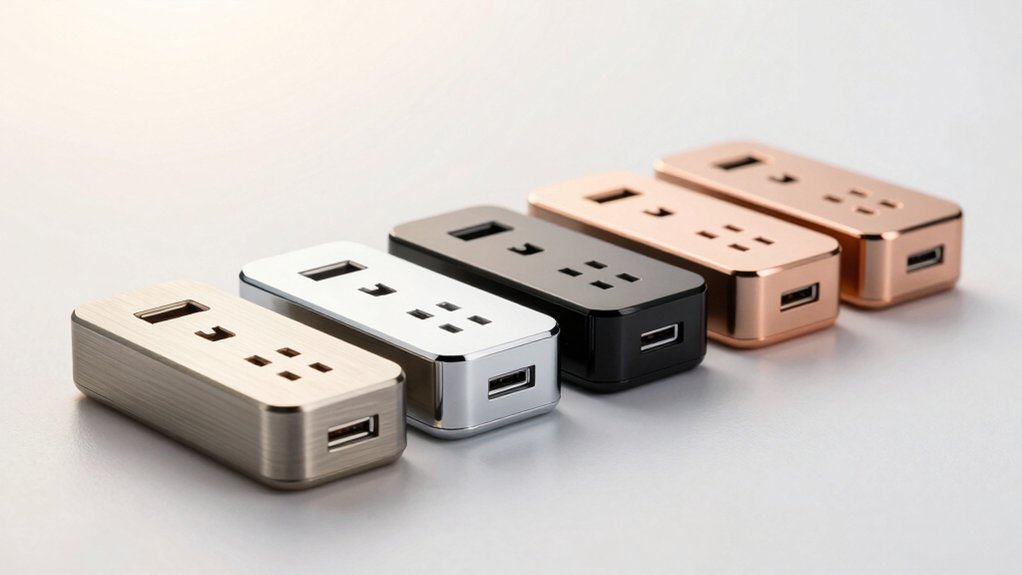

You’re looking to upgrade your charging setup with a USB-C receptacle outlet that actually keeps pace with your devices. The right choice depends on wattage capacity, port configuration, and safety certifications. You’ll find options ranging from 30W dual-port models to 65W three-port units with GaN technology. Each addresses different needs—whether you’re charging multiple devices simultaneously or prioritizing single-device speed. Understanding these key differences helps you select the outlet that fits your specific situation.
| BESTTEN 2 Pack 65W USB-C Wall Outlet GaN |

| Best Overall Performance | Maximum USB-C Power Output: 65W per USB-C port | Total USB Ports: 3 ports (2x USB-C, 1x USB-A) | Tamper-Resistant Design: Yes, tamper-resistant shutters | VIEW LATEST PRICE | Read Our Analysis |
| Leviton 30W Dual USB-C In-Wall Charger with Outlet |

| Compact Single-Port Choice | Maximum USB-C Power Output: 30W (single port) | Total USB Ports: 2 ports (2x USB-C) + USB-A compatibility with adapter | Tamper-Resistant Design: Yes, tamper-resistant outlet | VIEW LATEST PRICE | Read Our Analysis |
| TOPGREENER 4.2A 3-Port USB-C Outlet (2-Pack) |

| Budget-Friendly Option | Maximum USB-C Power Output: 5V/3A per USB-C port (15W each) | Total USB Ports: 3 ports (2x USB-C, 1x USB-A) | Tamper-Resistant Design: Yes, tamper-resistant duplex receptacle | VIEW LATEST PRICE | Read Our Analysis |
| GaN 65W 3-Port USB Wall Outlet Charger |

| Best Value GaN | Maximum USB-C Power Output: 45W (main port when multiple in use) | Total USB Ports: 3 ports (3x USB-C) | Tamper-Resistant Design: Yes, tamper-resistant receptacle | VIEW LATEST PRICE | Read Our Analysis |
| TOPELER USB-C Wall Outlet 65W GaN Charging Receptacle |

| Most Versatile Design | Maximum USB-C Power Output: 65W total | Total USB Ports: 4 outlets total (1x USB-C, plus other outlets) | Tamper-Resistant Design: Yes, tamper-resistant shutter design | VIEW LATEST PRICE | Read Our Analysis |
More Details on Our Top Picks
BESTTEN 2 Pack 65W USB-C Wall Outlet GaN
Are you looking to charge multiple devices simultaneously without sacrificing speed? The BESTTEN 2 Pack 65W USB-C Wall Outlet GaN delivers reliable performance for your needs. Each outlet features two USB-C ports providing up to 65W each and one USB-A port delivering 30W. You’ll charge three devices at once while keeping two standard AC outlets free. The GaN technology reduces overheating and prevents overcurrent issues through smart detection that matches your device’s power requirements. Installation is straightforward—the outlets work with back or side wiring. Both units include screwless wallplates and mount securely into standard electrical boxes. ETL certification confirms safety compliance for residential and commercial spaces.
- Maximum USB-C Power Output:65W per USB-C port
- Total USB Ports:3 ports (2x USB-C, 1x USB-A)
- Tamper-Resistant Design:Yes, tamper-resistant shutters
- GaN Technology:Yes, GaN-powered
- Safety Certifications:ETL/cETL Listed
- Installation Type:Back or side wiring compatible
- Additional Feature:Simultaneous 3-device charging capability
- Additional Feature:Two AC outlets remain free
- Additional Feature:Screwless wallplate included
Leviton 30W Dual USB-C In-Wall Charger with Outlet
Looking for a compact single-port choice that replaces your standard outlet? The Leviton model T5635-W combines a 15-amp outlet with dual USB-C ports in one unit. You get up to 30W per port for fast charging laptops, tablets, and smartphones. The built-in smart chip detects your device and delivers appropriate power while protecting against overcurrent. Installation requires replacing your existing outlet—the wallplate sells separately. This thermoplastic charger works with MacBooks, Chromebooks, iPhones, and Samsung Galaxy devices. Its five-year warranty covers defects. At 4.04 inches long, it fits standard wall boxes without bulking out your space.
- Maximum USB-C Power Output:30W (single port)
- Total USB Ports:2 ports (2x USB-C) + USB-A compatibility with adapter
- Tamper-Resistant Design:Yes, tamper-resistant outlet
- GaN Technology:No
- Safety Certifications:No certification listed
- Installation Type:In-wall charger (replaces standard outlet)
- Additional Feature:5-year limited manufacturer warranty
- Additional Feature:Replaces standard outlet seamlessly
- Additional Feature:Smart chip optimizes charging
TOPGREENER 4.2A 3-Port USB-C Outlet (2-Pack)
Need multiple USB ports without replacing your entire outlet setup? The TOPGREENER 4.2A 3-Port USB-C Outlet delivers practical charging through one USB-A port and two USB-C ports in a compact design. You get up to 21 watts total USB output, with each USB-C port supplying 5V/3A maximum. The 15-amp receptacle maintains standard outlet functionality while the slim body fits any standard junction box. Installation follows standard wiring procedures using #12-14 AWG copper clamps. The tamper-resistant design protects children, and you receive two complete units per pack with wall plates included. UL-listed and backed by a one-year warranty, this outlet handles smartphones, tablets, and USB devices efficiently.
- Maximum USB-C Power Output:5V/3A per USB-C port (15W each)
- Total USB Ports:3 ports (2x USB-C, 1x USB-A)
- Tamper-Resistant Design:Yes, tamper-resistant duplex receptacle
- GaN Technology:No
- Safety Certifications:UL Listed
- Installation Type:Clamp-type wiring
- Additional Feature:Slim body fits junction boxes
- Additional Feature:Modern sleek design finish
- Additional Feature:1-year warranty included
GaN 65W 3-Port USB Wall Outlet Charger
The Amerisense GaN 65W 3-Port USB Wall Outlet Charger delivers reliable fast charging for multiple devices simultaneously. This outlet combines a standard 15-amp receptacle with three USB-C ports, enabling you to charge laptops, phones, and tablets at once. The main USB-C port outputs 45W when you’re using multiple ports together. GaN technology reduces heat while maintaining 90%+ conversion efficiency—about 5% better than standard chargers. A built-in smart IC chip automatically detects your device’s charging protocol for optimized power delivery. Multi-layer protection guards against overcurrent, short circuits, and overvoltage. The polycarbonate housing is UL-listed and fire-retardant, while the tamper-resistant receptacle prevents accidental contact.
- Maximum USB-C Power Output:45W (main port when multiple in use)
- Total USB Ports:3 ports (3x USB-C)
- Tamper-Resistant Design:Yes, tamper-resistant receptacle
- GaN Technology:Yes, GaN solution
- Safety Certifications:UL Listed
- Installation Type:Standard wall outlet receptacle
- Additional Feature:90%+ conversion rate efficiency
- Additional Feature:Fire retardant PC(V0) material
- Additional Feature:Smart IC chip recognition
TOPELER USB-C Wall Outlet 65W GaN Charging Receptacle
TOPELER’s most versatile design combines a 65W USB-C outlet with standard receptacles in one wall-mounted unit. You’ll get USB-C PD 3.0 charging technology that powers laptops, tablets, and smartphones simultaneously. The GaN chip improves efficiency and heat management, reducing energy waste. Installation takes minutes—you can wire from the side or back into standard wall boxes. Built-in protections guard against overcharging, overheating, and short circuits. The tamper-resistant design meets NEC compliance standards. A screwless wallplate provides a clean finish. You’re covered with a one-year replacement guarantee for non-damage issues.
- Maximum USB-C Power Output:65W total
- Total USB Ports:4 outlets total (1x USB-C, plus other outlets)
- Tamper-Resistant Design:Yes, tamper-resistant shutter design
- GaN Technology:Yes, GaN technology with GaN chip
- Safety Certifications:ETL & FCC Listed
- Installation Type:Side or back wiring compatible
- Additional Feature:1-year replacement guarantee coverage
- Additional Feature:24-hour responsive customer support
- Additional Feature:Suitable for commercial spaces
Factors to Consider When Choosing the Best USB-C Receptacle Outlet for Fast Charging
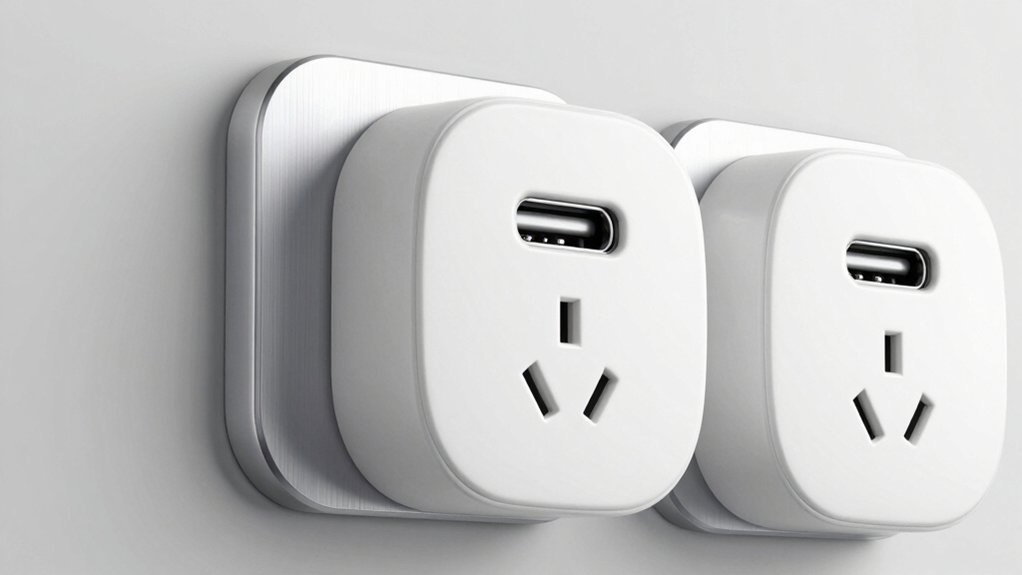
When you’re selecting a USB-C receptacle outlet for fast charging, you need to evaluate five key factors: the power delivery capacity in watts, the port configuration to match your devices, the safety certifications that protect your equipment, the advantages of GaN technology for efficiency, and the installation options that fit your space. Start by checking the wattage rating against your fastest-charging devices—a 65W outlet handles most laptops and phones, while lower wattages suit basic charging needs. Finally, verify that the outlet has safety certifications like UL or ETL, uses modern GaN chips to reduce heat, and fits your wall’s electrical setup before making your purchase.
Power Delivery Capacity Matters
How much wattage can your USB-C outlet actually deliver? You’ll want to check the power delivery rating listed on the outlet’s specifications. A single USB-C port with 65W PD can charge laptops while other ports remain active. However, if you’re using dual USB-C PD ports sharing 65W total, the main port may deliver only around 45W when the second port is in use. Verify both the per-port rating and the total system capacity before purchasing. Additionally, confirm whether the outlet uses intelligent power management to prevent overcharging. Some outlets support PPS technology, which optimizes charging efficiency for specific devices and reduces heat generation. Match the outlet’s wattage to your device’s charging requirements for the fastest, safest charging experience.
Port Configuration And Compatibility
What you’ll find in a USB-C outlet’s port layout directly affects how many devices you can charge at once and at what speeds. Dual-port outlets let you charge two devices simultaneously, but check how wattage divides between ports. If one port delivers 45W while a second uses 20W, you won’t charge both at maximum speed together. Verify whether the outlet supports both PD devices and non-PD devices. Some outlets include USB-A ports for older chargers, expanding compatibility. Review the specifications to confirm each port’s individual power rating and total combined output. This information determines whether you can efficiently charge a laptop and phone together or if you’ll experience charging slowdowns.
Safety Features And Certifications
You’ll want to prioritize safety certifications first when evaluating any USB-C receptacle outlet, since these verify the product’s been tested against recognized electrical standards. Look for UL Listed or ETL/cETL Listed labels to confirm the outlet meets industry safety requirements. Next, check that the outlet features a tamper-resistant (TR) design, which prevents foreign objects from being inserted and reduces electrical hazards. Verify the outlet includes built-in overcurrent, overvoltage, and short-circuit protection to safeguard your devices during charging. Additionally, confirm the outlet uses GaN-based designs or efficient charging circuitry like PD 3.0 or PPS, which minimize heat generation and maintain safe operation under high power. Finally, examine the housing material to ensure it’s made from fire-retardant PC or similar fire-resistant materials that protect against potential failures.
GaN Technology Benefits Explained
Why should you care about GaN technology when shopping for USB-C receptacle outlets? GaN enables your chargers to operate at higher switching frequencies, which reduces heat generation considerably. This means you get smaller, lighter chargers without sacrificing power delivery. You’ll achieve 90%+ conversion efficiency, lowering energy waste and electricity costs. GaN-based outlets deliver up to 45W per port or 65W total while maintaining safe operation through smart integrated circuits. The improved thermal management allows multi-port configurations—three or more ports—so you can charge multiple devices simultaneously without overheating concerns. When evaluating outlets, prioritize GaN models to ensure you’re getting efficient, compact, and reliable fast-charging capabilities for your devices.
Installation And Design Flexibility
How do you choose a USB-C receptacle outlet that’ll fit your space without costly rewiring or visible compromises? Select units supporting back or side wiring, which adapt to tight spaces and existing wall boxes. Choose models with tamper-resistant shutters that maintain safety without sacrificing appearance. Pick receptacles with screwless wall plates for a streamlined look and faster installation. Verify the outlet includes multiple USB ports—such as 2 USB-C PD ports and one USB-A—so you can charge multiple devices simultaneously without using additional outlets. Finally, confirm compatibility with standard 125V/15A circuits and UL/ETL listings, ensuring code compliance in residential and commercial settings. These specifications eliminate installation hassles and deliver professional results.
Device Charging Simultaneous Support
When selecting a USB-C receptacle outlet, simultaneous charging capability depends on the total combined power the unit distributes across all ports at once. You should verify the outlet specifies per-port maximum outputs—for example, 45W on the main USB-C port and 15–30W on secondary ports. Look for models offering two or more USB-C ports with Power Delivery (PD) alongside a USB-A port to charge multiple device types simultaneously. Choose GaN-based outlets, which deliver superior performance through higher efficiency and reduced heat generation during multi-port use. Confirm the outlet includes smart charging detection and overcurrent/overvoltage protection to prevent device damage. These features ensure your phones, tablets, and laptops charge reliably without power degradation when operating multiple ports together.
Final Thoughts
You’ll want to pick a USB-C outlet based on your charging needs. Check the wattage per port—65W handles laptops and tablets. Count how many devices you’re charging simultaneously; dual USB-C ports with an extra USB-A cover most situations. Verify the outlet’s got GaN technology, UL/ETL certification, and tamper-resistant features. Install it using back or side wiring for a clean look. Test it with your devices to confirm it charges without overheating.

Meet Ry, “TechGuru,” a 36-year-old technology enthusiast with a deep passion for tech innovations. With extensive experience, he specializes in gaming hardware and software, and has expertise in gadgets, custom PCs, and audio.
Besides writing about tech and reviewing new products, he enjoys traveling, hiking, and photography. Committed to keeping up with the latest industry trends, he aims to guide readers in making informed tech decisions.