
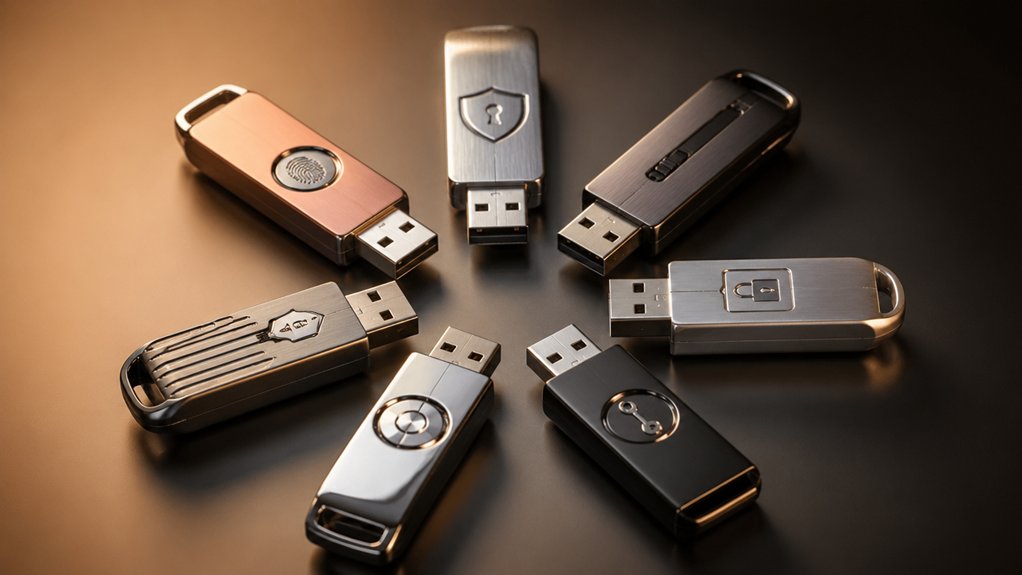

When you need to protect sensitive files, you’ll want a USB drive with genuine hardware encryption rather than software-only protection. You have several strong options available, each with different security features and price points. Some drives use PIN-based authentication, while others employ advanced encryption standards like XTS-AES. Understanding which features actually matter for your situation—and which drives deliver them—requires looking at the specifics of each model.
| Kingston Ironkey Locker+ 32GB Encrypted USB Flash Drive |

| Best Overall | Encryption Standard: XTS-AES 256-bit | Authentication Method: Multi-password (admin/user) with virtual keyboard | Storage Capacity: 32GB | VIEW LATEST PRICE | Read Our Analysis |
| Kingston Ironkey Keypad 200 32GB Encrypted USB |

| Most Secure | Encryption Standard: XTS-AES 256-bit | Authentication Method: Alphanumeric keypad with multi-pin (admin/user) | Storage Capacity: 32GB | VIEW LATEST PRICE | Read Our Analysis |
| Kingston IronKey Vault Privacy 50 16GB Encrypted USB |

| Fastest Performance | Encryption Standard: AES-256 XTS | Authentication Method: Multi-password (admin/user) with complex/passphrase modes | Storage Capacity: 16GB | VIEW LATEST PRICE | Read Our Analysis |
| Apricorn ASK3-NX 32GB USB 3.1 Encrypted Secure Drive (ASK3-NX-32GB) |

| Military-Grade Security | Encryption Standard: 256-bit hardware encryption | Authentication Method: Embedded 7-16 digit PIN (independent admin/user) | Storage Capacity: 32GB | VIEW LATEST PRICE | Read Our Analysis |
| Integral 8GB Hardware Encrypted USB 3.0 Flash Drive |

| Budget-Friendly Pick | Encryption Standard: AES 256-bit | Authentication Method: Alphanumeric password (8-16 characters) | Storage Capacity: 8GB | VIEW LATEST PRICE | Read Our Analysis |
| iStorage datAshur PRO 32GB Encrypted USB Memory Stick |

| Enterprise Ready | Encryption Standard: AES-XTS 256-bit | Authentication Method: 7-15 digit PIN | Storage Capacity: 32GB | VIEW LATEST PRICE | Read Our Analysis |
| INNPLUS 32GB Encrypted USB 3.0 Flash Drive |

| Best Portable Option | Encryption Standard: 256-bit AES XTS | Authentication Method: Password protected | Storage Capacity: 32GB | VIEW LATEST PRICE | Read Our Analysis |
More Details on Our Top Picks
Kingston Ironkey Locker+ 32GB Encrypted USB Flash Drive
The Kingston IronKey Locker+ stands as the top encrypted flash drive for professionals who need maximum security without sacrificing performance. You’ll get XTS-AES encryption that protects your files from unauthorized access. The drive includes brute force protection and BadUSB attack protection to defend against multiple threat types. You can set up dual passwords—one for admin control and one for user access—using complex or passphrase modes. A virtual keyboard shields your password entry from keyloggers. You’ll also enjoy automatic personal cloud backup for added redundancy. The metal casing provides durability, while USB 3.2 Gen 1 delivers read speeds up to 145 MB/s and write speeds up to 115 MB/s, making transfers quick and efficient.
- Encryption Standard:XTS-AES 256-bit
- Authentication Method:Multi-password (admin/user) with virtual keyboard
- Storage Capacity:32GB
- Read Speed:Up to 145 MB/s
- Operating System Compatibility:Windows, macOS, Linux
- Brute Force Protection:Brute force protection enabled
- Additional Feature:Virtual keyboard keylogger protection
- Additional Feature:Automatic personal cloud backup
- Additional Feature:Metal casing construction
Kingston Ironkey Keypad 200 32GB Encrypted USB
Looking for military-grade security in a portable drive? The Kingston IronKey Keypad 200 delivers XTS-AES 256-bit hardware encryption with an alphanumeric keypad for dual admin and user access. You’ll get FIPS 140-3 Level 3 certification, brute-force protection, and tamper-evident design with epoxy-encapsulated components. The drive stores 32GB and transfers files at 145 MB/s read speed via USB 3.2 Gen 1. Its polymer-coated keypad prevents fingerprint detection. You can use this drive across Windows, macOS, Linux, Chrome OS, and Android systems. The three-year warranty backs your investment.
- Encryption Standard:XTS-AES 256-bit
- Authentication Method:Alphanumeric keypad with multi-pin (admin/user)
- Storage Capacity:32GB
- Read Speed:Up to 145 MB/s
- Operating System Compatibility:Windows, macOS, Linux, Chrome OS, Android
- Brute Force Protection:Brute force password attack protection
- Additional Feature:Built-in alphanumeric keypad
- Additional Feature:Tamper-evident epoxy encapsulation
- Additional Feature:Fingerprint-masking polymer coating
Kingston IronKey Vault Privacy 50 16GB Encrypted USB
Need fastest performance with military-grade security for sensitive files? The Kingston IronKey Vault Privacy 50 delivers AES-256 bit hardware encryption in XTS mode with FIPS 197 certification. You’ll get read speeds up to 250 MB/s and write speeds up to 180 MB/s. The drive features brute force protection and BadUSB attack protection through digitally-signed firmware. You can set dual read-only modes and choose between complex passwords or passphrases. The 16GB capacity works with both USB Type-A and Type-C ports via USB 3.2 Gen 1 compatibility. Kingston backs this drive with a 5-year manufacturer warranty, making it reliable for protecting classified documents, financial records, or proprietary business data.
- Encryption Standard:AES-256 XTS
- Authentication Method:Multi-password (admin/user) with complex/passphrase modes
- Storage Capacity:16GB
- Read Speed:Up to 250 MB/s
- Operating System Compatibility:USB Type-A/Type-C compatible devices
- Brute Force Protection:Brute force protection
- Additional Feature:Dual read-only write-protect
- Additional Feature:USB Type-A/Type-C compatible
- Additional Feature:250 MB/s read speed
Apricorn ASK3-NX 32GB USB 3.1 Encrypted Secure Drive (ASK3-NX-32GB)
Want military-grade security without software installation? The Apricorn ASK3-NX delivers 256-bit hardware encryption validated to FIPS 140-2 Level 3 standards. You’ll authenticate using an embedded 7-16 digit PIN—separate pins for user and admin access control your data independently. The drive operates software-free across Windows, Mac, and Linux systems. Two read-only modes prevent accidental file modifications. At 32GB capacity with USB 3.1 speeds, you’re getting enterprise-level protection with straightforward PIN-based access. No security parameters transfer to your host PC, keeping your encryption keys isolated and secure.
- Encryption Standard:256-bit hardware encryption
- Authentication Method:Embedded 7-16 digit PIN (independent admin/user)
- Storage Capacity:32GB
- Read Speed:Not specified
- Operating System Compatibility:Windows, Mac, Linux
- Brute Force Protection:Embedded PIN authentication (implied)
- Additional Feature:Software-free authentication operation
- Additional Feature:Two read-only modes
- Additional Feature:No host PC parameters shared
Integral 8GB Hardware Encrypted USB 3.0 Flash Drive
The Integral 8GB is a budget-friendly pick for professionals who need military-grade security without complex software. You’ll set an 8–16 character alphanumeric password for access, and the drive automatically locks when you remove it or your screen locks. All data uses AES 256-bit hardware encryption, and the device erases everything after six failed login attempts. The rugged waterproof design protects against drops and submersion. You get USB 3.0 speeds with Windows and Mac compatibility, no installation required, and no subscription fees. This straightforward approach delivers solid protection for sensitive files.
- Encryption Standard:AES 256-bit
- Authentication Method:Alphanumeric password (8-16 characters)
- Storage Capacity:8GB
- Read Speed:SuperSpeed USB 3.0 (speed not specified)
- Operating System Compatibility:Windows, Mac
- Brute Force Protection:Data erased after six failed attempts
- Additional Feature:Rugged waterproof double-layer design
- Additional Feature:Auto-lock screen saver activation
- Additional Feature:Zero software installation required
iStorage datAshur PRO 32GB Encrypted USB Memory Stick
Looking for enterprise-ready security without software installation? iStorage’s datAshur PRO 32GB combines hardware-level AES-XTS 256-bit encryption with PIN authentication, making it ideal for organizations and individuals who must meet GDPR, CCPA, and HIPAA compliance standards. You’ll set a 7–15 digit PIN that protects all data in real-time. The device delivers USB 3.2 speeds up to 169 MB/s read and 135 MB/s write. Its IP57 rating means you can use it in demanding environments without worrying about dust or water damage. The drive works across Windows, macOS, Linux, Android, and virtualized systems. You get three years of manufacturer warranty coverage.
- Encryption Standard:AES-XTS 256-bit
- Authentication Method:7-15 digit PIN
- Storage Capacity:32GB
- Read Speed:Up to 169 MB/s
- Operating System Compatibility:Windows, macOS, Linux, Chrome, Android, Citrix, VMware
- Brute Force Protection:PIN-authenticated hardware encryption
- Additional Feature:IP57 dust/water resistant certified
- Additional Feature:Real-time encryption all data
- Additional Feature:NATO restricted certified device
INNPLUS 32GB Encrypted USB 3.0 Flash Drive
For travelers and remote workers who need portable security, INNPLUS’s 32GB model stands out as your most practical option for keeping sensitive files protected while on the move. The drive uses military-grade 256-bit AES XTS hardware encryption, meaning your data stays inaccessible without the correct password. You’ll get fast USB 3.0 performance with read speeds up to 480 MB/s and write speeds up to 160 MB/s. Setup requires no software installation on Windows, Mac, Linux, or embedded systems. If someone enters an incorrect password ten times, the device automatically erases all data, preventing unauthorized access attempts.
- Encryption Standard:256-bit AES XTS
- Authentication Method:Password protected
- Storage Capacity:32GB
- Read Speed:Up to 480 MB/s
- Operating System Compatibility:Windows, Mac, Linux, embedded systems
- Brute Force Protection:Device resets to factory settings after 10 failed attempts
- Additional Feature:Factory reset after 10 failed attempts
- Additional Feature:Zinc alloy shell construction
- Additional Feature:480 MB/s read speed
Factors to Consider When Choosing an Encrypted USB Flash Drive
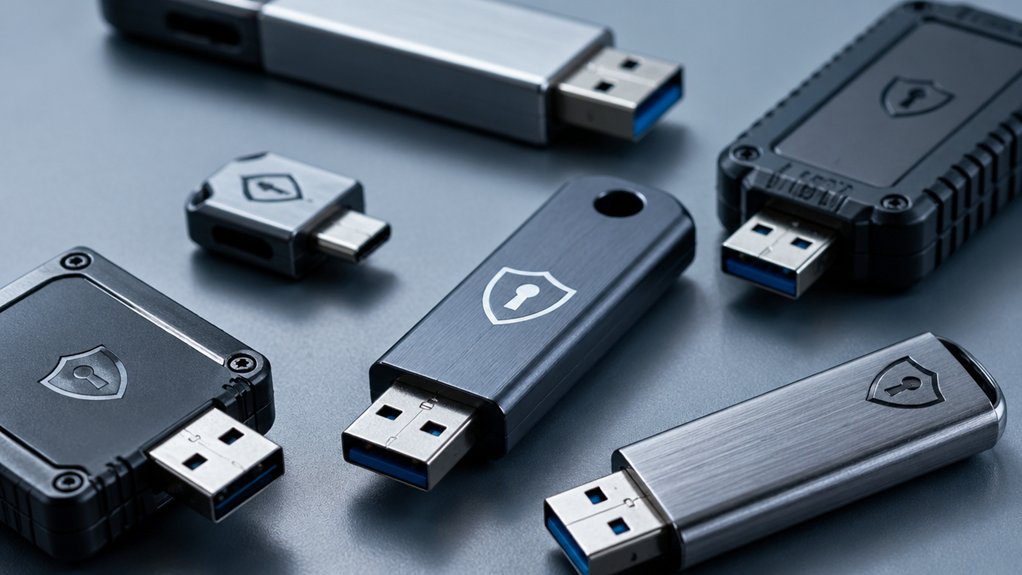
When you’re selecting an encrypted USB flash drive, you’ll want to evaluate several key factors that directly affect your security and usability: encryption standards and certification that meet current security requirements, speed and performance capabilities that match your workflow needs, and authentication methods that control who can access your files. You should also assess the drive’s physical durability and design to ensure it withstands regular use, and verify operating system compatibility so the drive works seamlessly with your devices. These five considerations work together to determine whether a particular encrypted USB drive will reliably protect your data while fitting into your daily routine.
Encryption Standards And Certification
What encryption standards should you verify before buying an encrypted USB drive?
Check that the drive uses AES encryption in XTS mode with 128-bit or 256-bit keys. This standard provides strong hardware-based protection for your data. Next, look for FIPS 140-2 or FIPS 140-3 certification. These certifications mean the device has passed formal validation tests for cryptographic modules and security controls.
Verify the drive includes brute-force protection to block repeated password attempts. Confirm it has firmware digital signatures to prevent unauthorized modifications. Check whether the drive offers dual-password options, allowing separate admin and user access levels. These features work together to secure your files against both digital and physical threats.
Speed And Performance Capabilities
How much speed do you actually need from an encrypted USB drive? Read speeds range from 145 MB/s to 250 MB/s, while write speeds typically fall between 115 MB/s and 180 MB/s. Your choice depends on your file transfer volume and frequency. USB interface versions—3.0, 3.1, or 3.2 Gen 1—affect maximum throughput, so check compatibility with your devices. Remember that encryption adds overhead; advertised speeds may drop during actual use due to security processing. Larger encryption modes like XTS-AES further impact sustained performance. For occasional document transfers, slower drives suffice. For video editing or large media files, prioritize higher write speeds. Match performance capabilities to your workflow requirements rather than chasing maximum specifications.
Authentication And Access Control
Beyond performance metrics, you’ll want to examine the security mechanisms that actually control who can access your drive’s contents. Look for drives offering multi-password options with separate admin and user pins—this divides access levels so different people have different permissions. Choose models with alphanumeric keypads that let you enter PINs directly on the device rather than through your computer, eliminating keyboard interception risks. Verify brute-force protection exists; this feature locks or erases data after a set number of failed attempts, preventing attackers from guessing your password repeatedly. Check for digitally signed firmware and badUSB protection to stop unauthorized tampering with authentication systems. Consider newer passphrase modes that require complex combinations beyond simple numeric pins.
Physical Durability And Design
When you’re transporting sensitive data, you’ll need to prioritize how well your encrypted USB drive can withstand physical stress and environmental conditions. Choose drives with metal or ruggedized casings that enhance drop resistance. Check the IP rating—IP57 indicates strong dust and water resistance. Look for tamper-evident designs and epoxy encapsulation to protect internal circuits from damage. Evaluate reinforced housings and rubberized coatings that absorb impact shocks. Consider the form factor carefully; compact drives fit easily in pockets but larger secure drives offer better grip and protection. Verify that the USB interface design doesn’t create weak points during transport. Match the durability features to your specific usage environment and handling conditions.
Operating System Compatibility
Why’d you buy an encrypted USB drive that won’t work with your devices? Before purchasing, verify the drive’s compatibility with your operating systems: Windows, macOS, Linux, Chrome OS, and Android. Check the connector type—USB Type-A or Type-C—and ensure it matches your device’s ports. Confirm the USB generation (3.0, 3.1, or 3.2) aligns with your host device for optimal transfer speeds. Look for drives requiring no software installation, allowing seamless use across multiple platforms. Verify that hardware encryption like AES-XTS 256-bit functions consistently on all your intended operating systems. Finally, confirm firmware-level protections remain active across different OSes. Taking these steps prevents compatibility issues and ensures your drive works reliably wherever you need it.
Final Thoughts
You’ve reviewed seven encrypted USB drives offering different security features. Choose based on your needs: Kingston IronKey models provide hardware encryption and brute-force protection; Apricorn ASK3-NX offers PIN-based security without software; iStorage datAshur PRO combines authentication with durability. Verify each drive supports your devices, meets FIPS standards if required, and includes signed firmware. Purchase from authorized retailers to guarantee authenticity and warranty coverage.

Meet Ry, “TechGuru,” a 36-year-old technology enthusiast with a deep passion for tech innovations. With extensive experience, he specializes in gaming hardware and software, and has expertise in gadgets, custom PCs, and audio.
Besides writing about tech and reviewing new products, he enjoys traveling, hiking, and photography. Committed to keeping up with the latest industry trends, he aims to guide readers in making informed tech decisions.