
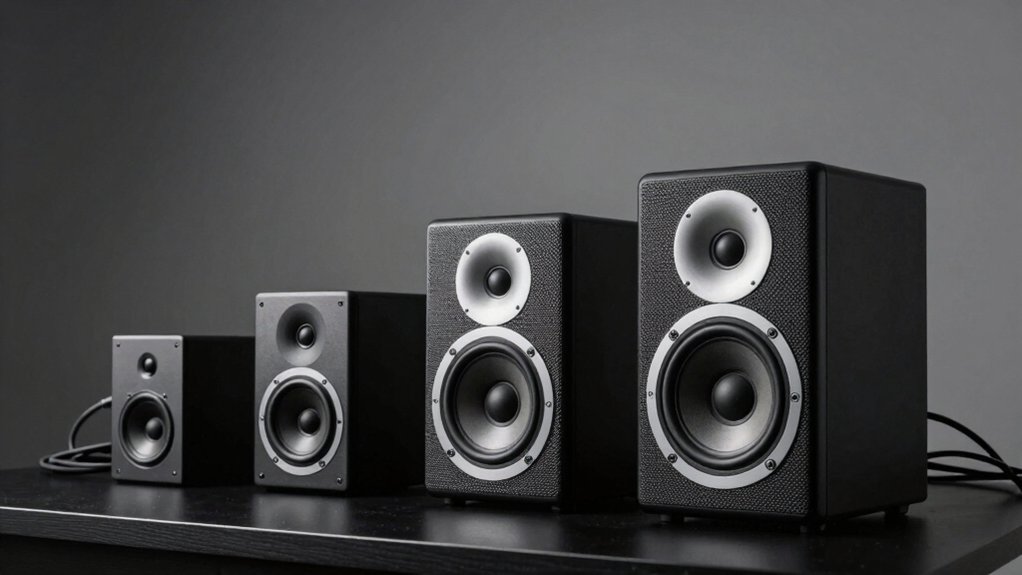

You’ve got several solid options when you’re upgrading your PC audio setup. Your choice depends on what matters most: compact USB-powered speakers for simplicity, monitor clip-ons for space-saving, or RGB models for aesthetic appeal. Each delivers different features like touch controls, enhanced bass, or LED lighting. Understanding what you actually need versus what sounds appealing makes all the difference—and we’ll break down each option.
| Amazon Basics Stereo 2.0 PC Speakers with USB Power |

| Budget-Friendly Basics | Audio Channels: 2.0 stereo | Power Source: USB-powered | Audio Input Options: 3.5mm aux input | VIEW LATEST PRICE | Read Our Analysis |
| Computer Speakers for Desktop PC Monitor with Deep Bass |

| Monitor-Mounted Powerhouse | Audio Channels: 2.0 stereo | Power Source: USB-powered | Audio Input Options: USB only | VIEW LATEST PRICE | Read Our Analysis |
| USB Computer Speaker with Stereo Sound & Enhanced Bass |
![[Upgraded] USB Computer /Laptop Speaker with Stereo Sound & Enhanced](https://m.media-amazon.com/images/I/41G8Kn3kCpL._SL500_.jpg)
| Plug-and-Play Essential | Audio Channels: 2.0 stereo | Power Source: USB-powered | Audio Input Options: USB only | VIEW LATEST PRICE | Read Our Analysis |
| Redragon GS520 RGB Desktop PC Speakers with LED Modes |

| RGB Gaming Aesthetics | Audio Channels: 2.0 stereo | Power Source: USB-powered | Audio Input Options: 3.5mm audio cable and USB | VIEW LATEST PRICE | Read Our Analysis |
| LENRUE G11 Computer Speakers with Touch Lights USB Powered |

| All-in-One Compact | Audio Channels: 2.0 stereo | Power Source: USB C/USB-powered | Audio Input Options: 3.5mm audio cable and USB | VIEW LATEST PRICE | Read Our Analysis |
More Details on Our Top Picks
Amazon Basics Stereo 2.0 PC Speakers with USB Power
If you’re looking for budget-friendly speakers that’ll deliver clear audio without eating up desk space or requiring extra power cables, the Amazon Basics Stereo 2.0 PC Speakers are worth considering. Connect them to your PC or laptop using the 3.5mm aux input. Power them through your computer’s USB port—no separate power adapter needed. Adjust volume using the in-line control for quick access during use. The metal finish with padded base protects your desk from scratches. The bottom radiator produces springy bass response. Blue LED indicators show when the speakers are active. This two-speaker set works for both desktop and portable setups, amplifying audio reliably for everyday computing tasks.
- Audio Channels:2.0 stereo
- Power Source:USB-powered
- Audio Input Options:3.5mm aux input
- Volume Control:In-line volume control
- Bass Enhancement:Bottom radiator for springy bass
- Operating System Compatibility:Windows and Mac (implied)
- Additional Feature:Metal finish with padded base
- Additional Feature:Bottom radiator enhances bass
- Additional Feature:Blue LED indicators
Computer Speakers for Desktop PC Monitor with Deep Bass
Are you working with limited desk space while needing powerful audio output? This clip-on soundbar mounts directly to your monitor‘s top, side, or bottom, eliminating desk clutter. The speaker delivers 10 watts of power through dual 40mm drivers and passive radiators, producing rich bass and stereo sound up to 20 kHz. You’ll control volume and muting via front-facing touch buttons. The USB-powered design works with Windows, macOS, ChromeOS, and Linux systems. A built-in USB-C adapter accommodates newer devices like MacBooks and iPads. The G-Sensor automatically adjusts left-right positioning as you rotate your monitor. Setup requires updating your audio drivers and confirming USB functionality. You get a 24-month warranty and 30-day return option.
- Audio Channels:2.0 stereo
- Power Source:USB-powered
- Audio Input Options:USB only
- Volume Control:Front-facing touch buttons
- Bass Enhancement:Dual passive radiators with deep bass
- Operating System Compatibility:Windows, macOS, ChromeOS, Linux
- Additional Feature:Monitor clip-on mounting design
- Additional Feature:Built-in G-Sensor adaptive-switching
- Additional Feature:24-month worry-free warranty
USB Computer Speaker with Stereo Sound & Enhanced Bass
You’ll want this speaker if you’re using a Windows PC and value a streamlined setup that eliminates extra cables and drivers. Simply plug the USB cable into your computer’s USB port—it handles both audio and power simultaneously. Next, right-click the volume icon in your taskbar and select “USB Speaker” as your playback device. The dual 3W drivers deliver stereo sound with enhanced bass, while the passive radiator reduces distortion and increases dynamic range. Volume adjustments happen through your computer, not the speaker itself. This approach removes cable clutter and simplifies installation for Windows Vista through Windows 10 systems across HP, Lenovo, ASUS, Dell, Acer, and LG computers.
- Audio Channels:2.0 stereo
- Power Source:USB-powered
- Audio Input Options:USB only
- Volume Control:Computer-based adjustment only
- Bass Enhancement:Passive radiator for improved bass
- Operating System Compatibility:Windows Vista/7/8/10, MacOS, Chrome OS
- Additional Feature:Single USB cable simplifies setup
- Additional Feature:Dual 3W high-excursion drivers
- Additional Feature:Passive radiator improves dynamic range
Redragon GS520 RGB Desktop PC Speakers with LED Modes
The Redragon GS520 RGB speakers work best for users who want both audio quality and customizable lighting without complicated setup. Connect the 3.5mm audio cable to your PC, laptop, or TV, then plug the USB power cable into an available port. Use the individual volume buttons on each speaker to adjust sound levels precisely. Access the touch-control RGB lighting bar to cycle through six selectable color modes or switch lighting off entirely. The speakers feature a minimalist design with brushed material and upscale texture. Position them up to 31 inches apart on your desktop. This plug-and-play system integrates seamlessly with multiple devices and requires no additional software installation.
- Audio Channels:2.0 stereo
- Power Source:USB-powered
- Audio Input Options:3.5mm audio cable and USB
- Volume Control:Individual volume buttons
- Bass Enhancement:Full-range enhanced stereo core
- Operating System Compatibility:PC, TV, Laptop (universal)
- Additional Feature:Six colorful LED modes
- Additional Feature:Touch-control RGB lighting bar
- Additional Feature:31-inch cable speaker length
LENRUE G11 Computer Speakers with Touch Lights USB Powered
If you’re looking for speakers that combine audio quality with visual appeal without consuming valuable desk space, the LENRUE G11 delivers both through its compact, all-in-one design. Simply plug the USB cable into your computer and connect the 3.5mm audio jack to begin. The four amplifier IC horns produce distortion-free sound suitable for movies, videos, and gaming. Touch the angular lights to activate or deactivate them with one gesture. Adjust volume using the top knob. The speaker fits directly under your monitor, reducing clutter. Setup requires no drivers and works across Windows, Mac, and Chrome OS systems.
- Audio Channels:2.0 stereo
- Power Source:USB C/USB-powered
- Audio Input Options:3.5mm audio cable and USB
- Volume Control:Top volume knob
- Bass Enhancement:4 large amplifier IC horns
- Operating System Compatibility:Windows Vista/7/8/10, Mac OS, Chrome OS
- Additional Feature:Four large amplifier IC horns
- Additional Feature:Touch angular game lights
- Additional Feature:Cables glued reduce clutter
Factors to Consider When Choosing Wired Speakers for PC
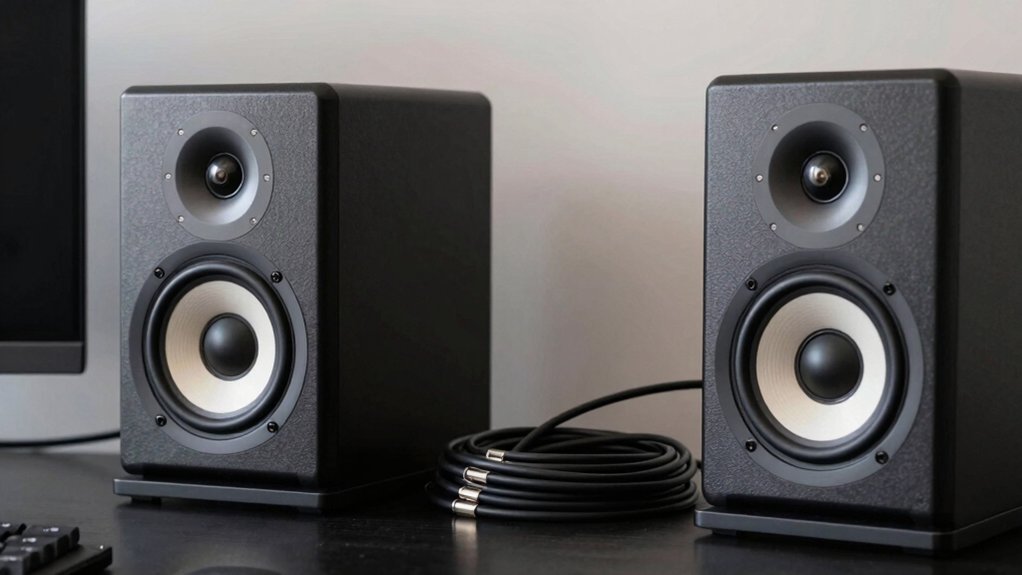
When selecting wired speakers for your PC, you’ll need to evaluate audio quality and sound output, power requirements, connectivity options like USB or 3.5mm jacks, and whether the speakers fit your desk space through mounting or placement solutions. Next, confirm the speakers work with your devices—check compatibility with your PC’s ports and operating system—and examine control features such as volume knobs, touch controls, or remote options that match your preferences. Finally, assess the design elements including aesthetics, build materials, and cable length to ensure the speakers integrate properly into your setup without creating clutter or requiring additional adapters.
Audio Quality and Sound
How do you know which speakers’ll actually deliver the sound quality you need? Start by examining driver size and configuration. Dual 3W drivers with passive radiators provide amplified bass and greater dynamic range than single drivers. Next, consider whether you want a 2.0 channel setup or need a dedicated subwoofer. A 2.0 system without a subwoofer limits low-frequency extension, while 2.1 systems handle deeper bass. Then evaluate power delivery. USB-powered speakers simplify cabling but may restrict high-power output compared to externally powered models. Finally, assess built-in bass enhancements like passive radiators or springy bass, which boost perceived depth but risk distortion at higher volumes. Review onboard controls for quick volume and mute adjustments without software intervention.
Power and Connectivity Options
Once you’ve determined the audio quality you need, you’ll want to examine how your speakers’ll connect to your PC and where they’ll draw their power. USB-powered speakers draw electricity directly from your computer, eliminating the need for a separate outlet. Many models combine USB power with a 3.5mm auxiliary input, giving you both digital and analog options. If your device uses USB-C exclusively, check whether your speakers include USB-C compatibility or an adapter. For setup, most speakers work plug-and-play without driver installation, though you should verify your audio driver is current and select the correct playback device in your settings. Control your volume through in-line controls, front-panel buttons, or touch controls, depending on your model.
Mounting and Space Efficiency
Where’ll you position your speakers on your desk? Clip-on or clamp mounting lets you attach speakers directly to your monitor’s top, side, or bottom, which saves valuable desk space. Built-in mounting options reduce your overall footprint and keep your desktop organized by eliminating separate stands. For maximum space efficiency, choose compact, all-in-one designs that fit under your monitor. These designs maintain sound quality while minimizing required desk area.
Cable management matters too. Use USB-powered speakers with short cords to reduce clutter behind your setup. Keep the speaker-to-speaker distance around 31 inches for proper stereo imaging. Route cables strategically along your monitor or desk edge. Shared power connections simplify your setup further. These mounting and spacing choices work together to create an organized, functional workspace without sacrificing audio performance.
Compatibility Across Devices
What connection options does your current setup support? Check whether your devices have USB ports, USB-C inputs, or 3.5 mm audio jacks. These three connection types determine which speakers’ll work with your PC, laptop, monitor, and console.
USB-powered speakers connect directly to your computer without requiring separate power adapters. USB-C speakers suit newer devices like certain laptops and tablets but may need an adapter for older equipment. The 3.5 mm jack remains the most universal option across desktops, laptops, and monitors.
Verify your operating system compatibility next. Most wired speakers support Windows, macOS, and Linux without driver installation. Some models require audio driver updates or manual playback device selection in your system settings. Review the speaker’s compatibility list before purchasing to confirm cross-device functionality across your entire setup.
Design and Control Features
How you’ll interact with your speakers day-to-day depends largely on their physical design and control options. In-line volume controls let you adjust sound quickly without opening software, saving time during work or gaming sessions. Consider whether you prefer touch-enabled controls or traditional knobs based on your desk setup. Clip-on or desk-mounted designs, including monitor-mounted options, free up workspace and keep speakers within arm’s reach for easy adjustments. Evaluate your power setup: USB-powered speakers with 3.5mm inputs simplify connections but limit independent DAC control. Finally, assess visual features like RGB lighting or LED indicators—they enhance aesthetics but increase power consumption and may create screen glare. Choose designs that match your workspace needs and daily usage patterns.
Final Thoughts
You’ve reviewed five wired speaker options that fit different needs. Compare your priorities: USB power convenience, audio quality, design features like RGB lighting, and device compatibility. Check your PC’s available ports—3.5mm or USB. Set your budget and choose speakers matching your desk space. Install the speakers, connect them properly, adjust volume settings, and test audio output. You’ll enhance your setup’s sound quality immediately.

Meet Ry, “TechGuru,” a 36-year-old technology enthusiast with a deep passion for tech innovations. With extensive experience, he specializes in gaming hardware and software, and has expertise in gadgets, custom PCs, and audio.
Besides writing about tech and reviewing new products, he enjoys traveling, hiking, and photography. Committed to keeping up with the latest industry trends, he aims to guide readers in making informed tech decisions.