How-to-Type-Fractions-on-a-Keyboard

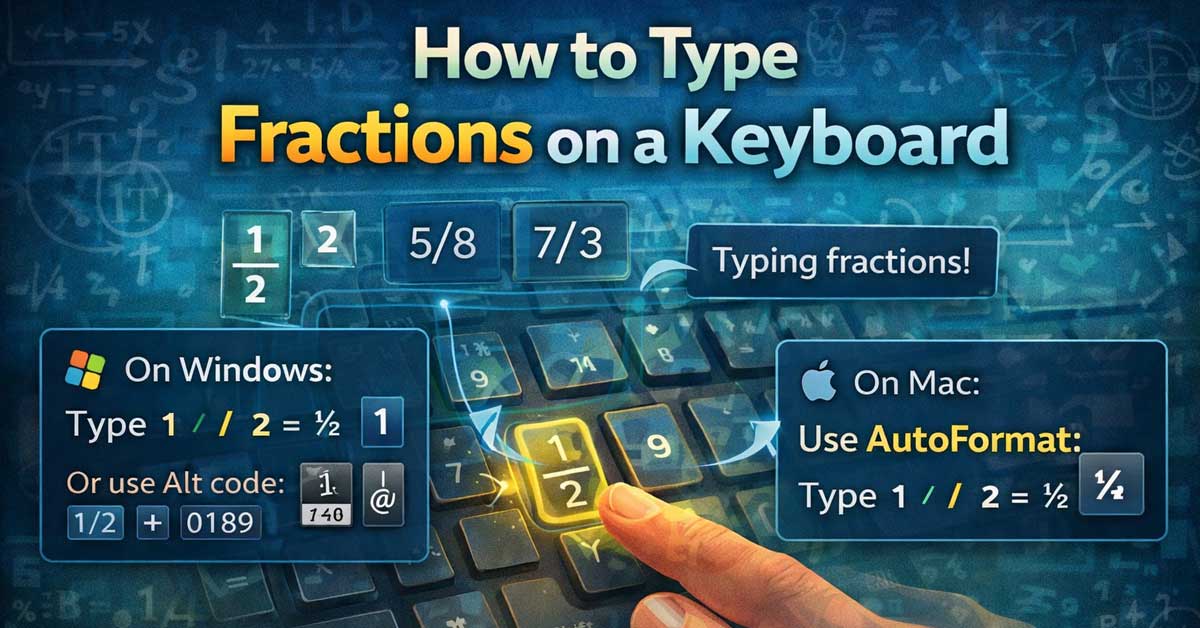
How to Type Fractions on a Keyboard

Several approaches depending on where you’re typing and how the fraction needs to look Typing fractions — whether you need ½ as a single character, a properly formatted stacked fraction like ¾, or a slash-separated representation like 3/4 — works differently depending on your context. The right method depends on whether you’re in a word …
continue reading

How-to-Type-the-Diameter-Symbol-(on-a-Keyboard

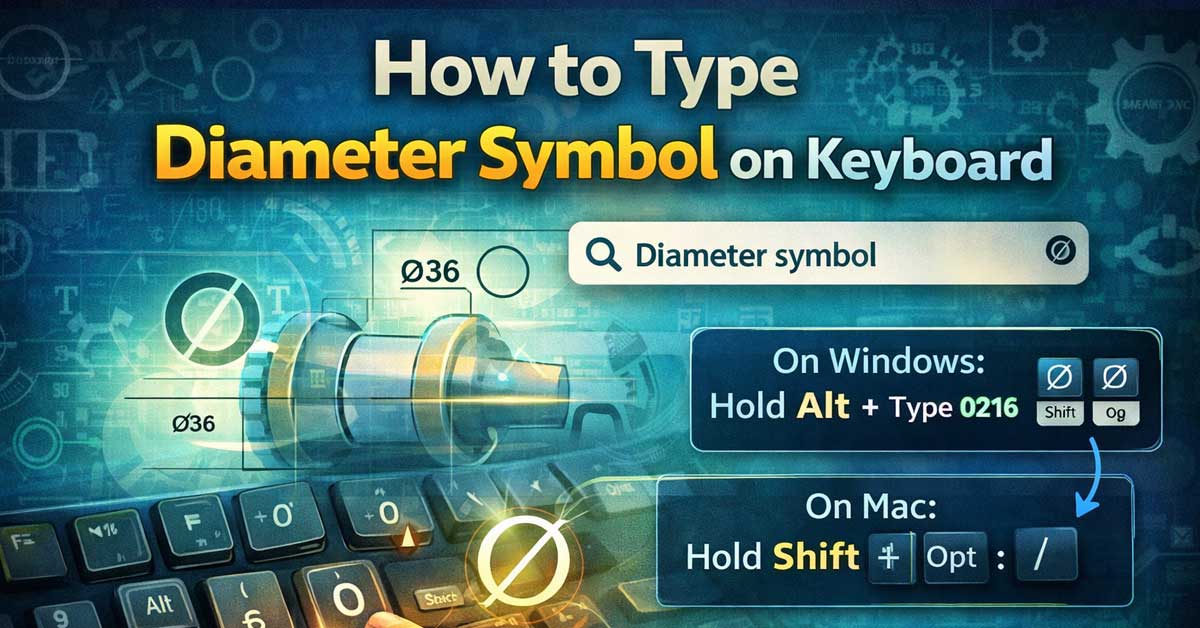
How to Type the Diameter Symbol (⌀) on a Keyboard

Not on any standard key — here’s the fastest method on every platform The diameter symbol ⌀ (Unicode U+2300) appears in engineering drawings, technical specifications, manufacturing documents, and anywhere dimensions of circular objects are specified. It looks similar to the Greek letter phi (φ) and the empty set symbol (∅) but is a distinct character …

continue reading

Why Is Excel Showing the Formula Instead of the Result

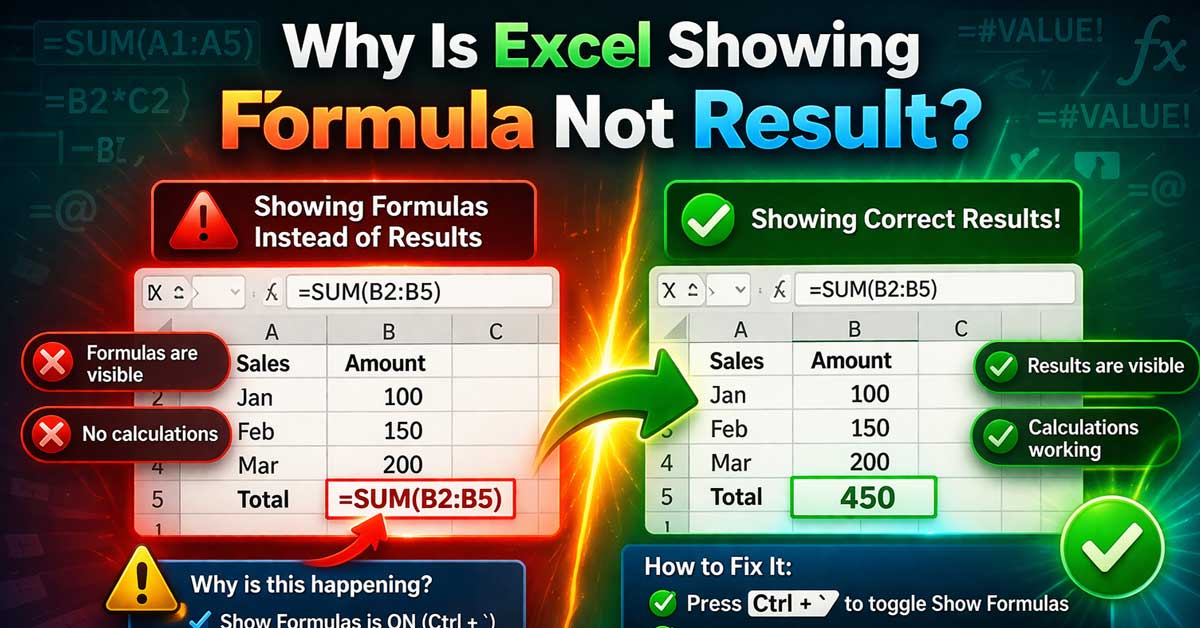
Why Is Excel Showing the Formula Instead of the Result?

Almost always a formatting or settings issue — here’s what’s causing it and how to fix it Typing a formula into Excel and seeing =SUM(A1:A10) displayed in the cell instead of the calculated result is one of Excel’s most common beginner frustrations — and it catches experienced users off guard too when it appears unexpectedly. …

continue reading

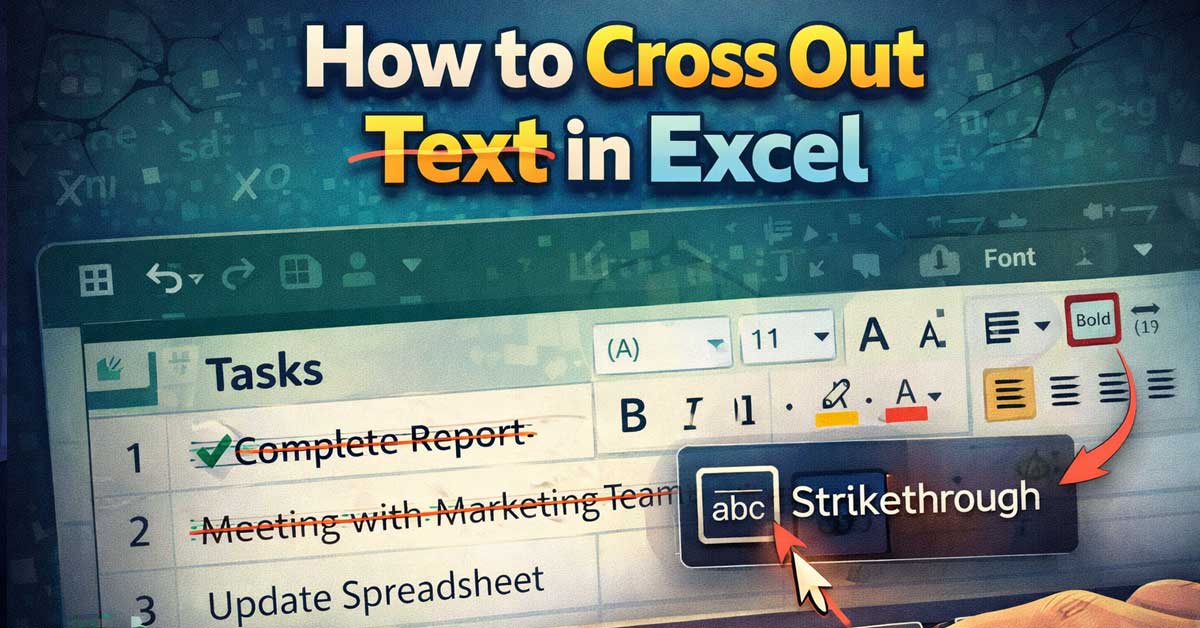
How to Cross Out Text in Excel

How to Cross Out Text in Excel

Strikethrough in Excel — here’s every method on every platform Crossing out text in Excel — applying the strikethrough format that draws a line through the middle of cell content — is useful for marking completed tasks, indicating removed items, showing price changes, or any situation where you want to show that content is no …

continue reading