
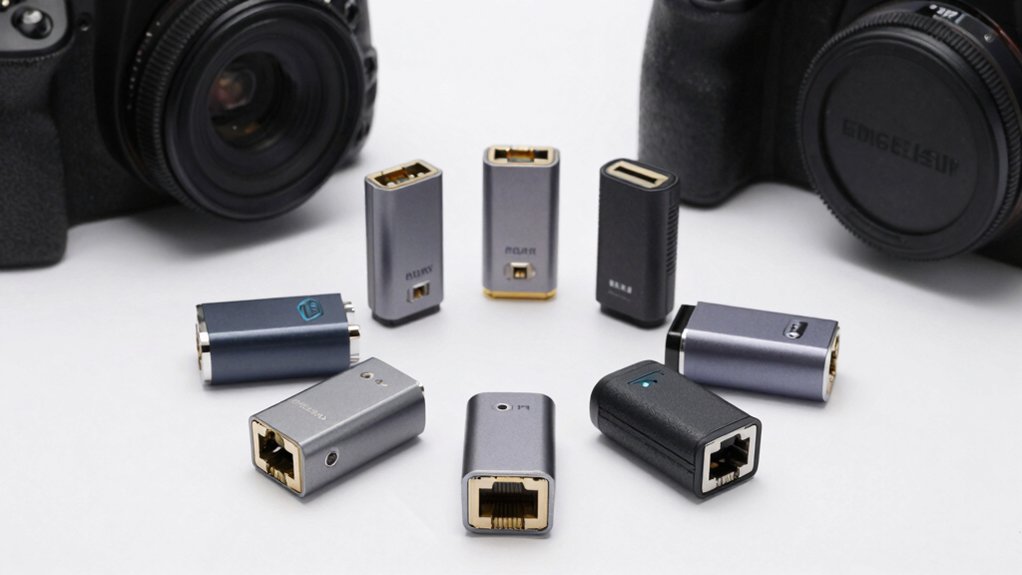

You’re looking to connect your iPhone to ethernet, but you’re unsure which adapter actually delivers reliable speeds and charging support. Your options range from Apple’s official Lightning adapters to MFi-certified alternatives and USB-C solutions that offer faster gigabit connections. Each option has distinct specs, compatibility requirements, and features you’ll need to evaluate. Understanding what sets these seven adapters apart—and which factors matter most for your setup—requires examining their performance differences and practical limitations.
| Apple Lightning to Ethernet Adapter Cable |
![[Apple MFi Certified] Lightning to Ethernet Adapter,RJ45 Ethernet LAN Network](https://m.media-amazon.com/images/I/21-+q0KbdyL._SL500_.jpg)
| Apple MFi Certified | Connection Type: Lightning to RJ45 Ethernet | Maximum Ethernet Speed: 10/100 Mbps | Charging Port Capability: No charging port | VIEW LATEST PRICE | Read Our Analysis |
| MFi Certified Lightning Ethernet Adapter with Charging Port |

| Best 2-in-1 Design | Connection Type: Lightning to RJ45 Ethernet with charging port | Maximum Ethernet Speed: 10/100 Mbps | Charging Port Capability: Yes (simultaneous Ethernet + charging) | VIEW LATEST PRICE | Read Our Analysis |
| UGREEN USB-C to Ethernet Adapter 1Gbps |

| Fastest Speed Option | Connection Type: USB-C to RJ45 Ethernet | Maximum Ethernet Speed: 1000 Mbps (Gigabit) | Charging Port Capability: No charging port | VIEW LATEST PRICE | Read Our Analysis |
| Apple MFi Lightning to Ethernet Adapter with Charging |

| Premium Apple Choice | Connection Type: Lightning to RJ45 Ethernet with charging port | Maximum Ethernet Speed: 10/100 Mbps | Charging Port Capability: Yes (simultaneous Ethernet + charging) | VIEW LATEST PRICE | Read Our Analysis |
| Lightning and USB-C Ethernet Adapter with Charging |

| Dual Device Compatible | Connection Type: Lightning/USB-C to RJ45 Ethernet with charging port | Maximum Ethernet Speed: 100 Mbps | Charging Port Capability: Yes (simultaneous Ethernet + charging) | VIEW LATEST PRICE | Read Our Analysis |
| BENFEI USB-C to Ethernet Gigabit Network Adapter |

| Best USB-C Adapter | Connection Type: USB-C to RJ45 Ethernet | Maximum Ethernet Speed: 1000 Mbps (Gigabit) | Charging Port Capability: No charging port | VIEW LATEST PRICE | Read Our Analysis |
| Lightning to Ethernet Adapter for iPhone and iPad |
![Lightning to Ethernet Adapter, [MFi Certified] Lightning to RJ45 Ethernet](https://m.media-amazon.com/images/I/21ILJ43i4FL._SL500_.jpg)
| Best Warranty Coverage | Connection Type: Lightning to RJ45 Ethernet | Maximum Ethernet Speed: 10/100 Mbps | Charging Port Capability: No charging port | VIEW LATEST PRICE | Read Our Analysis |
More Details on Our Top Picks
Apple Lightning to Ethernet Adapter Cable
If you’re struggling with unreliable WiFi on your iPhone and need a direct, wired connection instead, the Apple Lightning to Ethernet Adapter Cable is the solution you’re looking for. This MFi-certified adapter connects your iPhone to a 10/100 Mbps Ethernet network, requiring no software installation or external power. It’s compatible with iPhone models 6 through 13 Pro Max, iPad variants, and iPod devices running iOS 10.3 or later. Simply plug the Lightning connector into your device and attach the RJ45 cable to your network. The compact design makes it portable for travel. You’ll receive a 12-month warranty and customer support with your purchase.
- Connection Type:Lightning to RJ45 Ethernet
- Maximum Ethernet Speed:10/100 Mbps
- Charging Port Capability:No charging port
- Device Compatibility:iPhone 6-13 series, iPad, iPod
- Setup Requirements:Plug and play; no software/external power
- Warranty Period:12 months
- Additional Feature:No external power required
- Additional Feature:Apple MFi Certified officially
- Additional Feature:Compact, portable design
MFi Certified Lightning Ethernet Adapter with Charging Port
Need both a wired internet connection and simultaneous charging on your iPhone or iPad? This 2-in-1 adapter delivers exactly that. Simply turn off Wi-Fi, connect an Ethernet cable to the adapter’s RJ45 port, plug the Lightning connector into your device, then configure your IP settings through Ethernet in Settings. The adapter supports iOS 10 through the latest versions across iPhones, iPads, and iPod Touch models. You’ll get speeds up to 100 Mbps for stable browsing and downloads. A blue indicator light confirms your network connection. The lightweight design requires no drivers or additional software—just plug and play functionality with a 60-month warranty backing your purchase.
- Connection Type:Lightning to RJ45 Ethernet with charging port
- Maximum Ethernet Speed:10/100 Mbps
- Charging Port Capability:Yes (simultaneous Ethernet + charging)
- Device Compatibility:iPhone/iPad/iPod multiple generations, iOS 10+
- Setup Requirements:Plug and play; no hub or extra software
- Warranty Period:60 months
- Additional Feature:Simultaneous charging capability
- Additional Feature:Blue network connection indicator
- Additional Feature:60-month extended warranty
UGREEN USB-C to Ethernet Adapter 1Gbps
The UGREEN USB-C to Ethernet Adapter works best for iPhone and iPad users who need a dependable wired connection when WiFi isn’t available or performs poorly. You’ll get plug-and-play setup with no drivers required for Windows 11/10 or macOS. The adapter delivers up to 1000Mbps speeds and includes an aluminum case that dissipates heat effectively. Its reinforced cable and wear-resistant port ensure durability during regular use. The LED indicator shows connection status instantly. Simply connect the adapter to your device’s USB-C port, then plug in an Ethernet cable. This solution works with iPhone 17 Pro/Max, iPad models, and other USB-C devices, providing stable connectivity for work, gaming, and streaming.
- Connection Type:USB-C to RJ45 Ethernet
- Maximum Ethernet Speed:1000 Mbps (Gigabit)
- Charging Port Capability:No charging port
- Device Compatibility:MacBook, iPhone 15-17 Pro, iPad, Chromebook, Steam Deck, Nintendo Switch
- Setup Requirements:Plug and play; driver-free (most OS)
- Warranty Period:Not specified
- Additional Feature:Aluminum alloy case design
- Additional Feature:Gigabit speed support (1Gbps)
- Additional Feature:Thunderbolt 4/3 compatible
Apple MFi Lightning to Ethernet Adapter with Charging
Want both internet access and power simultaneously on your iPhone? The Apple MFi Lightning to Ethernet Adapter with Charging does exactly that. This 2-in-1 device connects an RJ45 Ethernet cable and a charging cable to your iPhone at the same time. Simply disable Wi-Fi, plug the Ethernet cable into the adapter, insert the Lightning connector into your iPhone, and wait for your device to obtain an IP address via DHCP. A blue LED indicates connection status. It works with iPhone 7–14 models and iPad devices running iOS 10.3 or higher. The adapter supports speeds up to 100 Mbps and requires no additional software.
- Connection Type:Lightning to RJ45 Ethernet with charging port
- Maximum Ethernet Speed:10/100 Mbps
- Charging Port Capability:Yes (simultaneous Ethernet + charging)
- Device Compatibility:iPhone 7-14 series, iPad Air/Mini/Pro, iOS 10.3+
- Setup Requirements:Plug and play; no extra apps/software
- Warranty Period:24 months
- Additional Feature:Blue LED activity indicator
- Additional Feature:Simultaneous Ethernet and charging
- Additional Feature:Apple MFi Certified officially
Lightning and USB-C Ethernet Adapter with Charging
If you’re juggling both internet access and device charging on your iPhone or iPad, this 2-in-1 Lightning and USB-C Ethernet adapter solves that dual-need problem. Simply plug the adapter into your device’s port, connect an Ethernet cable to the RJ45 jack, and attach a power source to charge simultaneously. The adapter supports up to 100 Mbps speeds, delivering stable wired connectivity without Wi-Fi buffering issues. It’s compatible with iPhones 7 through 13, iPads, and select Android devices running iOS 10–15. No drivers or software installation’s required—it activates automatically upon connection. Its compact design makes it portable for travel or work situations where reliable internet and charging both matter.
- Connection Type:Lightning/USB-C to RJ45 Ethernet with charging port
- Maximum Ethernet Speed:100 Mbps
- Charging Port Capability:Yes (simultaneous Ethernet + charging)
- Device Compatibility:iPhone 7-13 series, iPad Air/Mini/Pro, Samsung/Android devices, iOS 10-15
- Setup Requirements:Plug and play; no additional drivers/software
- Warranty Period:Not specified
- Additional Feature:Dual input (Lightning/USB-C)
- Additional Feature:Simultaneous charging capability
- Additional Feature:Works with Android devices
BENFEI USB-C to Ethernet Gigabit Network Adapter
Looking for a wired connection on your iPhone 15 Pro or compatible USB-C device? The BENFEI USB-C to Ethernet Gigabit Network Adapter delivers plug-and-play functionality without requiring drivers. You simply connect the adapter to your device’s USB-C port and attach a CAT6 or higher Ethernet cable to access gigabit speeds up to 1 Gbps. The braided nylon cable and aluminum casing provide durability and heat protection during extended use. This adapter works with MacBook Pro, iPad Pro, Samsung Galaxy devices, and numerous USB-C laptops. It doesn’t support Nintendo Switch. An 18-month warranty backs your purchase with accessible customer service support.
- Connection Type:USB-C to RJ45 Ethernet
- Maximum Ethernet Speed:1000 Mbps (Gigabit)
- Charging Port Capability:No charging port
- Device Compatibility:MacBook Pro/Air, iPhone 15 Pro, iPad Pro, XPS, Samsung Galaxy S-series, Chromebook (not Nintendo Switch)
- Setup Requirements:Plug and play; no drivers (most OS)
- Warranty Period:18 months
- Additional Feature:Braided nylon cable durability
- Additional Feature:Premium aluminum casing included
- Additional Feature:Gigabit speed support (1Gbps)
Lightning to Ethernet Adapter for iPhone and iPad
The Lightning to Ethernet Adapter works best for users who need a stable wired connection on their iPhone or iPad without carrying extra equipment. Simply plug the adapter into your device’s Lightning port, then connect an Ethernet cable. You’ll receive immediate network access supporting up to 10/100 Mbps speeds. The blue indicator light signals successful connection. This adapter is compatible with iPhone 14 through iPhone 6, iPad Pro/Air/mini, and iPod Touch running iOS 10–16 or later. No software installation or additional setup is required. The device activates immediately upon connection, eliminating wireless instability issues for video streaming, gaming, and live broadcasting. A 60-month warranty and 24/7 customer support provide reliable protection.
- Connection Type:Lightning to RJ45 Ethernet
- Maximum Ethernet Speed:10/100 Mbps
- Charging Port Capability:No charging port
- Device Compatibility:iPhone 5-14 Pro Max, iPad Pro/Air/Mini, iPod Touch, iOS 10-16
- Setup Requirements:Plug and play; no applications/software
- Warranty Period:60 months
- Additional Feature:Blue light connection indicator
- Additional Feature:60-month worry-free warranty
- Additional Feature:24/7 customer service support
Factors to Consider When Choosing Ethernet Adapters for iPhone
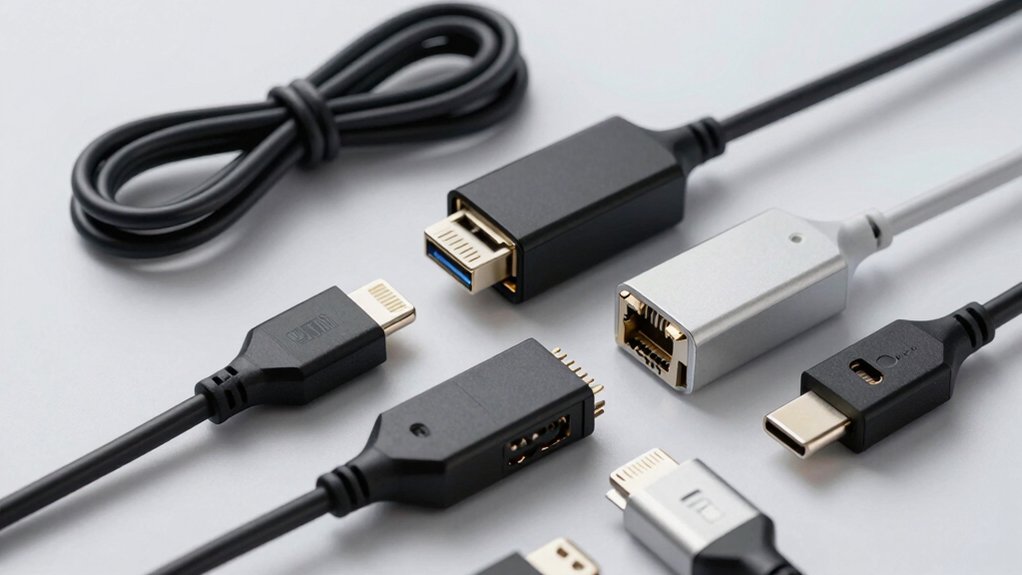
When you’re choosing an Ethernet adapter for your iPhone, you’ll need to evaluate five key factors: compatibility with your specific iPhone model, the network speeds the adapter supports, whether it can charge your device simultaneously, its physical size and portability for travel, and the manufacturer’s warranty and customer support options. Start by confirming that the adapter works with your iPhone’s current operating system, then check the maximum Mbps it delivers to ensure it meets your internet needs, and verify if it includes a charging port since many adapters don’t support power delivery. Finally, assess how easily the adapter fits in your bag or pocket and research the company’s support policies in case you encounter connection issues.
Compatibility With iPhone Models
How do you know whether an Ethernet adapter will actually work with your iPhone? Start by checking the adapter’s MFi certification, which guarantees official Apple compatibility. Next, verify the adapter supports your specific iPhone model and iOS version—most adapters work with iPhone 7 through iPhone 14, though some older models have limited support. Confirm the adapter uses a Lightning to Ethernet connection, not USB-C or other ports, since iPhones require Lightning connectivity. Check that it supports DHCP-provided IP assignment from your router, enabling plug-and-play setup without additional software installation. Finally, review the compatibility breadth across iPhone generations and variants like Pro and Max models. This ensures your adapter works now and remains functional if you upgrade your device later.
Network Speed And Performance
Once you’ve confirmed your adapter’s compatibility with your iPhone model, you’ll want to evaluate its network speed and performance capabilities. Check whether your adapter supports 100 Mbps or 1 Gbps speeds—gigabit adapters deliver faster performance if your network infrastructure supports it. Verify that your home network and cables meet the requirements; gigabit adapters need CAT6 or higher cables to reach full 1000 Mbps throughput. Remember that wired Ethernet connections provide more stable, lower-latency performance than Wi-Fi, reducing buffering during streaming and gaming. Don’t confuse charging capabilities with network speed—dual-use adapters offering both data and charging don’t increase Ethernet performance. Your actual speed depends on the Ethernet port standard and your connected network, not power delivery features.
Charging Capability Requirements
Do you need to charge your iPhone while using a wired Ethernet connection? You’ll want a 2-in-1 adapter that combines both features. First, verify the adapter includes a charging port before purchasing. Check the power specification—most adapters provide 5V/2A output, though some models vary. Next, confirm your iOS version meets the adapter’s requirements, typically iOS 10 or newer. Ensure your router uses DHCP to assign IP addresses automatically, since the adapter itself won’t establish internet connectivity. Connect the Ethernet cable to the adapter, then plug your iPhone into the charging port. Note that simultaneous use may reduce charging speed depending on your specific model. Not all adapters support both functions, so always confirm 2-in-1 capability in product specifications before committing to a purchase.
Portability And Design Features
Beyond ensuring your adapter meets charging and connectivity needs, you’ll want to evaluate how well it fits into your everyday routine. Compact and lightweight designs enhance portability, allowing you to carry adapters in a pocket or bag for travel or on-the-go use. Slim profiles that fit snugly into iPhone Lightning or USB-C ports prevent bulky protrusions and interference with accessories like cases. Durable enclosures, such as aluminum cases, improve heat dissipation and longevity during extended use. Consider 2-in-1 designs with charging capability while using Ethernet to minimize carrying extra cables or power bricks. Clear status indicators like blue LEDs provide quick at-a-glance confirmation that your adapter is connected and active, helping you verify functionality instantly.
Warranty And Support Coverage
What protection does your Ethernet adapter actually come with after you buy it? You need to verify the warranty period first—look for adapters offering 12 to 60 months of coverage. Next, review the warranty scope carefully to understand whether you’ll receive a replacement, repair, or full refund if issues arise. Check what conditions might void coverage, such as physical damage, misuse, or missing receipts. Additionally, confirm the manufacturer’s support availability by checking for 24/7 or 24-hour response commitments. Document all support channels—email, chat, or phone—for easy access when needed. Finally, note any return policies beyond the manufacturer warranty, like Amazon’s 30-day guarantee, which provide extra protection. Comparing these details across products ensures you’re adequately protected.
Final Thoughts
You’ve reviewed seven reliable Ethernet adapters for your iPhone. Choose Apple’s official Lightning adapter for basic 10/100 Mbps connectivity, or select an MFi-certified option if you need charging passthrough. For USB-C devices, UGREEN or BENFEI deliver 1 Gbps speeds. Check your device’s port type, determine your required speed, and verify warranty coverage before purchasing. All options feature straightforward setup with no additional software required.

Meet Ry, “TechGuru,” a 36-year-old technology enthusiast with a deep passion for tech innovations. With extensive experience, he specializes in gaming hardware and software, and has expertise in gadgets, custom PCs, and audio.
Besides writing about tech and reviewing new products, he enjoys traveling, hiking, and photography. Committed to keeping up with the latest industry trends, he aims to guide readers in making informed tech decisions.