
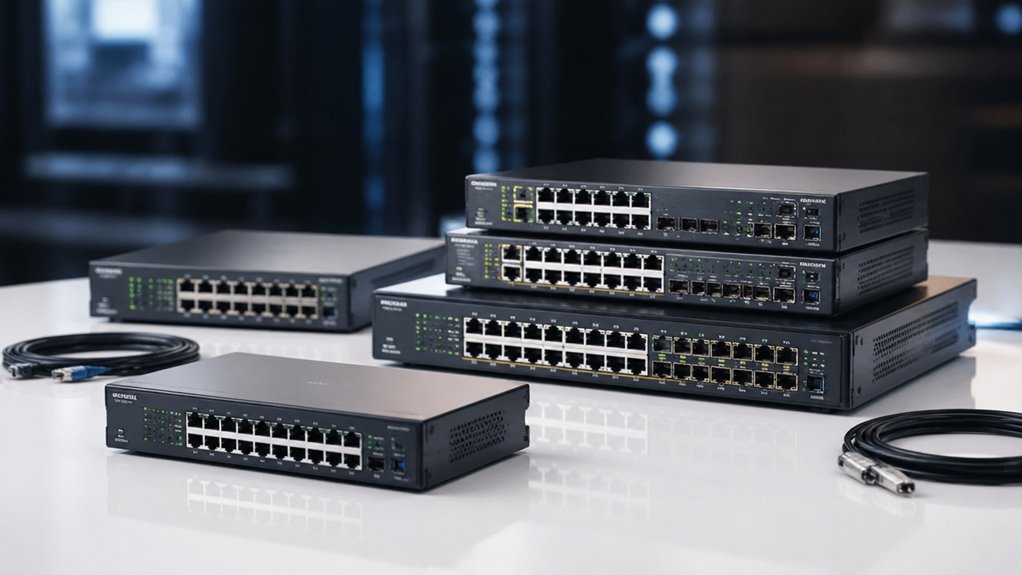

When you’re building or expanding a network, you’ll need a managed switch that handles your current demands and scales with your growth. You’ve got options ranging from compact eight-port units for small offices to robust 24-port switches with Power over Ethernet capabilities. Each delivers different strengths—some prioritize silent operation, others emphasize advanced management features or higher speeds. Understanding which switch matches your specific needs requires examining several key factors first.
| NETGEAR 8-Port Gigabit Smart Managed Switch (GS308E) |

| Best for Home Networks | Port Count: 8 ports | Management Type: Easy Smart Managed Essentials | VLAN Support: Not specified | VIEW LATEST PRICE | Read Our Analysis |
| TP-Link 8 Port Gigabit Smart Switch (TL-SG108E) |

| Best Value | Port Count: 8 ports | Management Type: Easy Smart Managed (web interface/software) | VLAN Support: Up to 32 VLANs (port-based and 802.1Q) | VIEW LATEST PRICE | Read Our Analysis |
| TP-Link 24 Port Gigabit Smart Switch (TL-SG1024DE) |

| Enterprise-Grade Option | Port Count: 24 ports | Management Type: Easy Smart Managed | VLAN Support: Abundant VLAN features for traffic segmentation | VIEW LATEST PRICE | Read Our Analysis |
| TP-Link 8 Port Gigabit Managed Switch (TL-SG208E) |

| Best for Business | Port Count: 8 ports | Management Type: Centralized management via Omada SDN Controller and Omada App | VLAN Support: VLAN support | VIEW LATEST PRICE | Read Our Analysis |
| TP-Link TL-SG1428PE 24 Port Gigabit PoE+ Switch |

| Best PoE Solution | Port Count: 24 PoE+ ports + 2 non-PoE ports | Management Type: Easy Smart Managed (web-based interface) | VLAN Support: VLAN features for network segmentation | VIEW LATEST PRICE | Read Our Analysis |
| SODOLA 8-Port 2.5Gb Web Managed Network Switch |

| Prosumer Power Choice | Port Count: 8 ports (2.5Gb) + 1 SFP+ slot | Management Type: Web-managed | VLAN Support: VLAN support | VIEW LATEST PRICE | Read Our Analysis |
More Details on Our Top Picks
NETGEAR 8-Port Gigabit Smart Managed Switch (GS308E)
Are you looking to expand your home network’s connectivity? The NETGEAR 8-Port Gigabit Smart Managed Switch (GS308E) delivers eight Gigabit Ethernet ports for your desktop or wall-mounted setup. You’ll configure and monitor your network using the Easy Smart Managed Essentials software, which provides a user-friendly interface for basic managed capabilities. The switch operates silently, making it suitable for offices and home environments. You can mount it on your desk or wall, depending on your space requirements. The device complies with IEEE 802.3az energy efficiency standards and includes a five-year limited hardware warranty, ensuring long-term reliability for your network infrastructure.
- Port Count:8 ports
- Management Type:Easy Smart Managed Essentials
- VLAN Support:Not specified
- QoS & Traffic Control:Not specified
- Port Monitoring & Diagnostics:Not specified
- Warranty Period:5-year limited hardware warranty
- Additional Feature:5-year limited hardware warranty
- Additional Feature:Silent fanless operation
- Additional Feature:Desktop or wall-mount compatible
TP-Link 8 Port Gigabit Smart Switch (TL-SG108E)
Looking for an affordable managed switch that doesn’t compromise on core networking features? The TP-Link TL-SG108E delivers eight Gigabit ports with essential smart management capabilities. You’ll access configuration tools through a web interface or free software to set up VLANs, QoS, and port mirroring. The switch includes auto MDI/MDI-X and energy-saving technology that reduces power consumption by up to 58%. Installation requires minimal effort—plug in the device, connect your cables, and the auto-negotiation handles speed settings automatically. Its metal chassis fits on a desktop or wall mount. You get three-year warranty coverage and weekday technical support. This model suits small networks needing managed features without enterprise complexity.
- Port Count:8 ports
- Management Type:Easy Smart Managed (web interface/software)
- VLAN Support:Up to 32 VLANs (port-based and 802.1Q)
- QoS & Traffic Control:QoS for traffic optimization
- Port Monitoring & Diagnostics:Port mirroring, loop prevention, cable diagnostics
- Warranty Period:3-year warranty
- Additional Feature:58% energy consumption reduction
- Additional Feature:Auto MDI/MDI-X negotiation
- Additional Feature:Shielded ports metal chassis
TP-Link 24 Port Gigabit Smart Switch (TL-SG1024DE)
Need a straightforward enterprise-grade option that handles growing network demands without complexity? The TP-Link 24 Port Gigabit Smart Switch delivers 24 Gigabit ports for simultaneous large file transfers and supports 9K Jumbo frames to boost performance. You’ll configure VLANs to segment traffic and enhance security, apply port-based or tag-based QoS to prioritize latency-sensitive applications, and enable IGMP Snooping for optimized multicast performance. Port Mirroring and Cable Diagnostics provide real-time network monitoring and troubleshooting. The metal construction with shielded ports ensures durability. Setup requires minimal effort—plug in and manage via integrated tools. TP-Link backs this unit with a three-year warranty and weekday technical support.
- Port Count:24 ports
- Management Type:Easy Smart Managed
- VLAN Support:Abundant VLAN features for traffic segmentation
- QoS & Traffic Control:Port-based and tag-based QoS
- Port Monitoring & Diagnostics:Port mirroring, loop prevention, cable diagnostics
- Warranty Period:3-year warranty
- Additional Feature:9K Jumbo frame support
- Additional Feature:24-port high capacity
- Additional Feature:Desktop/Rackmount flexible installation
TP-Link 8 Port Gigabit Managed Switch (TL-SG208E)
The TP-Link TL-SG208E works for growing companies that need reliable network infrastructure without complexity. This 8-port switch delivers 1 Gbps per port and includes essential management features like VLAN support, QoS, and port mirroring. You can centrally manage the device through Omada SDN Controller or the Omada App, simplifying network administration. The fanless metal housing with shielded ports protects against interference and extends equipment lifespan. Built-in loopback detection and port isolation prevent network disruptions. Storm control and LAG features optimize traffic flow. At 0.66 kg with a 3-year warranty, this switch scales efficiently for small business networks and surveillance systems.
- Port Count:8 ports
- Management Type:Centralized management via Omada SDN Controller and Omada App
- VLAN Support:VLAN support
- QoS & Traffic Control:QoS, Flow control, Storm control
- Port Monitoring & Diagnostics:Port mirroring, loop prevention, port isolation
- Warranty Period:3-year warranty
- Additional Feature:Omada SDN centralized management
- Additional Feature:Storm control and isolation
- Additional Feature:Suitable for surveillance systems
TP-Link TL-SG1428PE 24 Port Gigabit PoE+ Switch
TP-Link’s TL-SG1428PE delivers 24 PoE+ ports that you can configure for powering and networking IP cameras, wireless access points, and VoIP phones simultaneously. Each port supplies up to 30W, with a total budget of 250W across all ports. You’ll also get two additional Gigabit ports and two SFP slots for high-speed connections. The Easy Smart management interface lets you set up VLANs, QoS, and LAG support through a web browser. PoE Auto Recovery automatically detects unresponsive devices and reboots them after configuration. Setup requires no software installation—plug it in and start connecting devices. The metal enclosure fits standard racks, and TP-Link provides three years of warranty coverage.
- Port Count:24 PoE+ ports + 2 non-PoE ports
- Management Type:Easy Smart Managed (web-based interface)
- VLAN Support:VLAN features for network segmentation
- QoS & Traffic Control:QoS support
- Port Monitoring & Diagnostics:Not explicitly specified
- Warranty Period:3-year warranty
- Additional Feature:30W per PoE port
- Additional Feature:PoE Auto Recovery rebooting
- Additional Feature:2 SFP high-speed slots
SODOLA 8-Port 2.5Gb Web Managed Network Switch
Looking for a switch that bridges home and professional networking? The SODOLA 8-Port 2.5Gb Web Managed Network Switch delivers affordable multi-gig performance without complexity. You get eight 2.5Gb ports plus one 10G SFP+ slot, enabling fast data transfer for bandwidth-heavy tasks. The web-managed interface requires no CLI knowledge—you configure VLANs, QoS, and link aggregation through your browser. Its fanless aluminum design runs silently in compact spaces. Auto-negotiation supports existing 1G devices while offering an upgrade path to 2.5G equipment. Energy-efficient 802.3az EEE reduces power consumption. At roughly 400 grams with magnetic mounting, it fits tight installations. The one-year warranty covers your investment for prosumer and homelab setups.
- Port Count:8 ports (2.5Gb) + 1 SFP+ slot
- Management Type:Web-managed
- VLAN Support:VLAN support
- QoS & Traffic Control:QoS support
- Port Monitoring & Diagnostics:Not explicitly specified
- Warranty Period:1-year manufacturer warranty
- Additional Feature:2.5Gb ports with 10G
- Additional Feature:Fanless silent aluminum housing
- Additional Feature:Magnetic mounting with pads
Factors to Consider When Choosing a Managed Switch
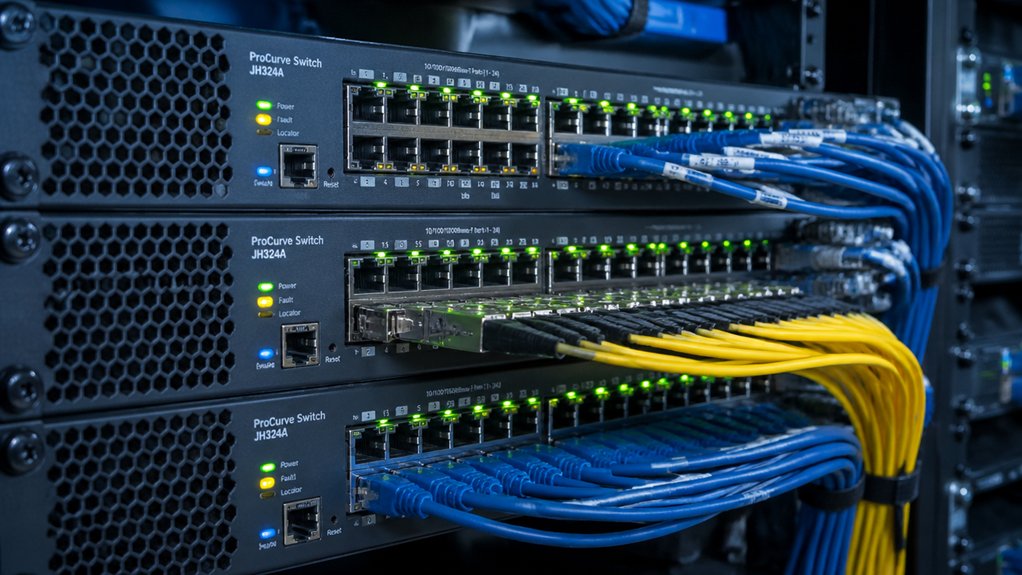
You’ll need to evaluate port count and capacity based on your current device requirements and future growth, then assess the management interface’s complexity against your team’s technical skill level. Consider which advanced networking features—such as VLAN support, QoS, or security protocols—are essential for your operations, and balance these needs against power consumption efficiency to control ongoing costs. Finally, confirm the switch suits your deployment environment, whether that’s a standard office setting, high-heat server room, or outdoor installation with specific temperature and humidity requirements.
Port Count And Capacity
How many devices do you need to connect right now, and how many might you add in the next year or two? Start by counting your current endpoints—computers, printers, cameras, phones. An 8-port switch handles small setups with 6–8 devices. A 24-port switch supports larger teams or network segments. Next, evaluate port speed. Gigabit (1 Gbps) per port sets your maximum per-device bandwidth. Consider multi-gig options (2.5G/10G) if you’re transferring large files locally between devices. Review your PoE needs. PoE ports deliver power to compatible devices like IP cameras and access points, reducing cable clutter. Finally, plan for growth. Link Aggregation (LAG) groups multiple ports together, giving you redundancy and higher aggregate bandwidth as your network expands.
Management Interface Complexity
Once you’ve sized your switch for current and future ports, you’ll want to evaluate how you’ll actually configure and monitor it day-to-day. You have three main options. Web-based interfaces require basic networking knowledge to set up VLANs, QoS, and port mirroring but offer reasonable control. CLI access provides deeper scripting capabilities and automation but demands steeper learning curves. Simple web GUIs with guided wizards minimize setup time through plug-and-play features, though they limit advanced configurations. Consider also whether centralized management through an SDN controller or vendor app suits your infrastructure. Regardless of choice, prioritize switches displaying clear port-level diagnostics and real-time monitoring dashboards, as these directly impact your ability to troubleshoot and optimize network performance efficiently.
Advanced Networking Features
What separates a basic managed switch from one that truly handles enterprise demands? Advanced networking features. You’ll want VLAN support to segment traffic and improve security through 802.1Q tagging and port-based configuration. Next, evaluate QoS capabilities—they prioritize latency-sensitive traffic by classifying and marking packets using port-based, 802.1p, or DSCP methods. IGMP Snooping reduces unnecessary multicast load by routing streams only to interested ports. Link Aggregation combines multiple ports into one logical link, increasing bandwidth and providing failover protection. Finally, check for port mirroring and loop prevention tools. Port mirroring captures traffic for analysis, while loop prevention stops broadcast storms. These features directly impact network performance, reliability, and your ability to manage traffic efficiently.
Power Consumption Efficiency
When you’re selecting a managed switch, energy costs matter as much as performance. Compare the rated maximum power consumption across models you’re considering. Look for per-port energy management features that scale power usage based on link status and idle detection. Energy-Efficient Ethernet (IEEE 802.3az) reduces idle power on inactive ports without compromising readiness. If your deployment includes Power over Ethernet devices, evaluate PoE budgets separately since higher-power devices increase overall consumption and cooling requirements. Check whether models offer cable-length-aware tuning, which adjusts power based on connection distances. Calculate total energy use by combining base power draw, per-port reductions, and PoE allocations. This structured comparison helps you identify switches that deliver both performance and cost efficiency for your specific network needs.
Deployment Environment Suitability
How’ll your switch fit into your actual network space and operational constraints? First, decide between desktop and rack-mount form factors based on your physical setup. Desktop switches work for small spaces with limited infrastructure, while rack-mount units suit data centers or server rooms with standardized equipment racks. Next, measure your available space and confirm mounting options match your installation type. Then, verify power requirements align with your facility’s electrical capacity and cooling systems. Consider whether you need Power over Ethernet (PoE) capabilities for devices like access points or cameras. Finally, check heat output specifications against your cooling budget. Match these environmental factors to your switch selection before purchasing to avoid costly installation problems or performance issues.
Warranty And Support Duration
Your switch’s warranty and support terms directly impact your long-term costs and operational continuity, so you’ll want to evaluate them carefully before purchasing. Compare warranty lengths across models—three years is standard for mid-range switches, while premium options offer five years. Check what each warranty covers: hardware defects are typically included, but software issues and accidental damage aren’t. Review manufacturer support hours to confirm they align with your operational schedule. Limited daily windows may require paid extended support if you need help outside those times. Document all coverage details and exclusions before committing. Prioritize vendors offering free technical support during your peak hours alongside warranty protection, ensuring you can address problems quickly without unexpected expenses.
Scalability For Future Growth
What happens when your network demands exceed your switch’s capacity? You’ll need scalability built in from the start. Choose switches with uplink options like 10G SFP+ ports or stacking capabilities to support growth across access, aggregation, and core layers. Prioritize devices offering link aggregation (LAG) across multiple ports to increase bandwidth without replacing equipment. Select modular or stackable switch families so you can add ports without reconfiguring your entire network. Verify the switch supports VLAN scalability with large ID ranges and dynamic assignment for growing segmentations. Finally, consider power consumption and rack space requirements for larger deployments, selecting energy-efficient models with compact form factors that align with your facility constraints and budget.
Budget And Total Cost
When you’re evaluating managed switches, don’t focus only on the sticker price—you’ll need to calculate the total cost of ownership, which includes the initial purchase, licensing fees, support agreements, and operational expenses over the device’s lifespan. Compare warranty lengths across models, since longer coverage reduces maintenance costs. Check whether essential features like VLAN, QoS, LAG, and IGMP are included in base pricing or require expensive upgrades. Examine power efficiency specifications to estimate yearly electricity expenses. Review mounting requirements and form factors to determine installation costs. Assess support tiers bundled with each option. Add these factors together systematically to identify which switch delivers the best value for your network’s needs over three to five years.
Final Thoughts
You’ll want to match your switch choice to your specific needs. Pick the GS308E for quiet office settings, TP-Link models for web management flexibility, the TL-SG1428PE if you need PoE+ power delivery, or the SODOLA for multi-gig speed requirements. Evaluate your port count, budget, and management preferences first. Then select the switch that covers those requirements without unnecessary extras.

Meet Ry, “TechGuru,” a 36-year-old technology enthusiast with a deep passion for tech innovations. With extensive experience, he specializes in gaming hardware and software, and has expertise in gadgets, custom PCs, and audio.
Besides writing about tech and reviewing new products, he enjoys traveling, hiking, and photography. Committed to keeping up with the latest industry trends, he aims to guide readers in making informed tech decisions.