
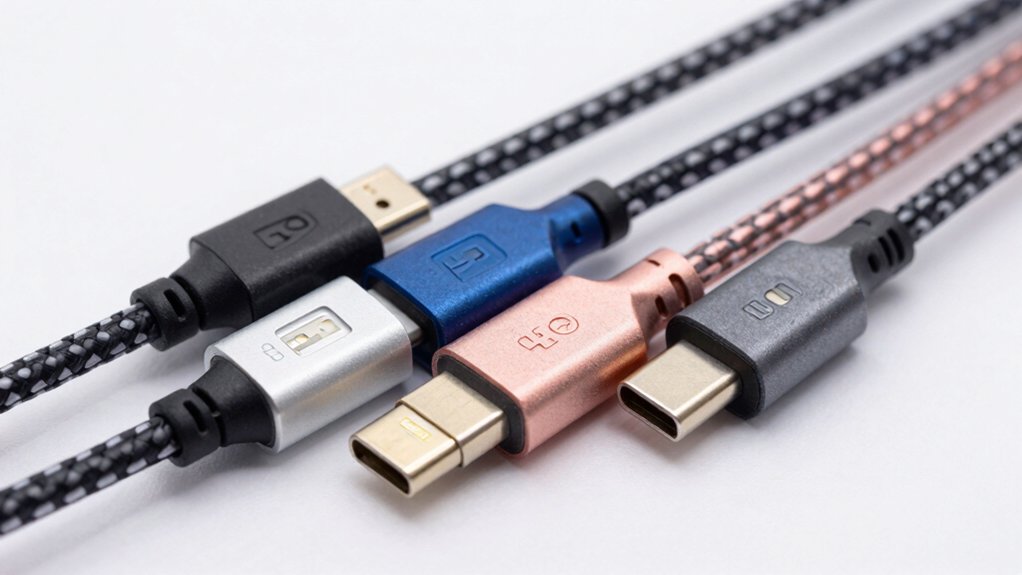

You’re looking for an Android cable that transfers data quickly without wasting your time. The right cable makes a real difference in how fast you can move files between devices. You’ll find several options that deliver genuine speed—some offering 10Gbps transfers, others featuring extended lengths for flexibility. Each cable has specific strengths depending on your needs. Here’s what you should know before choosing.
| CONMDEX Android Auto USB Cable 3ft (2-Pack) |
![CONMDEX Android Auto USB Cable [Upgrade, 3ft, 2-Pack] 10Gbps USB](https://m.media-amazon.com/images/I/41vy0X7qsdL._SL500_.jpg)
| Best for CarPlay | Data Transfer Speed: 10 Gbps (USB 3.1 Gen 2) | Charging Capability: 3A fast charging (18W) | Cable Length: 3 feet | VIEW LATEST PRICE | Read Our Analysis |
| SUNGUY 10Gbps USB-C Fast Charging & Data Cable |

| Most Reliable Choice | Data Transfer Speed: 10 Gbps (USB 3.1 Gen 2) | Charging Capability: 3A fast charging | Cable Length: 1.5 feet | VIEW LATEST PRICE | Read Our Analysis |
| 20-in USB-C High-Speed Data Transfer Cable |

| Best for SSDs | Data Transfer Speed: 20 Gbps (USB-C to USB-C) | Charging Capability: 100W (20V at 5A) | Cable Length: 20 inches | VIEW LATEST PRICE | Read Our Analysis |
| USB-C to USB-A Fast Charging Cable (3FT) |

| Most Versatile | Data Transfer Speed: 10 Gbps (USB 3.1 Gen 2) | Charging Capability: 3A fast charging | Cable Length: 3 feet | VIEW LATEST PRICE | Read Our Analysis |
| USB-C Data Cable 10Gbps Fast Charging (6ft) |
![USB-C Data Cable 10Gbps [6ft, Red], Android Auto USB 3.2](https://m.media-amazon.com/images/I/41qgGi+KahL._SL500_.jpg)
| Premium Durability | Data Transfer Speed: 10 Gbps (USB 3.2 Gen 2) | Charging Capability: 3.1A fast charging (65W, QC 3.0 compatible) | Cable Length: 6 feet | VIEW LATEST PRICE | Read Our Analysis |
More Details on Our Top Picks
CONMDEX Android Auto USB Cable 3ft (2-Pack)
Are you driving a vehicle that requires reliable in-car connectivity? The CONMDEX Android Auto USB Cable delivers 10Gbps data transfer speeds with 3A fast charging through its USB-A to USB-C design. This 2-pack includes 3ft cables constructed with aluminum alloy housing and braided nylon for durability and heat resistance. The cables support 18W charging and work with iPhone 17/16, Galaxy S25/S24 Ultra, and external SSDs. With an 18-month warranty and 4.5-star rating from over 11,000 reviews, you’ll get dependable performance for syncing large photo libraries and video files quickly. The short circuit protection and tangle-free design make these cables practical for car consoles and desktop setups.
- Data Transfer Speed:10 Gbps (USB 3.1 Gen 2)
- Charging Capability:3A fast charging (18W)
- Cable Length:3 feet
- Connector Type:USB-A to USB-C
- Build Material:Aluminum alloy with nylon braiding
- Warranty:18-month warranty
- Additional Feature:Two-pack value bundle
- Additional Feature:Aluminum alloy housing
- Additional Feature:Short circuit protection
SUNGUY 10Gbps USB-C Fast Charging & Data Cable
Looking for a cable that handles both lightning-fast data transfers and safe charging? The SUNGUY 10Gbps USB-C cable delivers 10Gbps data speeds via USB 3.1 Gen 2 technology while remaining backward compatible with USB 3.0 and 2.0. You’ll get safe charging up to 3A through its 56KΩ pull-up resistor, which protects your device from damage. This nylon braided cable works with iPhone 15 series for CarPlay and iTunes connections, plus it supports Galaxy S23 Ultra, Pixel 7 Pro, iPad Pro, MacBooks, and many others. You receive one 1.5ft cable with a 12-month replacement warranty and lifetime technical support included.
- Data Transfer Speed:10 Gbps (USB 3.1 Gen 2)
- Charging Capability:3A fast charging
- Cable Length:1.5 feet
- Connector Type:USB-A to USB-C
- Build Material:Nylon braided
- Warranty:12-month warranty with lifetime technical support
- Additional Feature:56KΩ pull-up resistor safety
- Additional Feature:Lifetime 24/7 technical support
- Additional Feature:Backwards compatible USB 3.0/2.0
20-in USB-C High-Speed Data Transfer Cable
Need to transfer large files from your SSD quickly? This 20-inch USB-C cable delivers 20Gbps data transfer speeds, making it ideal for Samsung T7/T9, SanDisk, Crucial X9/X6, and Western Digital drives. The E-Mark technology ensures safe power delivery while you charge at 100W (20V/5A). Connect both ends to your Android device, MacBook, or laptop’s USB-C ports. The short length works well for portable use, preventing cable tangling in bags. This cable handles multiple device types simultaneously, eliminating the need for separate cables. Purchase one cable for all your USB-C devices.
- Data Transfer Speed:20 Gbps (USB-C to USB-C)
- Charging Capability:100W (20V at 5A)
- Cable Length:20 inches
- Connector Type:USB-C to USB-C
- Build Material:Nylon braided with E-Mark technology
- Warranty:Implied manufacturer support (not specified)
- Additional Feature:E-Mark technology certification
- Additional Feature:100W power delivery capacity
- Additional Feature:Optimized for SSD devices
USB-C to USB-A Fast Charging Cable (3FT)
This most versatile USB-C to USB-A cable works with Samsung Galaxy phones, iPhones 15 and 16, Google Pixel, iPad Pro, and most external SSDs. You’ll transfer data at 10 Gbps—roughly 20 times faster than older USB 2.0 cables. The cable supports fast charging up to 3 amps, charging a Galaxy S22 from zero to 60 percent in about 30 minutes. Its reinforced connector endures over 10,000 bending cycles, and the durable TPE cable resists tangling. The three-foot length accommodates most usage scenarios. A lifetime warranty covers your purchase, ensuring long-term reliability.
- Data Transfer Speed:10 Gbps (USB 3.1 Gen 2)
- Charging Capability:3A fast charging
- Cable Length:3 feet
- Connector Type:USB-A to USB-C
- Build Material:ABS connector with TPE cable
- Warranty:Lifetime warranty
- Additional Feature:10,000+ bending cycle durability
- Additional Feature:20× faster than USB 2.0
- Additional Feature:Reinforced TPE cable material
USB-C Data Cable 10Gbps Fast Charging (6ft)
The LDLrui USB-C cable delivers premium durability with 10Gbps data transfer speeds—ideal if you’re syncing large files or charging multiple devices simultaneously without speed loss. Its military-grade double-braided nylon construction resists cuts and bites, while the Lock-Tight C port eliminates wobbling during rapid charging and syncing. The cable supports 3.1A fast charging with QC 3.0 compatibility, reaching 65W output. You’ll get 20x faster speeds than USB 2.0 and compatibility with Samsung Galaxy S8–S24, iPhone 8–16 Pro, Google Pixel 2–9, and other USB-C devices. The six-foot length accommodates both desk work and mobile use, backed by a lifetime warranty and lab certification for 10+ years of reliable performance.
- Data Transfer Speed:10 Gbps (USB 3.2 Gen 2)
- Charging Capability:3.1A fast charging (65W, QC 3.0 compatible)
- Cable Length:6 feet
- Connector Type:USB-A to USB-C
- Build Material:Military-grade double-braided nylon (1200D)
- Warranty:Lifetime warranty
- Additional Feature:Military-grade double-braided nylon
- Additional Feature:Lock-Tight C port design
- Additional Feature:50,000+ bend cycle tested
Factors to Consider When Choosing an Android Data Transfer Cable
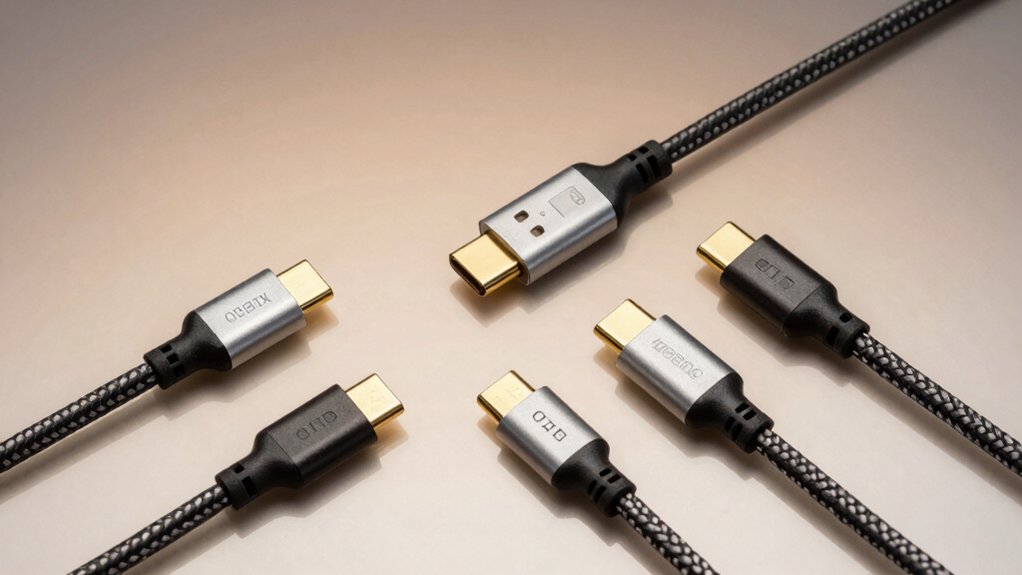
When you’re selecting an Android data transfer cable, you’ll need to evaluate five key factors that directly affect performance and compatibility. First, check the data transfer speed (measured in Gbps), confirm your device’s connector type—whether micro-USB, USB-C, or Lightning—matches the cable, examine the build quality and durability ratings, verify the cable supports your charging power requirements in watts, and ensure it’s compatible with your specific device ecosystem. Taking time to match these specifications to your needs prevents you from buying cables that won’t work properly or wear out quickly.
Data Transfer Speed Matters
One of the most important factors you’ll consider when choosing an Android data transfer cable is its speed rating, measured in gigabits per second (Gbps). Look for cables supporting at least 10 Gbps (Gen 2) or 20 Gbps (Gen 3/4) to handle large files efficiently. Higher speeds reduce transfer time considerably, especially for 4K videos and extensive photo libraries. Check your device’s port compatibility—USB-C to USB-C or USB-A to USB-C cables work best with modern Android phones. Verify the cable’s explicit speed rating on its packaging or product description. Cable construction matters too; braided nylon and aluminum housing improve durability and performance. Match your cable’s speed capabilities to your device’s controller and port specifications for optimal results.
Connector Type Compatibility
Which connector type does your Android device actually have? Check your phone’s charging port to determine whether you need USB-C or USB-A compatibility. Most modern Android devices use USB-C ports, which support higher data rates up to 20 Gbps and faster charging. If your device has an older USB-A port, you’ll need a USB-C to USB-A cable instead. Consider the ports on your receiving device too—laptops and car systems vary widely. USB-C to USB-C cables work best for newest devices and offer the fastest performance. Verify that your cable supports the correct USB standard for your needs, such as USB 3.1 Gen 2 or USB 3.2 Gen 2. Mismatched connectors won’t work, so confirm both endpoints before purchasing.
Durability And Build Quality
How long will your cable actually last before it fails? You’ll want to check for reinforced connector housings made from ABS or aluminum alloy, which withstand repeated use better than plastic alternatives. Look for cables rated for 10,000+ bending cycles to ensure longevity. Choose braided nylon or military-grade double-braided exteriors—these reduce abrasion damage from daily handling. Shorter cables (3 feet or 20 inches) minimize flexing near connectors, extending lifespan in car and desk environments. Examine the cable gauge; 6.0 gauge with 1200D braided nylon construction supports both durability and high-speed data transfer. Finally, select cables with protective films around connector shells for heat resistance and protection against wear from repeated plug-in actions.
Charging Power Requirements
When selecting an Android data transfer cable, you’ll need to verify that it supports adequate charging power for your specific device and use case. Look for cables rated for at least 3A charging current, which enables faster in-car charging on compatible models. Check the maximum power delivery specification—most quality cables offer 60W or 18W to 20W outputs. Match this rating to your device’s fast-charging standard to ensure optimal performance. Confirm the voltage and current ratings, typically 5V up to 3A, align with your Android Auto or CarPlay requirements. Verify that cables include safety features like a 56KΩ pull-up resistor to regulate safe charging. Don’t assume high-speed data cables automatically deliver robust charging; always confirm both data transfer capability and stated charging power meet your needs.
Device Ecosystem Support
Once you’ve confirmed your cable meets the charging requirements for your device, you’ll need to verify it’s compatible with your specific ecosystem of phones and vehicles. Check whether you’re using Android, iOS, or both platforms. If you own devices from multiple ecosystems, confirm the cable supports cross-compatibility with Android Auto and Apple CarPlay. Identify your phone’s port type—USB-C or Lightning—and match it to your car’s available adapter. Verify your vehicle’s infotainment system accepts the cable configuration you’re considering. Review the cable’s warranty documentation to ensure it covers ecosystem-specific features like in-car charging reliability and quick-charge support. This verification step prevents connectivity issues and ensures seamless integration between your devices and your car’s systems.
Final Thoughts
You’ve reviewed five reliable Android data transfer cables that deliver fast speeds. Choose based on your needs: pick the 2-pack CONMDEX for multiple devices, the SUNGUY for portability, the 20-inch option for maximum power delivery, the USB-C to USB-A cable for compatibility, or the LDLrui for durability. Consider cable length, connector type, and wattage requirements before purchasing to ensure the cable matches your specific charging and transfer demands.

Meet Ry, “TechGuru,” a 36-year-old technology enthusiast with a deep passion for tech innovations. With extensive experience, he specializes in gaming hardware and software, and has expertise in gadgets, custom PCs, and audio.
Besides writing about tech and reviewing new products, he enjoys traveling, hiking, and photography. Committed to keeping up with the latest industry trends, he aims to guide readers in making informed tech decisions.