
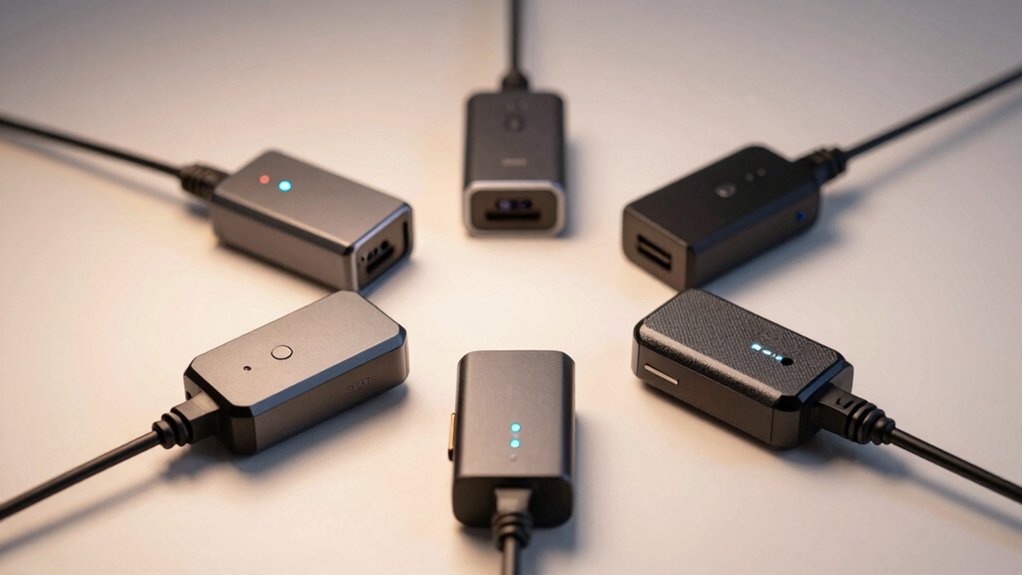

You’ll find that selecting the right dash cam power adapter directly impacts your vehicle’s recording reliability. The market offers six standout options, ranging from universal hardwire kits to vehicle-specific connectors for GM, Toyota, Chrysler, and Jeep models. Each adapter provides different protection levels, cable lengths, and parking mode capabilities. Understanding which features match your vehicle type and surveillance needs is essential—but how do you know what to prioritize?
| Gebildet Type-C USB Power Cord for Dashcam (11.5ft) |

| Universal Car Charger | Power Output: 5V / 2.5A | Installation Type: Cigarette lighter / 12V-30V input | Cable Length: 11.5 ft (3.5 m) | VIEW LATEST PRICE | Read Our Analysis |
| Gebildet Dash Cam Hardwire Kit with Low Voltage Protection |

| Best for Parking Mode | Power Output: 5V / 2.5A | Installation Type: Hardwire to car battery | Cable Length: 13 ft (3.2 m) | VIEW LATEST PRICE | Read Our Analysis |
| OBD2 Dash Cam USB-C Power Cable with Parking Mode |

| OBD-II Plug & Play | Power Output: 5V / 3A | Installation Type: OBD-II port (plug & play) | Cable Length: 3.5 m (11.5 ft) | VIEW LATEST PRICE | Read Our Analysis |
| Dash Cam Power Adapter for Chrysler Dodge Jeep |

| Chrysler/Dodge/Jeep Specialist | Power Output: 5V / 2A (dual outputs) | Installation Type: Rearview mirror socket (Chrysler/Dodge/Jeep) | Cable Length: Not specified | VIEW LATEST PRICE | Read Our Analysis |
| Dashcam Power Adapter for GM 10 Pin Vehicles |

| GM Vehicle Optimized | Power Output: 5V / 2A (per cable) | Installation Type: Rearview mirror socket (GM 10-pin) | Cable Length: Not specified | VIEW LATEST PRICE | Read Our Analysis |
| Dash Cam Power Adapter for Toyota & Lexus |

| Toyota/Lexus Exclusive | Power Output: 5V / 2A (per cable) | Installation Type: Lane Assist module port (Toyota/Lexus 16-pin) | Cable Length: Not specified | VIEW LATEST PRICE | Read Our Analysis |
More Details on Our Top Picks
Gebildet Type-C USB Power Cord for Dashcam (11.5ft)
Looking for a universal car charger that won’t leave you stranded? The Gebildet Type-C USB Power Cord delivers steady power to your dashcam, GPS, or radar detector through its 11.5-foot cable. You’ll connect the cord to your vehicle’s 9V–30V power source, receiving 5V/2.5A output to charge your device reliably. The 90-degree connector fits snugly in tight spaces, while built-in protection prevents overvoltage and overcurrent damage. The package includes two backup fuses—if your charger stops working, unscrew the front nut and replace the fuse. Before purchasing, confirm your device uses Type-C USB and that 11.5 feet reaches your dashcam’s mounting location without excess cable clutter.
- Power Output:5V / 2.5A
- Installation Type:Cigarette lighter / 12V-30V input
- Cable Length:11.5 ft (3.5 m)
- Connector Types Included:Type-C USB (single)
- Low Voltage Protection:Overvoltage/overcurrent/overheating protection
- Parking Mode / 24-Hour Surveillance:Not supported
- Additional Feature:Built-in overvoltage/overcurrent protection
- Additional Feature:Replaceable backup fuses included
- Additional Feature:High-quality iron-aluminum inductors
Gebildet Dash Cam Hardwire Kit with Low Voltage Protection
Need continuous dash cam recording even when your engine’s off? The Gebildet Dash Cam Hardwire Kit connects directly to your car battery, delivering 5V/2.5A output through a Type-C USB connector. The 13-foot cable length hides inside your vehicle’s interior seams using included adhesive pads. Low voltage protection automatically cuts power when battery voltage drops below 11.6V (23.2V for 24V systems), preserving your engine’s starting power. This kit supports 12V-24V input and works with most dash cams on the market. Installation avoids cigarette lighter outlets entirely. Wide fuse adapter compatibility—including mini, ATO, and Micro2 options—ensures compatibility with nearly all vehicles. You’ll enable 24-hour parking mode surveillance and motion detection capabilities.
- Power Output:5V / 2.5A
- Installation Type:Hardwire to car battery
- Cable Length:13 ft (3.2 m)
- Connector Types Included:Type-C USB (single)
- Low Voltage Protection:Cuts off below 11.6V (12V) / 23.2V (24V)
- Parking Mode / 24-Hour Surveillance:Supported (with hardwire installation)
- Additional Feature:Battery discharge protection technology
- Additional Feature:Wide fuse adapter compatibility
- Additional Feature:Hidden permanent cable installation
OBD2 Dash Cam USB-C Power Cable with Parking Mode
Want continuous dash cam footage without draining your battery? The OBD2 USB-C power cable connects directly to your vehicle’s OBD-II port, delivering stable 5V/3A output with circuit protection. You’ll choose between Daily Mode, which auto power-offs twenty minutes after engine shutdown, or 24/7 Surveillance Mode for continuous parking monitoring. Installation takes three minutes with no tools required. The cable’s 3.5-meter length hides easily along your interior. Smart low-voltage protection automatically cuts power when your battery drops below 11.6V, preventing discharge. Note: your dash cam must have USB-C input with A5-B5 pin definition to work with this cable.
- Power Output:5V / 3A
- Installation Type:OBD-II port (plug & play)
- Cable Length:3.5 m (11.5 ft)
- Connector Types Included:Type-C USB (single)
- Low Voltage Protection:Cuts off below 11.6V (12V) / 23.4V (24V)
- Parking Mode / 24-Hour Surveillance:Supported (with dual-mode switch)
- Additional Feature:Smart dual-mode daily/surveillance
- Additional Feature:No ECU data access
- Additional Feature:Plug & play 3-minute setup
Dash Cam Power Adapter for Chrysler Dodge Jeep
If you drive a Chrysler, Dodge Ram, or Jeep and need reliable continuous dash cam power, this 10-pin Type C adapter‘s your specialist solution. Plug the adapter into your auto-dimming rearview mirror socket—no wiring or modifications needed. Connect your dash cam or second device to either USB output; the adapter supports two devices simultaneously at 5V-2A each. Three included cables—two mini USB angled connectors and one Type-C cable—fit tight spaces efficiently. Verify your vehicle uses a 10-pin mirror socket before purchasing, as this adapter doesn’t work with 5-pin, 12-pin, or 14-pin configurations. Compatible with dash cams, mirror cameras, and GPS units.
- Power Output:5V / 2A (dual outputs)
- Installation Type:Rearview mirror socket (Chrysler/Dodge/Jeep)
- Cable Length:Not specified
- Connector Types Included:Mini USB, Mini USB (angled), Type-C
- Low Voltage Protection:None specified
- Parking Mode / 24-Hour Surveillance:Not supported
- Additional Feature:Dual USB simultaneous outputs
- Additional Feature:Rearview mirror socket connection
- Additional Feature:Multiple angled cable options
Dashcam Power Adapter for GM 10 Pin Vehicles
The Mangoal RM Built-In Power Adapter taps directly into your GM vehicle’s auto-dimming rearview mirror system. First, confirm your vehicle has a 10-pin connector behind the mirror—not all trims include this feature. The adapter outputs 5V/2A through Mini USB, Type-C, or Micro USB cables, powering dashcams, GPS units, and radar detectors. Installation is plug-and-play: connect the 10-pin plug to your mirror’s connector. Power activates when your ignition turns on and stops when it turns off, preventing battery drain. Verify your dashcam’s power requirements don’t exceed 5V/2A before purchasing, as higher-current devices won’t function properly.
- Power Output:5V / 2A (per cable)
- Installation Type:Rearview mirror socket (GM 10-pin)
- Cable Length:Not specified
- Connector Types Included:Mini USB, Type-C, Micro USB
- Low Voltage Protection:None specified
- Parking Mode / 24-Hour Surveillance:Not supported
- Additional Feature:Auto-dimming mirror connection
- Additional Feature:Three output cable types
- Additional Feature:Ignition-activated auto start/stop
Dash Cam Power Adapter for Toyota & Lexus
Mangoal’s Model D adapter serves Toyota and Lexus owners who’ve got TSS 3.0 Lane Assist equipped vehicles. Verify your vehicle has the 16-pin Lane Assist Module port before purchasing. The adapter includes three output cables—Mini USB, Type-C, and Micro USB—each delivering 5V/2A. Check your dash cam’s connector type and confirm it supports 5V input under 2A draw. The adapter activates automatically when you start your vehicle and powers down when you turn off the ignition. Contact Mangoal Support if you need compatibility verification for your specific trim and model.
- Power Output:5V / 2A (per cable)
- Installation Type:Lane Assist module port (Toyota/Lexus 16-pin)
- Cable Length:Not specified
- Connector Types Included:Mini USB, Type-C, Micro USB
- Low Voltage Protection:None specified
- Parking Mode / 24-Hour Surveillance:Not supported
- Additional Feature:TSS 3.0 lane assist
- Additional Feature:16-pin module port connection
- Additional Feature:Both white/black connector support
Factors to Consider When Choosing a Dash Cam Power Adapter
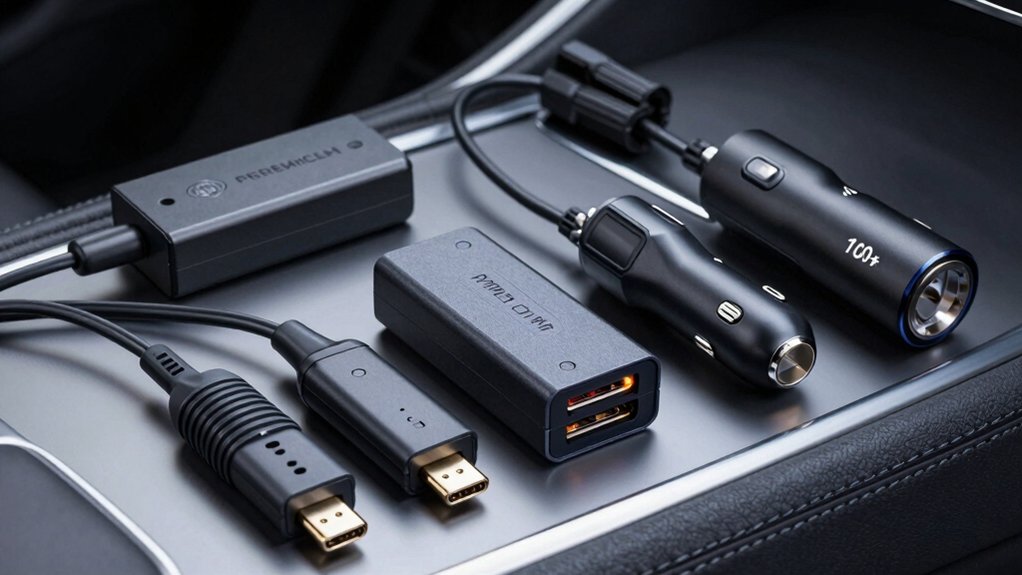
You’ll need to verify your vehicle’s compatibility first, then check the dash cam’s power requirements in watts or amps to ensure the adapter supplies sufficient output without overloading. Next, measure the distance from your power source to your camera’s mounting location, select the appropriate cable length, and confirm the connector type matches your dash cam’s input port—common types include mini-USB, micro-USB, and proprietary connectors. Finally, review the adapter’s protection features, such as overcurrent protection, surge protection, and heat resistance, to safeguard both your equipment and vehicle’s electrical system.
Vehicle Compatibility Check
Before you purchase a dash cam power adapter, you’ll need to confirm your vehicle’s power interface and available ports, as different car models use different connection types. Check your vehicle’s manual or examine the dashboard to identify which ports you have—common options include OBD-II ports, 16-pin lane assist ports, and rearview mirror connectors. Next, verify that your car’s trim level and model year include the specific port you need. Once you’ve located the port, measure its accessibility to ensure the adapter fits without obstruction. Finally, confirm that the adapter’s connector type matches your dash cam’s input, whether that’s Mini USB, USB-C, or Micro USB. These steps prevent purchasing incompatible equipment and installation problems.
Power Output Requirements
How does your dash cam’s power demand match your adapter’s output capacity? Check your dash cam’s manual or specifications to find its required voltage and current (typically 5V and 2A or 3A). Most adapters provide 5V output, but amperage varies. A 5V/2A adapter works for standard dash cams, while 5V/2.5A or 5V/3A adapters handle higher-current models that may experience lag or restarts otherwise. Match the adapter’s output to your dash cam’s input specification exactly. If you’re using multiple outputs on one adapter, add up the total current draw across all ports to ensure it doesn’t exceed the adapter’s maximum rating per port or overall capacity. This prevents overheating and ensures stable operation.
Cable Length And Routing
What cable length does your vehicle’s layout require? Most dash cam power adapters feature cables ranging from 3.5 to 4 meters, providing adequate routing flexibility for most vehicles. Longer cables allow you to hide wiring along interior seams and behind panels, reducing visible clutter. However, excessive length increases resistance and creates tangling risks.
Route your cable carefully to avoid sharp bends that cause wear and electrical failure. Use adhesive pads or clips to secure the cable along your vehicle’s interior channels. Consider 90-degree right-angle connectors near your dash camera or rearview mirror to minimize bulk in tight spaces.
Plan your routing path before purchasing. Measure the distance from your power source to the dash cam location, then select a cable length that supports clean installation with manageable slack for future adjustments.
Connector Type Matching
Once you’ve routed your cable properly, you’ll need to confirm that your adapter’s output connector actually fits your dash cam’s power input port. Most dash cams use one of three connector types: Type-C, Micro USB, or Mini USB. Check your dash cam’s manual or specifications to identify which one your model requires. Next, verify the pin definition if your device uses a proprietary connector—some adapters use A5-B5 pins while others use A8-B8 pins, and mismatching them will prevent proper power delivery. Finally, physically test the connection before installation to ensure the connector seats firmly without forcing it. A loose or incorrect connection risks intermittent power loss during critical recording moments.
Protection Features Available
Why should you care about protection features in a dash cam power adapter? These features safeguard your vehicle’s electrical system and dash cam from damage. Review what each adapter offers: overvoltage, overcurrent, and overheating protection via built-in current management modules and fuses. Check for low-voltage protection, which cuts power when your battery drops below safe thresholds—11.6V for 12V systems or 23.4V for 24V systems. This prevents draining your vehicle battery. Examine dual-mode operation options that let you choose between daily auto-off or 24/7 parking surveillance based on your needs. Verify output stability at 5V with 2.5A or 3A amperage for consistent power. Match these protection features to your vehicle’s electrical system and dash cam specifications before purchasing.
Final Thoughts
You need to select a dash cam power adapter that matches your vehicle type and recording needs. Check your car’s make—GM, Toyota, Lexus, Chrysler, Dodge, or Jeep—and choose the corresponding vehicle-specific adapter to avoid complex wiring. Verify the adapter includes low-voltage protection around 11.6V and provides stable 5V output. Install the hardwire kit following manufacturer instructions, ensuring the cable reaches your dash cam with a 90-degree connector for concealment.

Meet Ry, “TechGuru,” a 36-year-old technology enthusiast with a deep passion for tech innovations. With extensive experience, he specializes in gaming hardware and software, and has expertise in gadgets, custom PCs, and audio.
Besides writing about tech and reviewing new products, he enjoys traveling, hiking, and photography. Committed to keeping up with the latest industry trends, he aims to guide readers in making informed tech decisions.