
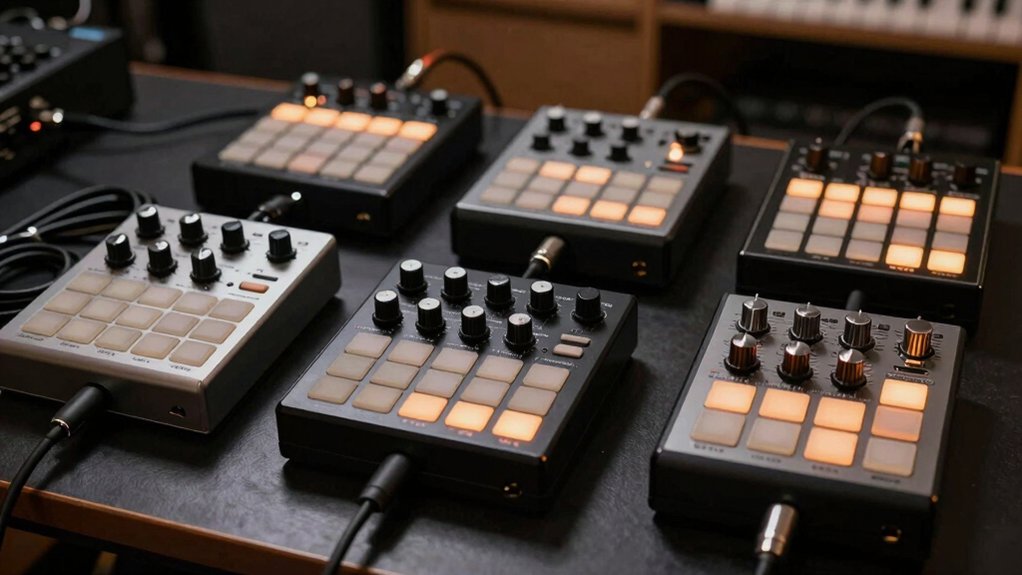

When you’re producing drums daily, you need a MIDI controller that responds fast, fits your workflow, and won’t drain your budget. The right pad controller bridges your ideas and your DAW instantly. You’ve got several solid options to consider, each with different strengths—from compact portability to deep software integration. Finding the one that matches your hands-on style requires understanding what each controller actually delivers.
| Akai Professional MPD218 USB MIDI Controller with Drum Pads |

| Best for Beginners | Pad Count: 16 pads (3 banks = 48 assignable) | Connectivity: USB | Assignable Controls: 6 knobs | VIEW LATEST PRICE | Read Our Analysis |
| Akai Professional APC Mini MK2 USB MIDI Controller |

| Best for Ableton Live | Pad Count: 64 pads (8×8 matrix) | Connectivity: USB | Assignable Controls: 9 faders (8 assignable + 1 master) | VIEW LATEST PRICE | Read Our Analysis |
| Akai Professional LPD8 USB MIDI Controller with RGB Pads |

| Most Portable | Pad Count: 8 pads | Connectivity: USB | Assignable Controls: 8 knobs | VIEW LATEST PRICE | Read Our Analysis |
| MIDI Controller Strike Pad with RGB Backlight |

| Budget-Friendly Pick | Pad Count: 16 pads | Connectivity: USB and Wireless Bluetooth | Assignable Controls: 8 knobs (two sets of 8 rotary encoders) | VIEW LATEST PRICE | Read Our Analysis |
| Donner MIDI Pad Beat Maker Drum Machine (STARRYPAD) |

| Best Value | Pad Count: 16 pads (3 banks = 48 assignable) | Connectivity: USB-C | Assignable Controls: 2 faders and 2 knobs | VIEW LATEST PRICE | Read Our Analysis |
More Details on Our Top Picks
Akai Professional MPD218 USB MIDI Controller with Drum Pads
If you’re looking for a compact, affordable pad controller that won’t take up much desk space, the Akai MPD218 delivers essential drumming features without unnecessary complexity. The controller includes 16 MPC-style pads across three banks, giving you 48 total assignable pads for drums and samples. Six assignable knobs let you control parameters in real time. Connect via USB to your computer or iOS device using a Camera Connection Kit. The included software bundle features Ableton Live Lite, Drum Synth 500, and MPC Beats, providing production tools you’ll use immediately. At roughly two pounds with compact dimensions, you can transport it easily between studios or practice spaces.
- Pad Count:16 pads (3 banks = 48 assignable)
- Connectivity:USB
- Assignable Controls:6 knobs
- RGB Backlighting:Red backlit pads
- Included Software:Ableton Live Lite, Drum Synth 500, MPC Beats
- Power Requirements:USB-powered
- Additional Feature:3 pad banks (48 total pads)
- Additional Feature:360-degree assignable knobs
- Additional Feature:Note repeat and level controls
Akai Professional APC Mini MK2 USB MIDI Controller
The Akai Professional APC Mini MK2 stands out as the ideal choice for producers who work primarily in Ableton Live and need immediate clip launching and loop triggering without complex setup. Its 64 RGB pads arranged in an 8×8 matrix let you launch clips, loops, and samples instantly with visual feedback. You’ll use the nine assignable faders to control volume, panning, and device parameters directly in Ableton Live. The included Ableton Live Lite software and virtual instruments—Hybrid 3, Mini Grand, and Velvet—provide immediate production tools. Simply connect via USB; no external power required. Pre-mapped integration with Ableton 11 and later ensures seamless workflow from studio to stage.
- Pad Count:64 pads (8×8 matrix)
- Connectivity:USB
- Assignable Controls:9 faders (8 assignable + 1 master)
- RGB Backlighting:64 RGB pads with color feedback
- Included Software:Ableton Live Lite + virtual instruments (Hybrid 3, Mini Grand, Velvet)
- Power Requirements:USB-powered
- Additional Feature:8×8 RGB pad matrix
- Additional Feature:9 assignable faders (8+master)
- Additional Feature:Smart Scale View for melodies
Akai Professional LPD8 USB MIDI Controller with RGB Pads
Looking for a portable drum controller that doesn’t require software installation or external power? The Akai LPD8 delivers eight responsive RGB pads and eight assignable Q-Link knobs in a lightweight, compact design. You’ll plug it directly into your Mac or PC via USB and start triggering samples immediately. The eight drum pads feature color-coded backlighting for visual feedback during performances, while the knobs let you map DAW parameters and effect controls. You can save four preset configurations to recall your custom mappings instantly. This controller works seamlessly with GarageBand, Logic, Ableton Live, Cubase, FL Studio, and most other DAWs. Its slim profile fits easily into a laptop bag, making it ideal for producers who work across multiple locations.
- Pad Count:8 pads
- Connectivity:USB
- Assignable Controls:8 knobs
- RGB Backlighting:8 RGB pads
- Included Software:None specified
- Power Requirements:USB-powered
- Additional Feature:8 responsive RGB drum pads
- Additional Feature:4 programmable preset slots
- Additional Feature:Universal DAW compatibility (10+ DAWs)
MIDI Controller Strike Pad with RGB Backlight
Summina’s Strike Pad controller works best for producers who need a compact, portable drum pad without sacrificing tactile responsiveness or creative control. The 16 RGB backlit pads deliver velocity sensing for dynamic drum patterns, while the eight assignable knobs let you adjust parameters in real time. Connect via USB or Bluetooth to your DAW—Ableton Live works seamlessly. The silent silicone buttons provide tactile feedback without noise, making it ideal for apartment studios. At 0.68 kg, you’ll easily transport it to sessions or gigs. Assign drums, samples, or effects to each pad and knob for streamlined workflow.
- Pad Count:16 pads
- Connectivity:USB and Wireless Bluetooth
- Assignable Controls:8 knobs (two sets of 8 rotary encoders)
- RGB Backlighting:16 RGB backlit pads
- Included Software:None specified
- Power Requirements:USB-powered with Bluetooth option
- Additional Feature:Wireless Bluetooth low-latency connection
- Additional Feature:Silent press tactile feedback
- Additional Feature:Two sets rotary encoders
Donner MIDI Pad Beat Maker Drum Machine (STARRYPAD)
If you’re a producer who needs a compact, plug-and-play controller that works immediately with your existing DAW setup, the Donner STARRYPAD delivers what you require without unnecessary features. Connect the 16 backlit pads via USB-C to your computer or Mac, and you’re ready to trigger drums and samples. Customize each pad’s function and lighting color through your DAW software. Adjust velocity sensitivity curves to match your playing style, then use the two faders and two knobs for real-time control. The included MIDI cable lets you connect external synthesizers. Set tap tempo to sync with your DAW’s BPM. This controller needs a DAW for sound generation but includes Cubase LE and Melodics courses to get you started immediately.
- Pad Count:16 pads (3 banks = 48 assignable)
- Connectivity:USB-C
- Assignable Controls:2 faders and 2 knobs
- RGB Backlighting:16 backlit pads with 7-color lighting
- Included Software:Melodics Courses and Cubase LE Software Kit
- Power Requirements:USB-C powered
- Additional Feature:3 pad banks (48 assignable pads)
- Additional Feature:7-color customizable pad lighting
- Additional Feature:Tap Tempo synchronization with DAW
Factors to Consider When Choosing MIDI Controllers for Drums
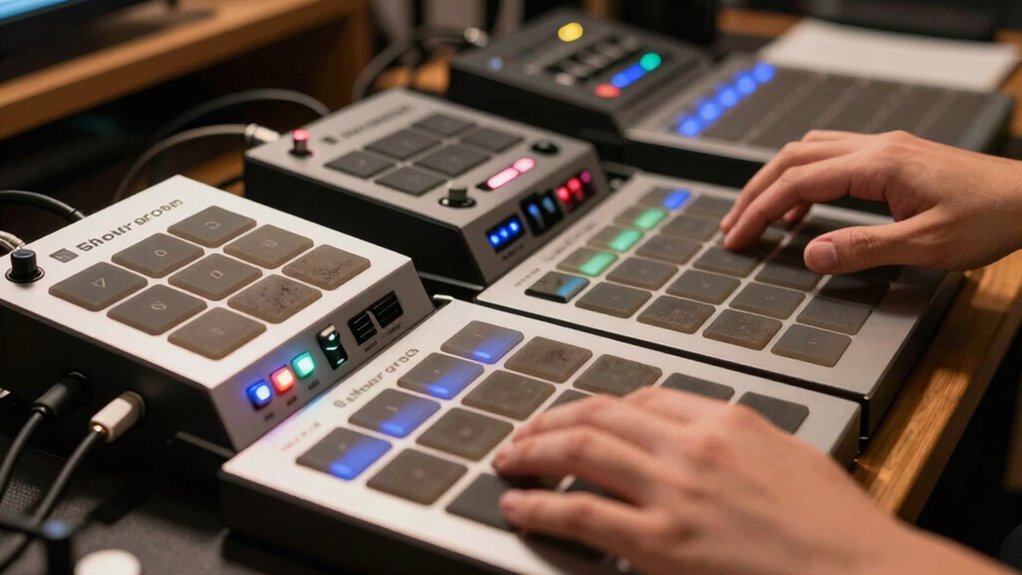
When you’re selecting a MIDI drum controller, you’ll want to evaluate five key factors: pad count and banks (which determine how many sounds you can access without switching), software bundles included (which affect your total cost and production capability), connectivity and compatibility (ensuring the controller works with your computer and DAW), portability and build quality (important if you move between studios or perform live), and control surface features (such as knobs, sliders, and buttons for real-time adjustments). Start by identifying which factor matters most to your workflow—for example, if you perform live, prioritize portability, while studio-only producers can focus on pad count and software value. Then compare controllers across these criteria to find the model that best matches your specific needs and budget.
Pad Count And Banks
Pad count—the number of physical pads on your controller—directly determines how many drum hits or samples you can trigger at once without switching banks. An 8-pad controller limits you to eight simultaneous triggers, while a 16-pad model doubles that capacity. If you need more pads, bank switching expands your options. A 16-pad controller with three pad banks gives you up to 48 assignable pads total. However, multi-bank setups require you to remember which samples live in each bank, slowing live performance. Visual feedback like RGB backlighting helps you identify active banks quickly. Choose pad counts based on your workflow: simpler beats need fewer pads, while complex arrangements benefit from 16+ pads or multiple banks.
Software Bundles Included
Beyond selecting your pad configuration, you’ll want to examine what software comes packaged with your controller. Many drum controllers bundle DAWs like Ableton Live Lite, MPC Beats, or Cubase LE to accelerate your production start. These bundled programs reduce your need to purchase additional software separately, saving money upfront.
Check whether your bundle includes instrument packs or plug-ins such as Hybrid 3, Mini Grand, Velvet, or Drum Synth 500. These expansions directly enhance your sound palette without extra purchases. Verify OS compatibility across Windows, Mac, and iOS to ensure the software works with your existing devices. If you need iOS access, confirm whether an optional Camera Connection Kit comes included. Evaluate how bundled learning tools and workflow resources align with your production goals before committing.
Connectivity And Compatibility
How you’ll connect your drum controller to your setup matters as much as the pads themselves. USB connections provide low-latency performance essential for real-time drumming, while Bluetooth options introduce latency variability that may affect timing. Choose USB-powered controllers for plug-and-play setup without external adapters, streamlining your workflow. Verify MIDI I/O compatibility with your DAW—certain models come pre-mapped for Ableton Live, reducing setup time. Check whether your controller supports multiple MIDI banks and connections to external synths or drum machines. If you’re using iOS devices, confirm the model works with camera connection kits or adapters for mobile production. Match your connectivity needs to your hardware: desktop-only setups benefit from wired USB, while mobile producers need wireless flexibility alongside reliable latency performance.
Portability And Build Quality
Once you’ve confirmed your controller works with your setup, you’ll want to evaluate whether it actually fits into your production life. Consider the controller’s weight and dimensions first. Compact models like the MPD218 weigh about 2 pounds and measure 8×18 inches, making them ideal for travel and tight spaces. Check whether the unit requires external power or operates plug-and-play through USB. Battery-free designs eliminate cable management hassles in live settings. Examine the housing material—plastic construction reduces weight while maintaining durability. Look for backlit pads that provide visibility without adding bulk. Finally, assess whether the form factor suits your workflow: foldable designs, slim profiles, or limited pad counts all balance accessibility with transport convenience. Match these specifications to your actual working environment.
Control Surface Features
What makes a drum controller responsive and intuitive comes down to its control surface—the physical components you’ll actually touch during production. You’ll want velocity-sensitive pads in grids of 8, 16, or 64 to trigger samples and MIDI notes accurately. Look for assignable knobs or faders (2–9 per device) that let you control mixer parameters, effects, and instrument settings in real time. Pad banks expand your available sounds—some models offer three banks totaling 48 pads without adding bulk. Check for built-in modes like Drum, Note, Mixer, and Device that streamline your workflow. Features like note repeat and scalable velocity curves give you precise control during live triggering. Software integration with Ableton Live or similar DAWs ensures seamless control mapping.
Final Thoughts
You’ve reviewed five reliable drum controllers suited for daily production work. Choose based on your primary need: select the MPD218 for versatile pad banking, the APC Mini MK2 if you’re using Ableton Live, the LPD8 for portability, the Strike Pad for RGB feedback, or the STARRYPAD for fader control. Evaluate your workflow, budget, and software compatibility before purchasing to ensure the controller matches your production style.

Meet Ry, “TechGuru,” a 36-year-old technology enthusiast with a deep passion for tech innovations. With extensive experience, he specializes in gaming hardware and software, and has expertise in gadgets, custom PCs, and audio.
Besides writing about tech and reviewing new products, he enjoys traveling, hiking, and photography. Committed to keeping up with the latest industry trends, he aims to guide readers in making informed tech decisions.