
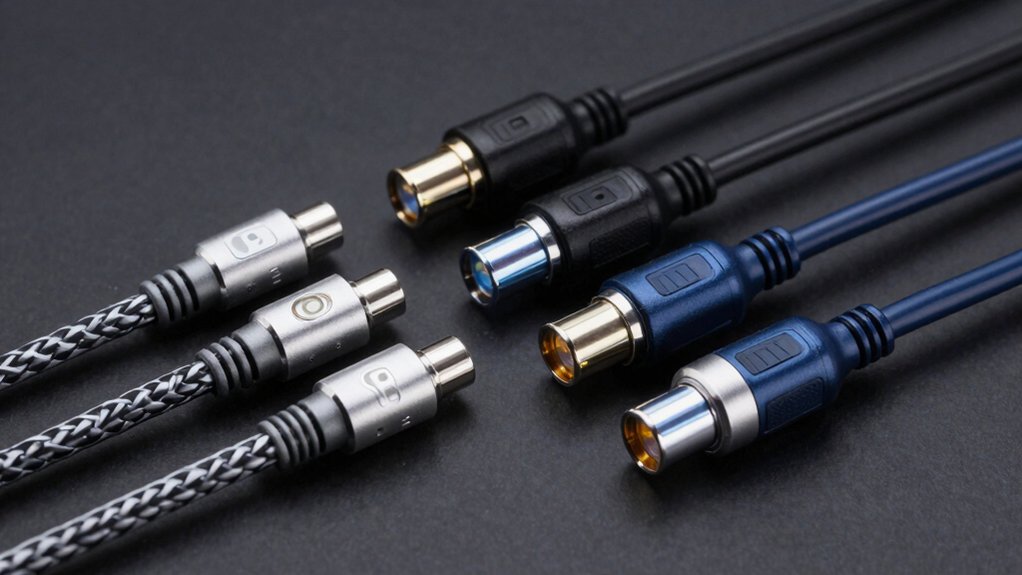

You need a reliable PCVR link cable that won’t fail mid-session. Your choice directly affects gaming performance, charging speed, and durability. Six standout options exist for serious gamers: each offers different strengths in data transfer, cable length, charging capacity, and build quality. Understanding what each cable delivers helps you match the right one to your specific headset and setup. The factors determining your best choice are straightforward.
| Syntech Link Cable 16FT for VR Headsets (USB 3.0) |

| Most Reliable | Data Transfer Rate: 5 Gbps (2–3 Gbps real-world) | Charging Capability: No charging; data link only | Cable Length: 16 feet | VIEW LATEST PRICE | Read Our Analysis |
| INIU VR Cable USB 3.0 Type-C Fast Charging (16FT) |
![INIU Link Cable, [16FT 5m] VR Cable USB 3.0 High](https://m.media-amazon.com/images/I/41PIlruYYgL._SL500_.jpg)
| Best Value | Data Transfer Rate: 2.5 Gbps | Charging Capability: 3A power delivery with separate charging port | Cable Length: 16 feet (5 meters) | VIEW LATEST PRICE | Read Our Analysis |
| AMVR Link Cable 16FT Compatible Meta Quest 3/2 |

| Best Overall | Data Transfer Rate: 5 Gbps | Charging Capability: 36W max charging while playing | Cable Length: 16 feet | VIEW LATEST PRICE | Read Our Analysis |
| Maxonar 16FT USB 3.0 to USB-C Charging Cable |

| Budget-Friendly Pick | Data Transfer Rate: 5 Gbps (2.5–3.2 Gbps when connected) | Charging Capability: 18W charging with SmartProtect3.0 | Cable Length: 16 feet | VIEW LATEST PRICE | Read Our Analysis |
| Syntech Link Cable 16FT VR Headset Charging USB-C |

| Premium Charging Option | Data Transfer Rate: 1.9–3.2 Gbps | Charging Capability: 18W PD charging with trickle mode | Cable Length: 16 feet | VIEW LATEST PRICE | Read Our Analysis |
| KIWI Design Link Cable 16FT Meta Quest 3S/3/2/Pro |

| Longest Lifespan | Data Transfer Rate: 5 Gbps (2.5–3.2 Gbps when connected) | Charging Capability: 18W dedicated charging port | Cable Length: 16 feet | VIEW LATEST PRICE | Read Our Analysis |
More Details on Our Top Picks
Syntech Link Cable 16FT for VR Headsets (USB 3.0)
Are you looking for a reliable cable that’ll handle extended PC VR sessions without interruption? The Syntech Link Cable 16FT offers USB 3.0 connectivity at 5 Gbps, compatible with Meta Quest 3S, Quest 3, Quest 2, and Pico 4 headsets. Its L-shaped USB-C connector reduces port strain during gameplay. The 16-foot length provides ample movement range for seated, standing, or full-body VR experiences. Reinforced stress points and flexible construction ensure durability. Use a USB 3.0/3.1 port on your PC for optimal performance. The included Velcro strap prevents accidental disconnection during active sessions. You’ll receive an 18-month warranty and dedicated support.
- Data Transfer Rate:5 Gbps (2–3 Gbps real-world)
- Charging Capability:No charging; data link only
- Cable Length:16 feet
- Connector Type:USB-A to USB-C (L-shaped)
- Durability Testing:Reinforced stress points; flexible construction
- VR Headset Compatibility:Meta Quest 3S/3/2/Pro; Pico 4/4 Pro/4 Enterprise
- Additional Feature:L-shaped connector reduces strain
- Additional Feature:Velcro strap prevents disconnection
- Additional Feature:18-month warranty included
INIU VR Cable USB 3.0 Type-C Fast Charging (16FT)
Looking for a VR link cable that handles both high-speed data and fast charging without breaking your budget? The INIU cable delivers 2.5 Gbps data transfer speeds and supports 3A power delivery through its dedicated USB-C charging port. Pair it with a PD/QC fast adapter to maximize charging speed. The 16-foot length gives you movement freedom, while the anti-wear FLYWEAVE coat and flexible joint withstand 45,000+ bends. SmartProtect2.0 technology regulates current to protect your battery, maintaining charge around 78%. The 90° USB-C connector ensures secure connections. You’ll receive a three-year warranty, quick start guide, and technical support included.
- Data Transfer Rate:2.5 Gbps
- Charging Capability:3A power delivery with separate charging port
- Cable Length:16 feet (5 meters)
- Connector Type:USB-A to USB-C (90° end)
- Durability Testing:45,000+ bend tests validated
- VR Headset Compatibility:Meta Quest 3S/3/2/1/Pro; Pico 4/4 Pro/4 Enterprise
- Additional Feature:Separate USB-C charging port
- Additional Feature:SmartProtect2.0 safety balancing
- Additional Feature:45000+ bend cycle tested
AMVR Link Cable 16FT Compatible Meta Quest 3/2
The AMVR Link Cable delivers the core functionality that serious PC VR gamers require: a reliable 16-foot connection that supports both USB-A and USB-C ports on your PC. You’ll get USB 3.0 speeds up to 5 Gbps for minimal latency gaming. The braided nylon exterior resists kinking during intense play sessions, while the reinforced L-shaped connector handles up to 100 Newtons of tensile force. You can charge your headset simultaneously—the 36W charging port maintains battery levels between 65-78% to prevent overheating. For optimal performance, plug directly into a USB 3.0 port rather than a USB 2.0 connection. The cable’s durability means you won’t need frequent replacements, saving money long-term.
- Data Transfer Rate:5 Gbps
- Charging Capability:36W max charging while playing
- Cable Length:16 feet
- Connector Type:USB-A to USB-C (L-shaped)
- Durability Testing:10,000+ insertion cycles; 100 Newtons tensile force; 3,000+ bending tests
- VR Headset Compatibility:Meta Quest 3S/3/2/Pro; Pico 4
- Additional Feature:2-in-1 USB-A/USB-C adapter
- Additional Feature:Twisted-pair kink resistance design
- Additional Feature:36W maximum charging port
Maxonar 16FT USB 3.0 to USB-C Charging Cable
Maxonar’s 16-foot cable is a budget-friendly pick for VR gamers who want reliable connectivity without overspending. It delivers 5Gbps data transfer speeds and supports Meta Quest 3, Quest 3S, Quest 2, and PC VR systems. The cable includes SmartProtect3.0 safety technology that balances current and data transmission, plus automatic battery protection that reduces charging power after 65% capacity. You’ll find a reinforced L-shaped USB-C connector with anti-slip design and a velcro strap for secure connections during gameplay. The package includes a quick start guide and two-year warranty with 36-month coverage.
- Data Transfer Rate:5 Gbps (2.5–3.2 Gbps when connected)
- Charging Capability:18W charging with SmartProtect3.0
- Cable Length:16 feet
- Connector Type:USB-A to USB-C (L-shaped)
- Durability Testing:Reinforced L-shaped connector; stretch/abrasion resistant
- VR Headset Compatibility:Meta Quest 3/3S/2/1/Pro; Pico 4
- Additional Feature:SmartProtect3.0 + fourth-gen chip
- Additional Feature:Anti-slip design included
- Additional Feature:36-month worry-free guarantee
Syntech Link Cable 16FT VR Headset Charging USB-C
Need seamless charging while you play? The Syntech Link Cable delivers 18W charging power alongside USB 3.0 data transfer in one 16-foot cable. Connect it to your Meta Quest 3S, Quest 3, or Pico 4 headset, then plug the USB-A end into your PC’s USB 3.0 port. The cable automatically switches to trickle charging once your headset reaches 65% battery, protecting long-term battery health. Triple-layer protection guards against water and corrosion damage. Use the included Velcro strap to secure the cable during gameplay and prevent accidental disconnections. Update your firmware after installation for optimal performance.
- Data Transfer Rate:1.9–3.2 Gbps
- Charging Capability:18W PD charging with trickle mode
- Cable Length:16 feet
- Connector Type:USB-A to USB-C adapter
- Durability Testing:Triple-layer protection (water, corrosion, electrical leakage)
- VR Headset Compatibility:Meta Quest 3S/3/2/Pro; Pico 4
- Additional Feature:Triple-layer water/corrosion protection
- Additional Feature:Automatic trickle charging at 65%
- Additional Feature:24/7 customer support offered
KIWI Design Link Cable 16FT Meta Quest 3S/3/2/Pro
Looking for a cable that’ll outlast your hardware? The KIWI Design Link Cable delivers 5Gbps data transfer speeds with a dedicated 18W charging port for simultaneous gameplay and charging. Connect the USB-A end to your PC, then plug your charger into the separate charging input. This 16-foot length gives you movement freedom during intense sessions like Thrill of the Fight VR. The cable’s lightweight, flexible design reduces fatigue during extended play. After 10,000+ insertion tests, both USB ports remain securely connected, ensuring durability that lasts at least six years with twice-daily use. Compatible with Meta Quest 3S, 3, 2, Pro, and Pico 4 devices.
- Data Transfer Rate:5 Gbps (2.5–3.2 Gbps when connected)
- Charging Capability:18W dedicated charging port
- Cable Length:16 feet
- Connector Type:USB-A to USB-C
- Durability Testing:10,000+ insertion/extraction force tests; 6+ year lifespan estimate
- VR Headset Compatibility:Meta Quest 3S/3/2/1/Pro; Pico 4
- Additional Feature:Lightest 16FT cable available
- Additional Feature:10000+ insertion/extraction tested
- Additional Feature:6-year estimated cable lifespan
Factors to Consider When Choosing a PCVR Link Cable
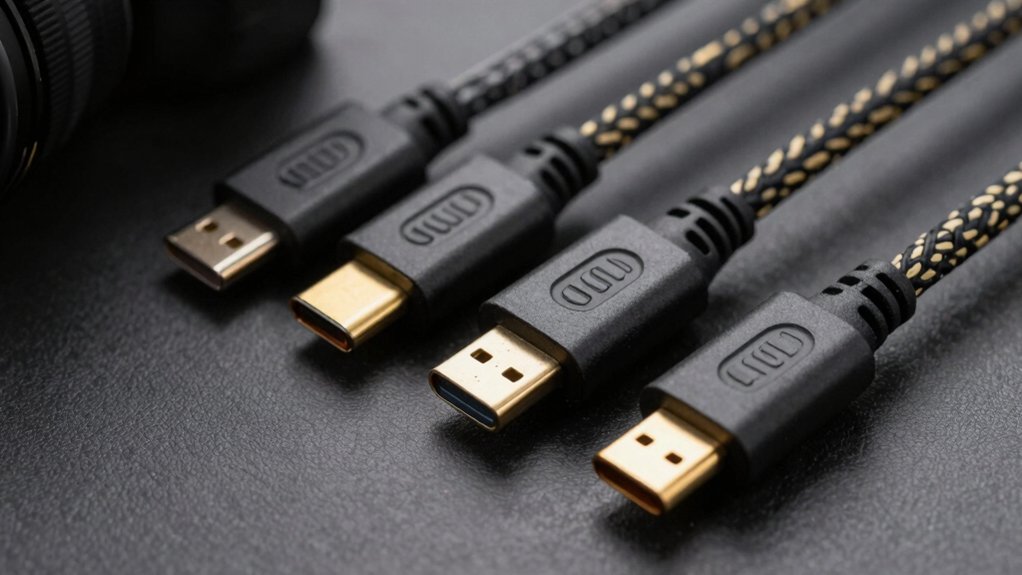
When you’re selecting a PCVR link cable, you’ll need to evaluate five key factors: the cable length that fits your play space, the data transfer speed that matches your headset’s requirements, whether you need charging capability during extended gaming sessions, the durability and build quality that’ll withstand regular use, and the connector type that’s compatible with your specific VR headset model. Start by measuring your play area to determine the minimum cable length you need, then check your headset’s specifications to confirm the required USB standard (such as USB 3.0 or USB 3.1) and whether it supports pass-through charging. Finally, compare the connector types available—typically USB-C or proprietary connectors—and inspect the cable’s materials and construction warranty to ensure it’ll last through months of active gaming.
Cable Length And Reach
How much space do you have for VR gameplay? Cable length directly determines your movement range. Most standard PCVR link cables measure 16 feet (5 meters), which accommodates seated, standing, and full-body VR activities while keeping you reasonably close to your PC.
Longer cables increase freedom but risk introducing latency if they lack proper shielding or if your USB bandwidth is limited. Choose cables with USB 3.0/3.1/3.2 support to maintain stable data transfer across extended distances.
Look for flexible, tangle-free construction with reinforced connectors that resist kinking during active gameplay. Cable management features like Velcro straps prevent accidental disconnections during movement. Measure your play space first, then select a cable length that matches your actual needs without excess slack that creates tripping hazards.
Data Transfer Speed Requirements
What’s the actual data speed you need for smooth VR gameplay? You’ll want cables that deliver at least 2–3 Gbps of usable bandwidth. Most USB 3.0 cables offer theoretical speeds up to 5 Gbps, but real-world performance typically ranges lower due to device limitations and port quality.
To maximize your data transfer speed, connect your cable to USB 3.0, 3.1, or 3.2 ports on both your PC and headset. Check that your headset software is current, as outdated versions can reduce effective throughput. Cable construction matters too—braided cables and quality connectors handle consistent data flow better than standard designs. Prioritize consistent throughput over peak speeds, since stable performance prevents latency issues and drops during gameplay.
Charging Capability During Gaming
Do you need your headset powered while you’re deep into extended gaming sessions? Some PCVR link cables include integrated 18W charging ports that simultaneously transfer data and charge your headset. To use this feature, verify your cable explicitly lists charging capability and compatible power specifications. Connect a PD/QC fast charging adapter to the dedicated charging port, typically rated for 20V maximum and 3A maximum output. Use an official or higher-power charger to achieve optimal charging speeds during gameplay. Install safety features like SmartProtect or safety chips that regulate voltage and current, protecting your headset battery health. Not all link cables support charging, so check product specifications before purchasing to ensure your cable meets your gaming needs.
Durability And Build Quality
Beyond ensuring your cable charges your headset safely, you’ll want to examine how well it’s built to survive the physical demands of VR gaming. Look for braided or PVC-sheathed cables designed to handle frequent bending without wearing out. Check the connectors—reinforced L-shaped USB-C or USB-A ends resist damage from repeated insertions and high tensile forces. Review durability claims backed by test data. Cables tested for 10,000+ insertions or 45,000+ bends demonstrate proven reliability. A 16-foot length provides freedom of movement while reducing snag risks during active gameplay. Examine the stress points where the cable meets connectors, as these areas experience the most strain. Quality construction here determines whether your cable lasts months or years.
Connector Type Compatibility
Which connector type your PCVR cable uses will determine whether it’ll work with your headset and PC setup. Most PC VR link cables use USB-A to USB-C configuration, which supports USB 3.0 high-speed data transfer at 5 Gbps. Before purchasing, verify that your headset supports USB 3.0 A-to-C connections and that your PC has a compatible USB 3.0, 3.1, or 3.2 port available. Some cables feature 90-degree L-shaped USB-C connectors that reduce port strain during extended gaming sessions. Check your headset’s firmware compatibility with the cable you’re considering. Additionally, confirm whether you need simultaneous charging capability, as certain cables include dedicated USB-C charging ports alongside data lines. Matching these specifications ensures peak performance and reliability.
Safety And Protection Features
Built-in safety chips represent one of the most critical features you should verify when selecting a PCVR link cable. These chips, such as SmartProtect3.0 or 2.0, regulate current and data transmission to prevent overheating during extended gaming sessions. Check that your cable specifies maximum voltage and current limits—typically up to 20V/3A or 18W—to support safe charging while you play. Look for multi-layer protection that defends against water damage, corrosion, and electrical leakage. Additionally, confirm the cable includes quick-restart and auto-switching charging features that halt power when your headset reaches approximately 65% battery. Protective locking mechanisms like reinforced connectors and Velcro straps reduce disconnections and physical wear. Always use official or higher-power adapters to ensure stable USB 3.0 data transfer and safe charging performance.
Final Thoughts
You’ve reviewed six reliable PCVR link cables that meet serious gamers’ needs. Choose based on your priorities: select Syntech or INIU for charging capability, AMVR for durability and data speed, or KIWI Design for long-term reliability. Check your headset’s connector type—USB-C or USB-A—before purchasing. All options provide 16-foot lengths suitable for extended play sessions. Prioritize reinforced connectors and braided designs to prevent wear.

Meet Ry, “TechGuru,” a 36-year-old technology enthusiast with a deep passion for tech innovations. With extensive experience, he specializes in gaming hardware and software, and has expertise in gadgets, custom PCs, and audio.
Besides writing about tech and reviewing new products, he enjoys traveling, hiking, and photography. Committed to keeping up with the latest industry trends, he aims to guide readers in making informed tech decisions.