
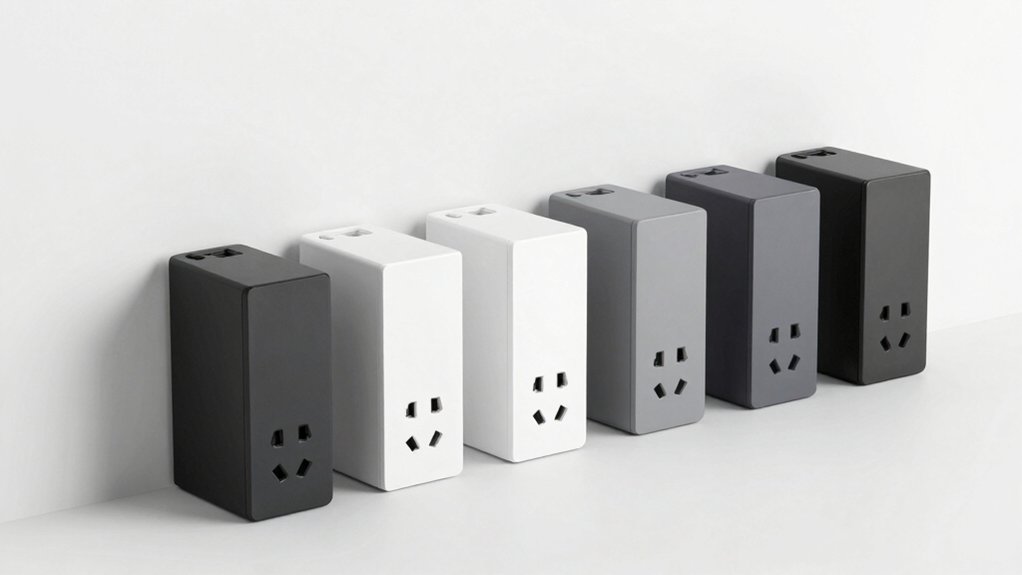

If you’re running out of outlet space, flat-plug surge protectors offer a practical solution. These compact devices feature thin plugs that don’t block adjacent outlets, making them ideal for tight areas behind furniture or in cramped corners. You’ll find options ranging from ultra-slim designs to models with extended cables and multiple USB ports. Understanding your specific needs—outlet count, USB requirements, and placement options—helps you select the right fit. Here’s what distinguishes each model.
| Olcorife Power Strip Surge Protector with USB Ports |

| Best for Travel | Total Ports: 9 ports (6 AC outlets + 3 USB) | Surge Protection (Joules): Built-in circuit breaker (rating not specified) | Cord Length: 5 feet | VIEW LATEST PRICE | Read Our Analysis |
| Surge Protector Power Strip with 8 Outlets & USB |

| Most Ports & Protection | Total Ports: 12 ports (8 AC outlets + 4 USB) | Surge Protection (Joules): 1080 Joules | Cord Length: 5 feet | VIEW LATEST PRICE | Read Our Analysis |
| HOPOW Flat Plug Power Strip with USB Ports |

| Thinnest Design | Total Ports: 8 ports (5 AC outlets + 3 USB) | Surge Protection (Joules): 1700 Joules | Cord Length: 6 feet | VIEW LATEST PRICE | Read Our Analysis |
| Anker Power Strip Surge Protector with USB Ports |

| Best USB Charging | Total Ports: 11 ports (8 AC outlets + 3 USB) | Surge Protection (Joules): 2000 Joules | Cord Length: 5 feet | VIEW LATEST PRICE | Read Our Analysis |
| 10Ft Extension Cord Surge Protector with 8 Outlets & USB |

| Longest Cord Option | Total Ports: 12 ports (8 AC outlets + 4 USB) | Surge Protection (Joules): 1050 Joules | Cord Length: 10 feet | VIEW LATEST PRICE | Read Our Analysis |
More Details on Our Top Picks
Olcorife Power Strip Surge Protector with USB Ports
Are you constantly moving between locations? The Olcorife Power Strip Surge Protector offers practical solutions for your charging needs. This 9-in-1 device features six outlets, two USB-A ports, and one USB-C port, allowing you to charge nine devices simultaneously. The ultra-thin 0.27-inch flat plug fits behind furniture, maximizing space efficiency. The 5-foot cord provides flexible placement options. Built-in circuit breaker protection prevents overcurrent and overheating. Mount it on walls using two included holes, or keep it portable for travel, dorms, or home offices. This lightweight design adapts to your changing environment while delivering reliable power management.
- Total Ports:9 ports (6 AC outlets + 3 USB)
- Surge Protection (Joules):Built-in circuit breaker (rating not specified)
- Cord Length:5 feet
- USB-C Ports:1 USB-C port
- AC Outlets:6 outlets
- Wall-Mountable:Yes (2 mounting holes)
- Additional Feature:0.27-inch ultra-thin flat plug
- Additional Feature:Three-sided outlet design
- Additional Feature:Charges 9 devices simultaneously
Surge Protector Power Strip with 8 Outlets & USB
Need to charge multiple devices without cluttering your workspace? The HANYCONY surge protector offers eight AC outlets and four USB ports, including two USB-C connections. Mount it flat against your wall using the built-in holes, or position it on your desk with the five-foot braided cord. The 2.2-inch outlet spacing prevents large adapters from blocking adjacent ports. Use USB-C ports for up to 5V/3A output per port, or USB-A ports for 5V/2.4A each. The 1080-joule surge protection and integrated circuit breaker automatically cut power during overloads, safeguarding your devices. This setup accommodates twelve devices simultaneously, making it ideal for home offices, dorm rooms, and entertainment centers.
- Total Ports:12 ports (8 AC outlets + 4 USB)
- Surge Protection (Joules):1080 Joules
- Cord Length:5 feet
- USB-C Ports:2 USB-C ports
- AC Outlets:8 outlets
- Wall-Mountable:Yes (back mounting holes)
- Additional Feature:2.2 inches wide outlet spacing
- Additional Feature:1080 Joules surge protection
- Additional Feature:Fire-resistant PC shell
HOPOW Flat Plug Power Strip with USB Ports
The HOPOW Flat Plug Power Strip delivers the thinnest design for anyone managing tight spaces behind furniture or along walls. Its 0.33-inch plug and 6-foot flat cable won’t create bulk or trip hazards. You’ll get 5 AC outlets plus 3 USB ports, including 2 USB-C options, powering 8 devices simultaneously. The 45° right-angle design prevents blocking adjacent outlets. Mount it using the included holes or place it conveniently anywhere. USB charging reaches 3.4A/17W maximum, suitable for smartphones and game consoles. Built-in 1700-Joule surge protection safeguards your devices in offices, meeting rooms, or entertainment centers.
- Total Ports:8 ports (5 AC outlets + 3 USB)
- Surge Protection (Joules):1700 Joules
- Cord Length:6 feet
- USB-C Ports:2 USB-C ports
- AC Outlets:5 outlets
- Wall-Mountable:Yes (2 mounting holes)
- Additional Feature:45° right-angle plug design
- Additional Feature:50% thinner extension cord
- Additional Feature:1700 Joules surge protection
Anker Power Strip Surge Protector with USB Ports
Anker’s power strip delivers superior USB charging capabilities through its 20W USB-C port alongside two standard USB-A ports. You’ll get eight AC outlets positioned on three sides, maximizing accessibility without cluttering your space. The flat 45° plug and thin 5-foot cord fit snugly behind furniture. With 2000 Joules of surge protection and a $20,000 connected equipment guarantee, your devices stay safe. The compact design measures 8.34″ long by 1.97″ wide, making it ideal for desks, entertainment centers, and tight areas. Anker backs this model with an 18-month warranty and 30-day return policy.
- Total Ports:11 ports (8 AC outlets + 3 USB)
- Surge Protection (Joules):2000 Joules
- Cord Length:5 feet
- USB-C Ports:1 USB-C port (20W)
- AC Outlets:8 outlets
- Wall-Mountable:Yes (includes screws for mounting)
- Additional Feature:20W USB-C fast charging
- Additional Feature:$20,000 equipment guarantee
- Additional Feature:18-month warranty included
10Ft Extension Cord Surge Protector with 8 Outlets & USB
Looking for a surge protector that reaches farther than most? The 10Ft Extension Cord Surge Protector delivers 10 feet of reach with an ultra-thin flat plug that fits behind furniture. You’ll find 8 AC outlets and 4 USB ports (2 USB-C, 2 USB-A) distributed across all four sides, preventing outlet congestion. The 1050 Joules surge protection safeguards your devices from power spikes. Its compact 4.5L x 3.7W design includes two mounting holes for wall or desk installation. The polycarbonate casing is fire-retardant and UL-listed. You can charge up to 15W via USB simultaneously, making it ideal for home offices, dorms, and apartments where space is limited.
- Total Ports:12 ports (8 AC outlets + 4 USB)
- Surge Protection (Joules):1050 Joules
- Cord Length:10 feet
- USB-C Ports:2 USB-C ports
- AC Outlets:8 outlets
- Wall-Mountable:Yes (2 mounting holes)
- Additional Feature:10-foot cord length
- Additional Feature:8-point safety protection system
- Additional Feature:10-year manufacturer warranty
Factors to Consider When Choosing a Surge Protector With a Flat Plug
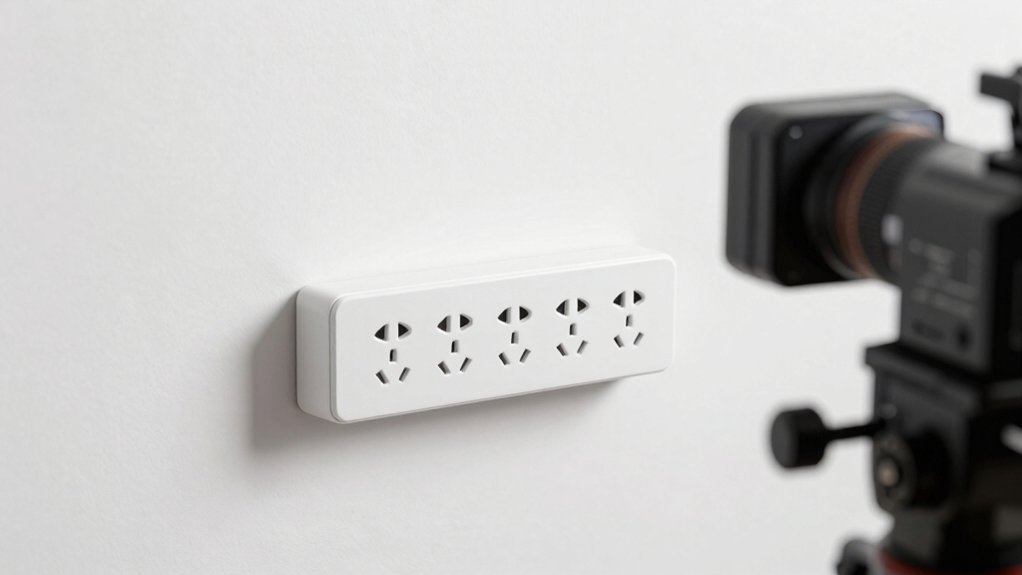
When you’re selecting a surge protector with a flat plug, you’ll want to evaluate five key factors: the number of outlets and ports available for your devices, the joules rating that determines how much electrical surge it can handle, the cord length and plug design that fit your space constraints, whether it has wall-mounting capabilities for added convenience, and the USB charging speeds it offers for your smartphones and tablets. Start by counting how many devices you need to plug in simultaneously, then check the joules rating—higher ratings like 2000+ joules provide better protection for sensitive electronics. Finally, measure your distance from the outlet and verify the flat plug design actually fits behind your furniture without blocking other outlets.
Outlet And Port Count
How many devices do you need to power simultaneously? Count your AC-powered appliances and USB devices separately. Most surge protectors with flat plugs offer 6 to 8 AC outlets, allowing you to connect multiple devices at once. USB ports typically range from 2 to 4 ports, combining USB-A and USB-C options for flexible charging. Some models combine outlets and USB ports to reach 12 total usable connections. Check the outlet spacing layout before purchasing. Wider spacing prevents large adapters from blocking adjacent outlets. Consider a 3-sided or multi-sided outlet arrangement, which maximizes available sockets and distributes power evenly across your devices. Match the total port count to your actual needs rather than overpaying for unused capacity.
Surge Protection Joules Rating
Protection quality depends largely on a surge protector‘s joules rating, which measures the amount of energy the device can absorb before its effectiveness declines or fails completely. You’ll find that models rated between 1080 and 2000+ joules provide substantially better protection than lower-end options, especially for electronics with sensitive components. When evaluating flat plug surge protectors, don’t rely solely on joules rating. You should also examine clamping voltage and response time to get a complete protection picture. If you anticipate frequent surges or plan to connect multiple devices, prioritize higher joules ratings. For occasional use with fewer devices, lower ratings may suffice. Match the joules rating to your actual needs and usage patterns for optimal cost-effectiveness and device safety.
Cord Length And Design
What’s the right cord length for your setup? Consider where your wall outlet sits relative to your devices. A 5 ft cord works for outlets near your workspace. A 6 ft cord extends reach moderately without excessive bulk. A 10 ft cord reaches across rooms but increases clutter risk.
Beyond length, plug design matters equally. A flat plug design sits flush against walls and behind furniture, saving valuable space. A 45° right-angle plug prevents blocking the bottom receptacle on duplex outlets, allowing you to use both outlets simultaneously.
Choose flat cables and ultra-thin plugs to minimize tripping hazards. Position these cables along walls or under furniture for a cleaner setup. Measure the distance from your outlet to your devices first, then select cord length and plug style accordingly.
Wall Mounting Capabilities
Should you mount your surge protector on the wall or keep it on your desk? First, check if your unit includes wall-mount holes or brackets on the back. Next, verify the mounting method works for your surface—wall or desk. Then, examine the included hardware like screws to confirm compatibility with your installation choice.
When mounting on walls, ensure the outlet layout doesn’t obstruct access to USB ports or outlets once installed. A three-sided outlet arrangement typically offers better versatility and easier reach when wall-mounted. Finally, confirm the flat plug design keeps the unit flush against the wall, preventing furniture interference. Review these factors systematically before purchasing to guarantee your surge protector fits your space requirements and provides practical outlet accessibility.
USB Charging Speed Options
How fast do your devices actually charge when you plug them into a surge protector? You need to check the USB port specifications on your strip. USB-A ports typically deliver up to 5V/2.4A per port, while USB-C ports offer higher speeds at 5V/3A. However, your total charging speed depends on the combined wattage limit across all USB ports—often capped at 15.5W maximum. If you’re charging multiple devices simultaneously, the available current splits between them. Smart charging technology automatically distributes power to maximize total shared current across ports. To charge devices fastest, use USB-C ports when available and limit the number of simultaneous charges. Check your strip’s total USB output rating before purchasing to ensure it meets your charging needs.
Final Thoughts
You’ve reviewed five flat-plug surge protectors that save space. Each offers distinct features: Olcorife’s ultra-thin design, HANYCONY’s eight outlets, HOPOW’s 45° angle, Anker’s compact layout, and the 10Ft Extension’s cable length. Evaluate your outlet needs, available space, and required USB ports. Select the model matching your setup. Mount it on your wall or position it behind furniture. You’ll gain accessible outlets without sacrificing floor or desk space.

Meet Ry, “TechGuru,” a 36-year-old technology enthusiast with a deep passion for tech innovations. With extensive experience, he specializes in gaming hardware and software, and has expertise in gadgets, custom PCs, and audio.
Besides writing about tech and reviewing new products, he enjoys traveling, hiking, and photography. Committed to keeping up with the latest industry trends, he aims to guide readers in making informed tech decisions.