
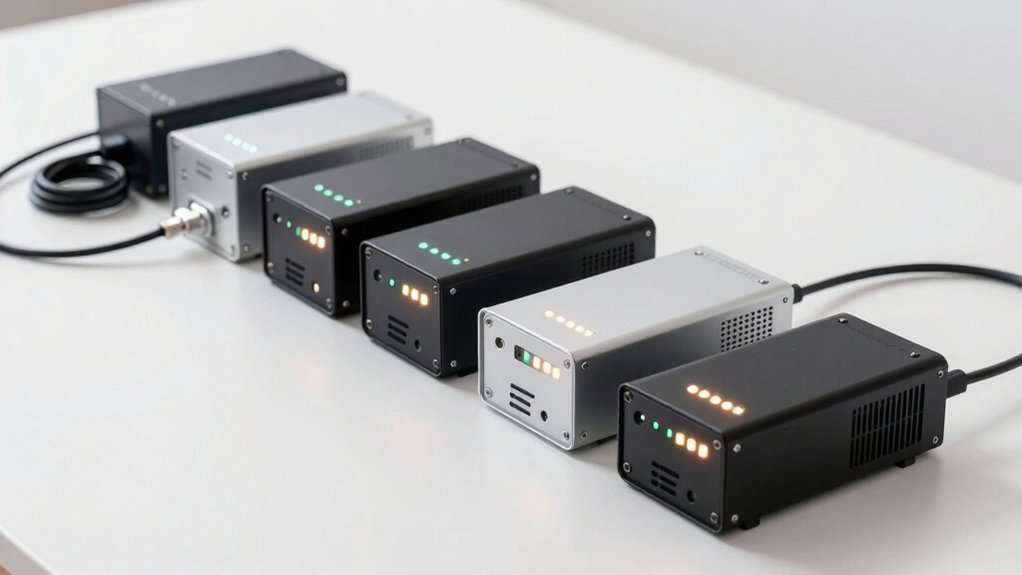

When your mini PC loses power, you need backup quickly. A UPS (uninterruptible power supply) bridges that gap by switching to battery power instantly. You’ll find options ranging from compact 400VA models to robust 1500VA systems, each offering different outlet counts, battery runtimes, and protection levels. Choosing the right one depends on your specific power needs and budget constraints—but how do you know which features actually matter for your setup?
| APC UPS 600VA Battery Backup & Surge Protector |

| Best All-Around | Power Capacity: 600VA / 330W | Outlet Count: 7 outlets (5 battery backup + surge, 2 surge-only) | Battery Backup Runtime: Up to 23 minutes (at 100W load) | VIEW LATEST PRICE | Read Our Analysis |
| Amazon Basics UPS Battery Backup Surge Protector |

| Most Compact | Power Capacity: 400VA / 255W | Outlet Count: 6 outlets (3 surge-protected, 3 battery-backup + surge) | Battery Backup Runtime: ~6 minutes (at half load), ~1.5 minutes (at full load) | VIEW LATEST PRICE | Read Our Analysis |
| CyberPower CP1500PFCLCD UPS Battery Backup System |

| Professional Grade | Power Capacity: 1500VA / 1000W | Outlet Count: 12 outlets (6 battery backup + surge, 6 surge-protected) | Battery Backup Runtime: Not specified; includes AVR to extend battery life | VIEW LATEST PRICE | Read Our Analysis |
| CyberPower ST425 Standby UPS Battery Backup |

| Best Budget Pick | Power Capacity: 425VA / 260W | Outlet Count: 8 outlets (4 battery backup + surge, 4 surge-protected) | Battery Backup Runtime: ~1 minute (at maximum 260W) | VIEW LATEST PRICE | Read Our Analysis |
| SKE 425VA UPS Battery Backup Surge Protector |

| Best Value Option | Power Capacity: 425VA / 240W | Outlet Count: 7 outlets (5 battery backup + surge, 2 surge-only) | Battery Backup Runtime: Not specified | VIEW LATEST PRICE | Read Our Analysis |
| Mini DC UPS Battery Backup Power Supply Multi-Voltage |

| Specialized Connectivity | Power Capacity: Multi-voltage (5V/9V/12V/15V/24V outputs) | Outlet Count: Multiple DC/USB outputs (5V, 9V, 12V, 15V/24V POE) | Battery Backup Runtime: Several hours (for essential low-voltage devices) | VIEW LATEST PRICE | Read Our Analysis |
| Mini DC UPS Battery Backup Power Supply for Routers |

| Minimal Footprint Solution | Power Capacity: 18W max output (5V/9V/12V/15V/24V outputs) | Outlet Count: 5 outputs (5V USB, 5V DC, 9V DC, 12V DC, 15V/24V POE) | Battery Backup Runtime: Several hours (for routers/modems) | VIEW LATEST PRICE | Read Our Analysis |
More Details on Our Top Picks
APC UPS 600VA Battery Backup & Surge Protector
Why settle for a mini PC system that loses power and shuts down without warning? The APC UPS 600VA delivers 330W of backup power, keeping your computer running for up to 23 minutes during outages. You’ll gain seven outlets—five with battery backup and surge protection, plus two surge-only outlets. The USB-A charging port provides 1.5A for simultaneous device charging. You receive a three-year warranty and $75,000 equipment protection coverage. The user-replaceable battery (Model APCRBC154, sold separately) extends the unit’s lifespan. Clear indicators and audible alerts notify you of power status changes, allowing you to safely shut down systems and maintain internet connectivity when needed.
- Power Capacity:600VA / 330W
- Outlet Count:7 outlets (5 battery backup + surge, 2 surge-only)
- Battery Backup Runtime:Up to 23 minutes (at 100W load)
- USB/Charging Ports:1x USB-A (1.5A)
- Warranty:3-year warranty with $75,000 equipment protection
- Form Factor:Compact desktop unit
- Additional Feature:User-replaceable battery module
- Additional Feature:$75,000 equipment protection guarantee
- Additional Feature:Audible alerts for status
Amazon Basics UPS Battery Backup Surge Protector
If you’re running a mini PC on a tight budget and need reliable protection without premium pricing, the Amazon Basics UPS Battery Backup & Surge Protector delivers essential functionality in a compact form factor. This 400VA/255W unit provides 6 outlets—three with surge protection only and three with both surge protection and battery backup. At half load, expect approximately 6 minutes of runtime; at full load, roughly 1.5 minutes. Check your connected devices’ total power consumption before connecting them to battery-backup outlets. Download the available power management software to monitor performance. Keep your load below 80% of rated capacity for optimal results.
- Power Capacity:400VA / 255W
- Outlet Count:6 outlets (3 surge-protected, 3 battery-backup + surge)
- Battery Backup Runtime:~6 minutes (at half load), ~1.5 minutes (at full load)
- USB/Charging Ports:Power management software available for download
- Warranty:Standard coverage (specific terms not detailed)
- Form Factor:Small compact size
- Additional Feature:Power management software included
- Additional Feature:Compact, space-saving size
- Additional Feature:Right angle plug design
CyberPower CP1500PFCLCD UPS Battery Backup System
The CyberPower CP1500PFCLCD delivers 1500VA/1000W of backup power in a compact mini-tower design, making it well-suited for users who need reliable protection for desktop setups in tight spaces. You’ll find twelve outlets: six with battery backup and surge protection, and six with surge protection only. The unit features a PFC sine wave output that supports both active PFC and conventional power supplies, ensuring compatibility with sensitive equipment. Its Automatic Voltage Regulation (AVR) corrects minor power fluctuations without draining the battery, extending overall battery life during unstable power conditions. The multifunction color LCD panel displays real-time battery and power status, alerting you to potential issues before they cause downtime. You can adjust the tilting screen up to 22 degrees for convenient viewing when placing the unit under a desk.
- Power Capacity:1500VA / 1000W
- Outlet Count:12 outlets (6 battery backup + surge, 6 surge-protected)
- Battery Backup Runtime:Not specified; includes AVR to extend battery life
- USB/Charging Ports:2 USB ports (Type-A and Type-C)
- Warranty:3-year warranty (including battery) with $500,000 equipment guarantee
- Form Factor:Mini-tower with tilting LCD display (14 x 3.9 x 11 inches)
- Additional Feature:PFC sine wave output
- Additional Feature:Tilting LCD display panel
- Additional Feature:Automatic voltage regulation (AVR)
CyberPower ST425 Standby UPS Battery Backup
For home office setups and small entertainment systems that need affordable protection during power outages, the CyberPower ST425 delivers practical backup power without breaking your budget. This standby UPS provides 425VA/260W output across eight outlets—four with battery backup and surge protection, four with surge protection only. It runs approximately one minute on battery, sufficient for graceful shutdowns. The 890-joule surge protection safeguards against lightning and power events. Its compact 3.8-pound design fits easily on desks or shelves. The unit includes a three-year warranty covering the sealed lead-acid battery and a $75,000 connected equipment guarantee, making it a reliable choice for protecting computers, routers, and gaming consoles during unexpected outages.
- Power Capacity:425VA / 260W
- Outlet Count:8 outlets (4 battery backup + surge, 4 surge-protected)
- Battery Backup Runtime:~1 minute (at maximum 260W)
- USB/Charging Ports:No USB ports listed
- Warranty:3-year warranty (including battery) with $75,000 equipment guarantee
- Form Factor:Compact unit (3.2 x 8.3 x 4.5 inches)
- Additional Feature:Energy Star certified efficiency
- Additional Feature:Simulated sine wave output
- Additional Feature:LED power status indicator
SKE 425VA UPS Battery Backup Surge Protector
Looking for a compact UPS that’ll keep your mini PC running during power outages? The SKE 425VA delivers 240 watts of backup power through five dedicated outlets and two surge-only outlets. You’ll connect your computer, router, and modem to the black outlets for continuous operation when electricity fails. Two USB ports and one Type-C port enable fast charging for mobile devices simultaneously. The sealed lead-acid battery is user-replaceable with a Phillips screwdriver, reducing repair costs. This tower-shaped unit measures 11.7 by 3 by 6.7 inches and weighs eight pounds, fitting easily beside your desk setup. SKE provides a one-year battery warranty and two-year machine warranty covering defects.
- Power Capacity:425VA / 240W
- Outlet Count:7 outlets (5 battery backup + surge, 2 surge-only)
- Battery Backup Runtime:Not specified
- USB/Charging Ports:2 USB outlets, 1 Type-C
- Warranty:1-year battery, 2-year machine warranty
- Form Factor:Tower (11.7 x 3 x 6.7 inches; vertical/horizontal mounting)
- Additional Feature:RJ45 network surge protection
- Additional Feature:Vertical/horizontal mounting flexibility
- Additional Feature:Silent operation mode
Mini DC UPS Battery Backup Power Supply Multi-Voltage
When you need continuous power for your router, modem, security camera, or other networked devices during an outage, a mini DC UPS delivers stable backup without interruption. This unit accepts wide AC input ranging from 85V to 265V, requiring no separate adapter. You’ll select from multiple output options: 5V/2A USB, 5V/2A DC, 9V/1A DC, or 12V/1A DC, plus POE outputs at 15V/0.6A or 24V/0.6A. The device protects connected equipment through short circuit prevention, overcharge protection, overcurrent protection, and thermal management. A battery indicator displays remaining capacity so you know when to recharge. Note that 18650 batteries aren’t included.
- Power Capacity:Multi-voltage (5V/9V/12V/15V/24V outputs)
- Outlet Count:Multiple DC/USB outputs (5V, 9V, 12V, 15V/24V POE)
- Battery Backup Runtime:Several hours (for essential low-voltage devices)
- USB/Charging Ports:5V/2A USB, 5V/2A DC, 9V/1A DC, 12V/1A DC, POE options
- Warranty:Product warranty available (terms not specified)
- Form Factor:Compact mini UPS (battery not included)
- Additional Feature:Wide AC input range (85-265V)
- Additional Feature:Multiple voltage output options
- Additional Feature:No separate adapter required
Mini DC UPS Battery Backup Power Supply for Routers
This Mini DC UPS unit works best if you’re protecting low-voltage devices like routers, modems, IP cameras, and POE devices that need continuous power during outages. The unit provides 18W maximum output with multiple voltage options: 5V, 9V, 12V, 15V, and 24V. Before connecting your device, verify the voltage and current requirements match available ports. Charge the lithium-ion battery fully before first use. During a power outage, the unit maintains several hours of runtime for essential devices. Don’t exceed approximately 15W total load across multiple devices simultaneously to ensure stability. The wide AC input range (85V–265V) eliminates the need for a separate adapter.
- Power Capacity:18W max output (5V/9V/12V/15V/24V outputs)
- Outlet Count:5 outputs (5V USB, 5V DC, 9V DC, 12V DC, 15V/24V POE)
- Battery Backup Runtime:Several hours (for routers/modems)
- USB/Charging Ports:1 USB 5V/2A, multiple DC outputs, POE 15V/24V
- Warranty:Product warranty available (terms not specified)
- Form Factor:Compact mini UPS (1.12 pounds; lithium-ion battery included)
- Additional Feature:Lithium-ion battery technology
- Additional Feature:Real-time LED battery indicator
- Additional Feature:Includes POE 15V/24V output
Factors to Consider When Choosing a UPS for Mini PC
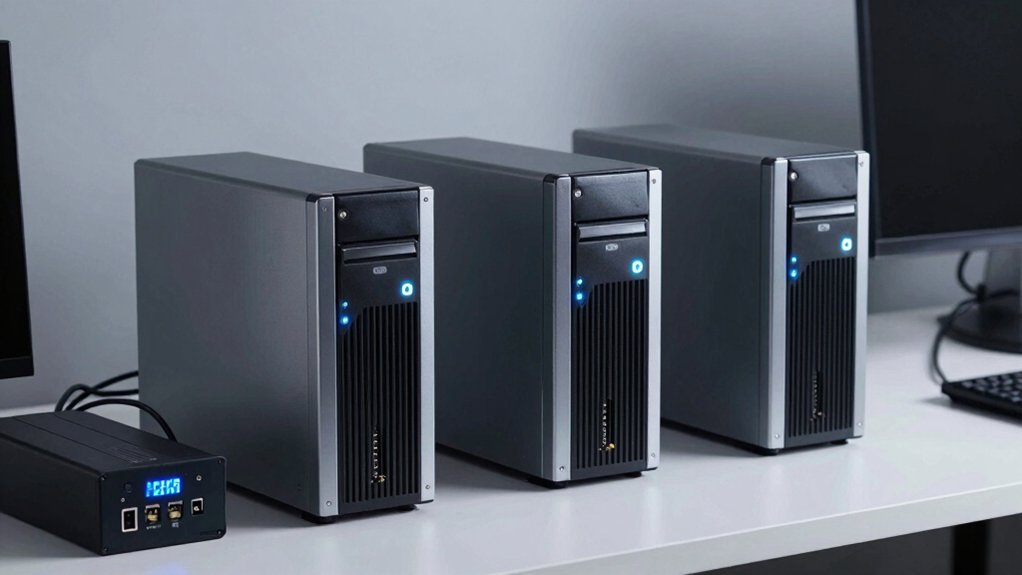
When you’re selecting a UPS for your mini PC, you’ll need to evaluate five critical factors: power capacity requirements (measured in watts), runtime and battery duration (how long your system stays powered), outlet configuration needs (the number and types of ports you require), physical size constraints (whether the UPS fits your space), and protection and warranty coverage (what safeguards and support you receive). Start by calculating your mini PC’s total power consumption by adding up the wattage of your CPU, motherboard, storage drives, and peripherals, then choose a UPS with capacity at least 20–30% higher than this total. Finally, confirm that your preferred UPS model offers the specific outlet types you need, fits within your available space, and includes adequate warranty protection for your investment.
Power Capacity Requirements
How do you know if a UPS has enough power for your mini PC setup? Start by calculating your total connected load: add your mini PC’s wattage plus peripherals like monitors, routers, and external drives. Convert watts to VA using a 1.3 power factor if needed—a 60W device requires roughly 75–90 VA. Choose a UPS rated 1.5–2× your continuous load to handle startup surges and preserve battery life. Check the UPS’s runtime chart at your calculated wattage; a 255W UPS may provide only 10–20 minutes at full load. Account for future expansion by selecting extra capacity. Match your desired runtime—whether 5 minutes for graceful shutdown or 30+ minutes for sustained internet access—against the UPS specifications.
Runtime and Battery Duration
Once you’ve selected a UPS with adequate power capacity, you’ll need to focus on how long that battery can actually keep your mini PC running—runtime and battery duration. Calculate expected uptime by dividing the UPS’s watt-hour rating by your PC’s actual power draw in watts. A 100W system may run 23 minutes on a 100W-rated UPS, but runtime drops significantly at higher loads. Manufacturers often list runtime at partial loads like 50%; expect shorter real-world performance, especially when powering peripherals like monitors and external drives. Consider battery type—sealed lead-acid units cost less but require frequent replacement, while lithium batteries deliver longer consistency. Check replacement availability and costs before purchasing, as battery accessibility directly impacts long-term value and reliability.
Outlet Configuration Needs
What outlets you’ll actually need depends entirely on your mini PC setup and future expansion plans. Count your essential devices first: mini PC, monitor, router, and printer. These require battery-backed outlets to stay powered during outages. Aim for at least four battery-backed outlets to cover these core items comfortably.
Next, identify non-critical devices like desk lamps or phone chargers that only need surge protection. Reserve surge-only outlets for these items. Check whether your UPS offers USB ports or USB-C charging to power ancillary devices without consuming battery-backed outlets.
Total outlet count matters too. Select a UPS with six to eight outlets minimum, giving you current needs plus room for expansion. This prevents overloading a single outlet bank and maintains usable capacity for future peripherals.
Physical Size Constraints
Where you’ll place your UPS matters as much as what goes into it, since mini PC setups typically operate in tight desk spaces that don’t tolerate oversized equipment. You need a unit measuring roughly 14 x 4 x 12 inches or smaller to fit under desks or on shelves without crowding monitors and keyboards. Lightweight models between 2–8 pounds preserve portability and won’t strain your workspace layout. Choose compact tower or rectangular designs that occupy minimal floor or shelf space. If you’re limited on horizontal room, look for UPS units supporting vertical or wall-mounted placement. Verify the form factor before purchasing—measure your available space and compare it directly against product dimensions to confirm fit.
Protection and Warranty Coverage
Beyond fitting your UPS into your workspace, you’ll want to confirm it actually protects your investment when power fails. Look for a Connected Equipment Guarantee covering power-related damages, typically ranging from $75,000 to $500,000 depending on the model. Check the warranty length—most units offer 3 years, sometimes including the battery—to ensure long-term protection for your mini PC. Verify that the battery is user-replaceable and replacement batteries are readily available from the manufacturer. Confirm the UPS provides surge protection for all outlets you’ll use, not just battery-backed ones. Review whether the device includes power management software to monitor status and safely initiate shutdowns during outages. These protections safeguard both your equipment and your data.
Final Thoughts
You’ll want to select a UPS based on your mini PC’s power requirements and budget. Review each model’s wattage capacity, outlet count, and battery runtime. Verify warranty coverage and whether batteries are user-replaceable for cost savings. Test the UPS during a power outage to confirm it activates properly. Install any included software for monitoring. Replace batteries every three to five years to maintain reliability and protect your system from unexpected downtime.

Meet Ry, “TechGuru,” a 36-year-old technology enthusiast with a deep passion for tech innovations. With extensive experience, he specializes in gaming hardware and software, and has expertise in gadgets, custom PCs, and audio.
Besides writing about tech and reviewing new products, he enjoys traveling, hiking, and photography. Committed to keeping up with the latest industry trends, he aims to guide readers in making informed tech decisions.