
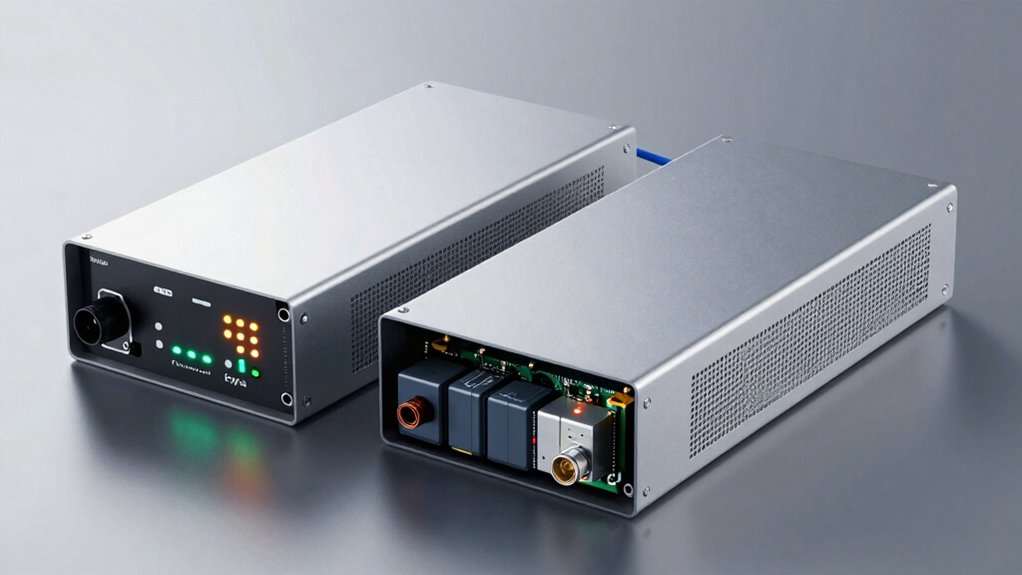

When your devices need continuous power protection, you’ll want a UPS with hot-swappable batteries. These units let you replace battery packs without shutting down your equipment, keeping surge protection active the entire time. You can swap batteries in minutes, avoiding costly downtime. The CyberPower CP1500PFCLCD and APC Back-UPS Pro series stand out for this capability, but understanding what makes them different matters before you decide.
| CyberPower CP1500PFCLCD UPS Battery Backup Surge Protector |

| Premium Power Station | Power Capacity: 1500VA/1000W | Outlets: 12 NEMA 5-15R (6 battery backup & surge, 6 surge) | Wave Output: PFC Sine Wave | VIEW LATEST PRICE | Read Our Analysis |
| CyberPower ST425 Standby UPS Battery Backup (425VA/260W) |

| Budget Compact Pick | Power Capacity: 425VA/260W | Outlets: 8 NEMA 5-15R (4 battery backup & surge, 4 surge) | Wave Output: Simulated Sine Wave | VIEW LATEST PRICE | Read Our Analysis |
More Details on Our Top Picks
CyberPower CP1500PFCLCD UPS Battery Backup Surge Protector
The CyberPower CP1500PFCLCD is your best choice if you’re running multiple devices that need both backup power and surge protection without interruption. This 1500VA/1000W unit features 12 outlets: six provide battery backup plus surge protection, while six offer surge protection only. You’ll connect your most critical equipment—computers, routers, monitors—to the battery-backed outlets to maintain operation during power loss. The remaining outlets handle less critical devices. Two USB ports (Type-A and Type-C) let you charge phones and tablets simultaneously. The color LCD screen displays real-time power status, alerting you to potential problems before they cause downtime. Automatic Voltage Regulation (AVR) corrects minor fluctuations without draining batteries, extending their lifespan substantially.
- Power Capacity:1500VA/1000W
- Outlets:12 NEMA 5-15R (6 battery backup & surge, 6 surge)
- Wave Output:PFC Sine Wave
- Warranty & Equipment Guarantee:3-year warranty including battery; $500,000 Connected Equipment Guarantee
- Input Cord:NEMA 5-15P, 5-foot cord
- Surge Protection Rating:Not specified
- Additional Feature:Tilting color LCD display panel
- Additional Feature:Active PFC sine wave support
- Additional Feature:Dual USB charging ports
CyberPower ST425 Standby UPS Battery Backup (425VA/260W)
CyberPower’s ST425 model works best for you if you need basic power protection for a home office or entertainment setup without a large budget. This standby UPS delivers 425VA/260W output across eight outlets—four with battery backup and four with surge protection only. You’ll get approximately one minute of runtime during outages, sufficient for graceful shutdowns of computers or routers. The 890-joule surge protection guards against lightning strikes and power spikes. Its compact 3.8-pound design fits easily on desks or shelves. The unit includes a three-year warranty covering the sealed lead-acid battery and a $75,000 equipment guarantee, making it a practical, affordable choice for modest power needs.
- Power Capacity:425VA/260W
- Outlets:8 NEMA 5-15R (4 battery backup & surge, 4 surge)
- Wave Output:Simulated Sine Wave
- Warranty & Equipment Guarantee:3-year warranty including battery; $75,000 Connected Equipment Guarantee
- Input Cord:NEMA 5-15P, 5-foot cord
- Surge Protection Rating:890 Joules
- Additional Feature:Compact/lightweight design (3.8 lbs)
- Additional Feature:LED power/fault indicators
- Additional Feature:Energy Star GREENPOWER certified
Factors to Consider When Choosing a UPS With Hot Swappable Batteries
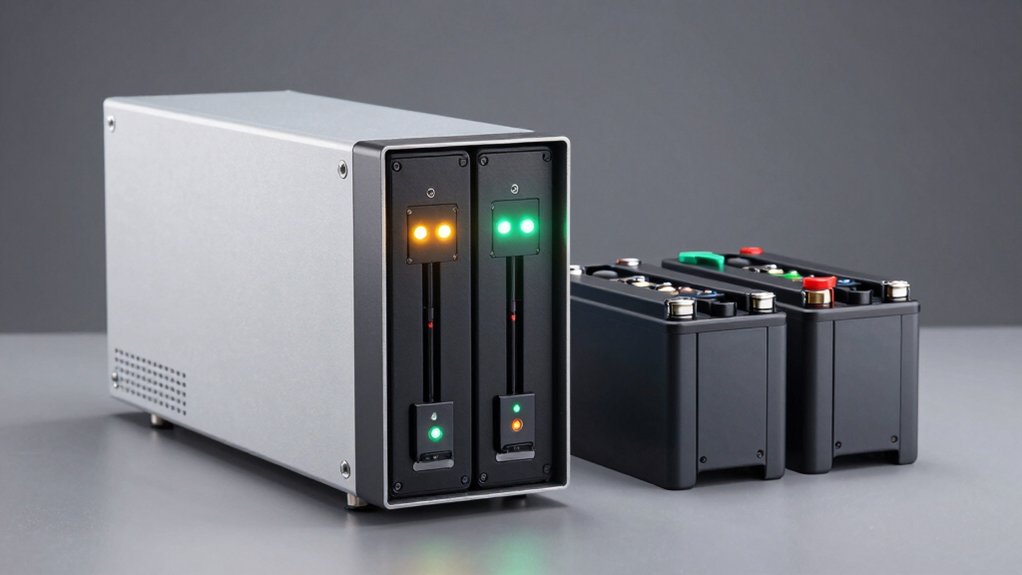
When you’re choosing a UPS with hot swappable batteries, you’ll need to evaluate five key factors: battery capacity and runtime to ensure your devices stay powered long enough, power output requirements to match your equipment’s demands, compatibility with your existing gear to avoid connection issues, warranty and protection coverage to safeguard your investment, and physical size and portability so the unit fits your space and moves easily if needed. Start by calculating your total wattage needs, then match that against the UPS specifications, check that all your devices connect properly to the unit’s outlets, review the warranty terms for battery replacement and coverage limits, and finally measure your available space to confirm the UPS will fit. Each of these factors directly affects whether the UPS will reliably protect your equipment and serve your needs over time.
Battery Capacity And Runtime
How do you know if a UPS will keep your devices running long enough during an outage? Check two key specifications: battery capacity measured in amp-hours (Ah) and total energy in watt-hours (Wh). Higher Ah ratings extend runtime at any given load. Next, find the runtime chart for your UPS—most models list how long they’ll run at different wattages, such as 260W or 100W. Match your device’s power consumption to these scenarios. Remember that runtime decreases as wattage increases. For extended outages, hot-swappable batteries let you swap fresh units without shutting down, preserving continuous power. Calculate your actual needs by adding your critical devices’ wattages, then cross-reference this total against the manufacturer’s runtime specifications.
Power Output Requirements
Knowing your battery runtime isn’t enough—you’ll also need to match your UPS’s power output capacity to what your equipment actually demands. Calculate your total wattage by adding up the power consumption of all devices you’ll protect: servers, network switches, computers, and monitors. Check each device’s nameplate or manual for watt ratings. Add a 20–30% safety margin to handle startup surges. Select a UPS rated in VA (volt-amps) or watts that meets or exceeds this total. For example, if your equipment totals 2,000 watts, choose a UPS rated for at least 2,400–2,600 watts. Undersized units will shut down during peak loads, defeating your backup purpose. Verify the UPS specifications list continuous power ratings, not just peak capacity, to ensure reliable sustained operation during outages.
Compatibility With Equipment
What equipment you’re protecting matters just as much as the UPS itself—you’ll need to verify that your hot-swappable UPS actually works with your devices before buying. Check your UPS’s output waveform first. Sensitive equipment like medical devices, audio systems, and servers require pure sine wave output, while standard electronics tolerate simulated sine waves. Match your equipment’s voltage and frequency requirements to the UPS specifications. Next, confirm the UPS maintains surge suppression and automatic voltage regulation on all critical outlets during battery hot-swaps. This ensures your devices stay protected even when you’re replacing batteries. Finally, review the replacement battery part numbers, voltage ratings, and capacity specifications. Verify these exact batteries are readily available from authorized retailers before purchasing the UPS.
Warranty And Protection Coverage
Since your UPS protects valuable equipment, you’ll want all-encompassing warranty coverage that extends to both the unit and its batteries. Review the warranty document carefully to confirm it explicitly covers the battery pack for the stated duration—typically 3 to 5 years. Verify that hot-swappable battery replacements are user-serviceable and won’t void your warranty when you perform the swap yourself. Check for a Connected Equipment Guarantee, which reimburses you if power events damage connected devices while the battery functions properly; coverage often reaches $75,000 to $500,000. Confirm the manufacturer provides documented service terms, including replacement battery availability and expected lead times. Ensure both the UPS electronics and spare battery pack fall under identical coverage periods. Request this information directly from the vendor before purchasing.
Physical Size And Portability
Physical size becomes a critical consideration when you’re selecting a UPS with hot-swappable batteries because these units typically occupy more floor space than standard models. The removable battery modules and access panels required for hot-swapping add to the overall dimensions.
You’ll want to measure your available space before purchasing. Check the unit’s footprint against your planned location, accounting for ventilation clearance around all sides.
Weight also affects portability. While modular batteries can be removed to reduce transport weight, installed units become heavy. Evaluate whether you’ll need to move the UPS frequently through doorways or into confined spaces.
Consider the arrangement of battery bays and handle placement. These design features determine how easily you can maneuver the unit. Check if spare battery packs are available for field maintenance, which impacts your transport and logistics planning.
Surge Protection Specifications
How much energy can your connected devices actually handle before a power surge causes damage? You’ll need to evaluate the joule rating, which measures how much energy the UPS absorbs before voltage reaches your equipment. A higher joule rating provides better protection against power surges and lightning strikes over time.
Next, check the clamping voltage or let-through voltage specification. This rating shows the maximum voltage that reaches your devices during a surge event. Lower let-through voltages offer superior protection.
Finally, verify whether your UPS separates surge protection between battery-backed outlets and surge-only outlets. Battery-backed outlets provide both backup power and surge suppression, while surge-only outlets deliver protection without battery support.
Confirm the UPS carries UL certification or similar standards, verifying it meets recognized safety and protection criteria.
Management Software And Monitoring
Once you’ve confirmed your UPS meets surge protection standards, you’ll want to examine the management software that monitors and controls your hot-swappable battery system. Choose software that delivers real-time status updates and automated notifications about battery health, load levels, and runtime remaining. Verify it supports automatic USB or network reporting to alert you when batteries degrade or need replacement. Confirm compatibility with your operating system—Windows, macOS, or Linux. The software should enable graceful shutdowns through its interface. Review event logs and diagnostic tools that track power events, battery cycles, and AVR performance over time. Select a UPS with bundled free management software or readily available downloads to simplify ongoing maintenance and monitoring without additional costs.
Final Thoughts
When you’re choosing a UPS with hot-swappable batteries, you’ll want to evaluate your power needs, runtime requirements, and budget first. Compare the CyberPower CP1500PFCLCD and APC Back-UPS Pro series based on capacity and warranty coverage. Check the physical dimensions to ensure it fits your space. Verify management software compatibility with your devices. Once you’ve selected a model, install it near your equipment and test the battery swap process before you need it.

Meet Ry, “TechGuru,” a 36-year-old technology enthusiast with a deep passion for tech innovations. With extensive experience, he specializes in gaming hardware and software, and has expertise in gadgets, custom PCs, and audio.
Besides writing about tech and reviewing new products, he enjoys traveling, hiking, and photography. Committed to keeping up with the latest industry trends, he aims to guide readers in making informed tech decisions.