
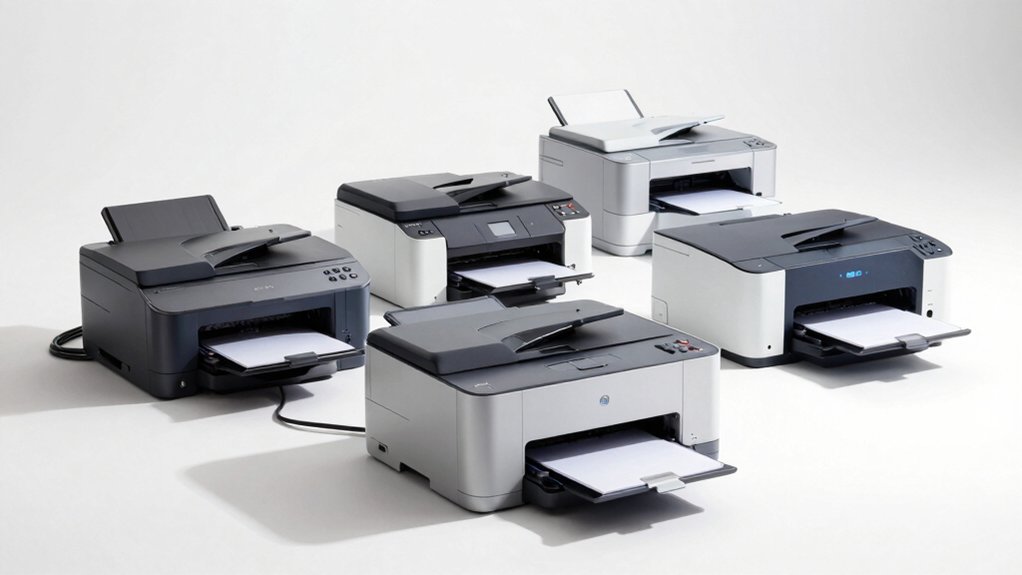

If you’re looking to boost your office productivity, you need a printer that won’t slow you down. Wired laser printers eliminate connectivity issues and deliver fast, consistent output for your team’s daily demands. You can choose from multifunction models that handle copying and scanning, or dedicated printers focused on speed. Each option offers different features and price points. To find the right fit for your workflow, consider what matters most to your operation.
| Canon imageCLASS MF3010 VP Multifunction Laser Printer |

| Best Multifunction | Print Speed: 19 ppm (black & white) | Maximum Media Size: 8.5 x 14 inches | Paper Capacity: 150 sheets | VIEW LATEST PRICE | Read Our Analysis |
| HP LaserJet M209d Laser Printer (8J9L0F) |

| Most Compact | Print Speed: 30 ppm (black & white) | Maximum Media Size: 8.5 x 14 inches | Paper Capacity: 150 sheets | VIEW LATEST PRICE | Read Our Analysis |
| HP LaserJet Pro 4001n Black & White Printer |

| Best for Teams | Print Speed: 42 ppm (black & white) | Maximum Media Size: 8.5 x 14 inches | Paper Capacity: 350 sheets | VIEW LATEST PRICE | Read Our Analysis |
| Brother HL-L2405W Wireless Monochrome Laser Printer |

| Best Value | Print Speed: 30 ppm (one-sided) | Maximum Media Size: 8.5 x 14 inches | Paper Capacity: 250 sheets | VIEW LATEST PRICE | Read Our Analysis |
| HP LaserJet M209dw Wireless Printer |

| Best Overall | Print Speed: 30 ppm (black & white, single-sided) | Maximum Media Size: 8.5 x 14 inches | Paper Capacity: 150 sheets (approx) | VIEW LATEST PRICE | Read Our Analysis |
More Details on Our Top Picks
Canon imageCLASS MF3010 VP Multifunction Laser Printer
Looking for a printer that handles more than one job? The Canon imageCLASS MF3010 VP combines printing, scanning, and copying in one machine. It prints 19 pages per minute in black and white, giving you fast document output. The flatbed scanner lets you digitize papers and copy ID cards with 600 x 600 dpi resolution. You’ll get a 2,300-page toner yield, though the starter cartridge contains only 700 pages. Connect via USB or Ethernet to your Windows, Mac, or Linux system. The printer accepts paper up to 8.5 by 14 inches and holds 150 sheets. At 16.8 pounds and measuring 20.25 inches deep, it fits standard office spaces. Canon backs it with a one-year warranty.
- Print Speed:19 ppm (black & white)
- Maximum Media Size:8.5 x 14 inches
- Paper Capacity:150 sheets
- Warranty:1-year standard warranty
- Print Resolution:600 x 600 dpi
- Connectivity Options:USB and Ethernet
- Additional Feature:Multifunction: Print, Scan, Copy
- Additional Feature:ID Card Copy capability
- Additional Feature:Flatbed Scanner included
HP LaserJet M209d Laser Printer (8J9L0F)
The HP LaserJet M209d is the most compact option for home office workers who need reliable black-and-white printing without sacrificing desk space. This printer delivers 30 ppm print speed and automatic duplex printing to reduce paper waste. Connect it via USB 2.0 using the included cable for straightforward setup. The 150-sheet input tray handles standard paper sizes up to 8.5 x 14 inches. Use only HP cartridges with genuine chips, as non-HP cartridges may be blocked. The one-year limited warranty covers hardware defects. Its quiet operation and energy efficiency suit small offices needing dependable monochrome output without multifunction capabilities.
- Print Speed:30 ppm (black & white)
- Maximum Media Size:8.5 x 14 inches
- Paper Capacity:150 sheets
- Warranty:1-year limited hardware warranty
- Print Resolution:600 x 600 dpi
- Connectivity Options:USB only
- Additional Feature:Automatic Duplex printing
- Additional Feature:Compact, space-saving design
- Additional Feature:Print-only function
HP LaserJet Pro 4001n Black & White Printer
HP’s LaserJet Pro 4001n works well for small office teams of up to 10 users who need reliable monochrome printing without complexity. This monochrome laser printer delivers 42 pages per minute and connects via Ethernet or USB. You’ll appreciate its 1200 x 1200 dpi resolution for sharp documents. The printer supports multiple devices—laptops, PCs, smartphones, and tablets—through AirPrint, Android, and Chromebook compatibility. It handles envelopes, labels, and plain paper up to 8.5 x 14 inches across two paper trays with 350-sheet capacity. Manual duplex printing saves paper. HP Wolf Pro Security protects your network with customizable settings. Setup is straightforward with driverless or driver options depending on your connection method.
- Print Speed:42 ppm (black & white)
- Maximum Media Size:8.5 x 14 inches
- Paper Capacity:350 sheets
- Warranty:1-year limited warranty
- Print Resolution:1200 x 1200 dpi
- Connectivity Options:USB and Ethernet
- Additional Feature:Mobile printing support
- Additional Feature:HP Wolf Pro Security
- Additional Feature:Two paper trays
Brother HL-L2405W Wireless Monochrome Laser Printer
Want a compact printer that won’t strain your budget? The Brother HL-L2405W delivers reliable monochrome printing at 30 ppm with a small footprint ideal for desks. You’ll get wireless connectivity on dual-band frequencies plus USB options for flexible setup. The 250-sheet tray handles standard printing, while the manual slot accommodates envelopes and specialty paper up to 8.5 x 14 inches. Use the Brother Mobile Connect App to print remotely and track toner levels. Subscribe to Refresh EZ Print for up to 50% savings on genuine supplies. The printer includes a one-year limited warranty with lifetime support via phone, chat, or online.
- Print Speed:30 ppm (one-sided)
- Maximum Media Size:8.5 x 14 inches
- Paper Capacity:250 sheets
- Warranty:1-year limited warranty
- Print Resolution:Not specified
- Connectivity Options:USB 2.0 and wireless
- Additional Feature:Mobile app management
- Additional Feature:Refresh EZ Print Subscription
- Additional Feature:Works with Alexa
HP LaserJet M209dw Wireless Printer
Looking to outfit a small team with reliable printing? The HP LaserJet M209dw delivers fast monochrome output at 30 ppm single-sided and 19 ppm two-sided. Its automatic duplex feature reduces paper usage and saves time on manual flipping. Set up wireless connectivity using dual-band Wi-Fi, which includes self-reset capability for dependable connections. The printer accepts media up to 8.5 x 14 inches, accommodating standard documents and larger formats. Mobile printing from smartphones and laptops integrates easily into your workflow. Built-in security protects against attacks, while Energy Star certification keeps operating costs manageable. The OLED display provides clear status information for quick monitoring and troubleshooting.
- Print Speed:30 ppm (black & white, single-sided)
- Maximum Media Size:8.5 x 14 inches
- Paper Capacity:150 sheets (approx)
- Warranty:1-year limited warranty
- Print Resolution:600 x 600 dpi
- Connectivity Options:USB and wireless (Ethernet optional)
- Additional Feature:Auto two-sided printing
- Additional Feature:Dual-band Wi-Fi connectivity
- Additional Feature:Instant Ink eligible
Factors to Consider When Choosing a Wired Laser Printer
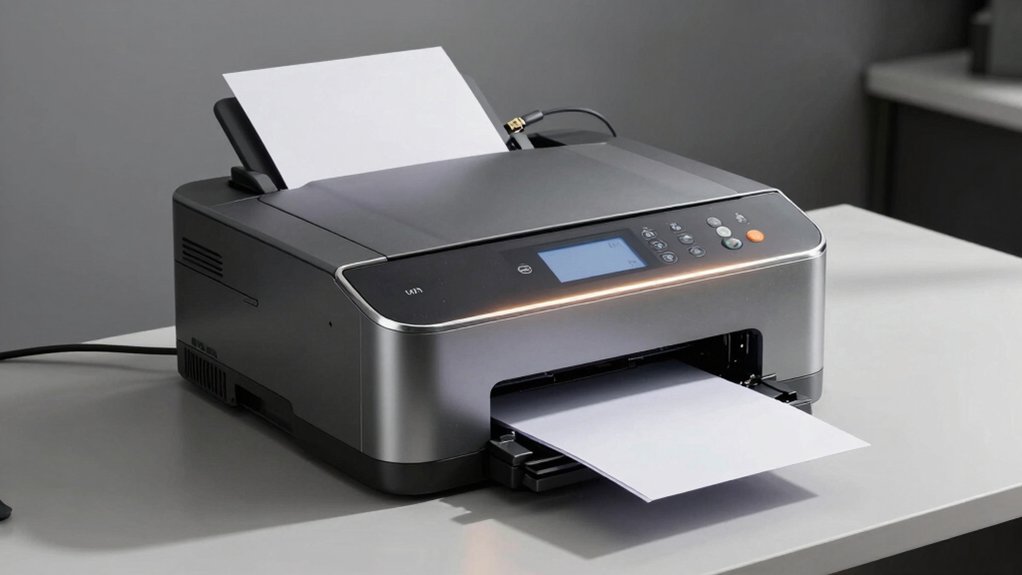
When you’re selecting a wired laser printer, you’ll need to evaluate five key factors: print speed and performance to match your workflow demands, resolution and output quality to ensure professional results, connectivity and compatibility with your existing systems, paper handling capacity to reduce refilling interruptions, and energy efficiency features to lower operating costs. Start by determining your monthly print volume and required output quality, then match those needs against each printer’s specifications and features. Finally, confirm the printer connects properly to your network infrastructure and supports the paper types and sizes your business requires.
Print Speed And Performance
Print speed, measured in pages per minute (ppm), consistently ranks as one of the most important factors when you’re selecting a wired laser printer for your office. Monochrome laser printers typically deliver 30–42 ppm, making them ideal for high-volume printing environments where speed directly impacts productivity.
Consider duplex printing capability, which automatically prints both sides of each page. This feature effectively doubles your usable output while reducing paper consumption. However, duplex speeds often differ from single-sided rates, sometimes dropping to 19–30 ppm.
Evaluate your actual workflow requirements before prioritizing speed. If your jobs involve complex graphics or frequent scanning and copying tasks alongside printing, performance may vary. Match the printer’s speed specifications to your typical monthly volume and task mix for accurate performance assessment.
Resolution And Output Quality
How does resolution affect what you’ll actually see on the printed page? Resolution, measured in dpi, directly determines text sharpness and image clarity. Standard monochrome laser printers deliver 600 x 600 dpi, suitable for most business documents. If you need finer details or work with small fonts regularly, choose models offering 1200 x 1200 dpi enhanced modes for crisper output. Check that your printer’s copy and print resolutions match or exceed specifications, ensuring consistent quality across all tasks. When evaluating devices, examine the native resolution rather than relying on upscaling features, which artificially inflate quality. Higher native resolution improves legibility in dense documents and microtext markedly. Compare dpi specifications directly between models to identify which best matches your document requirements and output quality standards.
Connectivity And Compatibility
What connectivity options does your printer need to support your workflow? Consider USB and Ethernet connections as your primary choices. USB allows direct computer connection or USB drive access without requiring a PC, making it useful for quick printing tasks. Ethernet connectivity enables multiple users to access the printer across your network, supporting shared office environments efficiently.
Next, verify driver and compatibility support for your operating system—whether Windows, macOS, or Linux. Check the manufacturer’s specifications to ensure proper communication between your devices and printer. Additionally, evaluate whether you need network management features or duplex printing capabilities. These features often require specific connectivity types to function properly. Matching your connectivity needs to available printer options ensures seamless integration into your existing workflow infrastructure.
Paper Handling Capacity
Your printer’s paper handling capacity directly impacts how often you’ll need to reload paper during work. Check the tray capacity—typically 150 to 250 sheets—to determine reload frequency during large jobs. Higher capacity reduces interruptions and boosts productivity in busy offices. Examine total input capacity across all trays for accurate planning. Consider maximum media size (usually 8.5 x 14 inches) and supported types like plain paper, envelopes, and labels to ensure compatibility with your projects. If you scan multi-page documents, verify automatic document feeder (ADF) availability for added efficiency. Enable duplex printing to print both sides automatically, reducing paper consumption without changing tray capacity. Match these specifications to your workflow demands before purchasing.
Energy Efficiency Features
Since energy costs accumulate over time in busy office environments, prioritizing power consumption when selecting a wired laser printer’ll substantially reduce your operating expenses. Look for models with sleep modes consuming around 1.2 watts to minimize idle power drain. Verify Energy Star certification, which guarantees efficient power management during operation. Check specifications for automatic duplex printing capability—this feature halves paper usage while reducing energy associated with extra print cycles. Select printers with compact designs and efficient power supplies that maintain performance without excessive standby power draw. Evaluate whether the device handles frequent short-print tasks efficiently without repeatedly waking from low-power states, which wastes energy. These specifications directly impact your monthly utility bills and environmental footprint.
Warranty And Support Options
How do you protect your investment in a wired laser printer after purchase? Start by reviewing the manufacturer’s warranty, which typically covers one year and includes parts and labor for defects. Check your specific model’s coverage details, as some printers offer limited hardware warranties with varying terms. Next, examine Amazon’s 30-day return policy if you purchased there—this gives you a window to return eligible products. Consider optional extended service plans or lifecycle support programs offered by suppliers, which provide coverage beyond the standard warranty period. Finally, stay current with firmware updates recommended by the manufacturer to maintain security and functionality, as neglecting updates may impact your support eligibility.
Final Thoughts
You’ll find the right wired laser printer by matching your needs to these five models. Evaluate your team’s volume requirements, budget, and connectivity preferences—USB or Ethernet. Check each printer’s duty cycle and speed specifications against your workload. Consider automatic duplex capabilities to reduce paper costs. Verify compatibility with your operating systems. Compare maintenance demands and toner expenses. Select the model that balances performance, reliability, and total operating costs for your workflow.

Meet Ry, “TechGuru,” a 36-year-old technology enthusiast with a deep passion for tech innovations. With extensive experience, he specializes in gaming hardware and software, and has expertise in gadgets, custom PCs, and audio.
Besides writing about tech and reviewing new products, he enjoys traveling, hiking, and photography. Committed to keeping up with the latest industry trends, he aims to guide readers in making informed tech decisions.