
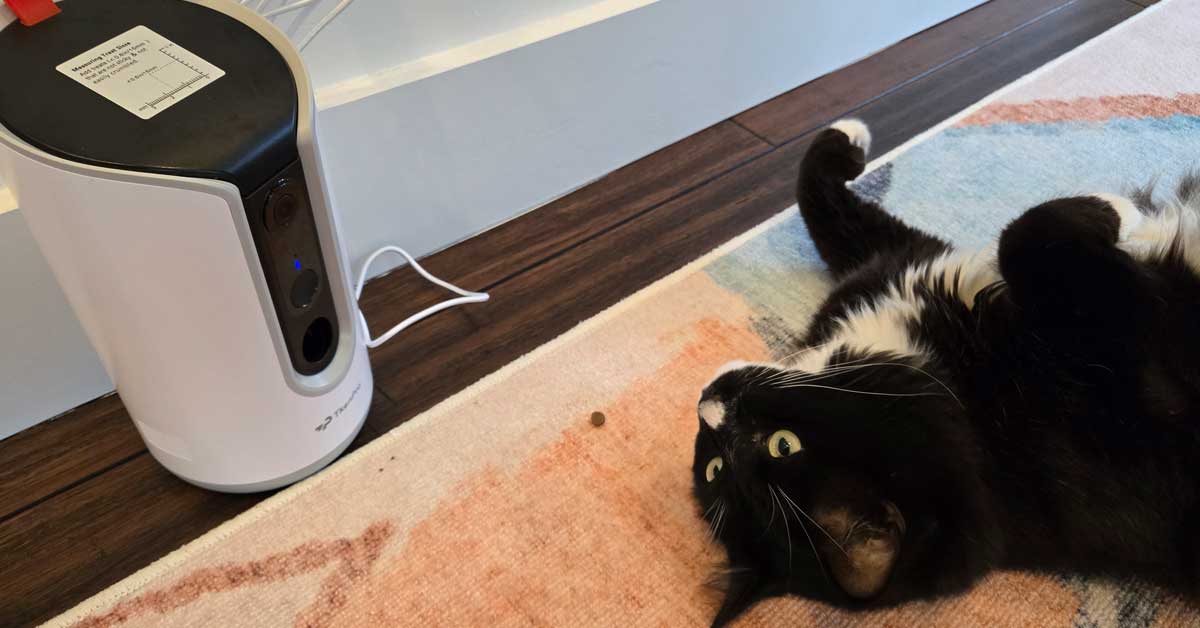

I work from home most of the time, which means my cat has gotten very used to having me around. The occasional day I’m out for hours — errands, appointments, a full day out — he does not handle well. I could hear him through the door when I got back. The barking, the pacing. Classic separation anxiety stuff.
I wasn’t specifically shopping for a pet camera, but once I started looking I figured if I was going to get one, it should actually do something useful rather than just let me watch him be anxious from a distance. The TKENPRO’s treat dispenser feature is what pushed me toward this one. Here’s how it’s been going.
Setup Was Easier Than I Expected
The camera connects to both 2.4GHz and 5GHz WiFi, which is a genuine advantage over pet cameras that only support 2.4GHz. The 5GHz connection delivers a noticeably more stable and responsive stream, which matters when you’re trying to toss a treat with any kind of timing accuracy.
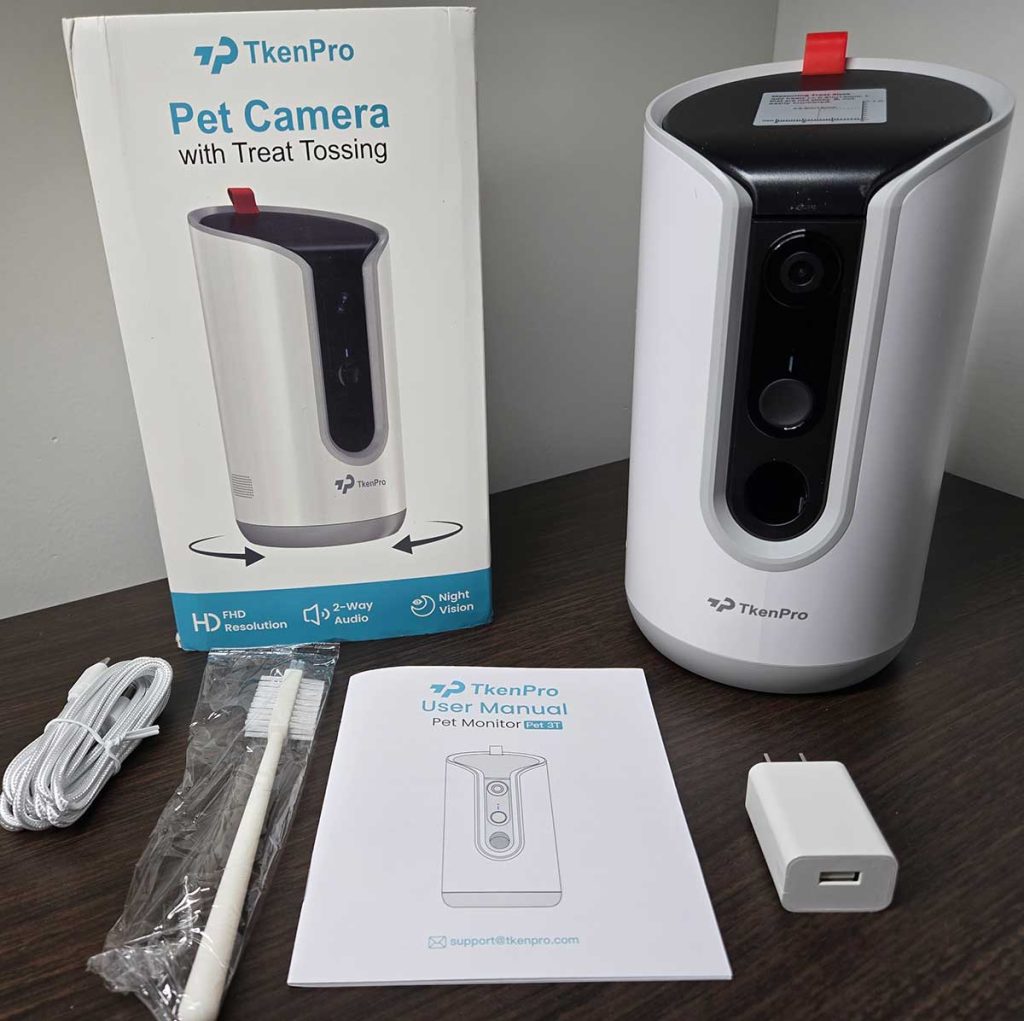
The app setup took about five minutes. Scan a QR code, connect to the network, position the camera — done. The app is clean and intuitive enough that I wasn’t hunting through menus to find basic functions. My partner was also able to log in and access the camera without any complicated account sharing process, which is useful.
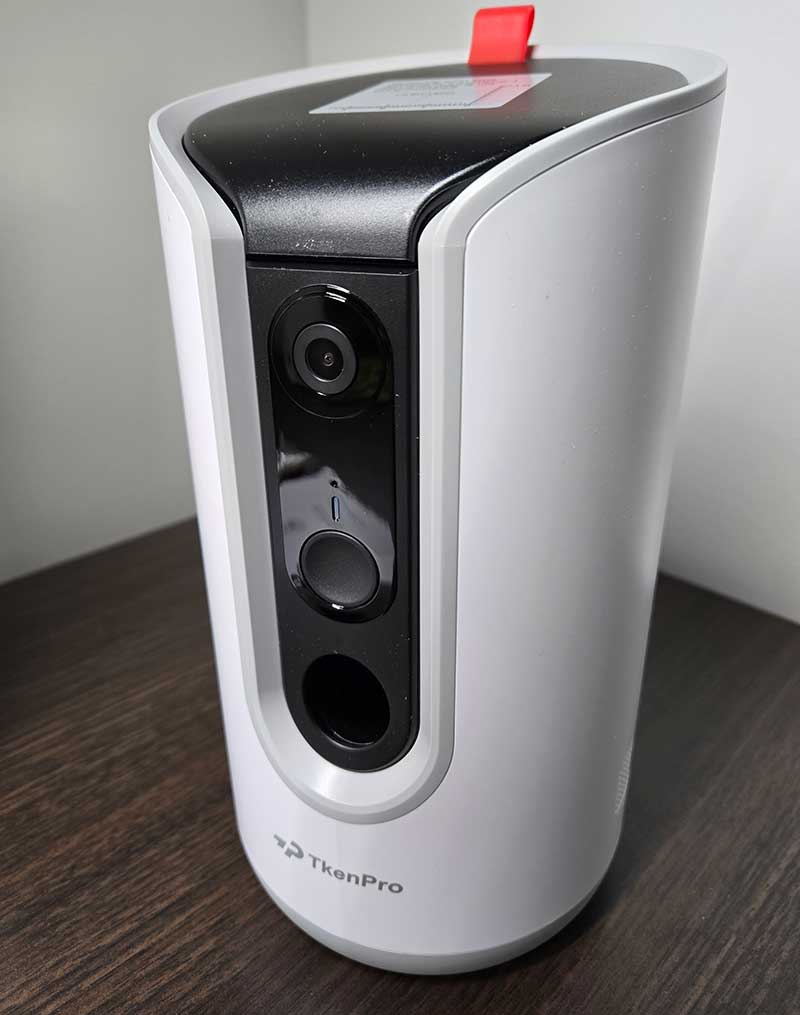
The suction cup base holds the unit firmly on a hard surface, which matters because a curious dog or cat will absolutely investigate this thing when it makes noise.
The 2K Video Quality Is Genuinely Good
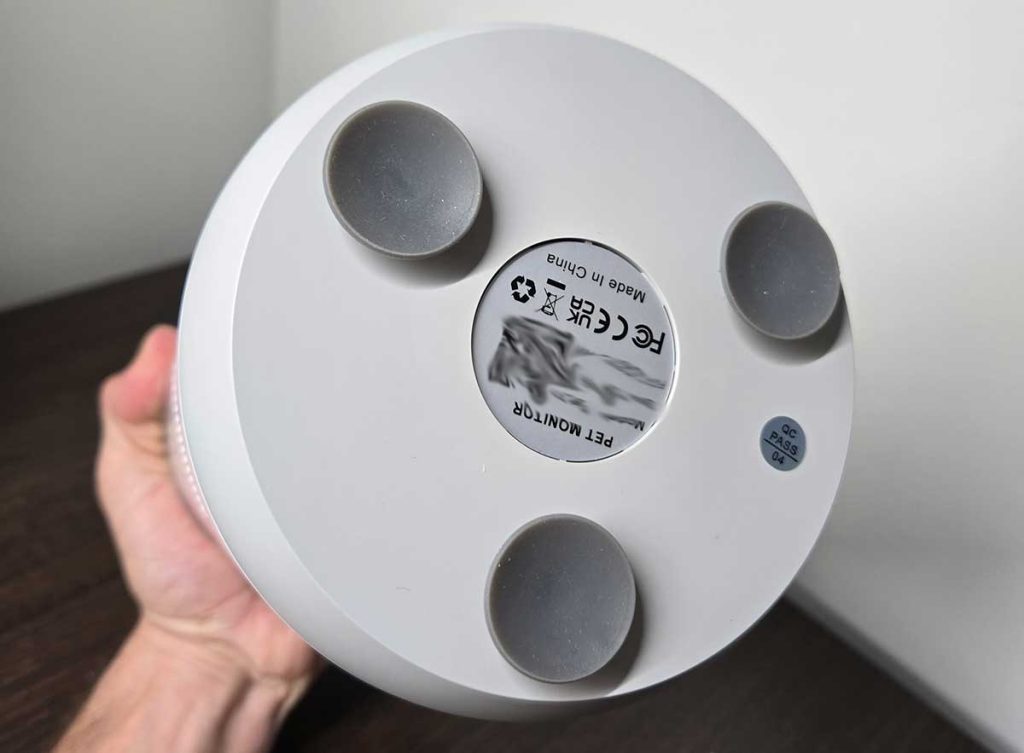
With the TKENPRO Pet Camera, the video feed is clear and detailed — noticeably sharper than the 1080p cameras I’d seen in this category. When my cat is on the far side of the room, I can still make out his expression, which turns out to be important when you’re trying to figure out whether he’s calm or just quietly plotting something.
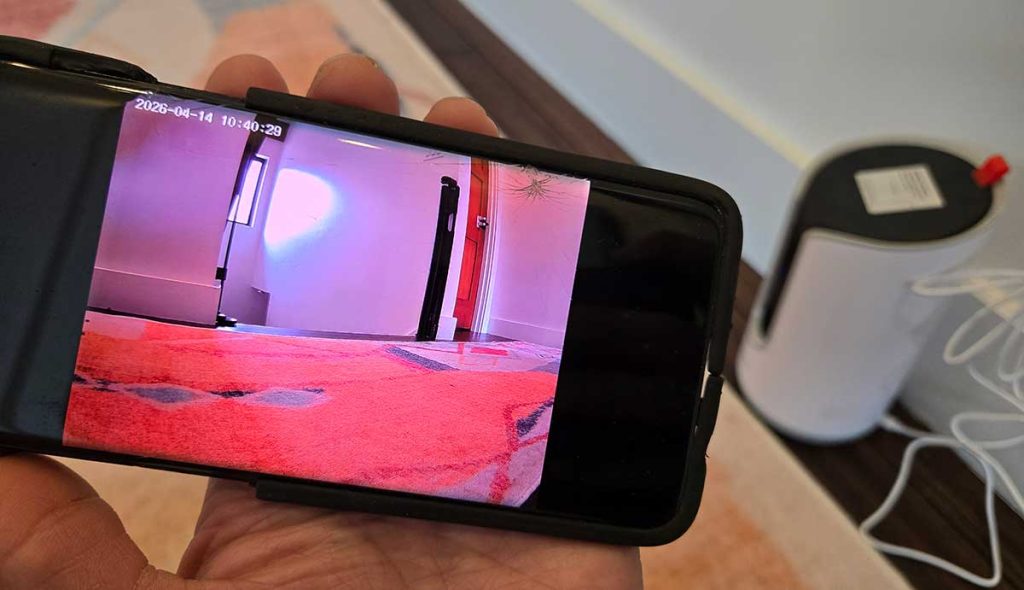
The infrared night vision works well. I checked in one evening after the lights were off and could see him clearly on the couch where he absolutely knows he’s not supposed to be. The image was sharp enough to call him out over the speaker, which he was not expecting.
The 355° pan rotation covers essentially the entire room. Combined with the wide-angle lens, there are very few blind spots. I’ve only found one corner near the front door that requires manually swinging the camera over — everywhere else it reaches without effort.
Auto Tracking Mostly Works
The AI auto-tracking feature rotates the camera to follow your pet as they move around the room. For a cat, it works well — the camera keeps up with normal walking and trotting speeds without issue.
Where it gets a little unreliable is with very fast movement — zoomies, sprinting, sudden direction changes. The camera catches up quickly, but there’s a half-second lag where you lose the subject. It’s not a dealbreaker, but if you’re expecting the camera to stay locked on a particularly chaotic dog or cat at full sprint, it won’t always manage it perfectly.
The Treat Dispenser: The Real Star
This is the feature I got it for and the one I use most. Fill the 0.5L hopper with treats, open the app, tap the toss button, and a treat launches out of the front of the unit. My cat figured out where the treats came from within about two sessions, and now he camps in front of it whenever I leave. Which is either adorable or concerning, depending on how you look at it.
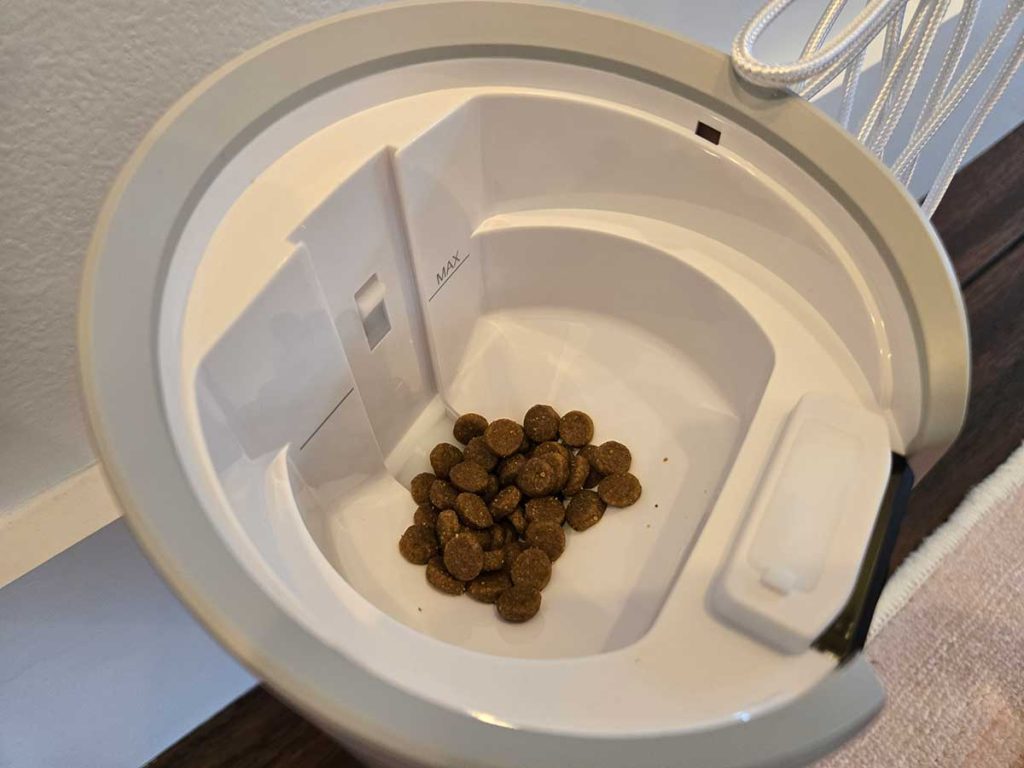
It works best with dry treats in the 7–15mm size range. This is an important spec to pay attention to — I tried smaller crumbly treats initially and they jammed. Switched to firmer, rounder treats in the right size range and haven’t had a clog since. If your dog or cat has a favorite soft treat, it’s not going to work here. Stock up on something appropriately sized before you rely on it.
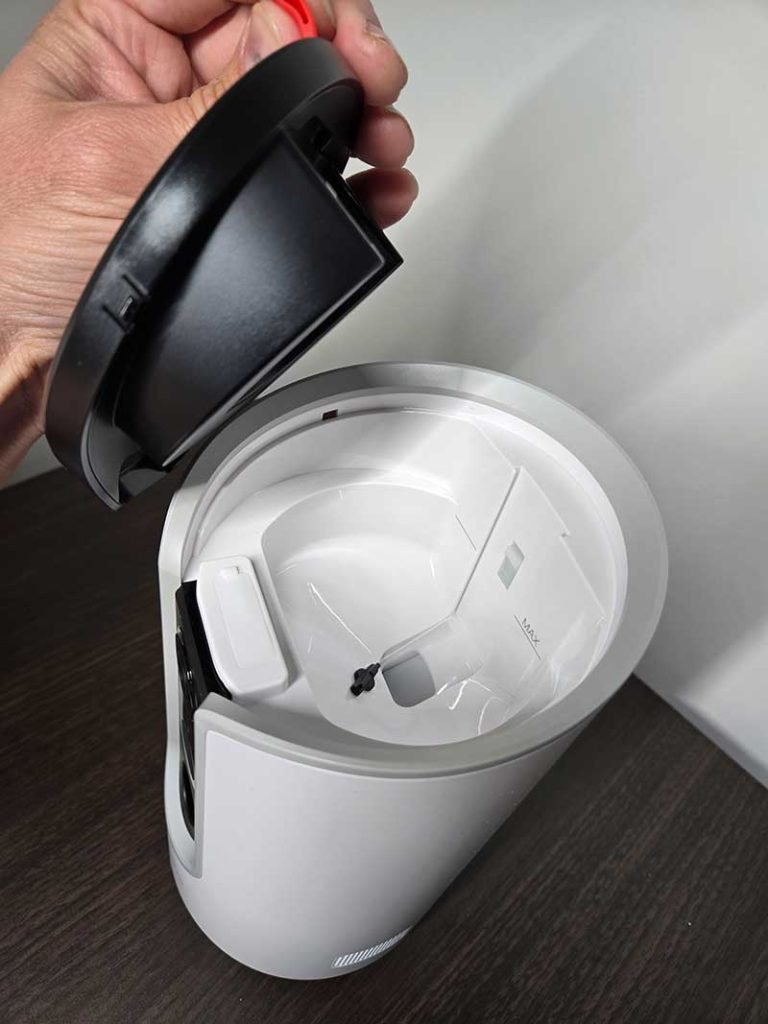
The range of the toss is decent — it lands a few feet in front of the unit, not directly underneath it. My cat gets a little treat-chasing moment out of it, which is more engaging than just a drop. Tossing a treat while talking to him through the two-way speaker has become a solid routine for long days away.
Two-Way Talk
The speaker and microphone both work well on the TKENPRO Pet Camera. My voice comes through clearly enough on his end that he perks up and looks directly at the camera when I talk, which tells me the audio quality is decent from his perspective.
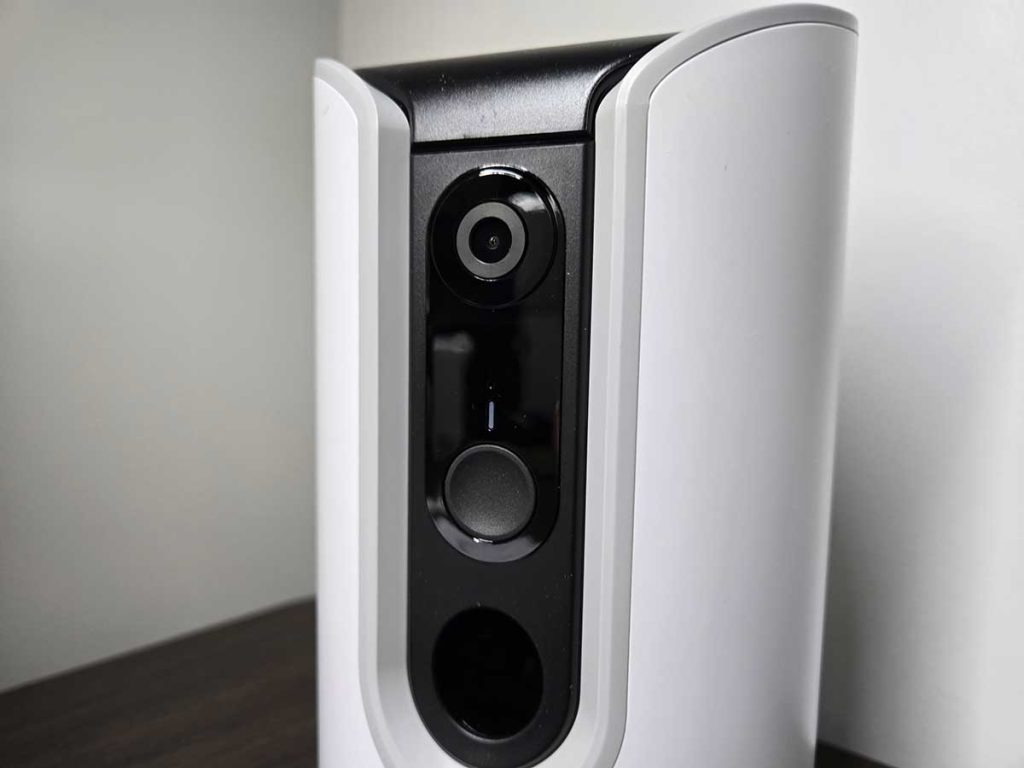
From my end, I can hear barking, movement, and general ambient noise clearly. The bark detection triggers a push notification when he starts up, which is how I usually know to check in. I don’t leave it on constant audio monitoring — that would drain my attention — but the alert system means I catch the moments that need a check-in.
One thing I’ll note: talking to your dog or cat through a camera speaker can sometimes increase anxiety rather than soothe it. He can hear me but can’t find me, which occasionally makes him more agitated in the first few minutes before he settles. I’ve found that pairing the voice with an immediate treat toss gives him something concrete to respond to and helps him settle faster.
Storage Options and the Cloud Subscription Question
This is where I want to be straightforward, because the subscription situation is a little layered.
The core features — live view, two-way talk, treat tossing, motion and bark alerts, auto tracking — are all free with no subscription required. You can also use a microSD card (up to 128GB, not included) for 24/7 local recording at no ongoing cost. That’s the route I went.
The free cloud tier gives you a 7-day loop of motion-triggered recordings, which is enough for most purposes. The paid subscription upgrades cloud history to 30 days of continuous recording and unlocks the AI Time Album feature — where the camera automatically edits daily highlights into a 60-second video of your pet’s best moments.
The Time Album is genuinely cute and I’ve seen the clips. But it’s not something I’d pay a monthly fee for personally. The free tier plus an SD card covers everything I actually need.
Honest Downsides
The treat size restriction is a real limitation. If your pet only eats a specific treat that doesn’t fall in the 7–15mm dry treat range, this camera loses a major part of its appeal. Test your treats before committing.
The cloud subscription being required for the AI highlight video feature is fine in principle, but the way it’s marketed makes it feel more central to the product than it actually is. The camera is fully functional without it — I just wish the distinction was clearer upfront.
The auto-tracking lag with fast movement is minor but real. For cats in particular, who tend to move more unpredictably than dogs, the tracking may struggle to keep up consistently.
And finally — the camera is not subtle. My cat knows exactly what it is and what it means. Some pets find the camera’s mechanical rotation noise startling at first. Give it a few days for them to acclimate before judging how they respond to it.
Bottom Line
If you’re away from home regularly and have a pet dealing with separation anxiety, the TKENPRO 2K Treat Dispensing Pet Camera earns its place. The video quality is strong, the treat dispenser actually works when used with the right treats, and the two-way talk plus real-time alerts give you enough connection to actually do something useful when you check in — not just watch from a distance.
It’s not a magic fix for a pet who struggles when you’re gone. But it’s a meaningful tool for staying connected and giving them something engaging throughout the day.
Specs at a glance: 2K Full HD video | Infrared night vision | 355° pan rotation | AI auto tracking | 0.5L treat dispenser (7–15mm treats) | Two-way audio | Motion + bark alerts | Dual-band WiFi (2.4GHz + 5GHz) | Alexa + Google Assistant compatible | Free 7-day cloud loop | MicroSD up to 128GB | Suction cup base | Multi-user app access

Meet Ry, “TechGuru,” a 36-year-old technology enthusiast with a deep passion for tech innovations. With extensive experience, he specializes in gaming hardware and software, and has expertise in gadgets, custom PCs, and audio.
Besides writing about tech and reviewing new products, he enjoys traveling, hiking, and photography. Committed to keeping up with the latest industry trends, he aims to guide readers in making informed tech decisions.