
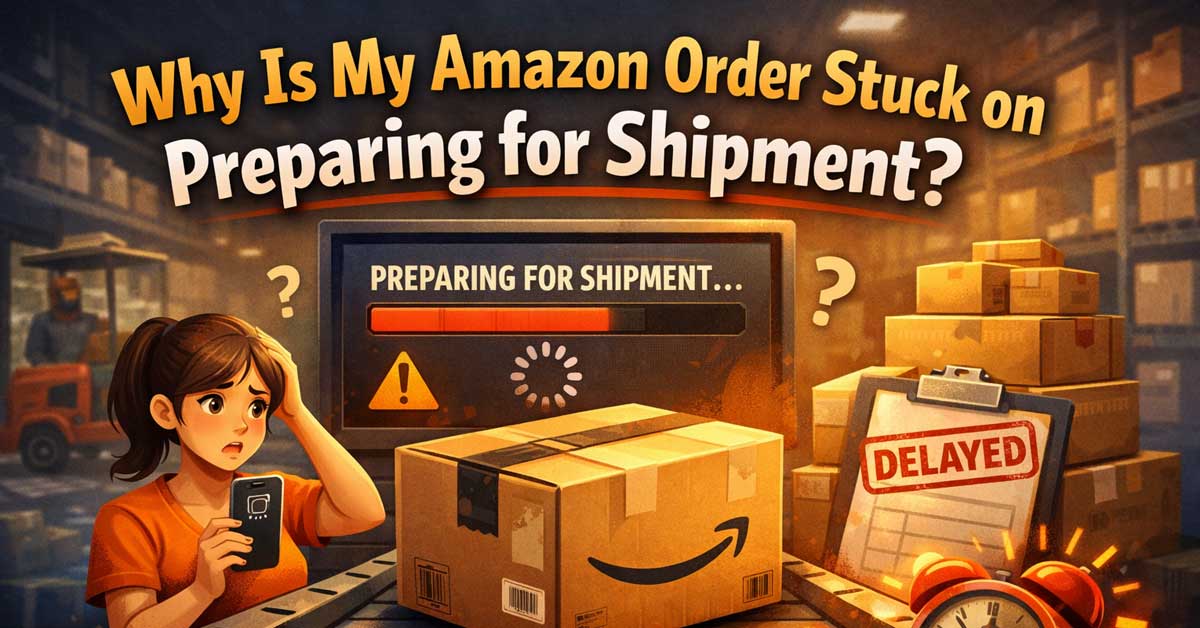

Usually a fulfillment delay or inventory issue — here’s what’s happening and when to act
Watching your Amazon order sit on “Preparing for Shipment” for hours, a day, or several days without updating is frustrating — particularly when the estimated delivery date is approaching or has already passed.
The status doesn’t always mean something is wrong, but it can, and knowing the difference tells you when to wait and when to contact Amazon.
What “Preparing for Shipment” Actually Means
Preparing for Shipment means Amazon has received and confirmed your order but the item hasn’t yet been picked, packed, and handed to a carrier. The order is somewhere in the fulfillment pipeline between payment confirmation and the moment a shipping label is scanned and tracking becomes active.
This stage can be brief — sometimes minutes — or it can extend for days depending on a range of factors. The status updates to “Shipped” once a carrier scans the package and tracking information becomes active in Amazon’s system.

Professional-grade: Oversized, 80" x 72" premium moving pads that provide exceptional damage protection from scratches, nicks, dirt, and moisture when moving or transporting furniture, appliances, and other valuable large items

Professional-grade: Oversized, 80" x 72" premium moving pads that provide exceptional damage protection from scratches, nicks, dirt, and moisture when moving or transporting furniture, appliances, and other valuable large items

Professional-grade: Oversized, 80" x 72" premium moving pads that provide exceptional damage protection from scratches, nicks, dirt, and moisture when moving or transporting furniture, appliances, and other valuable large items
Normal Reasons It Takes a While
Many orders legitimately sit in this status for longer than you’d expect without anything being wrong.
High order volume periods. During peak periods — Prime Day, Black Friday, the holiday season, or following a major sale event — Amazon’s fulfillment centers process dramatically more orders than usual. Preparation times extend across the board because the volume exceeds normal processing capacity.
Large or heavy items. Oversized items that require special handling, freight shipping, or special packaging take longer to prepare than standard items. A large piece of furniture or an appliance can sit in preparation for a day or more while logistics are arranged.
Items fulfilled by third-party sellers. Orders fulfilled by Amazon (FBA) move through Amazon’s own fulfillment centers. Orders fulfilled by third-party sellers move through the seller’s own preparation process, which varies significantly by seller. A small seller may not process shipments daily.
Same-day or next-day orders placed late in the day. Cutoff times for expedited shipping mean orders placed after the warehouse cutoff — even if you paid for next-day delivery — don’t enter active preparation until the next processing cycle.
Weekend and holiday fulfillment gaps. Some fulfillment centers reduce processing on weekends and holidays. An order placed Friday afternoon may not actively move until Monday.


Inventory and Stock Issues
One of the more common causes of extended preparation time is an inventory discrepancy. Amazon’s warehouse systems sometimes show an item as in stock when the physical inventory at that specific fulfillment center is actually depleted or difficult to locate.
The order is confirmed based on system inventory but preparation stalls while the warehouse resolves the discrepancy — either locating the item, restocking from another location, or routing the order to a different fulfillment center.
This is more common with items that sell quickly after a promotion, items with low stock levels, and items stored across multiple fulfillment centers where system inventory counts can lag behind actual physical counts.
In most cases Amazon resolves these internally and the order ships without any action required from you — you’ll see it jump to Shipped after a delay. If the discrepancy can’t be resolved, Amazon typically cancels the order and notifies you.
Inventory Organizer Stickers Size:2*3 inch,500 pcs per Roll. Legend "Inventory - Date - Count - By" Easy to use,just peel and stick on,suitable for almost flat surface....
Payment or Verification Holds
Occasionally an order sits in preparation because of a payment issue that Amazon’s system is working to resolve. A card that’s close to its limit, a billing address mismatch, or a payment verification step can pause fulfillment briefly while the payment system catches up.
Check your email for any payment-related notifications from Amazon. Also check Your Account → Orders and look at the order details for any alert or action required. If payment is the issue, Amazon typically flags it clearly rather than leaving you wondering.
Customized or Personalized Items
Orders for items with customization — monogrammed products, engraved items, custom printed merchandise — require production time before they can ship. The Preparing for Shipment status can persist for several days while the customization is completed. This is normal and the estimated delivery date at the time of ordering should have reflected the production time.
Amazon Fresh and Grocery Orders
Amazon Fresh and grocery orders sometimes display Preparing for Shipment in a way that doesn’t map directly to physical preparation — they’re in a separate fulfillment system with their own status handling. If your delivery window is still in the future, a Fresh order sitting in this status is typically fine.
When to Be Concerned
A few indicators suggest the order may genuinely be stuck rather than just taking longer than expected:
The estimated delivery date has passed and the status hasn’t changed.
The order has been in Preparing for Shipment for more than two to three days with no update for a standard item that should ship quickly.
You ordered something for a specific event or deadline and the preparation timeline threatens to miss it.
You’ve received no communication from Amazon about a delay.
At this point contacting Amazon is appropriate — not because something is necessarily wrong, but because Amazon can see the actual status of your specific order in the fulfillment system and tell you whether it’s progressing normally or has genuinely stalled.
What to Do If It’s Been Too Long
Contact Amazon’s customer service through amazon.com/help or the Amazon app. Go to Help → Contact Us and select your specific order. Amazon can see real-time fulfillment status that isn’t reflected in the public order status page.
When contacting Amazon, have your order number ready and specify that the order has been stuck in Preparing for Shipment for longer than expected given your delivery date. Amazon’s customer service has several options depending on what they find:
Expedite the order if it’s stuck in the fulfillment center queue and the delivery date is at risk.
Reroute the order to a different fulfillment center if the original location has an inventory problem.
Cancel and reorder if the item genuinely can’t be fulfilled and the same item is available for faster shipment through a different listing or fulfillment path.
Apply a delivery credit if your guaranteed delivery date was missed — Amazon is typically proactive about this but you may need to request it.
Check If the Seller Has Fulfilled the Order
For marketplace orders fulfilled by third-party sellers, the seller is responsible for preparing and shipping the order. If the seller hasn’t shipped within their stated handling time, Amazon’s buyer protection applies.
Go to your order details and check the seller’s handling time — listed as the number of days the seller has to ship after receiving the order. If that window has passed without a shipment, you can contact the seller directly through the order page or escalate to Amazon’s A-to-z Guarantee if the seller is unresponsive.
Canceling the Order If Needed
If your delivery deadline has passed or you no longer want the item, you may be able to cancel while the order is still in Preparing for Shipment — cancellation is generally possible until the moment a shipping label is created and the carrier takes possession.
Go to Your Orders, find the order, and look for a Cancel Items button. If cancellation is still available, it appears here. If the button isn’t available, the order has progressed past the point of cancellation — contact Amazon customer service immediately as they sometimes have the ability to intercept an order before delivery.
A Quick Checklist
Consider each of these before contacting Amazon:
- Check your email for any payment alerts or action required notices
- Check the order details page for any seller handling time or delivery date information
- Consider the timing — peak periods, weekends, and holidays legitimately extend preparation time
- Check whether it’s a third-party seller order — handling times vary significantly
- Compare against your guaranteed delivery date — if that date hasn’t passed, waiting is usually fine
- Contact Amazon if the guaranteed delivery date has passed or the order has been in this status for more than two to three days on a standard item
The Bottom Line
Preparing for Shipment is usually a normal transitional status that resolves on its own within hours to a day for most standard orders. Extended waits are more common during peak periods, with large items, with third-party sellers, and when inventory discrepancies require warehouse resolution.
The right time to act is when your guaranteed delivery date has passed or when the order has sat without movement for significantly longer than the item type and seller handling time would justify. Amazon’s customer service can see the actual fulfillment status and take action when the order has genuinely stalled.
Preparing for Shipment usually means it’s coming — the question is whether the timeline still works for you, and Amazon can answer that faster than any amount of page refreshing.

Professional-grade: Oversized, 80" x 72" premium moving pads that provide exceptional damage protection from scratches, nicks, dirt, and moisture when moving or transporting furniture, appliances, and other valuable large items

Professional-grade: Oversized, 80" x 72" premium moving pads that provide exceptional damage protection from scratches, nicks, dirt, and moisture when moving or transporting furniture, appliances, and other valuable large items

Professional-grade: 40" x 72" premium quality moving pads that provide exceptional damage protection from scratches, nicks, dirt, and moisture when moving or transporting furniture, appliances, and other valuable items

Meet Ry, “TechGuru,” a 36-year-old technology enthusiast with a deep passion for tech innovations. With extensive experience, he specializes in gaming hardware and software, and has expertise in gadgets, custom PCs, and audio.
Besides writing about tech and reviewing new products, he enjoys traveling, hiking, and photography. Committed to keeping up with the latest industry trends, he aims to guide readers in making informed tech decisions.