
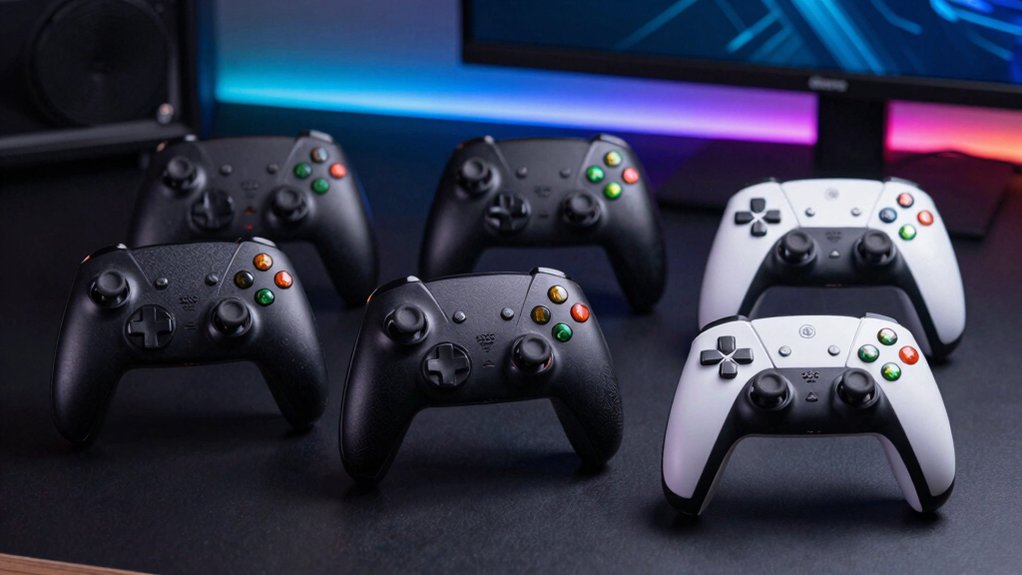

When you’re shopping for a Windows gaming controller, you’ll need to decide between wireless and wired options, consider battery life, and evaluate customization features. You can choose from established brands like Xbox and Logitech or explore alternatives like 8BitDo and EasySMX. Each controller offers different strengths—some prioritize precision, others emphasize compatibility. Before you commit to one, understanding what features matter most for your specific gaming needs becomes essential.
| Xbox Wireless Gaming Controller USB-C Cable (2025) |

| Most Versatile | Connectivity Type: Wireless (Xbox Wireless/Bluetooth) + Wired (USB-C) | Hall Effect Joysticks: No | Battery Life: Up to 40 hours | VIEW LATEST PRICE | Read Our Analysis |
| Logitech G F310 Wired Gamepad Controller |

| Classic PC Gaming | Connectivity Type: Wired (USB) | Hall Effect Joysticks: No | Battery Life: 2 AAA batteries (wired) | VIEW LATEST PRICE | Read Our Analysis |
| 8BitDo Ultimate 2C Wired Controller for PC & Android |

| High-Performance Wired | Connectivity Type: Wired (USB, detachable) | Hall Effect Joysticks: Yes | Battery Life: Wired (no battery) | VIEW LATEST PRICE | Read Our Analysis |
| EasySMX X15 Wireless Bluetooth Gaming Controller |

| RGB Gaming Style | Connectivity Type: Wireless (Bluetooth) | Hall Effect Joysticks: Yes | Battery Life: Up to 20 hours | VIEW LATEST PRICE | Read Our Analysis |
| ECHTPower Wireless Gaming Controller Hall Effect Joystick |

| Best Value Pick | Connectivity Type: Wireless (Bluetooth/2.4GHz) + Wired (USB-C) | Hall Effect Joysticks: Yes | Battery Life: 15 hours | VIEW LATEST PRICE | Read Our Analysis |
More Details on Our Top Picks
Xbox Wireless Gaming Controller USB-C Cable (2025)
If you’re looking for a controller that works seamlessly across Windows, consoles, and mobile devices without constantly switching between wired and wireless modes, the Xbox Wireless Gaming Controller USB-C Cable (2025) delivers that flexibility. The controller features a Carbon Black design with textured grips on triggers and bumpers, plus a hybrid D-pad for precise input. You’ll get up to 40 hours of battery life and can connect via Xbox Wireless or Bluetooth technology. The included 9-foot USB-C cable lets you play wired directly to your PC or console, or switch to wireless mode when you prefer freedom of movement. A 3.5mm headset jack accommodates standard gaming headsets, while the Share button captures screenshots and recordings instantly. Use the Xbox Accessories app to customize button mapping for specific games. This controller supports Windows, Android, iOS, Fire TV Sticks, and VR headsets.
- Connectivity Type:Wireless (Xbox Wireless/Bluetooth) + Wired (USB-C)
- Hall Effect Joysticks:No
- Battery Life:Up to 40 hours
- Button Customization:Custom mapping via Xbox Accessories app
- Platform Compatibility:Xbox, Windows, Android, iOS, Fire TV, Smart TVs, VR headsets
- Polling Rate/Response Speed:Not specified
- Additional Feature:40-hour battery life
- Additional Feature:Cross-device wireless compatibility
- Additional Feature:Share button for content capture
Logitech G F310 Wired Gamepad Controller
Looking for a controller that mimics the Xbox 360 layout you’re already familiar with? The Logitech G F310 delivers exactly that experience. This wired gamepad features a console-style design with four-switch D-pad and rubber grips for comfortable extended play. Install the included Profiler software to map keyboard and mouse commands, enabling support for games without native gamepad compatibility. You’ll access ten programmable buttons and an eight-way programmable D-pad for customization. The six-foot USB cord provides reliable plug-and-play connectivity with Windows systems. This controller works across sports, shooters, and various genres, making it suitable for diverse gaming preferences and both newer and classic titles.
- Connectivity Type:Wired (USB)
- Hall Effect Joysticks:No
- Battery Life:2 AAA batteries (wired)
- Button Customization:Profiler software with 10 programmable buttons
- Platform Compatibility:Windows PC
- Polling Rate/Response Speed:Not specified
- Additional Feature:Console-style Xbox 360 layout
- Additional Feature:Keyboard/mouse command mapping
- Additional Feature:Six-foot USB cord included
8BitDo Ultimate 2C Wired Controller for PC & Android
The 8BitDo Ultimate 2C stands out for competitive gamers and Android users who demand responsive, wear-resistant controls without software setup requirements. You’ll benefit from Hall Effect joysticks and triggers that resist wear better than standard components. The 1000Hz polling rate ensures minimal input lag during fast-paced gameplay. You can remap the extra L4 and R4 bumpers directly on the controller without installing software. The detachable USB cable works with Windows and Android devices. Turbo mode and improved D-pad responsiveness support various game genres. At 0.3 kilograms, the purple wired controller feels lightweight while maintaining tactile feedback for extended gaming sessions.
- Connectivity Type:Wired (USB, detachable)
- Hall Effect Joysticks:Yes
- Battery Life:Wired (no battery)
- Button Customization:Custom mapping without software
- Platform Compatibility:Windows, Android
- Polling Rate/Response Speed:1000Hz polling rate
- Additional Feature:Extra R4/L4 bumper buttons
- Additional Feature:1000Hz polling rate
- Additional Feature:Detachable wired connection
EasySMX X15 Wireless Bluetooth Gaming Controller
Want a wireless controller that works across multiple gaming platforms without sacrificing battery life? The EasySMX X15 delivers extended gameplay with its 1000mAh battery lasting up to 20 hours per charge. You’ll get Hall effect joysticks and triggers for precise, reliable input across PC, Switch, iOS, and Android devices. The controller includes two programmable back keys for customizable trigger combos you can adjust to your game’s requirements. RGB lighting with seven adjustable colors lets you personalize your setup, though you can disable lights entirely. Note that this controller isn’t compatible with Xbox, Luna, PS4, or PS5. The ABXY key swap function lets you switch between PC and Switch layouts instantly, accommodating different gaming needs.
- Connectivity Type:Wireless (Bluetooth)
- Hall Effect Joysticks:Yes
- Battery Life:Up to 20 hours
- Button Customization:2 programmable back keys
- Platform Compatibility:PC, Switch, iOS, Android
- Polling Rate/Response Speed:Not specified
- Additional Feature:RGB lighting with 7 colors
- Additional Feature:PC/Switch layout swap function
- Additional Feature:20-hour battery life
ECHTPower Wireless Gaming Controller Hall Effect Joystick
If you’re frustrated by joystick drift ruining your gaming sessions, the ECHTPower Wireless Gaming Controller delivers drift-free performance through its Hall Effect Joystick technology. You’ll experience instant response with its 1000Hz polling rate across 2.4GHz wireless and wired connections. The 800mAh battery provides 15 hours of playtime per charge. You can customize three turbo levels and four vibration settings to match your preferences. Before connecting, set the mode button on the back to your platform: PC, Switch, iOS, or Android. The durable gel buttons withstand 1 million clicks, ensuring longevity. Choose from nine RGB colors and four lighting modes for personalization.
- Connectivity Type:Wireless (Bluetooth/2.4GHz) + Wired (USB-C)
- Hall Effect Joysticks:Yes
- Battery Life:15 hours
- Button Customization:Customizable turbo & vibration
- Platform Compatibility:PC, Switch, iOS, Android
- Polling Rate/Response Speed:1000Hz polling rate
- Additional Feature:Three-level turbo customization
- Additional Feature:Nine color dynamic lighting
- Additional Feature:Durable 1-million-click buttons
Factors to Consider When Choosing Gaming Controllers for Windows
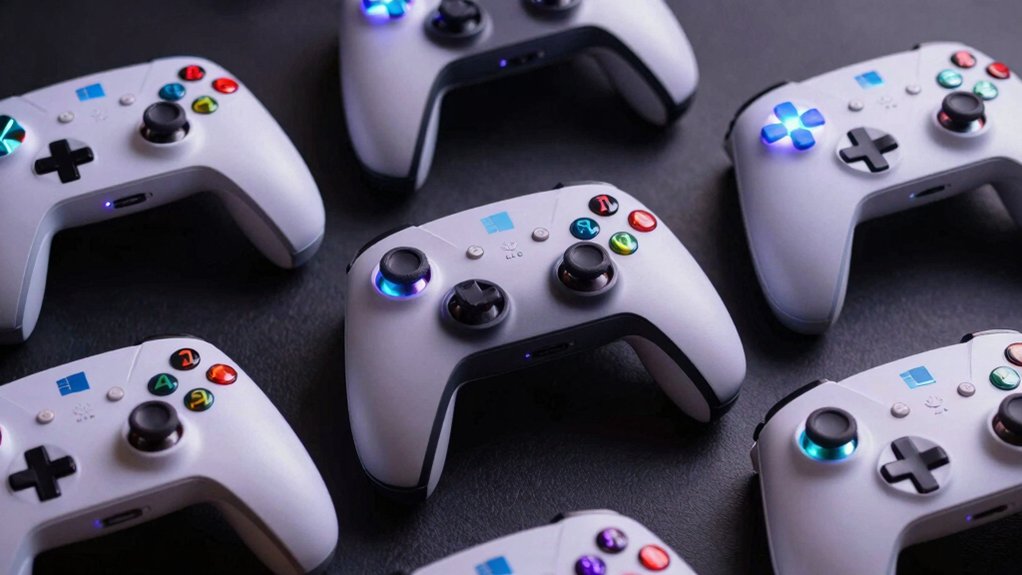
When you’re selecting a gaming controller for Windows, you’ll need to evaluate compatibility with your system and games, check battery life for wireless models (typically 20-40 hours), and assess the ergonomic design to ensure comfort during extended gaming sessions. Next, you should compare connectivity options like USB, 2.4GHz wireless, or Bluetooth, then verify customization features such as programmable buttons and control mapping software that let you adjust sensitivity and button assignments. Finally, confirm that the controller supports your preferred game genres—whether you need analog sticks for action games, triggers for shooters, or motion controls for specific titles.
Compatibility And Platform Support
How compatible is your gaming controller with your Windows setup? You need to verify that your controller supports both USB-C wired and Bluetooth wireless connections for maximum flexibility. Check whether the model works across Windows, Android, iOS, and other platforms if you plan to use it beyond your PC. Review any platform-specific limitations that might restrict functionality with certain consoles or streaming devices. Confirm that your chosen controller offers plug-and-play USB connectivity or straightforward Bluetooth pairing for quick setup without complications. Look for models featuring easy device switching capabilities and integrated driver or accessory apps that allow customization. These features ensure your controller integrates seamlessly with your existing Windows environment and any other devices you own.
Battery Life And Endurance
Battery life considerably impacts your Windows gaming experience, especially if you prefer wireless controllers that demand regular charging. Most wireless controllers offer between 15–40 hours per charge, depending on model and features. Check your controller’s battery capacity—typically 800–1000 mAh—to estimate playtime between charges. If you enable features like rumble or turbo mode, expect reduced endurance since these drain power faster. Monitor battery levels using built-in indicators so you’re never caught mid-session with a dead controller. Choose USB-C charging for faster, more convenient recharging. Alternatively, select wired controllers to eliminate battery concerns entirely and maintain constant power throughout extended gaming sessions without interruption or downtime.
Design, Comfort, And Ergonomics
Beyond battery performance, you’ll want to assess how a controller feels in your hands during marathon gaming sessions. Examine the grip texture on triggers, bumpers, and the back case—these textured surfaces prevent your hands from slipping during intense gameplay. Check the button layout to ensure you can reach all controls without stretching uncomfortably. Test the D-pad design, whether it uses a hybrid or floating mechanism, since this affects your input accuracy in fast-paced games. Consider the controller’s weight and balance; lighter models reduce hand strain, though heavier ones may feel more stable over extended play. Evaluate the overall sculpted geometry and refined surfaces, which minimize fatigue. Finally, verify whether the controller offers programmable buttons, allowing you to customize controls for your specific gaming needs.
Connectivity Options And Features
When you’re selecting a gaming controller for Windows, you’ll need to evaluate the connectivity methods that best match your setup and gaming habits. Consider three main options: wired USB-C connections offer direct plug-and-play compatibility with zero latency, ideal for competitive gaming. Wireless technologies like Xbox Wireless or Bluetooth provide freedom of movement but require battery management. Some controllers support mixed connectivity, letting you switch between wired and wireless modes depending on your needs.
Check the polling rate specification—1000 Hz indicates high responsiveness for PC gaming. Verify multi-device switching capabilities if you game across Windows, Android, iOS, or Switch. Examine whether the controller includes a 3.5mm audio jack and customizable button mapping through companion apps. These features expand your controller’s versatility across different platforms and gaming scenarios.
Customization And Control Mapping
After confirming your controller supports the connectivity and features you need, you’ll want to examine its customization options to match your specific games and playstyle. Check whether the controller offers in-device remapping, which lets you reassign buttons directly without software installation. If you prefer advanced options, look for controllers with dedicated software that enables keyboard and mouse mapping for titles that don’t support gamepads. Consider whether the controller supports multiple profiles—this lets you save different button layouts for various games or modes. Some controllers include turbo modes or macro features that automate complex input sequences, reducing repetitive button pressing. Evaluate the setup friction: in-device remapping requires less effort upfront, while software profiles demand installation but offer more detailed customization capabilities. Match these options to your gaming library’s requirements.
Final Thoughts
You’ve reviewed five controllers with distinct strengths: wireless connectivity and battery life with Xbox models, direct remapping with 8BitDo, Hall Effect precision with EasySMX and ECHTPower, and reliable profiling with Logitech. Choose based on your needs—wireless for convenience, wired for consistency, Hall Effect for durability, and customization options for competitive play. Test compatibility with your PC before purchasing to ensure proper driver support and functionality across your preferred games.

Meet Ry, “TechGuru,” a 36-year-old technology enthusiast with a deep passion for tech innovations. With extensive experience, he specializes in gaming hardware and software, and has expertise in gadgets, custom PCs, and audio.
Besides writing about tech and reviewing new products, he enjoys traveling, hiking, and photography. Committed to keeping up with the latest industry trends, he aims to guide readers in making informed tech decisions.