
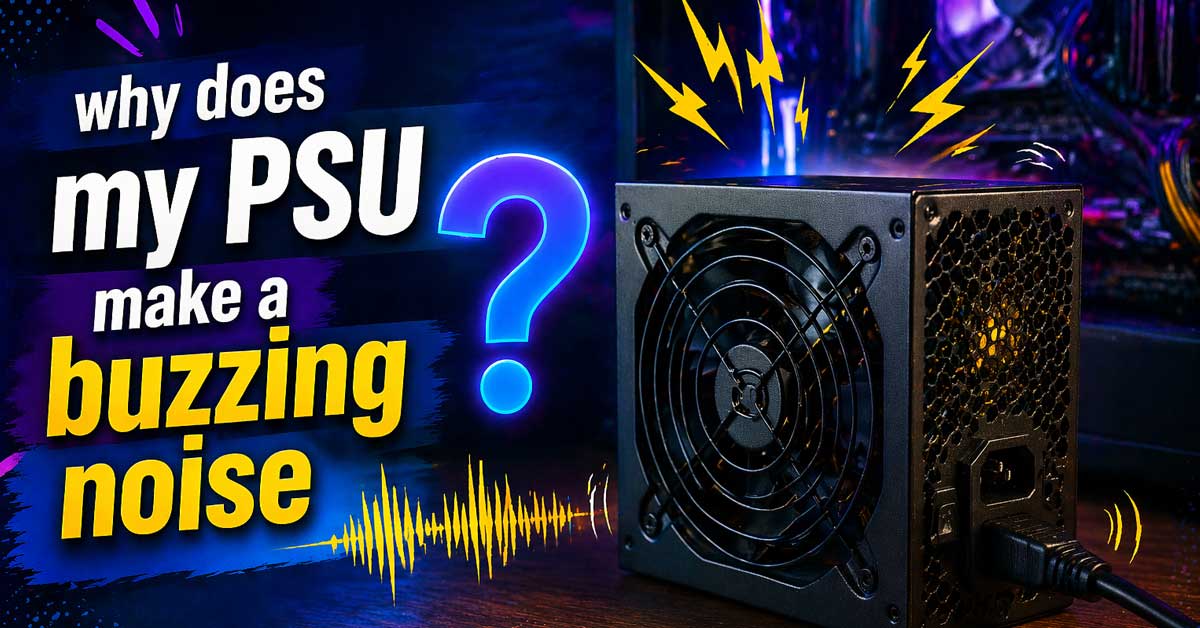

Usually coil whine, fan noise, or a component issue — here’s what’s causing it and what to do
A power supply unit making a buzzing, whining, humming, or coil-singing noise is a common and often misunderstood problem.
Some PSU noise is completely normal and harmless. Some indicates a component issue worth monitoring. Some requires immediate attention.
Identifying which category your noise falls into determines how urgently you need to act.
Identify the Type of Noise First
Different noises have different causes and different urgency levels:
High-pitched whine or squeal — almost certainly coil whine. Common, usually harmless, annoying but not dangerous.
Low hum at consistent frequency — electrical hum from transformer components. Usually normal, particularly at 50 or 60 Hz matching your power grid frequency.
Buzzing that changes with system load — coil whine varying with GPU or CPU activity. Normal behavior for coil whine.
Loud buzzing or rattling — fan bearing issue or loose component. Requires attention.
Crackling or popping — potentially serious. Requires immediate investigation.
Buzzing that started suddenly on a previously silent PSU — component degradation or failure. Monitor closely.
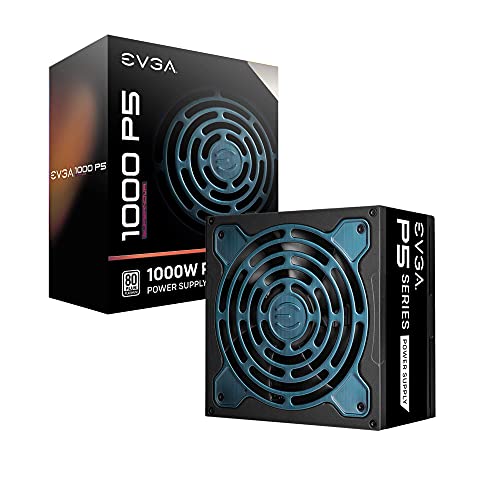
80 PLUS Platinum certified, with 92% efficiency or higher under typical loads
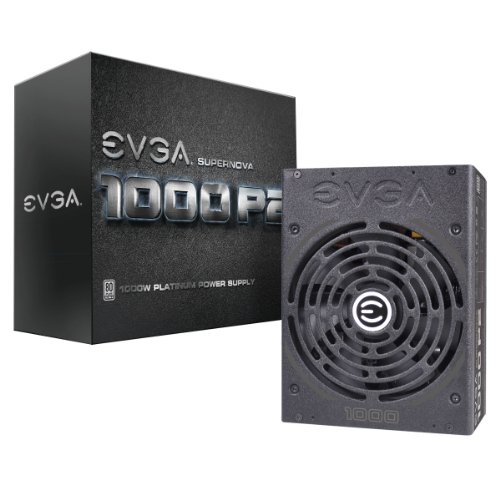
EVGA 1000 P2 - "Unrivaled Performance" - Fully Modular to reduce clutter and improve airflow
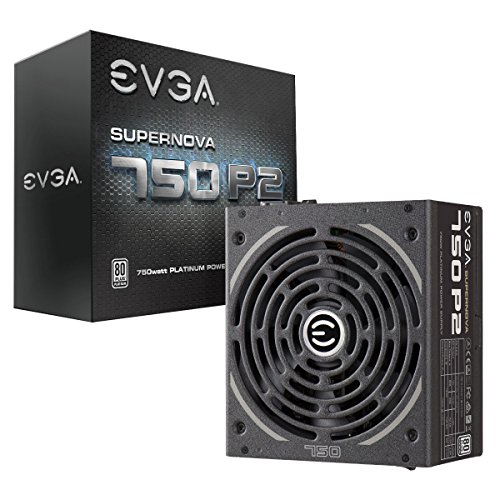
EVGA 750 P2 - "Platinum Performance" - Fully Modular to reduce clutter and improve airflow
Coil Whine — The Most Common Cause
Coil whine is the most frequent source of PSU noise and is produced by electrical current passing through inductors and transformers inside the PSU causing their windings to physically vibrate at audible frequencies. The vibration is real — the coil is literally moving slightly — and produces a high-pitched whine, squeal, or buzz.
Coil whine characteristics:
Changes with system load — louder when the GPU or CPU is under heavy load, quieter at idle. Higher pitched than mechanical fan noise. Can change in pitch as workload changes. Present even when the PSU fan isn’t spinning.
Is coil whine dangerous?
Generally no — coil whine is an acoustic nuisance rather than a sign of electrical failure. Millions of PSUs produce coil whine throughout their entire service life without any operational problems. The whine itself doesn’t indicate imminent failure.
Can coil whine be fixed?
Sometimes reduced, rarely eliminated entirely. Options include:
Check power connections. Loose PCIe power cables to the GPU can increase coil whine. Reseat all power connections firmly and test whether the noise reduces.
Enable frame rate caps in games. Uncapped frame rates drive the GPU to maximum utilization which maximizes coil whine. Capping frames to 60 or 144 fps reduces GPU load variability and often reduces coil whine noticeably. Enable VSync or use RTSS (RivaTuner Statistics Server) to cap frames.
Check resonance. Sometimes coil whine is amplified by the PSU case or the PC case resonating at the same frequency. Adding foam padding between the PSU and case mount points can dampen resonance. Lightly pressing on the PSU casing sometimes changes or reduces the pitch — this identifies whether resonance is amplifying the noise.
Enable power limit in GPU software. Reducing the GPU’s power limit by 10 to 20 percent through MSI Afterburner or your GPU’s control software reduces electrical load variation and often reduces coil whine.
Replace the PSU. If coil whine is severe and none of the above helps, some PSUs are simply noisier than others by design. Higher quality PSUs from reputable manufacturers tend to produce less coil whine — though it’s not guaranteed and varies unit to unit.

【Advanced RGB cooling fan】Each 120mm rgb fan is equipped with 15 high brightness LED beads to create a fascinating color effect and bring you a different visual experience.

Fully Modular Cabling: Connect only the cables your system needs, making clean and tidy builds easy.

Streamlined Fan Connections: Daisy-chain multiple fans together and control them all through just a single 4-pin PWM connector.
PSU Fan Noise
The PSU’s internal fan is another common source of buzzing or rattling noise — particularly on older PSUs or those that have accumulated dust.
Dust buildup on fan blades causes imbalance and produces a buzz or rattle as the blades pass through air resistance unevenly. A dust-clogged fan also runs faster to compensate for reduced airflow, making the noise louder.
Spray compressed air through the PSU’s exhaust vent to clear dust from the fan blades. Don’t open the PSU — capacitors inside store dangerous voltages even when unplugged and can discharge fatally. Cleaning through the external vents is safe.
Worn fan bearings produce a grinding, rattling, or buzzing that’s distinct from coil whine — it’s lower pitched and more mechanical sounding. A fan with failing bearings gets progressively louder over time and may produce noise at all load levels including idle.
A PSU with a failing fan requires replacement — either replacing the fan by a qualified technician or replacing the PSU entirely. Running a PSU with a failed fan causes the unit to overheat, which shortens its lifespan and can cause fires.
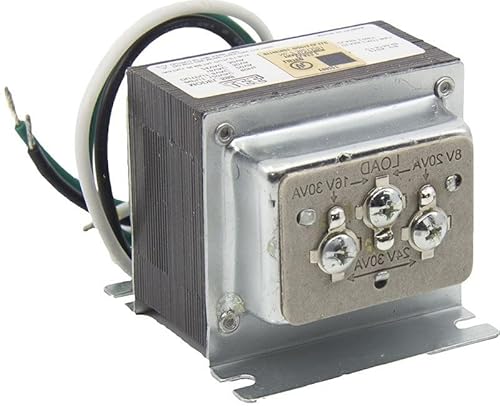
✅ Multi-Tap Voltage Output: 8V / 16V / 24V AC – One transformer covers three common voltages, making it ideal for doorbells, security panels, and access control systems.

Transformer specification: EI48-24 bedroom cable tray isolation transformer Insulation class: Class 2

⭐【FEATURES】:Special design and high quality materials ensure that the adapter is kept in low temperature to charge safely, and Certified by FCC CE ROHS, We focus on producing high quality power adapters, No noise, low temperature operation, no spontaneous combustion, no explosion, no fire hazard, provide stable output.
Transformer Hum at Grid Frequency
PSUs contain transformers that can produce an audible hum at the frequency of your local power grid — 60 Hz in North America, 50 Hz in Europe and most of the world. This is a low, steady hum rather than a high-pitched whine.
Causes of transformer hum:
Magnetostriction — the transformer core material physically expands and contracts slightly at the power frequency, producing a hum.
DC offset on the power line — asymmetric AC waveforms from poor power quality cause transformer laminations to vibrate. This is more common in areas with poor power quality or near industrial equipment.
Is transformer hum dangerous?
A consistent low hum at the power line frequency is usually normal operation rather than a fault. Many PSUs exhibit this to some degree.
If the hum is new or has increased significantly:
Check your home’s power quality — a UPS (Uninterruptible Power Supply) or power conditioner can smooth out power quality issues that cause transformer hum to increase.
Check whether the hum changes when other high-power appliances run simultaneously — if it gets worse when the microwave or air conditioner runs, power quality on your line is the cause.
Loose Components or Case Resonance
A buzzing that sounds mechanical rather than electrical — and that changes when you press on the case — is often loose components vibrating sympathetically with the PSU’s electrical operation.
Check inside the case:
Loose PSU mounting screws — the PSU should be firmly secured with all four mounting screws. A loose PSU vibrates against the case.
Loose cables touching the PSU fan or vibrating against the case walls.
A side panel or other case component that resonates at the same frequency as the PSU’s electrical hum.
To identify resonance: With the system running and producing the noise, lightly press different surfaces of the case with a fingertip. If pressing a specific area reduces or changes the noise, that surface is resonating. Adding foam tape or rubber washers to that area damps the resonance.
Crackling or Popping Sounds — Potentially Serious
Crackling, popping, or intermittent buzzing that wasn’t present before is a different category of noise from coil whine or fan noise and warrants more concern.
Potential causes:
Failing capacitors. Electrolytic capacitors inside the PSU degrade over time — particularly in lower quality units or those that have run hot. Failing capacitors produce electrical instability that can manifest as buzzing, crackling, or system instability. Bulging or leaking capacitors are visible signs of failure if the PSU can be safely inspected externally.
Arcing inside the PSU. Electrical arcing produces crackling or popping sounds and indicates a serious internal fault. A PSU with suspected arcing should be powered off immediately.
Loose internal connection. An internal wire or connector that’s making intermittent contact produces crackling that correlates with vibration or movement.
What to do: If crackling or popping is accompanied by burning smell, visible sparks, system instability, random shutdowns, or BSOD errors, turn off the system immediately and unplug the PSU. Do not continue using it. Have it replaced — a failing PSU can damage other components or cause electrical fires.
The PSU Is Overloaded
A PSU that’s running near or beyond its rated capacity produces more electrical noise — more current through inductors means more coil excitation and more audible whine. It also runs hotter, which makes the fan spin faster.
Check whether your system’s power draw is within the PSU’s rated wattage. Use a tool like PSU calculator at outervision.com to estimate your system’s total power draw including all components. Add 20 to 30 percent headroom — a 650W system should ideally have a 800W or 850W PSU.
If you recently added a high-power GPU or additional components and noise increased simultaneously, the PSU may be struggling under increased load. Upgrading to a higher wattage unit resolves both the noise and the underlying stress on the PSU.
Poor Power Quality From the Wall
PSUs convert AC power from the wall to DC power for your components — and poor quality AC power makes this conversion noisier and harder on the PSU’s components.
Signs of poor power quality:
Buzzing that correlates with other appliances turning on. Buzzing that varies through the day — worse during peak demand hours. Noise that improves when plugged into a different outlet or circuit.
A UPS (Uninterruptible Power Supply) with power conditioning cleans up incoming power and often dramatically reduces PSU-related buzzing caused by poor power quality. A UPS also protects against power surges and outages. This is one of the most underutilized solutions for PSU noise that originates from power line issues.
Check PSU Brand and Quality
Budget PSUs from unknown manufacturers produce significantly more noise than quality units — both coil whine and electrical hum. They also use lower quality capacitors that degrade faster and fans with shorter bearing lifespans.
If your PSU is a no-name unit that came bundled with a cheap case, noise is expected and the most reliable fix is replacing it with a quality unit from a reputable manufacturer — Seasonic, Corsair, be quiet!, EVGA, Fractal Design. Established PSU brands invest more in component quality, shielding, and acoustic design.
Look for PSUs with 80 Plus Gold certification or higher — higher efficiency ratings generally correlate with higher quality components that produce less noise.
A Quick Checklist
Work through these based on the noise type:
High-pitched whine changing with load (coil whine):
- Cap frame rates in games to reduce GPU load variability
- Reseat all PCIe power cables
- Reduce GPU power limit in Afterburner
- Add foam damping between PSU and case
- Accept it or replace PSU if severe
Low consistent hum (transformer hum):
- Check power quality — try a UPS or power conditioner
- Confirm all PSU mounting screws are tight
- Check whether hum correlates with other appliances
Fan noise or rattling:
- Clean dust from PSU fan with compressed air
- Check for worn bearings — progressively louder mechanical noise
- Replace PSU if fan bearings are failing
Crackling or popping:
- Turn off system immediately if accompanied by smell or system instability
- Replace PSU — do not continue using
- Check for other component damage from potential PSU failure
Buzzing that increased after adding components:
- Calculate total system power draw
- Upgrade to higher wattage PSU if near capacity
The Bottom Line
PSU buzzing is almost always coil whine — an annoying but harmless byproduct of electrical current through inductors that changes with system load. Capping frame rates to reduce GPU load variability is the single most effective fix for coil whine without replacing the PSU.
Fan noise and transformer hum are the next most common causes — both manageable with cleaning and power conditioning respectively. Crackling and popping are the sounds that require immediate action — they indicate component failure rather than normal operation.
Coil whine is the PSU singing to the beat of your GPU’s workload — annoying but harmless. Crackling and burning smell are a different story entirely.
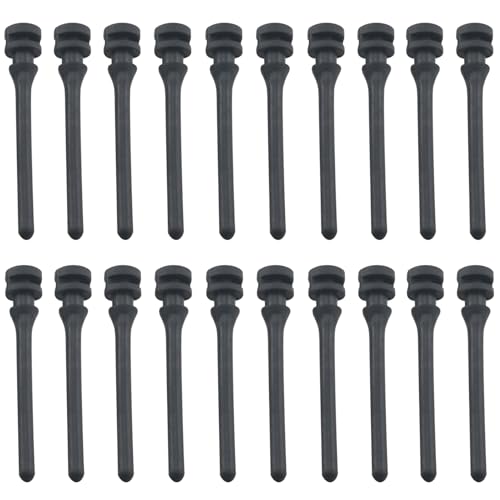
Product model: Computer case fan shock absorption long pins CPU heatsink anti-vibration hand-pull clips replacing screws

Daisy-Chain Design : Jungle Leopard Galaxy 120 FAN Slide-in / PIN-to-PIN interlocking mechanism, Unprecedented flexibility / A quicker and easier installation process Only one cable is required for each fan cluster Efficiently solve the installation mechanism line and save installation time. The interior of the chassis is cleaner and more beautiful.

Daisy-Chain Design : Jungle Leopard Galaxy 120 FAN Slide-in / PIN-to-PIN interlocking mechanism, Unprecedented flexibility / A quicker and easier installation process Only one cable is required for each fan cluster Efficiently solve the installation mechanism line and save installation time. The interior of the chassis is cleaner and more beautiful.

Meet Ry, “TechGuru,” a 36-year-old technology enthusiast with a deep passion for tech innovations. With extensive experience, he specializes in gaming hardware and software, and has expertise in gadgets, custom PCs, and audio.
Besides writing about tech and reviewing new products, he enjoys traveling, hiking, and photography. Committed to keeping up with the latest industry trends, he aims to guide readers in making informed tech decisions.