
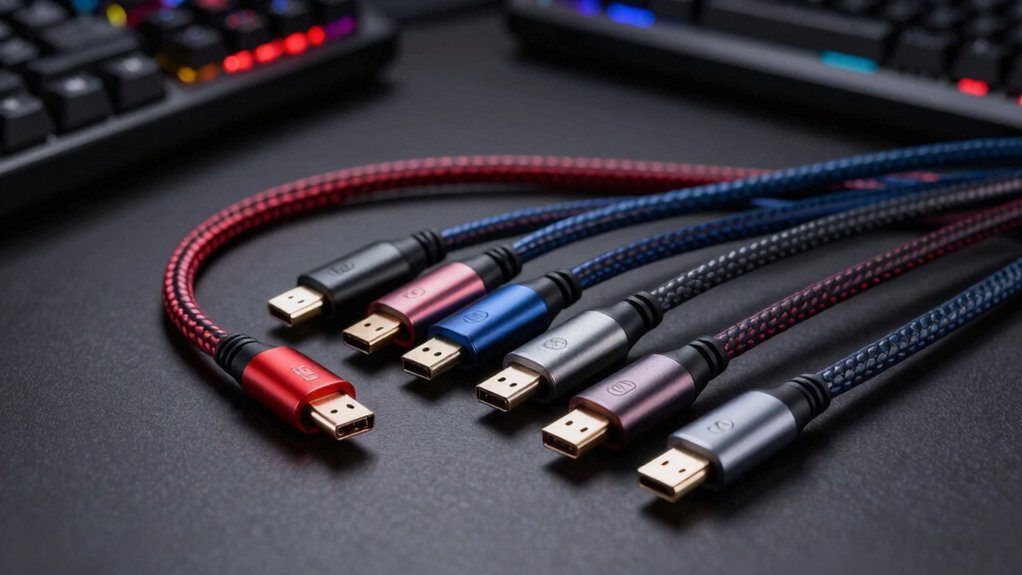

When you’re gaming at high refresh rates, your DisplayPort cable matters more than you might think. You’ll find that the right cable delivers stable bandwidth, reduces latency, and supports features like G-Sync and HDR without interruption. But not all cables perform equally—some offer 80Gbps speeds for 16K resolution, while others stick to proven 1.4 standards. The question is: which cable type actually fits your setup?
| Silkland 80Gbps DisplayPort Cable 2.1 (8K@240Hz) |
![Silkland 80Gbps DisplayPort Cable 2.1 6.6FT/2M [VESA Certified], [8K@240Hz, 4K@540Hz](https://m.media-amazon.com/images/I/418Qa3n9TNL._SL500_.jpg)
| Best For High-End Gaming | Bandwidth: 80 Gbps | Maximum Resolution (Uncompressed): 8K@60Hz | Cable Length: 6.6 feet (2M) | VIEW LATEST PRICE | Read Our Analysis |
| IVANKY 8K DisplayPort Cable 1.4 VESA Certified |

| Best Value Pick | Bandwidth: 32.4 Gbps | Maximum Resolution (Uncompressed): 8K@60Hz | Cable Length: 6.6 feet (2M) | VIEW LATEST PRICE | Read Our Analysis |
| Highwings 80Gbps DisplayPort 2.1 Cable 16K |

| Most Future-Proof | Bandwidth: 80 Gbps | Maximum Resolution (Uncompressed): 8K@120Hz | Cable Length: 6.6 feet (2M) | VIEW LATEST PRICE | Read Our Analysis |
| Capshi 8K DisplayPort Cable 1.4 VESA Certified |

| Best Certified Option | Bandwidth: 32.4 Gbps | Maximum Resolution (Uncompressed): 8K@60Hz | Cable Length: 6.6 feet (2M) | VIEW LATEST PRICE | Read Our Analysis |
| Silkland 80Gbps DisplayPort 2.1 Cable 10FT |

| Best For Extended Setups | Bandwidth: 80 Gbps | Maximum Resolution (Uncompressed): 8K@60Hz | Cable Length: 10 feet (3M) | VIEW LATEST PRICE | Read Our Analysis |
| Stouchi DisplayPort 2.1 Cable 10FT UHBR13.5 (2-Pack) |

| Best For Budget Builders | Bandwidth: 54 Gbps | Maximum Resolution (Uncompressed): 4K@240Hz | Cable Length: 10 feet | VIEW LATEST PRICE | Read Our Analysis |
| Acer 8K DisplayPort Cable 10FT DP 1.4 |

| Best Trusted Brand | Bandwidth: 32.4 Gbps | Maximum Resolution (Uncompressed): 8K@60Hz | Cable Length: 10 feet | VIEW LATEST PRICE | Read Our Analysis |
More Details on Our Top Picks
Silkland 80Gbps DisplayPort Cable 2.1 (8K@240Hz)
Looking to push your gaming setup to its limits? The Silkland 80Gbps DisplayPort Cable 2.1 delivers the bandwidth you need for high-end gaming. This VESA-certified cable supports uncompressed 4K at 240Hz and 8K at 60Hz, with DSC technology enabling up to 8K at 240Hz. It features 24K gold-plated connectors, triple shielding for EMI reduction, and backward compatibility with DP 2.0 and DP 1.4. The cable includes gaming technologies like VRR, FEC, and ALLM for tear-free visuals. Works with NVIDIA RTX 30/40/50/60 series and AMD 7900XTX/7900 XT graphics cards. Verify your monitor has a DisplayPort port before purchasing, as this cable doesn’t support HDMI connections.
- Bandwidth:80 Gbps
- Maximum Resolution (Uncompressed):8K@60Hz
- Cable Length:6.6 feet (2M)
- Connector Material:24K gold-plated
- Shielding Type:Triple shielding with tinplate EMI blocking
- Adaptive Sync Support:G-Sync and FreeSync
- Additional Feature:DSC enabled 16K@60Hz support
- Additional Feature:24-month comprehensive service
- Additional Feature:Triple shielding EMI reduction
IVANKY 8K DisplayPort Cable 1.4 VESA Certified
Want a certified DisplayPort 1.4 cable that handles 8K resolution without breaking your budget? The IVANKY 8K DisplayPort Cable delivers VESA certification and supports 8K@60Hz, 5K@60Hz, and 4K@144Hz. Its 32.4 Gbps bandwidth handles high-resolution gaming smoothly. The nylon-braided construction and gold-plated connectors resist wear through thousands of bends. At 6.6 feet, it fits most setups between your graphics card and monitor. The latch-free design prevents accidental disconnection during intense sessions. This cable works with major monitor brands including Samsung, Dell, and BenQ, making it a reliable choice for serious gamers seeking certified performance at reasonable cost.
- Bandwidth:32.4 Gbps
- Maximum Resolution (Uncompressed):8K@60Hz
- Cable Length:6.6 feet (2M)
- Connector Material:24K gold-plated
- Shielding Type:Anti-interference design
- Adaptive Sync Support:G-Sync and FreeSync
- Additional Feature:28,000+ bend rating durability
- Additional Feature:Latch-free design convenience
- Additional Feature:Backward compatible DP 1.3/1.2/1.1
Highwings 80Gbps DisplayPort 2.1 Cable 16K
The Highwings 80Gbps DisplayPort 2.1 cable’s most future-proof design supports 16K resolution at 60Hz, making it the ideal choice if you’re upgrading to next-generation graphics cards like the RTX 4090 or AMD 7900XTX and won’t need to replace your cable for years. This 6.6-foot braided cable delivers 80Gbps bandwidth with triple-layer shielding and 24K gold-plated connectors, ensuring stable signal transmission. It handles 10K@60Hz, 8K@120Hz, and 4K@240Hz simultaneously. The cable supports G-Sync, FreeSync, and HDR10 for enhanced gaming performance. Installation requires selecting DP input on your monitor and confirming your device supports 16K resolution. Ensure connections are tight to prevent signal loss.
- Bandwidth:80 Gbps
- Maximum Resolution (Uncompressed):8K@120Hz
- Cable Length:6.6 feet (2M)
- Connector Material:24K gold-plated
- Shielding Type:Triple-layer shielding
- Adaptive Sync Support:G-Sync and FreeSync
- Additional Feature:Slip-resistant grip ergonomics
- Additional Feature:Bi-directional signal transmission
- Additional Feature:Lifetime support guarantee
Capshi 8K DisplayPort Cable 1.4 VESA Certified
Capshi’s 8K DisplayPort Cable 1.4 delivers the certified connectivity you’ll need for high-refresh gaming setups. This VESA-certified cable supports 8K at 60Hz and 4K at 144Hz, making it suitable for competitive gaming monitors and high-performance displays. The 32.4 Gbps bandwidth and HBR3 support enable smooth gameplay without lag. You’ll find the 6.6-foot length practical for most desktop configurations. The braided nylon exterior and 24K gold-plated connectors provide durability. Connect directly between your graphics card and monitor—avoid extensions or adapters to maintain performance. This cable works with major brands including ASUS ROG, BenQ, and Alienware displays.
- Bandwidth:32.4 Gbps
- Maximum Resolution (Uncompressed):8K@60Hz
- Cable Length:6.6 feet (2M)
- Connector Material:24K gold-plated
- Shielding Type:Multi-layer shielding
- Adaptive Sync Support:G-Sync and FreeSync
- Additional Feature:32-channel audio support
- Additional Feature:Display Stream Compression 1.2
- Additional Feature:Mirror/Extended display modes
Silkland 80Gbps DisplayPort 2.1 Cable 10FT
Looking for a DisplayPort cable that’ll handle your multi-monitor gaming setup without breaking a sweat? The Silkland 80Gbps DisplayPort 2.1 cable delivers 3-meter connectivity with DP 2.1 compatibility and backward support for DP 2.0 and 1.4. You’ll get uncompressed 4K@240Hz and 8K@60Hz performance, or enable DSC for 16K@60Hz capabilities. The cable features 24K gold-plated connectors, triple shielding, and tinned copper conductors to minimize signal loss. It supports G-Sync and FreeSync, making it suitable for RTX and AMD graphics cards. Use this cable to connect your gaming monitor directly to your GPU’s DisplayPort output for optimal performance and stability.
- Bandwidth:80 Gbps
- Maximum Resolution (Uncompressed):8K@60Hz
- Cable Length:10 feet (3M)
- Connector Material:24K gold-plated
- Shielding Type:Triple shielding with tinplate EMI blocking
- Adaptive Sync Support:G-Sync and FreeSync
- Additional Feature:Multi-monitor MST capability
- Additional Feature:Lossless surround pass-through audio
- Additional Feature:10x PVC durability comparison
Stouchi DisplayPort 2.1 Cable 10FT UHBR13.5 (2-Pack)
Want future-proof performance without breaking your budget? The Stouchi DisplayPort 2.1 Cable delivers VESA-certified UHBR13.5 bandwidth at 54Gbps, matching next-gen GPU demands. You’ll get triple-layer shielding that blocks EMI interference and 10x better abrasion resistance than standard cables. The 10-foot length suits most desk setups, while its friction-fit design prevents accidental disconnects. You can plug it in immediately without driver installation. Stouchi supports 4K@240Hz and works with older hardware, so you won’t need replacements when upgrading. The 2-year service plan includes 24-hour replacement if defects occur. This 2-pack option covers multiple workstations or provides spares for critical systems.
- Bandwidth:54 Gbps
- Maximum Resolution (Uncompressed):4K@240Hz
- Cable Length:10 feet
- Connector Material:Aluminum-alloy housing
- Shielding Type:Triple-layer (nylon braid + aluminum foil + metal braiding)
- Adaptive Sync Support:G-Sync and FreeSync Premium Pro
- Additional Feature:54Gbps UHBR13.5 certification
- Additional Feature:24-hour faulty cable replacement
- Additional Feature:Snag-free friction-fit design
Acer 8K DisplayPort Cable 10FT DP 1.4
Acer’s 8K DisplayPort Cable delivers the specs you need for high-end gaming setups that demand reliable performance. This DP 1.4 cable supports 8K@60Hz, 5K@240Hz, and 4K@144Hz through its 32.4Gbps bandwidth. The 10-foot braided nylon jacket with aluminum reinforcement handles heavy use and electromagnetic interference. You’ll get compatibility with RTX 4090, RX 7900 series GPUs, and premium monitors like Odyssey G7/G9 and Alienware models. Multi-layer shielding ensures stable 24/7 signal transmission. MST-ready features enable daisy-chaining multiple monitors in extended or mirrored modes, making this cable practical for serious competitive gaming.
- Bandwidth:32.4 Gbps
- Maximum Resolution (Uncompressed):8K@60Hz
- Cable Length:10 feet
- Connector Material:Reinforced aluminum shell
- Shielding Type:Multi-layer shielding
- Adaptive Sync Support:G-Sync and FreeSync
- Additional Feature:Multi-monitor daisy-chaining ready
- Additional Feature:Industrial-grade nylon braided jacket
- Additional Feature:Aluminum reinforced connector shell
Factors to Consider When Choosing a DisplayPort Cable for Gaming
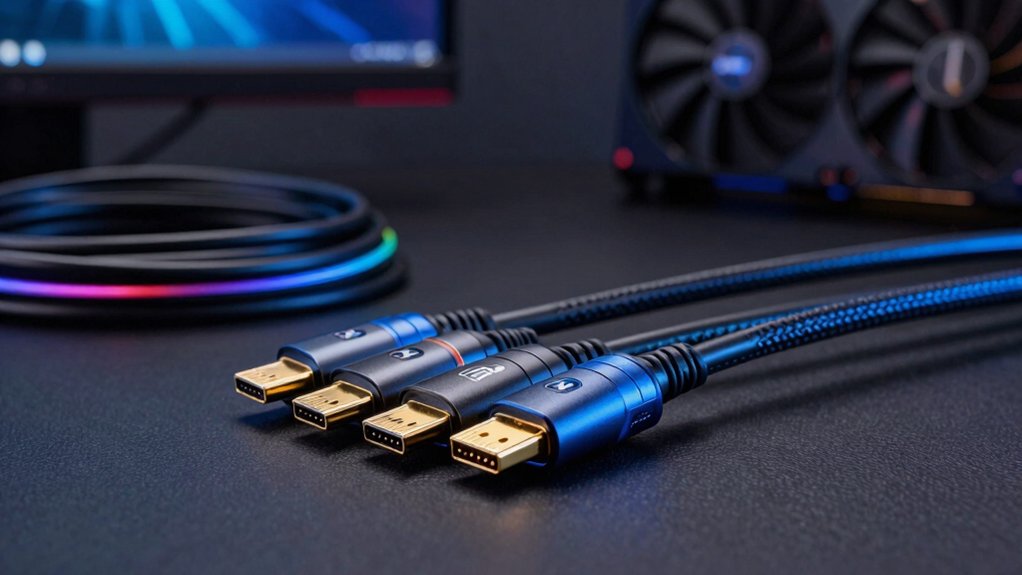
When selecting a DisplayPort cable for gaming, you’ll need to evaluate bandwidth and data transfer capabilities, resolution and refresh rate support, build quality and durability, compatibility with your specific devices, and support for advanced gaming technologies like variable refresh rates. Start by checking your monitor’s maximum resolution and refresh rate requirements, then match them to a cable’s DP version (1.2, 1.3, or 1.4), as newer versions handle higher specifications and future upgrades. Finally, verify that the cable’s connectors fit your GPU and monitor ports, examine its shielding and construction materials for longevity, and confirm it supports any gaming features you use, such as G-Sync or FreeSync.
Bandwidth and Data Transfer
Because bandwidth directly determines what resolutions and refresh rates you’ll actually achieve, you need to understand how it works in DisplayPort cables. DisplayPort 1.4 cables max out at 32.4 Gbps, which limits you to 4K at high refresh rates without compression. DisplayPort 2.x cables reach 80 Gbps, enabling uncompressed 4K at 240Hz or 8K at 60Hz. If you want even higher resolutions like 16K at 60Hz, you’ll need DSC (Display Stream Compression) technology, which reduces bandwidth requirements while maintaining image quality. For gaming, higher bandwidth supports essential features like VRR and G-Sync that prevent screen tearing. Match your cable’s bandwidth to your monitor’s specifications and your GPU’s output capabilities to ensure smooth, tear-free gameplay without bottlenecks.
Resolution and Refresh Rate
How do you know which DisplayPort cable will actually deliver the performance your gaming setup needs? Match your cable to your display’s resolution and refresh rate requirements. For 4K gaming at 144Hz, you’ll need a DP 1.4 cable with 32.4 Gbps bandwidth. If you’re targeting 4K@240Hz or higher, upgrade to a DP 2.1 cable supporting UHBR20 and DSC 1.2a compression. For 8K displays at 60Hz, DP 2.1 uncompressed handles this without issues. DSC-enabled cables unlock higher performance: they push 8K@240Hz or 16K@60Hz on compatible systems. Check your GPU and monitor specs first, then select your cable accordingly. Don’t overspend on DP 2.1 if your current setup maxes out at 1440p@240Hz—DP 1.4 suffices.
Build Quality and Durability
You’ve matched your cable to your display’s specs—now you’ll want to guarantee it’ll last through years of gaming without degrading performance. Inspect the cable’s shielding first. Look for multi-layer shielding, ideally triple-shielded designs, which minimize electromagnetic interference and signal loss during extended gaming sessions. Next, check the connectors. Gold-plated connectors, typically 24K, resist corrosion and maintain reliable connections over time. Examine the outer jacket material. Nylon braiding and reinforced housings withstand repeated bending, cable pressure, and daily plug-unplug cycles. Verify the conductor quality. Higher-purity conductors like 28 AWG tinned copper improve durability and signal integrity under high bandwidth demands. Finally, assess strain relief and connector design. Reinforced strain relief and latchless, snag-free designs prevent accidental disconnects during intense gaming.
Compatibility With Your Devices
What DisplayPort version does your monitor and graphics card actually support? Check your device specifications first—newer GPUs like RTX 40 series and 7900XTX support DP 1.4 or higher. Match your cable’s DP version to your devices’ capabilities. DP 2.1 and 2.0 cables work backward with older DP ports, but they won’t function with HDMI connections. Verify both cable ends are DisplayPort connectors, not adapters. Next, confirm your monitor has a native DP input. Finally, ensure your cable supports the specific features you need: DSC for bandwidth efficiency, VRR for smooth gaming, or HDR10+ for visual quality. Triple shielding and 28 AWG conductors protect signal integrity across distances.
Gaming Technology Support
Beyond confirming physical compatibility, you’ll want to evaluate which gaming technologies your cable supports, since these features directly affect your gameplay experience. Check whether your cable handles VRR (Variable Refresh Rate) technology, which eliminates screen tearing during fast-paced games. Verify DSC 1.2a support for uncompressed visuals at high resolutions and refresh rates. Confirm ALLM capability, which reduces input lag by automatically switching your monitor to game mode. Look for FEC (Forward Error Correction) to maintain stable performance in demanding setups. Review whether the cable supports your GPU’s sync technology—G-Sync or FreeSync. Finally, confirm HDR10+ compatibility if you prioritize enhanced contrast and detail in dark scenes. Match these technologies to your monitor and graphics card specifications for optimal gaming performance.
Final Thoughts
You’ve got two solid options: grab a DP 2.1 cable like Silkland or Highwings if you want future-proof 80Gbps performance for high-refresh gaming, or stick with certified DP 1.4 cables from IVANKY or Capshi for reliable 8K/4K support right now. Check your monitor’s specs first—if it supports 240Hz at 8K, go DP 2.1. Otherwise, DP 1.4 handles your needs without overspending.

Meet Ry, “TechGuru,” a 36-year-old technology enthusiast with a deep passion for tech innovations. With extensive experience, he specializes in gaming hardware and software, and has expertise in gadgets, custom PCs, and audio.
Besides writing about tech and reviewing new products, he enjoys traveling, hiking, and photography. Committed to keeping up with the latest industry trends, he aims to guide readers in making informed tech decisions.