
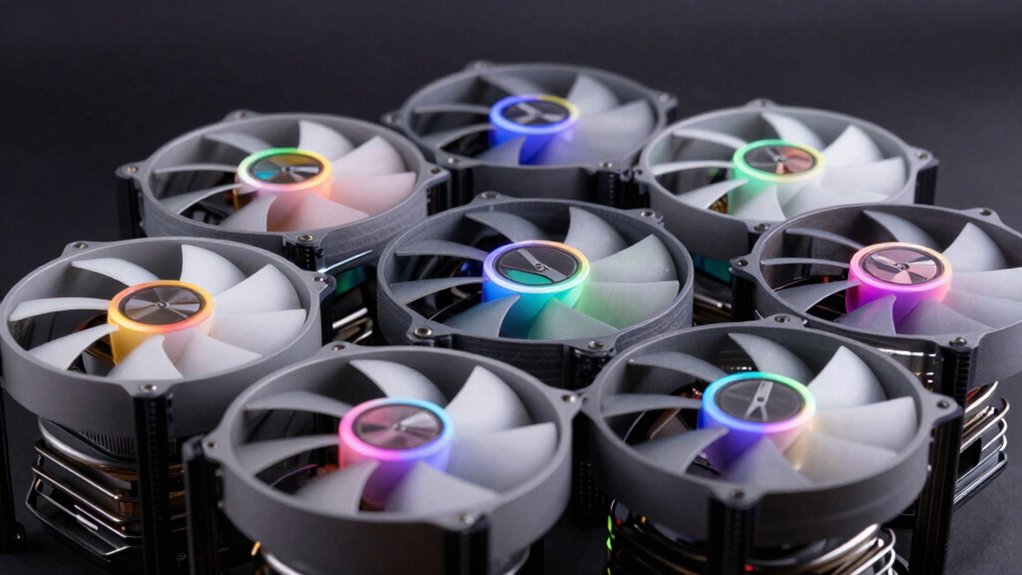

If you’re building or upgrading a PC, you’ll need case fans that cool effectively without creating constant noise. You have several proven options available, each with different bearing types, RPM ratings, and compatibility features. Before you settle on any fan, you should understand what separates the quietest models from standard ones—and which factors actually matter for your setup. Here’s what you need to know to make the right choice.
| DARKROCK 3-Pack 120mm Computer Case Fans High Performance |

| Best Value Pack | Maximum RPM: 1200 RPM | Noise Level: 32.1 dBA | Fan Size: 120mm | VIEW LATEST PRICE | Read Our Analysis |
| ARCTIC P12 120mm PC Case Fan (5-Pack) |

| Best Static Pressure | Maximum RPM: 1800 RPM | Noise Level: 0.3 Sone | Fan Size: 120mm | VIEW LATEST PRICE | Read Our Analysis |
| be quiet! Pure Wings 3 120mm Case Fan (BL105) |

| Quietest Operation | Maximum RPM: 1600 RPM | Noise Level: 25.5 dB | Fan Size: 120mm | VIEW LATEST PRICE | Read Our Analysis |
| CORSAIR RS120 120mm PWM Fans Triple Pack Black |

| Best High-Performance | Maximum RPM: 2100 RPM | Noise Level: Quiet operation (specific dB not listed) | Fan Size: 120mm | VIEW LATEST PRICE | Read Our Analysis |
| Noctua NF-P12 redux-1700 PWM Cooling Fan (120mm) |

| Best Budget Option | Maximum RPM: 1700 RPM | Noise Level: 25.1 dB(A) | Fan Size: 120mm | VIEW LATEST PRICE | Read Our Analysis |
| Thermalright TL-C12C X3 CPU Cooler Fan (3-Pack) |

| Best Vibration Dampening | Maximum RPM: 1550 RPM | Noise Level: ≤25.6 dBA | Fan Size: 120mm | VIEW LATEST PRICE | Read Our Analysis |
| ARCTIC P12 Pro PST 120mm PWM Fan (5-Pack) |

| Most Versatile Control | Maximum RPM: 3000 RPM | Noise Level: Quiet operation (specific dB not listed) | Fan Size: 120mm | VIEW LATEST PRICE | Read Our Analysis |
More Details on Our Top Picks
DARKROCK 3-Pack 120mm Computer Case Fans High Performance
If you’re looking to replace multiple case fans without breaking your budget, the DARKROCK 3-Pack offers three 120mm fans that deliver solid cooling performance while staying quiet. Each fan runs at 1200 RPM and produces only 32.1 dBA noise, making them suitable for noise-sensitive builds. The hydraulic bearing design ensures stable operation and extends the lifespan to 30,000 hours. Installation is straightforward—the 120mm size fits standard case mounts on all case types. You’ll connect the 3-pin interface to your motherboard or fan controller. With 47.8 CFM airflow per fan, you get adequate cooling for most systems. The PBT construction provides durability and heat resistance for long-term reliability.
- Maximum RPM:1200 RPM
- Noise Level:32.1 dBA
- Fan Size:120mm
- Airflow (CFM):47.8 CFM
- Bearing Type:Hydraulic bearing
- Warranty:5-year
- Additional Feature:Hydraulic bearing design stability
- Additional Feature:30,000 hours life expectancy
- Additional Feature:PBT environmental protection material
ARCTIC P12 120mm PC Case Fan (5-Pack)
The ARCTIC P12 5-pack delivers an effective solution for builders who need reliable cooling across multiple case locations without purchasing fans individually. Each fan operates at 1800 RPM and produces 56.3 CFM of airflow while maintaining a noise level of 0.3 Sone, making them suitable for quiet builds. The fans feature optimized static pressure of 2.2 mmH₂O, which handles resistance from heatsinks and radiators effectively. You’ll benefit from the Fluid Dynamic Bearing design, which reduces friction and extends service life compared to standard sleeve bearings. Installation requires connecting the 3-pin connectors to your motherboard headers. These fans consume minimal power at 1.92 watts each, reducing overall system energy draw. The six-year warranty provides extended coverage for your investment.
- Maximum RPM:1800 RPM
- Noise Level:0.3 Sone
- Fan Size:120mm
- Airflow (CFM):56.3 CFM
- Bearing Type:Fluid Dynamic Bearing (German alloy/lubricant)
- Warranty:6-year
- Additional Feature:Static pressure optimized design
- Additional Feature:German alloy/lubricant bearing
- Additional Feature:5-pack bundle included
be quiet! Pure Wings 3 120mm Case Fan (BL105)
The be quiet! Pure Wings 3 120mm fan delivers German-engineered performance with a noise level of just 25.5 decibels. Its 7 airflow-optimized blades maintain 49.9 cubic feet per minute airflow while keeping minimum RPM exceptionally low. You’ll get a maximum speed of 1600 RPM with only 2.4 watts power consumption. The rifle bearing design provides 80,000 hours of operating lifetime. Install this PWM fan into your desktop computer case for dependable cooling. Its optimized frame performs notably well on radiators. The 2-year manufacturer warranty protects your investment.
- Maximum RPM:1600 RPM
- Noise Level:25.5 dB
- Fan Size:120mm
- Airflow (CFM):49.9 CFM
- Bearing Type:Rifle bearing
- Warranty:2-year manufacturer
- Additional Feature:7 airflow-optimized blades
- Additional Feature:80,000 hours bearing lifetime
- Additional Feature:Optimized frame for radiators
CORSAIR RS120 120mm PWM Fans Triple Pack Black
For builders who need reliable cooling in tight spaces or around obstructions, CORSAIR’s RS120 120mm PWM Fans deliver the performance you’re looking for. These fans reach speeds up to 2,100 RPM and produce airflow of 72.8 CFM with high static pressure at 4.15 mm-H2O, making them suitable for radiators and restricted areas. The Magnetic Dome bearing enables quiet operation while reducing friction for extended lifespan. You’ll connect multiple fans through a single PWM connector using the daisy-chain method, which simplifies wiring. The AirGuide technology directs airflow toward hotspots for targeted cooling, and the triple-pack configuration provides flexibility for various cooling setups.
- Maximum RPM:2100 RPM
- Noise Level:Quiet operation (specific dB not listed)
- Fan Size:120mm
- Airflow (CFM):72.8 CFM
- Bearing Type:Magnetic Dome bearing
- Warranty:Warranty details not specified
- Additional Feature:CORSAIR AirGuide technology
- Additional Feature:Daisy-chain multiple fans
- Additional Feature:Magnetic Dome bearing design
Noctua NF-P12 redux-1700 PWM Cooling Fan (120mm)
Noctua’s NF-P12 redux-1700 PWM works best if you’re building a quiet PC that doesn’t compromise on cooling power. This 120mm fan operates at up to 1700 RPM while producing only 25.1 dB(A) noise, making it ideal for CPU coolers, radiators, and chassis ventilation. The pressure-optimized blade design generates strong airflow when needed. You’ll control fan speed automatically through your motherboard’s PWM connector. Install it using the included 4-pin power connector, then adjust speed settings in BIOS. Noctua backs this fan with a 6-year warranty, ensuring long-term reliability for your cooling setup.
- Maximum RPM:1700 RPM
- Noise Level:25.1 dB(A)
- Fan Size:120mm
- Airflow (CFM):High static pressure (CFM not specified)
- Bearing Type:Pressure-optimised design (bearing type not specified)
- Warranty:6-year manufacturer’s
- Additional Feature:Pressure-optimized blade design
- Additional Feature:Fibre-glass reinforced PBT construction
- Additional Feature:Automatic motherboard speed control
Thermalright TL-C12C X3 CPU Cooler Fan (3-Pack)
If you’re building a system that needs multiple cooling points without acoustic disruption, the Thermalright TL-C12C X3 delivers three 120mm fans that operate at ≤25.6 dBA—quiet enough that you won’t hear them over typical office or gaming background noise. Each fan pushes 66.17 CFM airflow while maintaining 1.53 mm H2O pressure, making them effective for case ventilation and radiator mounting. The S-FDB bearing design minimizes vibration and blade shake, extending fan lifespan. Four silicone corner pads on each unit reduce vibration transfer to your chassis. The 4-pin PWM connector enables automatic speed regulation, letting your system adjust cooling output based on temperature. At just 3W per fan, you’ll see minimal power consumption. Install these fans strategically across intake and exhaust points for balanced airflow and thermal management.
- Maximum RPM:1550 RPM
- Noise Level:≤25.6 dBA
- Fan Size:120mm
- Airflow (CFM):66.17 CFM
- Bearing Type:S-FDB bearing
- Warranty:Warranty details not specified
- Additional Feature:Four silicone corner pads
- Additional Feature:S-FDB bearing vibration reduction
- Additional Feature:3-pack bundle included
ARCTIC P12 Pro PST 120mm PWM Fan (5-Pack)
ARCTIC’s P12 Pro PST 5-pack offers an ideal solution when you’re building or upgrading a system that needs multiple case fans without sacrificing quiet operation. Each 120mm PWM fan delivers high static pressure, making them effective for dense radiators and mesh structures. The fluid dynamic bearing runs smoothly and self-lubricates, reducing noise during extended use. You’ll appreciate the 0 RPM capability—the fans stop completely below 5% PWM, eliminating unnecessary noise when cooling demands drop. With adjustable speeds up to 3000 rpm and included Y-cable splitters, you can connect multiple fans to single headers. The balanced rotor blades maintain efficiency at low speeds, prioritizing quiet performance throughout their operating range.
- Maximum RPM:3000 RPM
- Noise Level:Quiet operation (specific dB not listed)
- Fan Size:120mm
- Airflow (CFM):High static pressure (CFM not specified)
- Bearing Type:Fluid Dynamic Bearing (self-lubricating)
- Warranty:Warranty details not specified
- Additional Feature:0 RPM complete stop capability
- Additional Feature:Y-Cable splitter included
- Additional Feature:Automatic precision balancing system
Factors to Consider When Choosing Quiet PC Case Fans
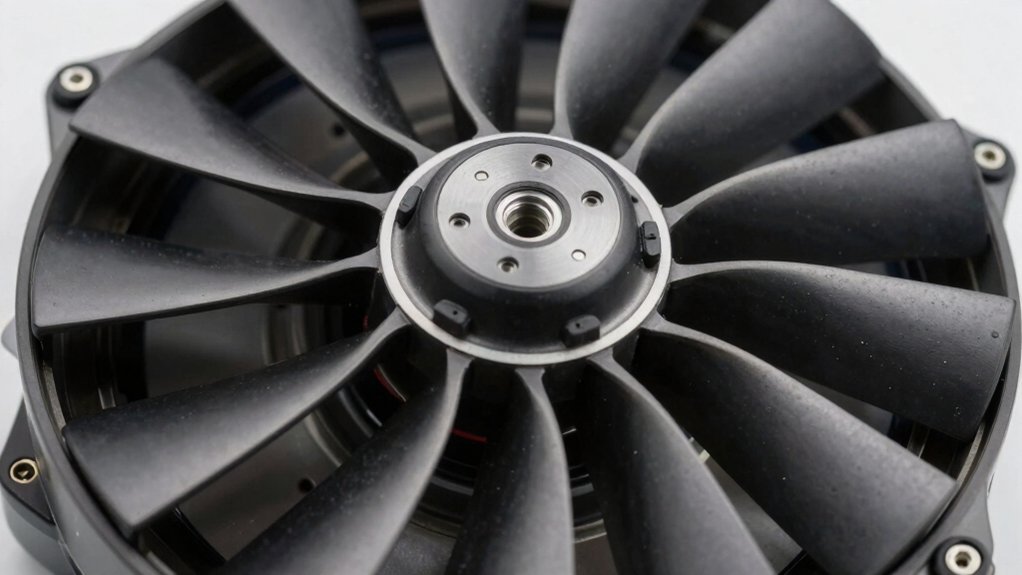
When selecting quiet PC case fans, you’ll need to evaluate noise level specifications (measured in decibels), airflow and static pressure ratings (which determine cooling performance for different setups), and bearing types like ball or fluid dynamic bearings (which affect both durability and noise output). Next, verify that the fan’s power connector matches your motherboard or hub system, and inspect the material quality and construction to ensure the fan can withstand long-term use without degradation. These factors work together to determine whether a fan will deliver silent operation while maintaining the cooling performance your PC requires.
Noise Level Specifications
How do you actually compare fan noise when you’re shopping for quiet PC case fans? Check the decibel rating, typically listed as dB or dBA on product specifications. A lower number means quieter operation—25.5 dBA at full speed is quieter than 32.1 dBA. Some manufacturers use Sone measurements instead, where 0.3 Sone indicates lower perceived noise. Look for both the noise level and the RPM it’s measured at, since noise varies by speed. Compare fans at identical RPM ranges for accurate comparison. Review manufacturer specs that list maximum noise caps, showing the loudest the fan operates. Understanding these metrics helps you select fans that deliver cooling performance without excessive sound, ensuring your PC runs efficiently and quietly.
Airflow And Static Pressure
Now that you’ve evaluated noise levels, you’ll want to understand airflow and static pressure—two performance metrics that directly affect your fan’s cooling ability. Airflow, measured in CFM, indicates how much air a fan moves. Static pressure measures the fan’s ability to push air through obstructions like heatsinks or radiators. For case fans in restricted spaces, prioritize static pressure over raw CFM. A fan with moderate airflow but higher static pressure will cool more effectively than one with high CFM and low static pressure in dense environments. Look for fans designed specifically for radiator or heatsink use. Choose models with 4-pin PWM control, which allows you to adjust fan speed dynamically, optimizing cooling performance while reducing noise.
Bearing Type And Durability
What bearing type is your fan using? This matters significantly for noise and lifespan. Fluid Dynamic Bearings (FDB) reduce friction and noise while extending durability compared to standard sleeve bearings. S-FDB, or silent FDB, specifically minimizes blade shake during continuous operation. Hydraulic bearings stabilize rotation and lower vibration, contributing to quieter performance. When selecting a fan, check the bearing type on the product specifications. Look for FDB or S-FDB designs if you prioritize long-term quiet cooling. Review bearing life ratings, typically measured in hours—80,000 hours indicates reliable extended use. FDB-based fans generally outlast traditional bearings under typical PC cooling loads. Compare bearing types across your options to ensure both immediate quiet performance and sustained durability over months and years of operation.
Power Connector Compatibility
Beyond the bearing quality that determines your fan’s noise level and longevity, you’ll need to match your fan’s power connector to your motherboard‘s available headers. Most 120mm case fans use either 3-pin or 4-pin PWM connectors. A 3-pin fan provides basic voltage control but doesn’t allow precise speed adjustments through your motherboard. A 4-pin PWM fan enables motherboard-controlled speed regulation across the full RPM range, including low-speed operation. Check your motherboard manual to identify which headers you have available. If you’re connecting multiple fans, consider daisy-chain or splitter cables that attach to a single header, though this prevents individual RPM monitoring. Always verify connector compatibility before purchasing to ensure proper speed control functionality.
Material Quality And Construction
The materials and construction methods used in your case fan directly affect its noise output, durability, and cooling performance. Look for fans with durable frame and blade materials like PBT, copper, or high-quality plastics that resist heat and last longer. Check the bearing design—fluid dynamic bearing or rifle/S-FDB systems reduce friction and noise while extending lifespan. Examine vibration-reducing features such as silicone mounts or dampening pads that minimize noise transmission to your case. Choose 120 mm fans with sturdy housings and precise tolerances for steadier operation across varying speeds. Verify warranty coverage; extended warranties typically indicate manufacturer confidence in durability. These construction elements work together to create fans that operate quietly while maintaining reliable cooling performance over time.
Warranty And Lifespan
How long will your case fan actually last, and what happens if it fails? Check the warranty period first—look for options offering 5 to 6 years, like the ARCTIC P12 5 Pack or DARKROCK 3-Pack. Next, find the stated lifespan in hours. The DARKROCK offers 30,000 hours, while be quiet! Pure Wings 3 reaches 80,000 hours. Examine the bearing type: S-FDB and fluid dynamic bearings last longer than sleeve bearings. Compare return policies too—30-day Amazon returns provide short-term protection. Match these factors together: longer warranties plus higher-hour ratings plus quality bearings signal reliability. Cross-reference product specs against your climate conditions, since heat reduces lifespan. Select fans combining all three elements for maximum durability and peace of mind.
Final Thoughts
You’ll find the quietest PC case fans by checking bearing type first—FDB or hydraulic bearings last longer and run quieter than sleeve bearings. Next, compare RPM and CFM ratings to match your cooling needs without excess noise. Confirm your motherboard uses 3-pin or 4-pin PWM connectors. Finally, pick fans with silicone dampening and warranties of 5–6 years. The ARCTIC P12 and Noctua NF-P12 redux offer excellent quiet performance at reasonable prices.

Meet Ry, “TechGuru,” a 36-year-old technology enthusiast with a deep passion for tech innovations. With extensive experience, he specializes in gaming hardware and software, and has expertise in gadgets, custom PCs, and audio.
Besides writing about tech and reviewing new products, he enjoys traveling, hiking, and photography. Committed to keeping up with the latest industry trends, he aims to guide readers in making informed tech decisions.