
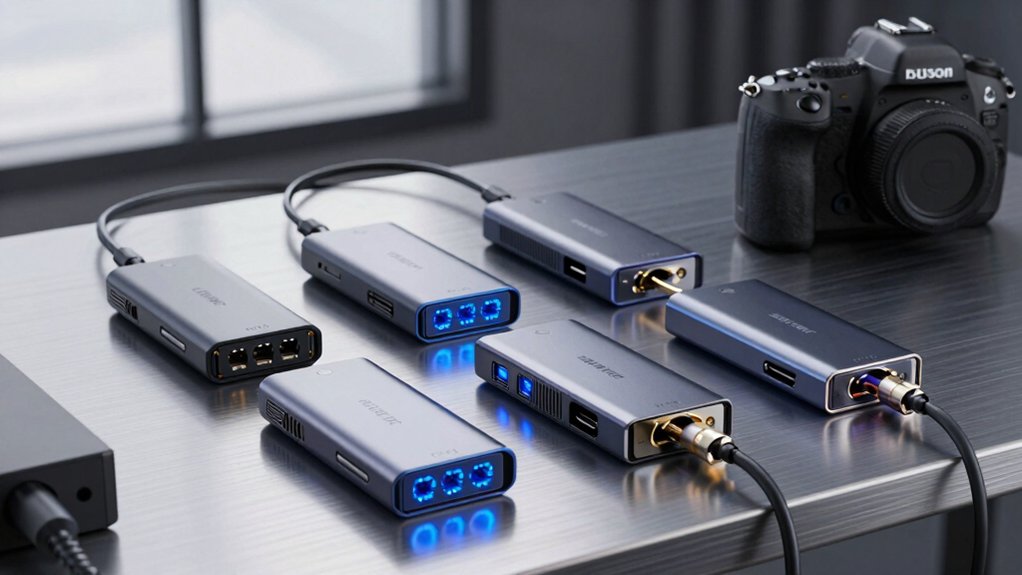

If you’re working with multiple displays and high-speed data transfers, you need a Thunderbolt 5 hub that won’t bottleneck your workflow. You’ve got options ranging from compact five-port expanders to full docking stations with 140W charging capabilities. Each hub handles thermal management differently, supports different numbers of ports, and works with specific devices. But which one actually matches your setup?
| OWC Thunderbolt 5 Hub 5-Port Expansion (80Gb/s) |

| Best for Simplicity | Maximum Power Delivery: 140W | Total Ports: 5 ports | Thunderbolt 5 Downstream Ports: 4 USB data ports | VIEW LATEST PRICE | Read Our Analysis |
| CalDigit E5 Thunderbolt 5 Hub with 9 Ports |

| Best for Performance | Maximum Power Delivery: 90W | Total Ports: 9 ports | Thunderbolt 5 Downstream Ports: 4 Thunderbolt 5 ports | VIEW LATEST PRICE | Read Our Analysis |
| Anker Prime TB5 Docking Station 14-in-1 Thunderbolt |

| Best Overall | Maximum Power Delivery: 140W | Total Ports: 14 ports | Thunderbolt 5 Downstream Ports: 2 Thunderbolt 5 ports | VIEW LATEST PRICE | Read Our Analysis |
| UGREEN Maxidok Thunderbolt 5 Hub Docking Station |

| Best Value | Maximum Power Delivery: 100W | Total Ports: 10 ports | Thunderbolt 5 Downstream Ports: 2 Thunderbolt 5 ports | VIEW LATEST PRICE | Read Our Analysis |
| CalDigit TS5 Plus Thunderbolt 5 Dock with 140W Charging |

| Professional Grade | Maximum Power Delivery: 140W | Total Ports: 20 ports | Thunderbolt 5 Downstream Ports: 3 Thunderbolt 5 ports | VIEW LATEST PRICE | Read Our Analysis |
More Details on Our Top Picks
OWC Thunderbolt 5 Hub 5-Port Expansion (80Gb/s)
Need a straightforward hub that cuts through compatibility headaches? The OWC Thunderbolt 5 Hub delivers 80 Gb/s bi-directional speeds across five ports, connecting your Mac, PC, iPad Pro, and Chromebooks without adapter confusion. You’ll get four USB data ports plus daisy-chaining capability, letting you stack multiple devices on a single connection. The hub safely delivers 140 watts for charging power-hungry laptops while its fanless aluminum design runs silently. It supports up to three 8K displays simultaneously, covering your video needs today and tomorrow. Included Thunderbolt 5 cable and two-year warranty ensure dependable expansion that handles professional workloads reliably.
- Maximum Power Delivery:140W
- Total Ports:5 ports
- Thunderbolt 5 Downstream Ports:4 USB data ports
- Maximum Display Support:Up to three 8K displays
- Cooling Design:Fanless aluminum enclosure
- Backward Compatibility:Thunderbolt 5, 4, 3, USB4, USB-C
- Additional Feature:Daisy-chaining with independent chains
- Additional Feature:Supports up to three 8K displays
- Additional Feature:Included Thunderbolt 5 cable
CalDigit E5 Thunderbolt 5 Hub with 9 Ports
The CalDigit E5 delivers high-speed connectivity for professionals handling multiple displays and peripherals simultaneously. You get nine ports total, including three Thunderbolt 5 ports supporting 80 Gb/s speeds. Connect up to three 4K@144 Hz displays on Windows or two 6K displays on macOS. The hub provides 90 W power delivery for charging laptops and tablets while connected. You can also charge devices offline when disconnected from your computer. All USB-A and USB-C ports operate at 10 Gb/s, and Thunderbolt SSDs reach 6,200 MB/s speeds, making file transfers fast.
- Maximum Power Delivery:90W
- Total Ports:9 ports
- Thunderbolt 5 Downstream Ports:4 Thunderbolt 5 ports
- Maximum Display Support:Up to two 6K/8K displays on macOS; three 4K@144Hz on Windows
- Cooling Design:No active cooling specified
- Backward Compatibility:Thunderbolt 5, USB4 v2, Thunderbolt 4, USB4, Thunderbolt 3
- Additional Feature:Offline device charging capability
- Additional Feature:64 Gb/s PCIe for SSDs
- Additional Feature:Bandwidth Boost allocation technology
Anker Prime TB5 Docking Station 14-in-1 Thunderbolt
Anker’s 14-in-1 Thunderbolt 5 dock stands out for professionals who need thorough connectivity without compromises. You get two downstream Thunderbolt 5 ports, two USB-C ports, three USB-A ports, SD and TF card readers, Ethernet, audio jack, and HDMI or DisplayPort output. The 140W upstream power delivery charges your laptop while you work. Transfer files at exceptional speed—150GB moves in roughly 25 seconds via Thunderbolt 5. Dual 8K displays work on compatible Windows laptops, though M1, M2, and M3 MacBooks support only one external monitor. Active cooling keeps performance stable during demanding tasks. The package includes a 3.3-foot Thunderbolt 5 cable and a 24-month warranty.
- Maximum Power Delivery:140W
- Total Ports:14 ports
- Thunderbolt 5 Downstream Ports:2 Thunderbolt 5 ports
- Maximum Display Support:Dual 8K@60Hz on Windows; single display on base M1-M3 Macs
- Cooling Design:Advanced active cooling system
- Backward Compatibility:Thunderbolt 5, 4, 3, USB4
- Additional Feature:Active cooling system
- Additional Feature:150GB transfer in 25 seconds
- Additional Feature:Built-in SD/TF card readers
UGREEN Maxidok Thunderbolt 5 Hub Docking Station
UGREEN’s Maxidok delivers outstanding connectivity value through its 10-in-1 design, making it ideal for professionals who need multiple ports without paying premium prices. You get three USB-A ports at 10 Gbps, dual SD/TF card readers, Gigabit Ethernet, and two Thunderbolt 5 downstream ports for displays. The hub supports 8K/60Hz single displays, 6K/60Hz dual displays, or 4K/120Hz triple displays using DP2.1 technology. With 140W total power delivery—including up to 100W for laptop charging—you’ll maintain uninterrupted workflow. The aluminum construction includes fanless cooling for silent operation and a security lock for added protection during mobile use.
- Maximum Power Delivery:100W
- Total Ports:10 ports
- Thunderbolt 5 Downstream Ports:2 Thunderbolt 5 ports
- Maximum Display Support:Single 8K@60Hz or dual 6K@60Hz or triple 4K@120Hz
- Cooling Design:Fanless aluminum alloy with thermal management
- Backward Compatibility:Thunderbolt 5, 4, 3, USB4
- Additional Feature:6K/60Hz dual display support
- Additional Feature:Silent fanless aluminum construction
- Additional Feature:Security lock feature
CalDigit TS5 Plus Thunderbolt 5 Dock with 140W Charging
CalDigit’s TS5 Plus delivers professional-grade docking with 20 ports and 140W charging power for demanding workflows. You’ll get three Thunderbolt 5 ports, ten USB ports across two controllers, 10GbE networking, and dual card readers. The 330W power supply supports all ports simultaneously while charging your host device. Connect to Thunderbolt 5 or USB4 v2 hosts for maximum performance. Windows users should install the 10Gigabit Ethernet Driver from the official site. The aluminum chassis dissipates heat effectively, so ensure adequate clearance around the dock during operation.
- Maximum Power Delivery:140W
- Total Ports:20 ports
- Thunderbolt 5 Downstream Ports:3 Thunderbolt 5 ports
- Maximum Display Support:Dual 6K/8K@60Hz on macOS; triple 4K@144Hz on Windows TB5
- Cooling Design:Aluminum chassis as heat sink
- Backward Compatibility:Thunderbolt 5, USB4 v2; reduced functionality on TB3/TB4/USB4
- Additional Feature:Dual USB controllers minimize bottlenecks
- Additional Feature:10GbE network with backward compatibility
- Additional Feature:Triple 4K 144Hz display support
Factors to Consider When Choosing a Thunderbolt 5 Hub
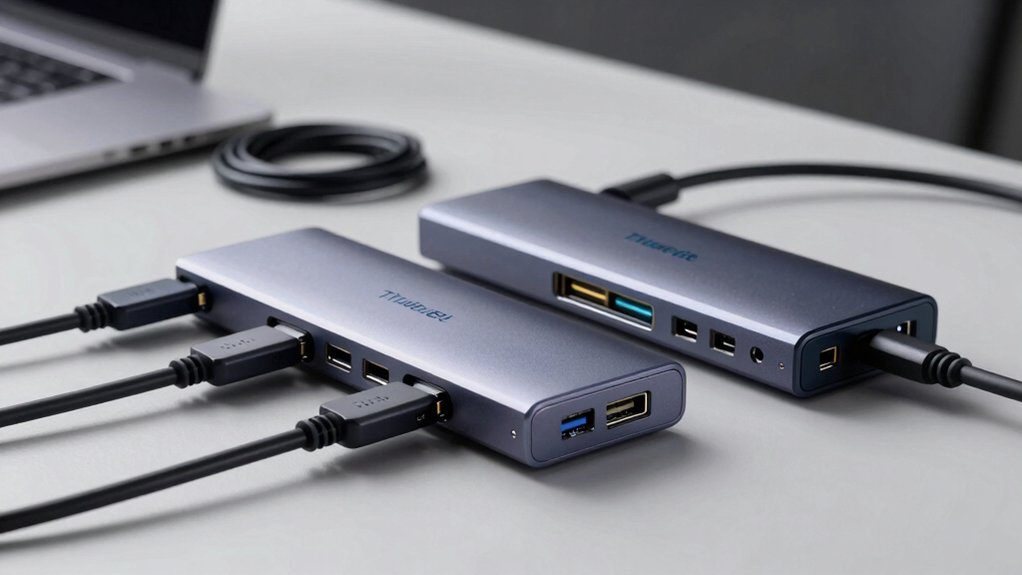
When you’re selecting a Thunderbolt 5 hub, you’ll need to evaluate five key factors: the number and type of ports available, the bandwidth and performance specifications, display support capabilities, power delivery requirements for your devices, and the cooling system plus build quality. Start by counting how many USB-A, USB-C, HDMI, and other ports you actually need, then check the hub’s bandwidth to ensure it handles your data transfer speeds without bottlenecks. Finally, confirm that the hub supports your monitor setup, delivers enough wattage to charge your laptop and peripherals simultaneously, and uses adequate cooling and durable materials to withstand daily professional use.
Port Count And Type
How many ports do you actually need on a Thunderbolt 5 hub? Start by listing your devices: external drives, displays, keyboards, and peripherals. Most hubs offer 2–4 downstream TB5 ports plus 6–10 USB-A and USB-C ports, totaling 8–14 connections. Next, consider your display needs. Some models support dual 4K or triple 8K outputs depending on your host’s capabilities. Then evaluate port variety. Built-in SD card readers and Ethernet inlets reduce your need for separate adapters. Finally, remember that multiple USB ports share bandwidth, so don’t assume every port runs at full speed simultaneously. Match your port selection to your actual workflow rather than choosing the model with the most ports.
Bandwidth And Performance
What’s your actual bandwidth bottleneck? Start by identifying your primary workload. If you’re transferring large video files or working with NVMe SSDs, you’ll want PCIe data transfer reaching 64 Gb/s. For display-heavy work, check whether you need single 8K/60 Hz or dual 6K/60 Hz output—this determines which hub’s display bandwidth meets your needs. TB5 hubs deliver up to 80 Gb/s bidirectional data, with Bandwidth Boost models offering up to 120 Gb/s total display bandwidth while maintaining other hub traffic. USB connections support up to 10 Gb/s on USB-A and USB-C ports. Match these specifications against your devices: fast storage, multiple monitors, and peripherals. This prevents purchasing excess capacity or discovering insufficient bandwidth mid-project.
Display Support Capabilities
Display support’s your next critical decision point, and it’ll directly impact your hub choice. First, identify your host system—Windows or macOS—since each supports different configurations. Windows TB5 hosts drive up to triple 4K@144 Hz, while macOS supports dual 6K/60 Hz or 8K/60 Hz on compatible models. Next, examine the hub’s native outputs, including TB5 ports, DP/HDMI connections, and USB-C video Alt Mode capabilities. Check whether your specific hub enables triple-display setups on your operating system, as some restrict this feature. Finally, verify bandwidth allocation: Bandwidth Boost reaches 120 Gb/s total, with 64 Gb/s PCIe per TB5 port for displays and storage combined. Match these specifications against your monitor requirements before purchasing.
Power Delivery Requirements
Why does your hub’s power delivery matter? Your hub must supply enough power to charge your laptop and accessories simultaneously. Check your laptop’s maximum charging requirement first. Most Thunderbolt 5 hubs deliver up to 140W of power delivery, which suits many laptops. However, some models feature larger power budgets—180W or 330W—to support multiple devices at once. Front-facing ports typically provide around 36W for accessories. Match your hub’s PD rating to your laptop’s needs or choose a higher capacity for flexibility. Consider offline charging capabilities if you need to charge devices when the hub isn’t connected to a computer. This ensures uninterrupted power access for all your peripherals.
Cooling And Build Quality
How effectively can your hub dissipate heat during intensive use? You’ll find that aluminum enclosures excel at managing thermal stress, especially during full-load operation with multiple active ports. Fanless designs rely on passive convection, eliminating noise while maintaining safe temperatures through the metal chassis itself. When selecting a hub, check whether it includes internal heat sinks or thermal management features—these directly prevent performance throttling during sustained data transfers. Verify the hub’s ventilation design; proper airflow around the enclosure prevents heat buildup. For high-power models delivering up to 140W, robust heat dissipation becomes critical. Examine the build quality by inspecting materials and construction methods. Choose aluminum over plastic for superior temperature regulation. Assess your specific workload: more active ports and simultaneous transfers demand better cooling capabilities.
Device Compatibility Range
Before you purchase a Thunderbolt 5 hub, you’ll need to verify it’ll work with your specific devices and operating systems. Thunderbolt 5 hubs support Thunderbolt 5, Thunderbolt 4, Thunderbolt 3, USB4, and USB-C devices, making them broadly compatible. However, check your host system—whether it’s a Mac, Windows laptop, iPad, Chromebook, Android tablet, or Surface device—because compatibility varies. Some hubs require Thunderbolt 5 or USB4 v2 for full performance; older hosts may experience reduced bandwidth. Display support depends on your specific host and dock configuration, ranging from single 8K to dual 6K/8K displays. Note that base M1, M2, and M3 Macs have PCIe and display limitations affecting dual-display support. Match your hub’s specifications to your device’s actual capabilities before purchasing.
Cable And Warranty Inclusions
Because most Thunderbolt 5 hubs don’t automatically ship with a compatible cable, you’ll want to check what’s included in the box before ordering. If a hub includes a Thunderbolt 5 cable, verify it supports the full 80 Gb/s bandwidth. Measure the cable length—typically 0.8–1.5 meters—against your desk setup to prevent signal loss or excessive clutter. Without a bundled cable, you’ll need to purchase one separately, adding to your total cost.
For warranty coverage, confirm the exact duration and what’s protected. Most vendors offer 1–2 year terms, but coverage often excludes physical damage or misuse. Check the retailer’s return policy—Amazon’s 30-Day Return Guarantee, for example, provides additional protection. Always verify Thunderbolt certification documentation to ensure you’re buying a genuinely certified product that meets performance standards.
Final Thoughts
You’ll find the right Thunderbolt 5 hub by matching it to your specific needs. First, identify how many ports you need and what devices you’ll connect. Next, check compatibility with your Mac, Windows PC, or iPad. Then, compare power delivery specs if you’re charging laptops. Finally, review warranty terms and return policies before purchasing to ensure reliable daily performance.

Meet Ry, “TechGuru,” a 36-year-old technology enthusiast with a deep passion for tech innovations. With extensive experience, he specializes in gaming hardware and software, and has expertise in gadgets, custom PCs, and audio.
Besides writing about tech and reviewing new products, he enjoys traveling, hiking, and photography. Committed to keeping up with the latest industry trends, he aims to guide readers in making informed tech decisions.