
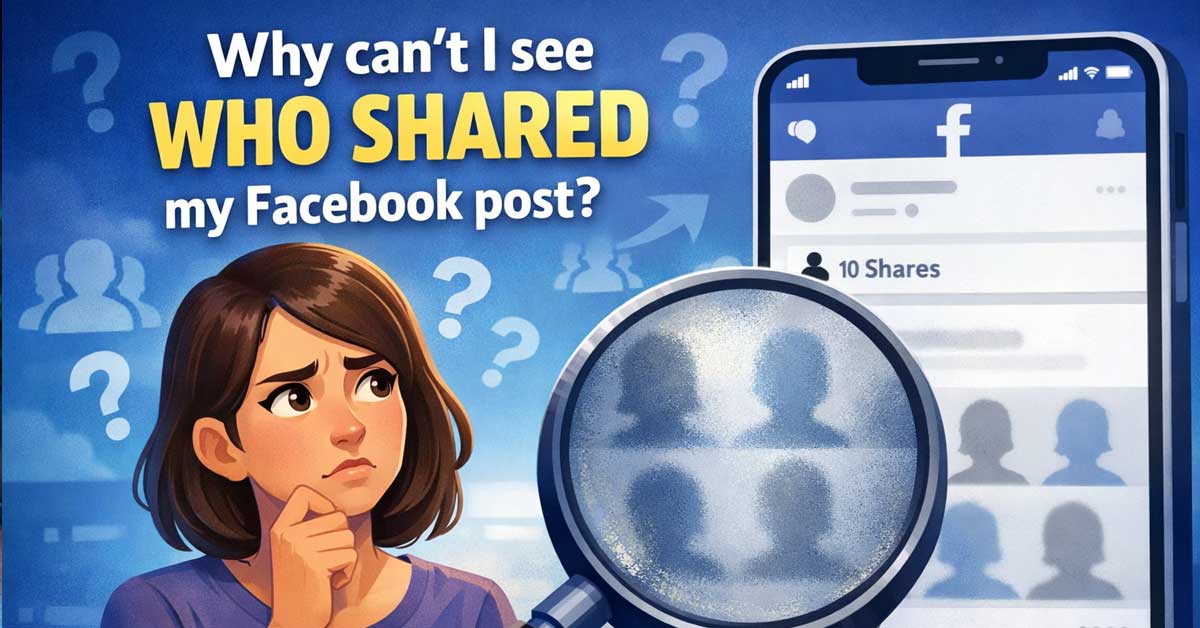

Privacy settings limit what’s visible — here’s what you can and can’t find out
You posted something on Facebook, you can see it’s been shared a number of times, but when you try to find out who shared it you hit a wall.
This is one of Facebook’s most consistently frustrating limitations, and the reason for it is straightforward — but the full picture includes some workarounds that let you see more than the default view shows.
The Core Reason: Privacy Settings Control Visibility
Facebook allows every user to control who can see their posts and activity — including shares. When someone shares your post, they share it with whatever audience they’ve chosen: Public, Friends, Friends of Friends, or a custom list.
If they share it privately or to an audience that doesn’t include you, Facebook respects that privacy setting and hides the share from you.
This applies even to your own content. The person who originally posted something doesn’t automatically get visibility into every share — the sharer’s privacy settings take precedence over the original poster’s curiosity about who shared their content.
This is intentional design, not a bug. Facebook’s position is that the sharer’s privacy deserves protection even from the original poster. Someone might share your post specifically to a private group or to a limited friends list without wanting you to know they did so.
What You Can See
You can see the total number of shares on your post — the share count appears below the post alongside likes and comments. This tells you how many times the post was shared but not who shared it.
You can see shares that were posted publicly. Click on the share count number below your post. Facebook opens a panel showing public shares — shares made with the audience set to Public. If someone shared your post publicly, their name and their version of the share appears here.
You can see shares in your own timeline or comments. If someone shared your post by posting it directly to your timeline, or tagged you in their share, those are visible to you through normal notification and tagging visibility.
What You Can’t See
Private shares are completely hidden from you. If someone shared your post to Friends only, to a custom list, or to a private group, you won’t see their name in the shares panel regardless of your relationship with them. Even if you’re close friends with the person, their private share is invisible to you.
Shares to private groups are hidden. Facebook groups with private membership don’t expose their activity to non-members, including original posters whose content was shared into the group.
Messenger shares are hidden. When someone shares your post directly through Facebook Messenger to one person or a group chat, this counts toward the share total but is never visible to you. Direct message shares are treated as private communication.
How to See More Shares
Check the share count panel. Click the number next to the share icon below your post. This shows the publicly visible shares. Scroll through to see every public share Facebook will show you.
Search for your post content. In Facebook’s search bar, type a distinctive phrase from your post. Switch the search results to Posts view. Public shares of your content may appear in these results if the sharers included your original text.
Check notifications. Facebook sends notifications for some shares — particularly when someone you’re friends with shares your post. Your notification bell may show friend shares that don’t appear in the shares panel directly.
Look in groups you’re a member of. If you belong to Facebook groups, check whether your post appears there. You’ll be able to see it if you’re already a member of the group it was shared into.
For Facebook Pages
Page owners have slightly more visibility than personal profile owners. If you manage a Facebook Page — a business page, a public figure page, or a community page — Facebook’s Page Insights provides more data about post reach and shares than personal profile analytics do.
Go to your Page, find the post, and look at the post’s insights by clicking See Insights or the analytics icon. Insights shows reach, engagement, and in some cases share data that’s more detailed than what personal profiles provide.
However even Page Insights doesn’t show you a complete list of every person who shared your post — it shows aggregate data and breakdowns rather than individual identities for private shares.
Why Facebook Built It This Way
The privacy model makes sense from a platform design perspective even if it’s frustrating for content creators. If original posters could see every share regardless of audience settings, it would undermine the privacy controls that users rely on. Someone sharing a post to a mental health support group, a private family group, or a limited friends list has a reasonable expectation that this activity isn’t exposed back to the original poster.
The tradeoff is that viral content creators and businesses often genuinely want to know who’s spreading their content — and Facebook’s current design prioritizes individual sharer privacy over that interest.
A Quick Summary
- Total share count is always visible below the post
- Public shares are visible by clicking the share count
- Private shares — Friends only, custom lists, private groups, Messenger — are never visible
- Page Insights provides more data for business and public pages than personal profiles
- Search can surface public shares you might have missed in the shares panel
- Notifications show some friend shares that may not appear elsewhere
The Bottom Line
You can’t see all shares of your Facebook post because Facebook prioritizes the sharer’s privacy settings over the original poster’s visibility. Public shares are visible through the share count panel. Private shares — to Friends, custom lists, groups, or Messenger — are hidden regardless of your relationship with the sharer.
For personal profiles this is a hard limitation with no workaround. For Page owners, Insights provides more data but still doesn’t expose individual private shares. The share count tells you your content is spreading — Facebook just doesn’t tell you exactly where.
Facebook shows you the number, not the names — because the people sharing your post get to decide who sees that they did.


Meet Ry, “TechGuru,” a 36-year-old technology enthusiast with a deep passion for tech innovations. With extensive experience, he specializes in gaming hardware and software, and has expertise in gadgets, custom PCs, and audio.
Besides writing about tech and reviewing new products, he enjoys traveling, hiking, and photography. Committed to keeping up with the latest industry trends, he aims to guide readers in making informed tech decisions.