
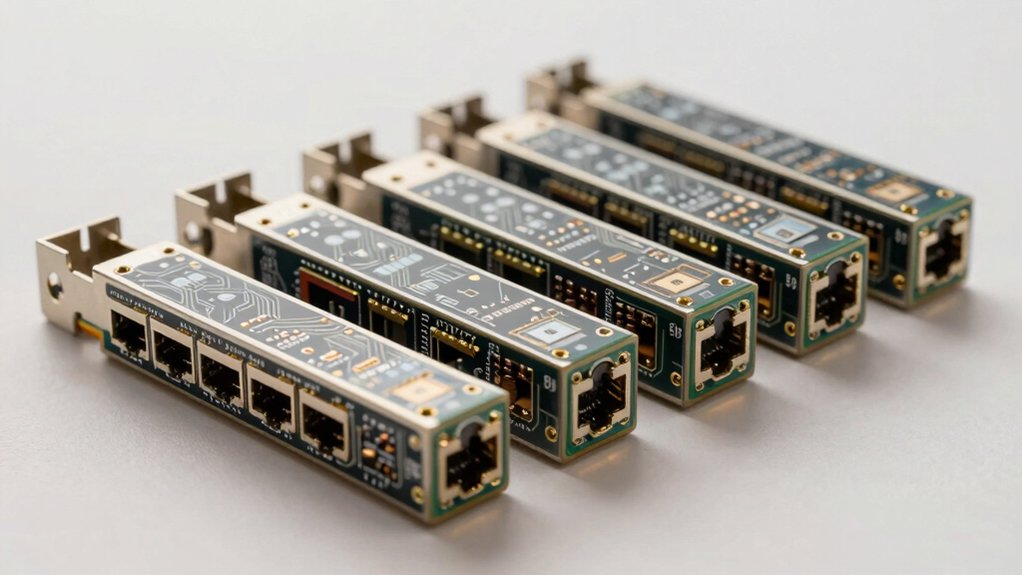

When you need reliable network connectivity, you’ll want to compare dual RJ45 port network cards carefully. You can choose between 10 Gigabit options like the 10Gtek or NICGIGA models, or select slower but cost-effective Gigabit adapters. Each card offers different PCIe configurations, driver support, and compatibility with Windows, Linux, and VMware ESXi. Understanding these differences helps you pick the right card for your specific setup—but which factors matter most?
| 10Gtek 10Gb Dual Port Network Card PCIe Adapter |

| Best Overall | Speed/Data Rate: 10 Gbps | Controller Chip: Intel X540 | PCIe Interface: PCIe 2.1 X8 | VIEW LATEST PRICE | Read Our Analysis |
| 10Gtek Gigabit Ethernet Network Adapter (Dual Port) |

| Budget-Friendly Pick | Speed/Data Rate: 1.25 Gbps (Gigabit) | Controller Chip: Intel 82576 | PCIe Interface: PCIe 2.0 X1 | VIEW LATEST PRICE | Read Our Analysis |
| NICGIGA 10Gb Dual LAN PCI-e Network Card (Intel X540) |

| Best Performance | Speed/Data Rate: 10 Gbps | Controller Chip: Intel X540 | PCIe Interface: PCIe X8/X16 | VIEW LATEST PRICE | Read Our Analysis |
| Dual PCIe 3.1 2.5GBase-T Network Adapter Card |

| Modern Standard | Speed/Data Rate: 2.5 Gbps | Controller Chip: Intel I225-V / I226-V | PCIe Interface: PCIe 3.1 X1 | VIEW LATEST PRICE | Read Our Analysis |
| Vogzone 10Gb PCI-E Network Card (Intel X550-T2) |

| Enterprise Grade | Speed/Data Rate: 10 Gbps | Controller Chip: Intel X550-T2 | PCIe Interface: PCIe 3.0 X4 | VIEW LATEST PRICE | Read Our Analysis |
| 10G Network Card with Intel X540 Chip Dual Port |

| Most Compatible | Speed/Data Rate: 10 Gbps | Controller Chip: Intel X540 | PCIe Interface: PCIe 2.1 X8 | VIEW LATEST PRICE | Read Our Analysis |
More Details on Our Top Picks
10Gtek 10Gb Dual Port Network Card PCIe Adapter
If you’re running Windows or Linux servers that need reliable 10-gigabit connectivity without breaking your budget, the 10Gtek 10Gb Dual Port Network Card delivers the performance you’re looking for. This adapter uses Intel’s original X540 controller chip and fits into PCI-E X8 or X16 slots. You get dual copper RJ45 ports supporting Category-6A cabling up to 100 meters. The card works with Windows Server versions, Windows 7–11, Linux, and ESX/ESXi systems. It handles storage tasks like iSCSI, FCoE, and NFS through intelligent offloads. Installation requires a low-profile or standard bracket depending on your case type. The package includes both bracket options. You’ll receive a 30-day return window, three-year warranty, and lifetime technical support for complete peace of mind.
- Speed/Data Rate:10 Gbps
- Controller Chip:Intel X540
- PCIe Interface:PCIe 2.1 X8
- Operating System Compatibility:Windows, Linux, ESX/ESXi
- Cable Support:CAT6A up to 100m; CAT6 up to 55m
- Warranty & Support:3-year warranty, 30-day free return, lifetime support
- Additional Feature:Intelligent offloads for server stability
- Additional Feature:Storage over Ethernet (iSCSI/FCoE/NFS)
- Additional Feature:Includes both profile brackets
10Gtek Gigabit Ethernet Network Adapter (Dual Port)
You’ll want to contemplate the 10Gtek Gigabit Ethernet Network Adapter if you’re running legacy server environments or older operating systems that require proven, stable hardware compatibility. This dual-port adapter features Intel’s 82576 controller and connects via PCI Express 2.0 X1. Install the included brackets into your server slot, then connect your Category-5 cables to the dual RJ45 ports. Download drivers from Intel’s website to complete setup. The card supports Windows Server 2003 through 2012, Linux, and VMware ESX, though it won’t work with ESXi 7.0 or above. You’ll receive a three-year warranty and lifetime technology support.
- Speed/Data Rate:1.25 Gbps (Gigabit)
- Controller Chip:Intel 82576
- PCIe Interface:PCIe 2.0 X1
- Operating System Compatibility:Windows, Linux, VMware ESX
- Cable Support:CAT5 and up, up to 100m
- Warranty & Support:3-year warranty, 30-day free return, lifetime support
- Additional Feature:Original Intel 82576 controller chip
- Additional Feature:Includes low-profile bracket
- Additional Feature:Drivers available from Intel
NICGIGA 10Gb Dual LAN PCI-e Network Card (Intel X540)
Are you running servers, workstations, or data centers that demand high-speed, dual-connection reliability? The NICGIGA 10Gb Dual LAN PCI-e Network Card delivers exactly that. You’ll install this Intel X540-based adapter into your PCIe X8 or X16 slot to gain two independent 10GBASE-T Ethernet ports. It supports Windows, Linux, VMware, and ESXi systems seamlessly. The card handles 10 Gbps speeds across both ports simultaneously, reducing packet loss and stabilizing network transmission. Its dual brackets fit various form factors—desktops, workstations, servers, and mini-towers. Superior heat dissipation keeps temperatures controlled during intensive data transfers, ensuring consistent performance and reliability in demanding environments.
- Speed/Data Rate:10 Gbps
- Controller Chip:Intel X540
- PCIe Interface:PCIe X8/X16
- Operating System Compatibility:Windows, Linux, VMware, ESXi
- Cable Support:RJ45 standard (distance not specified)
- Warranty & Support:1-year warranty, lifetime technical support
- Additional Feature:Reduces packet loss significantly
- Additional Feature:Excellent heat dissipation design
- Additional Feature:Suitable for multiple form factors
Dual PCIe 3.1 2.5GBase-T Network Adapter Card
For users who need faster network speeds without replacing their entire system, the Dual PCIe 3.1 2.5GBase-T Network Adapter with Intel I226-V delivers dual 2.5 Gigabit connectivity through a single PCI Express 3.1 x1 slot. The I226-V improves upon its predecessor, the discontinued I225-V, with better error rates and more stable data transmission. You’ll get support for multiple standards including 2500BASE-T, 1000BASE-T, and 100BASE-TX, making backward compatibility straightforward. The adapter works with Windows 10/11, Linux, RHEL, Ubuntu 22.04 LTS, FreeBSD, and VMware ESXi. Installation requires a low-profile bracket, included with your purchase. A 180-day warranty covers your investment with friendly customer service and refund options if issues remain unresolved.
- Speed/Data Rate:2.5 Gbps
- Controller Chip:Intel I225-V / I226-V
- PCIe Interface:PCIe 3.1 X1
- Operating System Compatibility:Windows 10/11, Linux, VMware ESXi 7.0/8.0, FreeBSD
- Cable Support:RJ45 standard (distance not specified)
- Warranty & Support:180-day warranty, friendly customer service
- Additional Feature:I226-V improved error rates
- Additional Feature:Lower active power consumption
- Additional Feature:PXE function supported
Vogzone 10Gb PCI-E Network Card (Intel X550-T2)
The Vogzone 10Gb PCI-E Network Card with Intel X550-T2 controller delivers three essential capabilities that make it ideal for users who need high-speed connectivity without sacrificing flexibility: it supports multiple data rates (100MbE/1GbE/2.5GbE/5GbE/10GbE) across dual copper RJ45 ports, it’s compatible with PCIe v3.0 x4 slots that also accept x8 and x16 configurations, and it works across Windows, Linux, FreeBSD, VMware, and other major operating systems. The card includes advanced features like TCP checksum offloading, Jumbo Frames support, and SR-IOV virtualization. If you experience negotiation issues at 2.5G or 5G speeds, manually configure the connection or contact customer support. Installation includes a low-profile bracket for flexible mounting.
- Speed/Data Rate:10 Gbps
- Controller Chip:Intel X550-T2
- PCIe Interface:PCIe 3.0 X4
- Operating System Compatibility:Windows, Linux, FreeBSD, VMware ESX/ESXi
- Cable Support:RJ45 standard (distance not specified)
- Warranty & Support:Package contents listed (warranty not specified)
- Additional Feature:Single-root I/O virtualization support
- Additional Feature:On-chip QoS traffic management
- Additional Feature:TCP checksum offloading capabilities
10G Network Card with Intel X540 Chip Dual Port
When you’re setting up a data center or upgrading enterprise servers that demand high-speed connectivity without breaking your budget, this 10G network card with Intel X540 controller delivers the performance you need. The dual RJ45 ports support 100Mbps, 1Gbps, and 10Gbps speeds through a PCIe x8 interface. You’ll get broad OS compatibility across Windows, Linux, FreeBSD, and VMware environments. Installation requires the included driver CD or downloadable Intel drivers. The card fits standard servers with its full-height bracket and small form factor systems with the low-profile bracket. XZSNET provides 24/7 customer service and permanent technical support for any deployment questions.
- Speed/Data Rate:10 Gbps
- Controller Chip:Intel X540
- PCIe Interface:PCIe 2.1 X8
- Operating System Compatibility:Windows, Linux, FreeBSD, VMware ESXi/ESX
- Cable Support:CAT6/CAT7 up to 55m; CAT6A up to 100m
- Warranty & Support:30-day free returns, permanent technical support, 24/7 support
- Additional Feature:Data center-ready performance
- Additional Feature:Driver CD included
- Additional Feature:24/7 customer service support
Factors to Consider When Choosing a Dual RJ45 Port Network Card
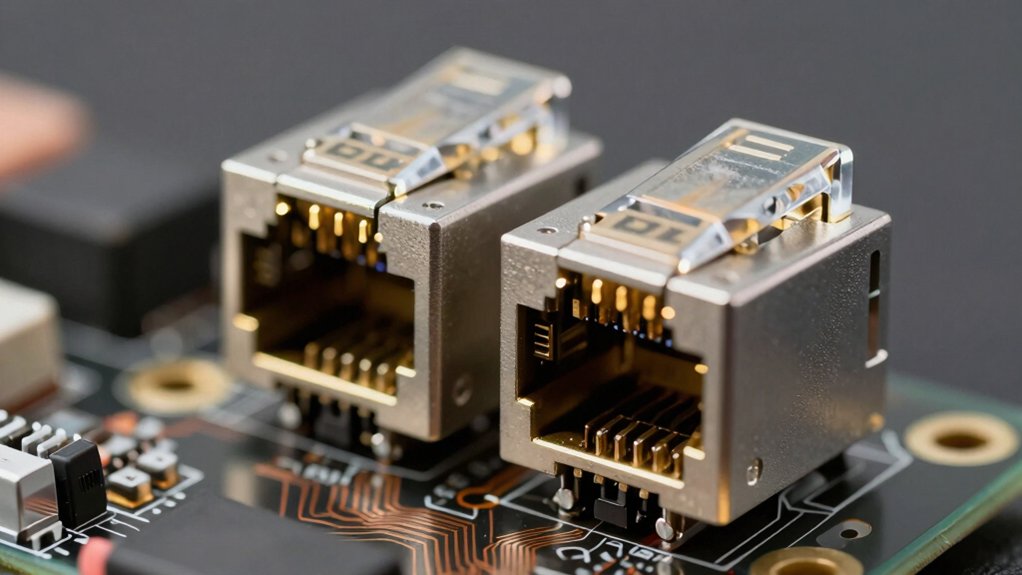
Before you select a dual RJ45 port network card, you’ll need to evaluate your system’s speed requirements, verify PCIe slot compatibility, and confirm that your operating system supports the card’s drivers. Check your current network infrastructure for cable distance limitations and ensure the card meets the appropriate standards (Cat5e, Cat6, or Cat6a) for your setup. Finally, review your motherboard’s available slots and power specifications to guarantee the card will install and function properly without conflicts.
Speed And Performance Requirements
Because your network demands’ll determine which card you need, you’ll want to evaluate the speed capabilities that match your infrastructure and workload. Start by identifying your required throughput—whether you need 1 GbE, 2.5 GbE, 5 GbE, or 10 GbE per port. Check your PCIe slot type, since x4 and x8/x16 slots support different maximum speeds. Next, verify your cable infrastructure; CAT6 supports up to 1 GbE reliably, while CAT6A handles 10 GbE over 100 meters. Consider the controller chip, such as Intel X540 or X550, which directly affects real-world throughput and offload capabilities. Finally, match your server’s CPU readiness to the card’s specifications, ensuring sustained performance meets your actual traffic demands.
Compatibility With Your System
After you’ve identified the speed and performance your network requires, you’ll need to verify that your chosen dual RJ45 card will actually work with your existing hardware and software. Start by confirming your operating system and version—whether Windows, Linux, or VMware ESXi—then check the vendor’s website for compatible drivers. Next, examine your motherboard’s PCIe slots to verify the card fits your available lane width (x1, x4, x8, or x16) and PCIe generation (2.0, 2.1, or 3.1). Confirm the network controller type matches your needs, such as Intel X540 or X550. Finally, verify your copper cabling meets required standards (Cat5e, 6, or 6A) and supports necessary distance limits. Check ESXi compatibility restrictions if you’re using hypervisor environments.
PCIe Slot Configuration Needs
Your motherboard’s PCIe slot must match your dual RJ45 card’s lane requirements to avoid performance bottlenecks and installation failures. Check your card’s specifications for x1, x4, x8, or x16 lane needs. For 10GbE dual-port cards, use x8 or higher slots running PCIe 2.0 or newer to maintain full bandwidth. Verify your motherboard manual to identify which slots support your required lane count. Disable PCIe power-saving features in BIOS that might reduce performance. Confirm bracket compatibility—your card needs either full-height or low-profile mounting based on your chassis design. If your motherboard supports bifurcation, enable it in BIOS to properly split lanes for dual-port operation. Test your installation by checking device manager or system information to confirm the card operates at the correct lane width.
Operating System Support
How do you know if a dual RJ45 network card will actually work with your operating system? You’ll need to verify driver support for your specific OS version, whether Windows Server, Linux distribution, or VMware ESXi edition. Check the vendor’s website first to see if they provide drivers directly. If not, download them from the chipset manufacturer, such as Intel, to ensure kernel compatibility. Confirm that automatic offloads like TCP checksum offloading match your OS’s network stack capabilities. Review any OS-specific limitations—certain cards won’t function on ESXi 7.0 and newer without particular drivers. Finally, check your OS package repositories or vendor installers for seamless installation. These steps guarantee your hardware and software will work together reliably before you purchase.
Cable Distance And Standards
Once you’ve confirmed your operating system will support the network card, you’ll need to match your cabling setup to the card’s capabilities. Check whether your dual RJ45 card supports 10GBASE-T, 1 Gbps, or 100 Mbps operation, then verify the required cable category. CAT6A handles 10 Gbps at full 100-meter distances, while CAT6 supports 100 meters for 1 Gbps and shorter runs for 10 Gbps. CAT5e works for lower speeds over shorter distances. Inspect your existing cables for quality and proper termination at both the NIC and switch. Poor twisting, high insertion losses, or loose connections reduce performance. Measure your cable runs to confirm they don’t exceed the card’s specifications for your chosen speed.
Controller Chip Quality
What controller chip you select will directly impact your dual RJ45 card’s performance, stability, and long-term usability. Intel X540 and X550 family chips dominate the market and offer proven driver support across Windows, Linux, and virtualization platforms. You’ll want to verify that your chosen chip supports the speed tier you need—whether 1GbE, 2.5GbE, 5GbE, or 10GbE—since this determines actual throughput capability. Check which offload features the chip provides, including TCP/IP offloading and QoS, as these reduce CPU load and improve server stability. Finally, confirm driver availability for your operating system before purchasing. A quality controller chip from a reliable vendor ensures consistent performance, easier troubleshooting, and reduced maintenance headaches over the card’s lifespan.
Form Factor And Installation
Your dual RJ45 network card’s physical design directly affects where you can install it and how well it’ll perform in your system. You’ll choose between standard full-height and low-profile brackets depending on your chassis type. Full-height brackets work in most desktop cases, while low-profile options fit slim cases and compact servers where space is limited. Many cards include both bracket types, eliminating compatibility concerns across different systems.
Next, verify your PCIe slot compatibility—x1, x4, x8, or x16—as this determines available bandwidth and card length. Finally, consider your cooling requirements. Ensure your chassis provides adequate airflow for sustained 10G or 2.5G operation, since heat dissipation directly impacts performance and longevity. Match these factors to your specific hardware setup before purchasing.
Warranty And Technical Support
How well a manufacturer supports you after purchase can make the difference between a smooth installation and months of frustration. Check the warranty period first—most dual RJ45 cards offer 30-day free returns with three-year coverage. Confirm lifetime technical support availability for ongoing assistance beyond setup. Verify whether support operates 24/7 or business hours only, and identify available contact methods: email, chat, or phone. Review driver availability and update schedules from the manufacturer, including OS compatibility details. Finally, examine the replacement or refund policy if troubleshooting fails to resolve issues. Document these specifics before purchasing to ensure you’re protected throughout the card’s lifespan and can access help when problems arise.
Final Thoughts
You’ll choose the right dual RJ45 network card by matching your needs: identify your required speed (2.5G, 10G, or gigabit), confirm your PCIe slot availability (X1, X8, or X16), and verify OS compatibility with your system. Compare warranty options and driver support. Install your selected card, connect cables to your network infrastructure, and install drivers. Test connectivity to confirm proper function before deploying production workloads.

Meet Ry, “TechGuru,” a 36-year-old technology enthusiast with a deep passion for tech innovations. With extensive experience, he specializes in gaming hardware and software, and has expertise in gadgets, custom PCs, and audio.
Besides writing about tech and reviewing new products, he enjoys traveling, hiking, and photography. Committed to keeping up with the latest industry trends, he aims to guide readers in making informed tech decisions.