
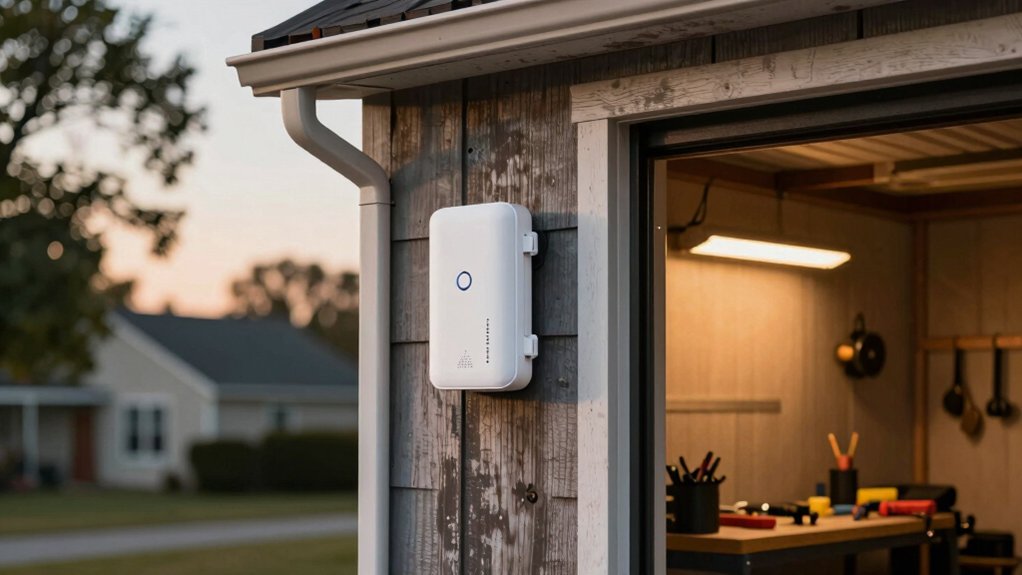

Your detached garage needs reliable WiFi coverage, but standard routers can’t reach that far. You’ll want an extender that bridges the gap between your home network and that distant space. The right model handles distance, weather, and multiple devices without dropping connection. We’ve tested five extenders that actually deliver consistent performance in garage environments—and each one solves different coverage challenges you might face.
| TP-Link AC1200 WiFi Extender (RE315) |

| Budget-Friendly Pick | Coverage Area: Up to 1,500 sq. ft. | WiFi Standard: Dual-band AC1200 (802.11ac) | Maximum Bandwidth: 1.2 Gbps total (867 Mbps 5GHz + 300 Mbps 2.4GHz) | VIEW LATEST PRICE | Read Our Analysis |
| Amazon eero 6 Mesh WiFi Add-On Extender |

| Best for Mesh | Coverage Area: Up to 1,500 sq. ft. | WiFi Standard: WiFi 6 dual-band AX1800 (802.11ax) | Maximum Bandwidth: 1.8 Gbps (AX1800) | VIEW LATEST PRICE | Read Our Analysis |
| AX3000 WiFi 6 Outdoor Extender with PoE |

| Best Outdoor Performance | Coverage Area: 200–300 meters radius (outdoor) | WiFi Standard: WiFi 6 AX3000 (802.11ax) | Maximum Bandwidth: 2.975 Gbps total (2,402 Mbps 5GHz + 573 Mbps 2.4GHz) | VIEW LATEST PRICE | Read Our Analysis |
| TP-Link AC1900 WiFi Range Extender RE550 |

| Best Overall | Coverage Area: Up to 2,100 sq. ft. | WiFi Standard: Dual-band AC1900 (802.11ac) | Maximum Bandwidth: 1.9 Gbps total (1,300 Mbps 5GHz + 600 Mbps 2.4GHz) | VIEW LATEST PRICE | Read Our Analysis |
| 2026 WiFi Extender Signal Booster 300Mbps |

| Most Affordable | Coverage Area: Up to 9,999 sq. ft. | WiFi Standard: Single-band 2.4GHz 300Mbps | Maximum Bandwidth: 300 Mbps | VIEW LATEST PRICE | Read Our Analysis |
More Details on Our Top Picks
TP-Link AC1200 WiFi Extender (RE315)
If you’re struggling to get a reliable WiFi signal in your detached garage, the TP-Link AC1200 WiFi Extender (RE315) delivers the coverage you need without breaking your budget. This 2023 Engadget Best Budget Pick offers 1.2Gbps total bandwidth across dual bands: 867 Mbps on 5GHz and 300 Mbps on 2.4GHz. The device covers up to 1500 square feet and supports up to 32 devices. Setup takes minutes using the TP-Link Tether app on Android or iOS. Use the intelligent signal indicator to find the ideal placement location. The included Ethernet port provides fast wired connections when needed. External antennas ensure reliable coverage in distant garage spaces. EasyMesh compatibility allows seamless whole-home mesh expansion with compatible routers.
- Coverage Area:Up to 1,500 sq. ft.
- WiFi Standard:Dual-band AC1200 (802.11ac)
- Maximum Bandwidth:1.2 Gbps total (867 Mbps 5GHz + 300 Mbps 2.4GHz)
- Device Support:Up to 32 devices
- Ethernet Port:One Ethernet port
- Security Standards:CISA Secure-by-Design pledge
- Additional Feature:One-touch adaptive path selection
- Additional Feature:EasyMesh compatibility for expansion
- Additional Feature:External antennas for optimal coverage
Amazon eero 6 Mesh WiFi Add-On Extender
The Amazon eero 6 works best for you if you already own an eero router and need to expand coverage to a detached garage up to 1,500 square feet away. This Wi-Fi 6 extender supports speeds up to 500 Mbps and handles 4K streaming and video conferencing. Setup takes minutes through the eero app, where you’ll manage your network remotely. The device includes WPA3 security, automatic software updates, and free 24/7 customer support. However, you must have an existing eero network to use this extender, as it won’t work standalone with other router brands.
- Coverage Area:Up to 1,500 sq. ft.
- WiFi Standard:WiFi 6 dual-band AX1800 (802.11ax)
- Maximum Bandwidth:1.8 Gbps (AX1800)
- Device Support:Not specified
- Ethernet Port:Not mentioned
- Security Standards:WPA3/WPA2, TLS v1.2+, AES, SHA-256, RSA
- Additional Feature:TrueMesh routing reduces drop-offs
- Additional Feature:Automatic software security updates
- Additional Feature:7-day/week free customer support
AX3000 WiFi 6 Outdoor Extender with PoE
Want a single device that works as an access point, router, repeater, or hybrid setup without requiring multiple units? The AX3000 WiFi 6 Outdoor Extender delivers this flexibility. It supports up to 128 devices across dual bands: 2402 Mbps on 5 GHz and 573 Mbps on 2.4 GHz. Installation requires CAT5E+ cables under 100 meters, powered via passive PoE through one Ethernet line. The IP67 waterproof casing handles extreme temperatures from -20°C to 50°C, making it suitable for detached garages. Its 200–300 meter range and five omnidirectional antennas cover large outdoor areas effectively.
- Coverage Area:200–300 meters radius (outdoor)
- WiFi Standard:WiFi 6 AX3000 (802.11ax)
- Maximum Bandwidth:2.975 Gbps total (2,402 Mbps 5GHz + 573 Mbps 2.4GHz)
- Device Support:128 devices
- Ethernet Port:Gigabit Ethernet port (1000/100/10 Mbps)
- Security Standards:Not specified
- Additional Feature:IP67 waterproof outdoor casing
- Additional Feature:Multi-mode operation (AP/Router/Repeater)
- Additional Feature:15kV ESD and lightning resistance
TP-Link AC1900 WiFi Range Extender RE550
For detached garages that need reliable WiFi coverage without upgrading your entire network, you’ll want to contemplate TP-Link’s AC1900 model because it combines strong dual-band performance with practical connectivity options. This extender delivers up to 1.9 Gbps across dual bands and covers up to 2100 square feet, supporting 32 devices simultaneously. You’ll appreciate the Gigabit Ethernet port for wired connections and AP mode capability, which lets you convert a wired connection into a WiFi hotspot. Setup occurs through the Tether app, which also helps you locate the best placement using an intelligent signal indicator. Three adjustable external antennas optimize coverage for your garage space. Remember that speeds typically reach 50 percent or less of your base connection, so this extender improves coverage rather than increases bandwidth.
- Coverage Area:Up to 2,100 sq. ft.
- WiFi Standard:Dual-band AC1900 (802.11ac)
- Maximum Bandwidth:1.9 Gbps total (1,300 Mbps 5GHz + 600 Mbps 2.4GHz)
- Device Support:Up to 32 devices
- Ethernet Port:Gigabit Ethernet port
- Security Standards:CISA Secure-by-Design pledge
- Additional Feature:Smart adaptive roaming technology
- Additional Feature:Three adjustable external antennas
- Additional Feature:AP mode hotspot conversion
2026 WiFi Extender Signal Booster 300Mbps
If you’re struggling to get reliable WiFi in your detached garage or other distant areas of your property, a 300Mbps WiFi extender can fill those dead zones without requiring expensive rewiring or additional internet service. This extender covers up to 9,999 square feet and extends your wireless network to bedrooms, basements, garages, and gardens. Setup takes seconds—simply plug it in and connect to your device. It supports 60+ devices simultaneously, including smartphones, laptops, tablets, smart TVs, and IP cameras. The extender includes an ethernet port and access point capabilities, allowing flexible placement options. Security features include WEP, WPA, and WPA2 protocols to protect your data. Install this booster between your router and dead zone areas for optimal performance.
- Coverage Area:Up to 9,999 sq. ft.
- WiFi Standard:Single-band 2.4GHz 300Mbps
- Maximum Bandwidth:300 Mbps
- Device Support:60+ devices
- Ethernet Port:Ethernet port with access point capability
- Security Standards:WEP/WPA/WPA2 protocols
- Additional Feature:Plug and play installation
- Additional Feature:Access point mode capability
- Additional Feature:Supports 60+ connected devices
Factors to Consider When Choosing a WiFi Extender for a Detached Garage
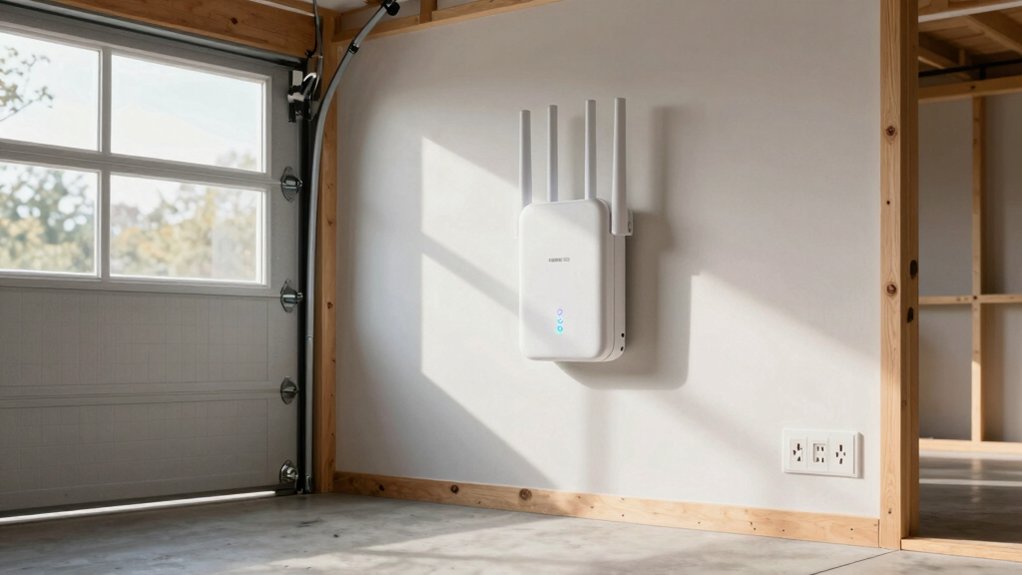
When you’re selecting a WiFi extender for your detached garage, you’ll need to evaluate coverage distance and range to ensure the signal reaches from your main router through walls and outdoor space, then assess weather resistance requirements since garages experience temperature fluctuations, moisture, and dust that can damage standard equipment. You should also examine your power supply options—whether you’ll use a standard outlet, battery backup, or solar power—and determine installation flexibility based on your garage layout and the extender’s mounting requirements. Finally, you’ll want to verify signal strength reliability by checking specifications for consistent performance under real conditions rather than ideal laboratory settings.
Coverage Distance And Range
How far can a WiFi extender actually reach your detached garage? Most indoor models cover 1500 to 2100 square feet, while outdoor-focused extenders claim 200–300 meters in open space. However, walls, floors, and building materials significantly reduce these advertised ranges. You’ll lose signal strength passing through your house to reach a detached structure.
To maximize coverage, choose extenders with multi-antenna configurations and beamforming technology, which improve signal stability over longer distances. Consider the distance between your router and garage carefully. For distances beyond typical indoor extenders’ capabilities, select a device with a dedicated Ethernet port. This allows you to run a wired backhaul directly to your garage access point, maintaining strong throughput regardless of obstacles.
Weather Resistance Requirements
Beyond selecting the right coverage distance, you’ll need to account for the outdoor conditions your extender will face in a detached garage. Choose models with an IP65 rating or higher to guarantee protection against water jets and dust. Look for outdoor-rated enclosures that shield internal electronics from rain, humidity, and temperature swings. Select units designed to operate within temperature ranges suitable for unconditioned spaces, typically 0°C to 40°C or broader. Verify that gasket seals protect all ports and connectors, including Ethernet and power interfaces, preventing moisture intrusion at vulnerable points. Finally, ensure your power solution is weatherproof, whether through outdoor-rated adapters or Power over Ethernet options. These specifications work together to maintain safe, reliable operation in exposed garage environments.
Power Supply Options
Where’ll you find a power outlet in your detached garage? You have three main options. First, traditional wall-powered extenders need a nearby electrical outlet, so you’ll either locate the unit near your garage entrance or run an extension cord. Second, PoE-powered extenders receive power through a single Ethernet cable from your central switch, eliminating outlet dependency. This works best for garages without nearby power sources. Third, outdoor-rated extenders use built-in AC adapters or optional PoE, handling harsh conditions effectively. When choosing, verify your PoE injector or switch meets IEEE 802.3af or 802.3at standards for reliable power delivery. Also consider heat dissipation and cable run length, as longer distances can cause power loss or signal degradation.
Installation Flexibility
Once you’ve settled on a power solution that fits your garage’s layout, you’ll need to assess how easily the extender itself can be positioned and integrated into your existing network. Check whether the unit supports your router’s mesh system, EasyMesh, or OneMesh technology. These standards allow seamless connection between your main router and the garage extender without manual configuration. Position the extender midway between your house and garage for optimal signal coverage. Verify that the device has external antennas or beamforming capabilities to direct the signal toward your garage, especially if walls or obstructions block the path. Confirm the extender’s placement won’t require additional cabling runs or structural modifications. Test connectivity from your primary device before finalizing installation to ensure adequate coverage throughout the garage space.
Signal Strength Reliability
How can you ensure your extender maintains a stable connection across the distance from your house to your detached garage? Choose an extender supporting both 2.4 GHz and 5 GHz bands—2.4 GHz travels farther through walls, while 5 GHz delivers faster speeds over shorter distances. Select higher bandwidth models like AX or AC standards, which sustain consistent throughput despite obstructions. Position your extender halfway between your router and garage within your router’s strong signal zone. This placement reduces signal drop-off significantly. Check for external antennas and mesh compatibility features, which enhance stability across challenging layouts. Understand that real-world speeds typically drop with distance and interference, so expect actual performance to be lower than rated maximums. These factors directly impact your garage’s connectivity reliability.
Device Compatibility Matters
Why does your extender’s compatibility with your existing equipment matter? Mismatched devices won’t communicate effectively, leaving you with dead zones instead of coverage.
First, confirm your extender supports your router’s wireless standard—Wi-Fi 6, Wi-Fi 5, or earlier versions. Check that both devices use the same security protocols, either WPA2 or WPA3, to maintain secure connections.
Next, verify the extender’s deployment method works with your setup. You can choose repeater mode, Access Point mode, or mesh-compatible systems depending on what your router supports.
Finally, match the extender’s device capacity to your needs. If you’re connecting thirty devices total, ensure your extender supports at least that many. Review the vendor’s compatibility notes for EasyMesh or universal compatibility details to guarantee seamless integration with your garage equipment.
Security And Encryption
Three critical security features distinguish a reliable WiFi extender from a vulnerable one: strong encryption protocols, secure firmware management, and network protection tools.
First, verify your extender supports WPA3 or WPA2 security protocols. These standards encrypt data traveling across your garage network. Next, confirm the device uses TLS v1.2 or higher, AES encryption, and SHA-256 hashing for firmware and communications. This combination prevents unauthorized access to sensitive information.
Third, check that your extender receives regular firmware updates automatically. Updates patch security vulnerabilities quickly. Fourth, look for built-in firewalls or VPN passthrough capabilities. These features add an extra protection layer for your detached garage network. Finally, prioritize extenders with third-party security certifications or Secure-by-Design commitments. These indicate the manufacturer actively maintains security standards over time.
Wired Connectivity Features
Beyond securing your wireless network, you’ll want to contemplate how the extender connects physically to your garage setup. A wired Ethernet port provides stable, high-speed connections supporting gigabit speeds up to 1000 Mbps. Run an Ethernet cable from your primary router to the extender for a dedicated backhaul that reduces wireless congestion and improves throughput. Check whether your extender has PoE capability, which powers the device through the same Ethernet cable, eliminating extra outlets and reducing clutter in your garage. If your extender requires a separate power supply, verify your garage has suitable outlets and appropriate weatherproofing. Consider distance: the farther your garage sits from the primary router, the more valuable a wired connection becomes for maintaining consistent performance.
Final Thoughts
You’ll want to pick an extender that matches your garage’s distance from your router. Check if you need AC or AX standards based on your internet speed. Install external antennas for better range, and use Ethernet backhaul if possible. Set up WPA3 security, enable automatic updates, and test coverage before finalizing placement. Monitor your connection through the app to ensure consistent performance.

Meet Ry, “TechGuru,” a 36-year-old technology enthusiast with a deep passion for tech innovations. With extensive experience, he specializes in gaming hardware and software, and has expertise in gadgets, custom PCs, and audio.
Besides writing about tech and reviewing new products, he enjoys traveling, hiking, and photography. Committed to keeping up with the latest industry trends, he aims to guide readers in making informed tech decisions.