
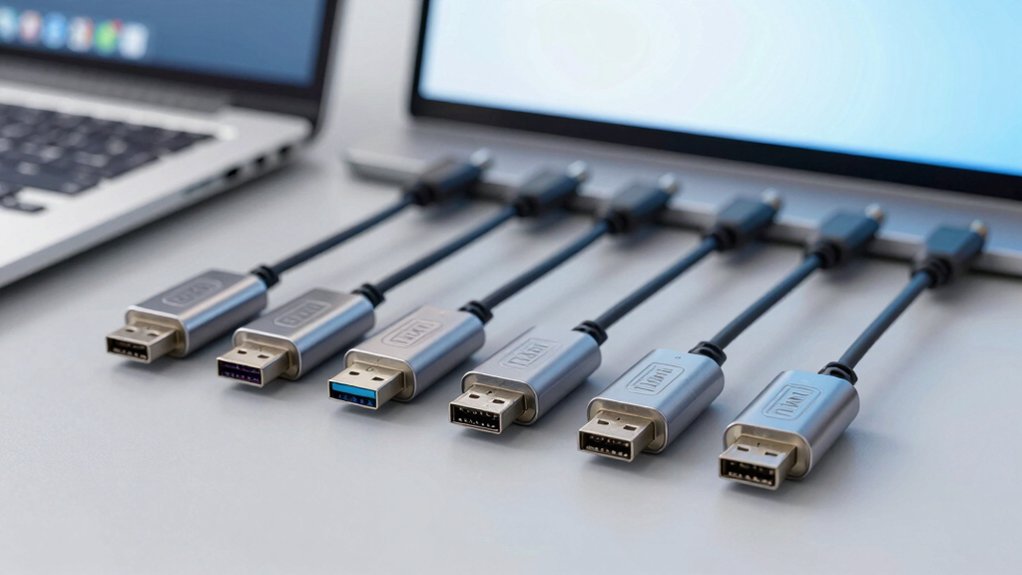

USB-to-CAN bus adapters bridge the gap between modern computers and CAN-based systems, making them essential tools for automotive diagnostics, industrial automation, and embedded development. They allow laptops and PCs to communicate directly with vehicles, machinery, and control networks without dedicated CAN hardware. The most effective adapters stand out for stable drivers, broad protocol support, and reliable performance under real-world testing and debugging conditions.
| GRIDCONNECT CAN USB Adapter (GC-CAN-USB) |

| Best All-Around | USB Versions: USB 1.1/2.0/3.0 | CAN Interface Type: 9-pin SUB-D CAN | Baud Rate Support: Up to 1,000,000 | VIEW LATEST PRICE | Read Our Analysis |
| GRIDCONNECT CAN USB Adapter with Isolation |

| Isolation Expert | USB Versions: USB 1.1/2.0/3.0 | CAN Interface Type: 9-pin SUB-D CAN | Baud Rate Support: Up to 1,000,000 | VIEW LATEST PRICE | Read Our Analysis |
| USB to CAN Bus Converter Based on CANable |

| Open-Source Classic | USB Versions: (Not USB-centric; uses CANable with USB interface) USB-compatible | CAN Interface Type: CAN bus (via USB interface) | Baud Rate Support: Supports CAN data rates via firmware (general CAN) | VIEW LATEST PRICE | Read Our Analysis |
| USB to CAN Converter Cable for SBCs (Cross-Platform) |

| SBC-Friendly Plug-and-Play | USB Versions: USB (multi-OS compatible; no external power) | CAN Interface Type: CAN bus interface cable | Baud Rate Support: 20 Kbps–1 Mbps | VIEW LATEST PRICE | Read Our Analysis |
| USB to CAN FD Converter Adapter Based on Canable 2.0 Supports 5 Mbps |

| High-Speed CAN FD | USB Versions: USB (Canable 2.0 base) | CAN Interface Type: CAN bus interface (Canable-based) | Baud Rate Support: Up to 5 Mbps | VIEW LATEST PRICE | Read Our Analysis |
More Details on Our Top Picks
GRIDCONNECT CAN USB Adapter (GC-CAN-USB)
The GRIDCONNECT GC-CAN-USB is a solid pick if you need broad USB compatibility and a rugged CAN interface. You connect the device using its 9-pin male SUB-D CAN port, then link it to a USB host that supports 1.1, 2.0, or 3.0. Verify baud rate compatibility up to 1M to match your CAN network. Configure the USB interface ports and addresses as required, following your system’s guidance. Use the GC-CAN-USB in environments from -40°C to +100°C, ensuring reliable operation. If you need wide compatibility, this adapter supports multiple USB standards and a robust CAN connection.
- USB Versions:USB 1.1/2.0/3.0
- CAN Interface Type:9-pin SUB-D CAN
- Baud Rate Support:Up to 1,000,000
- Isolation/Protection:Not specified
- Power/Power Requirement:No external power stated
- Software/Firmware Availability:USB configuration options; generic
- Additional Feature:Rugged operating/storage range
- Additional Feature:9-pin SUB-D CAN interface
- Additional Feature:Multi-USB compatibility
GRIDCONNECT CAN USB Adapter with Isolation
If you need isolated CAN communication for safety-critical or noise-sensitive environments, the GRIDCONNECT CAN USB Adapter with Isolation is a strong choice. You connect via USB 1.1, 2.0, or 3.0 ports and use the 9-pin male SUB-D connector to link CAN. You can support baud rates up to 1M, so set your device to the correct speed. The adapter handles all interrupt and port address configurations of the USB interface, so you adjust settings as needed. Verify compatibility with your system, then install drivers, and test the CAN network with a simple loopback or known node.
- USB Versions:USB 1.1/2.0/3.0
- CAN Interface Type:9-pin SUB-D CAN
- Baud Rate Support:Up to 1,000,000
- Isolation/Protection:Not specified
- Power/Power Requirement:No external power stated
- Software/Firmware Availability:USB configuration options; generic
- Additional Feature:CAN/USB isolation
- Additional Feature:9-pin SUB-D connector
- Additional Feature:USB 1.1/2.0/3.0 compatibility
USB to CAN Bus Converter Based on CANable
This USB-to-CAN adapter based on CANable appeals to engineers and hobbyists who need reliable monitoring and basic processing of CAN signals. You connect the RH-02 device to a computer via USB, then choose your firmware. Start with Candlelight firmware for basic use, or browse GitHub for more features. You can burn new firmware using the RH-02 boot button and DfuSeDemo, enabling BUSMASTER, PCAN, or SLCAN compatibility. Open-source software provides monitoring and data processing, with lifetime support and a one-year warranty. This setup suits automotive, robotics, and hobbyist CAN projects.
- USB Versions:(Not USB-centric; uses CANable with USB interface) USB-compatible
- CAN Interface Type:CAN bus (via USB interface)
- Baud Rate Support:Supports CAN data rates via firmware (general CAN)
- Isolation/Protection:Not specified
- Power/Power Requirement:USB-powered (via host)
- Software/Firmware Availability:Open-source firmware; Canable ecosystem
- Additional Feature:Open-source firmware options
- Additional Feature:Lifetime technical support
- Additional Feature:Can burn multiple firmware
USB to CAN Converter Cable for SBCs (Cross-Platform)
For cross‑platform SBC use, choose a USB to CAN converter cable that’s plug‑and‑play and supports multiple operating systems, including Windows, Linux, macOS, Android, and Venus OS. You connect the cable to your SBC or desktop, install the USB CAN SDK, and confirm driver availability with SocketCAN or vendor tools. It supports Raspberry Pi 5/4/3 models, Jetson Nano, Tinker Board, and other SBCs, plus desktops. Use the 120Ω terminal resistor as needed and verify 3000V isolation for protection. Choose baud rates from 20 Kbps to 1 Mbps, then test with CAN 2.0A/B frames. No external power is required.
- USB Versions:USB (multi-OS compatible; no external power)
- CAN Interface Type:CAN bus interface cable
- Baud Rate Support:20 Kbps–1 Mbps
- Isolation/Protection:3000V signal isolation; 2500V ESD shielding
- Power/Power Requirement:No external power required
- Software/Firmware Availability:USB developer toolkit; SocketCAN drivers
- Additional Feature:Plug-and-play
- Additional Feature:3000V isolation protection
- Additional Feature:SocketCAN + SDK support
USB to CAN FD Converter Adapter Based on Canable 2.0 Supports 5 Mbps
The USB to CAN FD Converter Adapter Based on Canable 2.0 supports 5 Mbps, making it a strong choice when you need fast, flexible CAN FD communication for industrial equipment, servo motor debugging, or real-time CAN bus monitoring. You connect the RH-02 PLUS, which ships with default Slcan firmware, then verify CAN FD support. If you need other software, burn new firmware via the boot button and DfuSeDemo. It fits CAN FD and CAN protocols, up to 5 Mbps. Use Canable.IO or GitHub for additional firmware and open-source tools to monitor or process data. Expect lifetime support from Jhoinrch.
- USB Versions:USB (Canable 2.0 base)
- CAN Interface Type:CAN bus interface (Canable-based)
- Baud Rate Support:Up to 5 Mbps
- Isolation/Protection:Not specified
- Power/Power Requirement:No external power stated
- Software/Firmware Availability:Canable-based firmware options; Open-source software
- Additional Feature:CAN FD support (CAN 2.0 compatible)
- Additional Feature:5 Mbps baud capability
- Additional Feature:RH-02 PLUS firmware option
Factors to Consider When Choosing USB to CAN Bus Converter
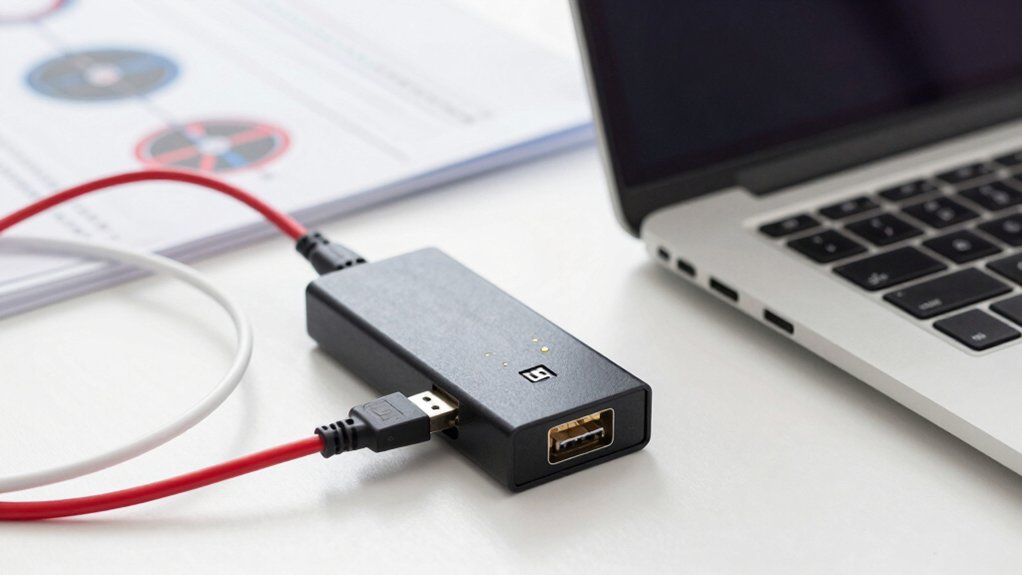
Start by checking compatibility with your USB version to ensure a stable connection, and then compare baud rate capabilities to match your data needs. Evaluate isolation and protection options to guard against surges and ground loops, plus review the firmware and software ecosystem for updates and ease of use. Finally, assess power and portability factors, including bus power vs. external power and the size or weight for field use, and look for concrete examples to guide your choice.
Compatibility With USB Versions
Choosing USB versions is about matching the adapter to your host device. Start by listing your computer’s USB ports: 1.1, 2.0, or 3.0. Look for adapters that explicitly note 1.1/2.0/3.0 compatibility to cover old and new machines. Confirm the adapter supports the USB version your host uses to avoid gaps in data rates. Check if the unit states maximum throughput or baud rate implications tied to USB speed, and use that as a guide for expected performance. Review the configuration options, ensuring it supports all interrupt and port address setups, so it works with your operating system and controller. If unsure, choose an adapter that documents broad compatibility across USB versions and port configurations.
Baud Rate Capabilities
Baud rate capabilities determine how fast data can move over the USB-to-CAN link. Start by checking the maximum baud rate the adapter supports, such as up to 1,000,000 baud on some models. If you work with common CAN speeds, verify that the device advertises support for low speeds up to 1 Mbps. Look for configurable baud rates across a broad range, for example from 20 Kbps to 1 Mbps, to match your network requirements. Consider CAN FD capability, which allows higher speeds and larger frames, and assess how that affects practical throughput on your setup. Remember that isolation or protection features do not change baud rate, but they can influence error handling and signal integrity at high speeds.
Isolation and Protection
Isolation and protection are essential for safe, reliable USB-to-CAN conversions. You begin by checking isolation ratings, typically stated in volts, such as 3000V signal isolation, to withstand surges between USB and CAN sides. Verify the spec matches your environment’s fault potential and grounding conditions. Next, assess how isolation minimizes ground-loop and EMI risks, reducing data corruption and device damage. Look for devices with built‑in ESD shielding, often around 2500V, to further protect interfaces against static discharge. Consider practical installation steps: ensure proper enclosure, route cables away from high‑voltage lines, and keep USB power separate when possible. Finally, document the protection features and confirm they meet your system’s safety and reliability requirements.
Firmware and Software Ecosystem
Firmware and software ecosystem options determine how well a USB-to-CAN adapter fits your projects. You should check available firmware choices, including open-source options, to switch between CAN stacks like CANable, BUSMASTER, PCAN, and SLCAN. Factory firmware may ship with Candlelight or Slcan, and you can upgrade in the field using a boot button and DfuSeDemo tooling. Confirm that firmware can be burned to support multiple ecosystems, which increases interoperability with monitoring and processing tools you use. Look for open-source software that provides monitoring and data processing, enabling customization and experimentation. Lifetime technical support and community-driven firmware updates help maintain compatibility with evolving CAN software ecosystems.
Power and Portability Factors
When choosing a USB-to-CAN adapter, start with portability and power options that fit real-world use. Look for plug-and-play USB connectivity with no external power requirement, ensuring you can carry it on-site without extra batteries or outlets. Favor lightweight forms and compact USB CAN adapters that fit tight SBC enclosures and small tool cases. Check USB standard compatibility (1.1/2.0/3.0) to maximize portability across host devices without needing adapters. Consider devices with diode isolation or signal isolation to protect equipment in portable setups and rough handling. Evaluate the operating temperature and supply range to maintain reliable operation in varying environments. Confirm that the adapter supports a broad supply and safe operation from common USB ports.
Final Thoughts
Now choose your USB-to-CAN adapter by following these steps: compare reliability and speed, check for CAN FD support if you need higher throughput, and confirm ecosystem perks like SocketCAN compatibility and cross‑platform drivers. For rugged use, consider GRIDCONNECT with isolation. If you want open‑source options, test CANable-based devices. Verify warranty and firmware updates. Pick one that matches your environment, then install drivers, connect devices, and run basic monitoring before integrating into your workflow.

Meet Ry, “TechGuru,” a 36-year-old technology enthusiast with a deep passion for tech innovations. With extensive experience, he specializes in gaming hardware and software, and has expertise in gadgets, custom PCs, and audio.
Besides writing about tech and reviewing new products, he enjoys traveling, hiking, and photography. Committed to keeping up with the latest industry trends, he aims to guide readers in making informed tech decisions.